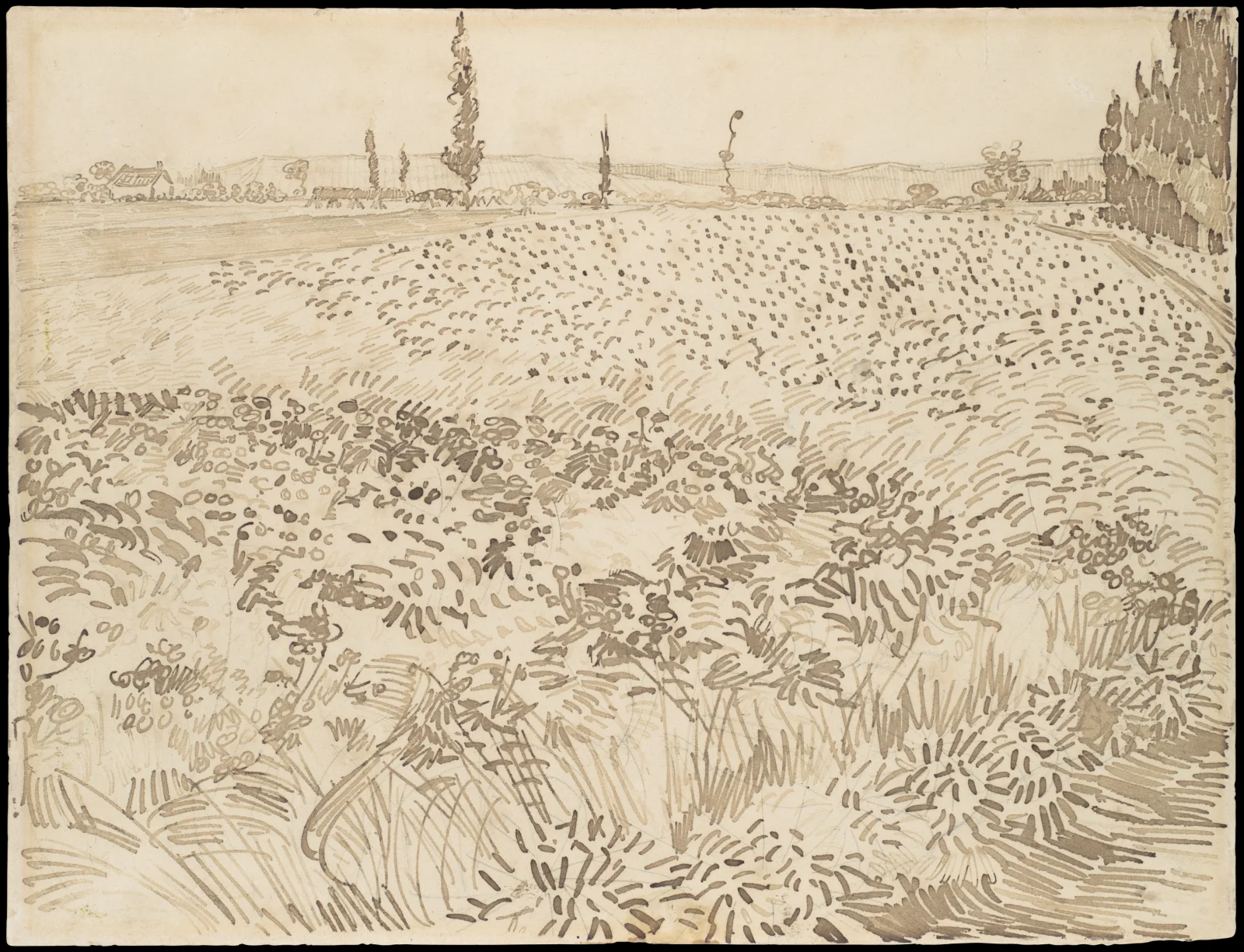
Pen-Stroked Wheat Field Under Distant Poplars
3840 × 2941 px DesktopPhone4KUltrawideTablet Added
A wide field fills most of this sepia-toned drawing, built entirely from short pen marks. In the foreground the strokes are long, upright and densely packed, suggesting tall grasses and stalks. Further back they shorten into dashes and dots that run in rows toward the horizon. A path or field edge crosses the middle distance. Along the skyline a few slender, dark trees rise above low hills, and a small house sits at the far left. The sky is left as bare cream paper, so the light feels pale and even. The brown ink on warm paper gives the scene a quiet, hushed mood.
The caption identifies this as a July 1888 drawing by Vincent van Gogh, made with a reed pen and logwood ink over graphite. A reed pen produces thick, blunt lines, and here the artist uses a different mark for each texture, from curved dashes to dots and hatching. Wheat ripens in early summer in temperate regions, which fits the July date. The long horizontal format and the open paper at the top suit widescreen monitors and ultrawide displays. The low contrast also keeps desktop icons easy to read.
More like this: Brown Bear Crossing a Dirt Clearing Below Conifers.
How it looks on your screens
Device sizes are cropped around the same point, so the subject stays in view.
Credit and licence
- Creator
- Vincent van Gogh
- Source
- The Met Museum
- Licence
- CC0
This image has no copyright restrictions. You can use it for anything, including commercially. Credit isn't required, but it's appreciated.
"Pen-Stroked Wheat Field Under Distant Poplars", by Vincent van Gogh, via The Met Museum, CC0
How to set this as your wallpaper
Windows
Download your size, right-click the file and choose Set as desktop background. Or go to Settings, Personalization, Background.
Mac
Open System Settings, Wallpaper, then Add Photo and pick the downloaded file. Choose “Fill screen”.
iPhone
Download the phone size, open it in Photos, tap Share, then Use as Wallpaper. Pinch to adjust before setting.
Android
Download the phone size, open it in Gallery or Photos, tap the menu and choose Set as wallpaper.
Is this your work and published in error? Report this image and we'll respond within 48 hours.
More like this
All fine art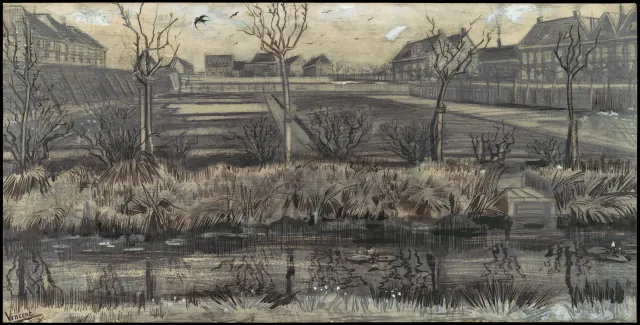 QHD
Bare Trees Beside a Reedy Nursery Pond
 QHD
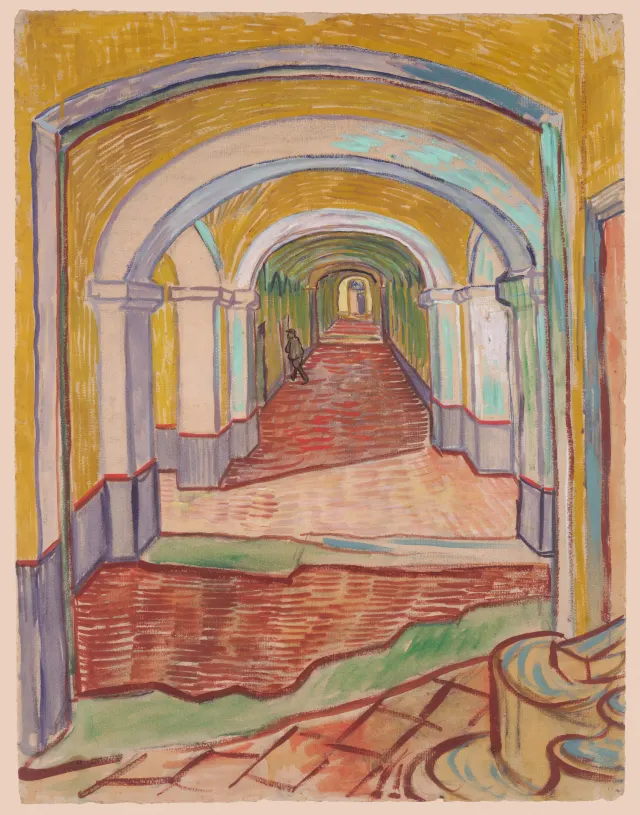
Ochre Arches Over a Red-Tiled Corridor
 QHD
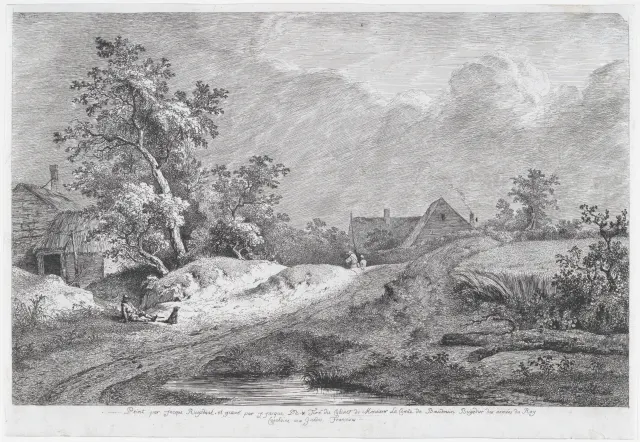
Sunlit Sandy Track Past Thatched Farmhouses
 4K
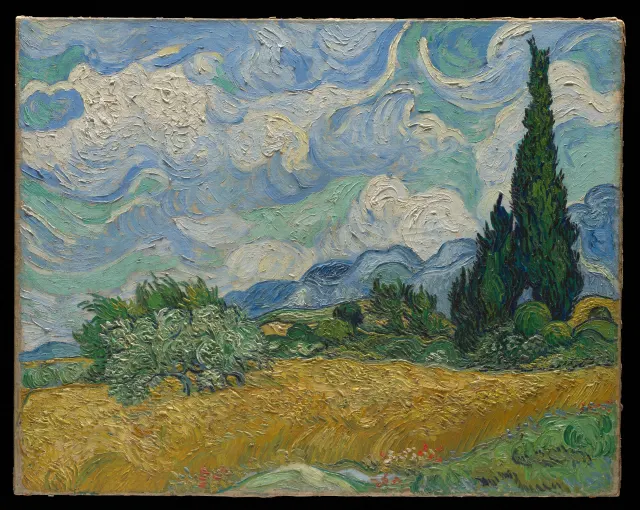
Swirling Clouds Over Golden Wheat and Cypresses
 QHD
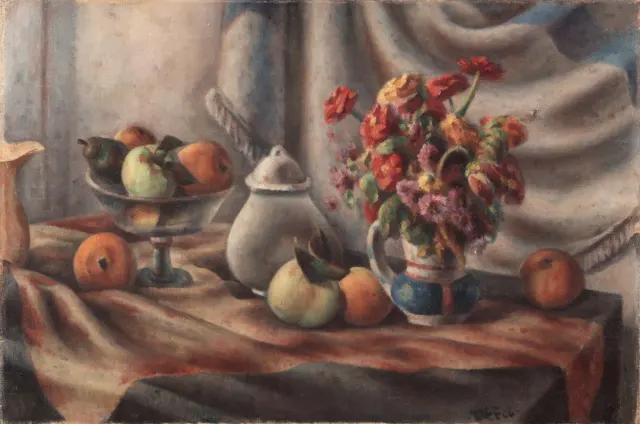
Orange Zinnias and Fruit on Draped Table
 QHD
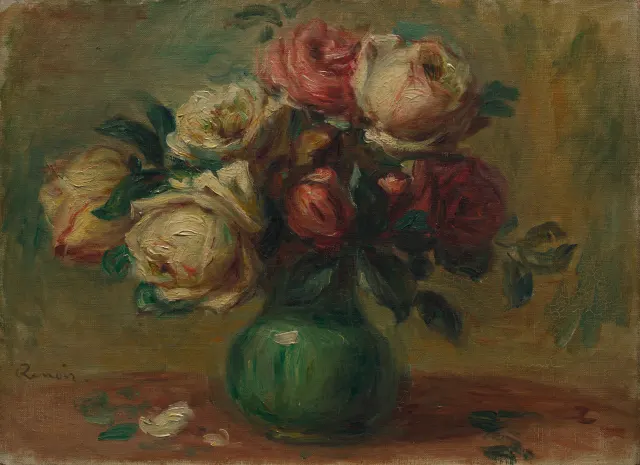
Cream and Crimson Roses in a Green Vase
 QHD
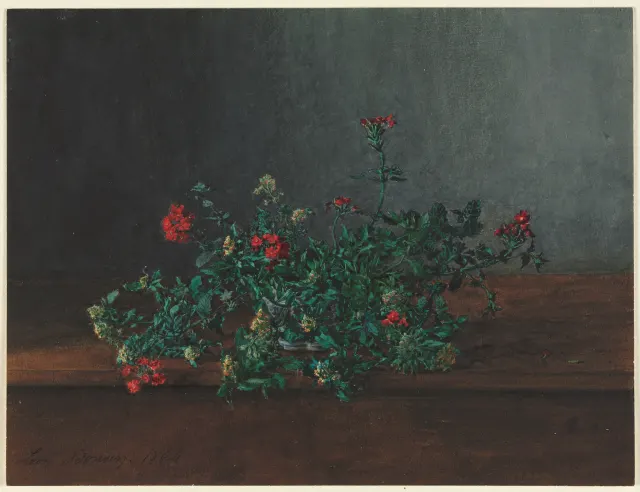
Red and Yellow Wildflowers on a Dark Ledge
 4K
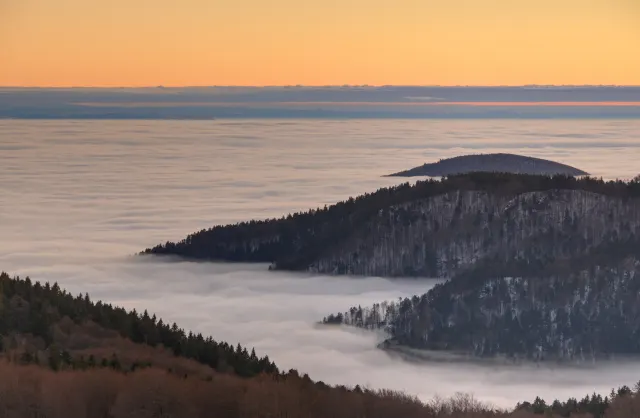
Forested Ridges Above a Fog-Filled Valley