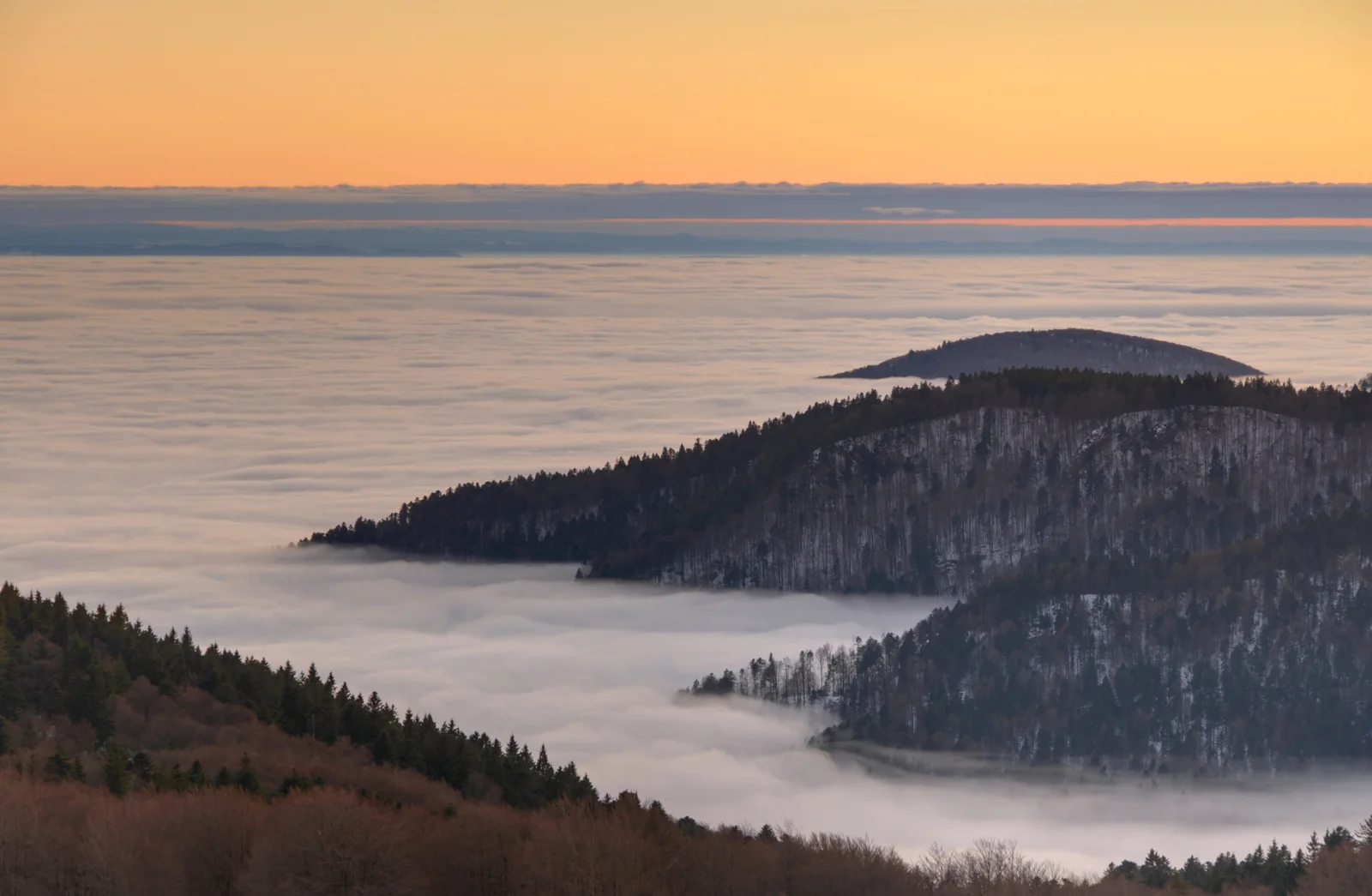
Forested Ridges Above a Fog-Filled Valley
3840 × 2508 px DesktopPhone4KUltrawide Added 11 downloads
A wide layer of pale fog fills the valley and runs to the horizon like a still, flat sea. Two dark, tree-covered ridges rise out of it. The nearer one has frost or a light dusting of snow in its trunks and branches, and behind it a smaller, rounded summit floats on the haze. In the foreground, conifers and rust-brown, leafless trees frame the bottom edge. Above the horizon the sky is a smooth band of warm orange that fades into blue-grey cloud, and the fog picks up the same soft peach and grey. The mood is quiet and cold, with very little contrast apart from the dark slopes.
The view was taken at sunset from the summit of the Ballon d'Alsace, looking over the valley of the Savoureuse in the Territoire de Belfort, eastern France. Fog like this forms when cool air settles into low ground and moisture condenses, often on still evenings. Higher ground then stands clear above it, which is why hilltops can look like islands. The wide, low-detail sky and the empty band of fog leave plenty of room for desktop icons, so the image suits a widescreen monitor or a laptop in landscape orientation.
More like this: Three Bears Walking Down a Northern Highway and Brown Bear Crossing a Dirt Clearing Below Conifers.
How it looks on your screens
Device sizes are cropped around the same point, so the subject stays in view.
Credit and licence
- Creator
- Thomas Bresson
- Source
- Wikimedia Commons
- Licence
- CC BY 3.0
Free to use, including commercially, as long as you credit the creator. Our downloads are resized and cropped from the original.
"Forested Ridges Above a Fog-Filled Valley", by Thomas Bresson, via Wikimedia Commons, CC BY 3.0. Resized and cropped by Wallspapers
How to set this as your wallpaper
Windows
Download your size, right-click the file and choose Set as desktop background. Or go to Settings, Personalization, Background.
Mac
Open System Settings, Wallpaper, then Add Photo and pick the downloaded file. Choose “Fill screen”.
iPhone
Download the phone size, open it in Photos, tap Share, then Use as Wallpaper. Pinch to adjust before setting.
Android
Download the phone size, open it in Gallery or Photos, tap the menu and choose Set as wallpaper.
Is this your work and published in error? Report this image and we'll respond within 48 hours.
More like this
 QHD
Church Spire Above a Sea of Morning Fog
QHD
Church Spire Above a Sea of Morning Fog
 QHD
Low Sun Over Golden Grassland Plains
QHD
Low Sun Over Golden Grassland Plains
 QHD
Sailboats Off Sunset Key Beneath Towering Clouds
QHD
Sailboats Off Sunset Key Beneath Towering Clouds
 4K
Full Moon Over Dark Storm Clouds at Dusk
4K
Full Moon Over Dark Storm Clouds at Dusk
 QHD
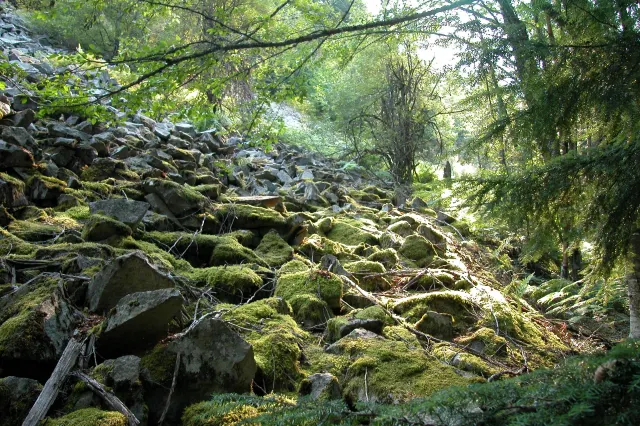
Moss-Covered Boulder Slope Beneath Spruce Branches
QHD
Moss-Covered Boulder Slope Beneath Spruce Branches
 4K
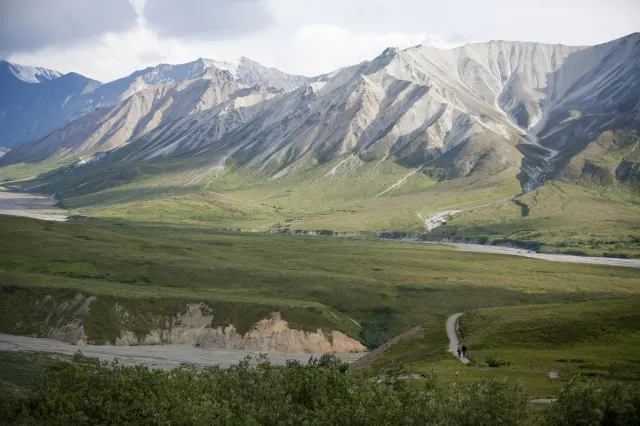
Gravel Trail Winding Through Green Tundra Valley
4K
Gravel Trail Winding Through Green Tundra Valley
 HD
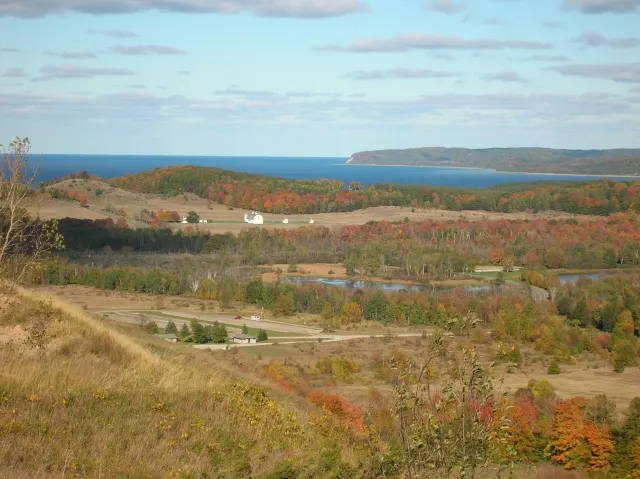
Autumn Hills Rolling Toward a Distant Blue Lake
HD
Autumn Hills Rolling Toward a Distant Blue Lake
 HD
Blue Jay Landing With Wings Fanned Wide
HD
Blue Jay Landing With Wings Fanned Wide