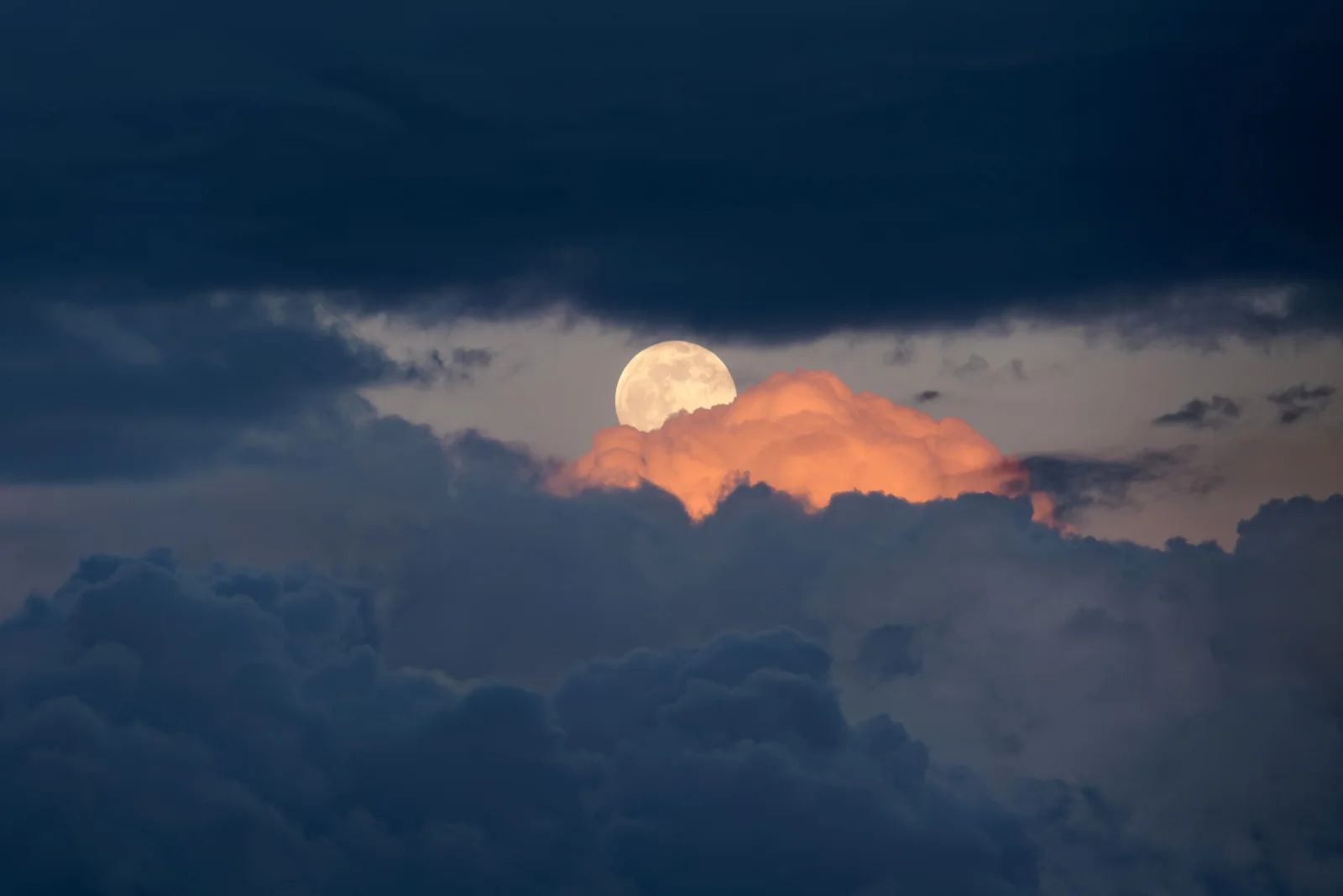
Full Moon Over Dark Storm Clouds at Dusk
3840 × 2563 px DesktopPhone4KUltrawide Added 8 downloads
A pale, nearly full moon sits in a gap between heavy clouds, just above a single cloud lit in warm orange. The upper sky is a thick band of dark blue-grey cloud, and more of it piles up in rounded masses across the bottom of the frame. Between the two layers a strip of dim grey sky holds the moon, which looks creamy white against the dusky tones. The orange cloud is the only strong colour in the scene, and it contrasts sharply with the cool slate blues around it. The mood is quiet and a little brooding.
The photograph was taken just after sunset over Kraków, when the sun is below the horizon but still lights the undersides and tops of high clouds. That low, reddened light is why one cloud glows orange while the clouds below it, already in shade, stay dark blue. A full moon rises around sunset because it sits opposite the sun in the sky, so the two often appear together near dusk. The dark upper cloud leaves plenty of calm space for desktop icons. The image suits a landscape-format monitor or laptop, and it holds up well on a dim, high-contrast display.
More like this: Brown Bear Crossing a Dirt Clearing Below Conifers and Grizzly Bear Standing Alert in Green Meadow.
How it looks on your screens
Device sizes are cropped around the same point, so the subject stays in view.
Credit and licence
- Creator
- Jakub Hałun
- Source
- Wikimedia Commons
- Licence
- CC BY 4.0
Free to use, including commercially, as long as you credit the creator. Our downloads are resized and cropped from the original.
"Full Moon Over Dark Storm Clouds at Dusk", by Jakub Hałun, via Wikimedia Commons, CC BY 4.0. Resized and cropped by Wallspapers
How to set this as your wallpaper
Windows
Download your size, right-click the file and choose Set as desktop background. Or go to Settings, Personalization, Background.
Mac
Open System Settings, Wallpaper, then Add Photo and pick the downloaded file. Choose “Fill screen”.
iPhone
Download the phone size, open it in Photos, tap Share, then Use as Wallpaper. Pinch to adjust before setting.
Android
Download the phone size, open it in Gallery or Photos, tap the menu and choose Set as wallpaper.
Is this your work and published in error? Report this image and we'll respond within 48 hours.
More like this
 4K
Pale Moon Rising Behind Orange-Lit Cloud
4K
Pale Moon Rising Behind Orange-Lit Cloud
 QHD
Full Moon Sinking Into Earth's Blue Limb
QHD
Full Moon Sinking Into Earth's Blue Limb
 4K
Full Moon With Tycho's Rays and Blue-Grey Seas
4K
Full Moon With Tycho's Rays and Blue-Grey Seas
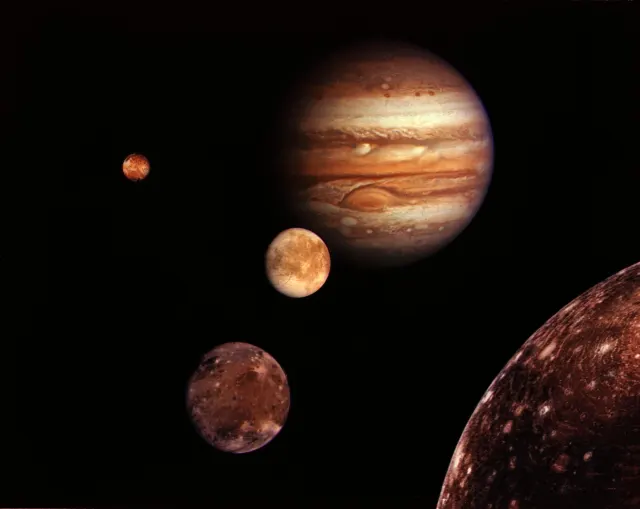 HD
Jupiter and Its Four Largest Moons Composite
HD
Jupiter and Its Four Largest Moons Composite
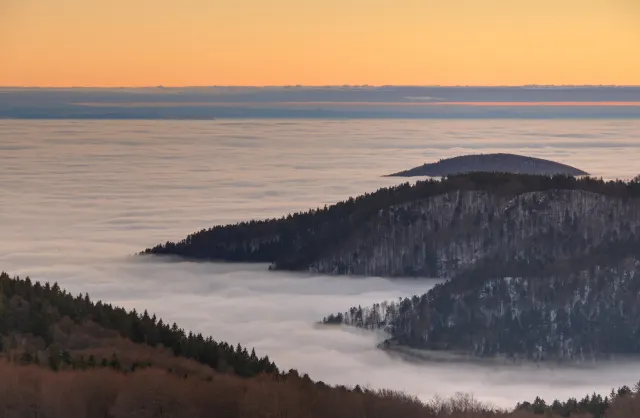 4K
Forested Ridges Above a Fog-Filled Valley
4K
Forested Ridges Above a Fog-Filled Valley
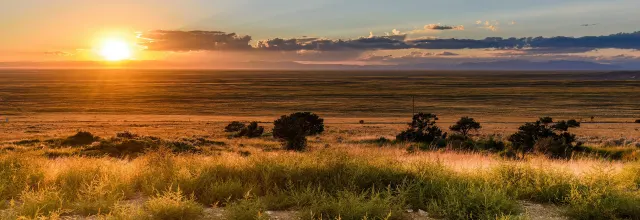 QHD
Low Sun Over Golden Grassland Plains
QHD
Low Sun Over Golden Grassland Plains
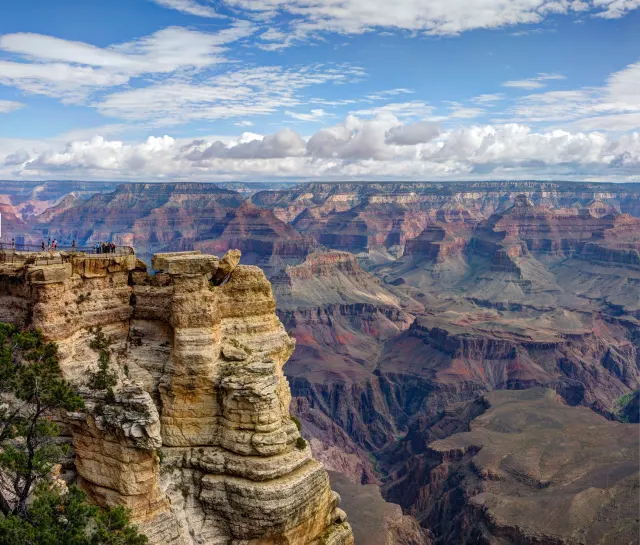 QHD
Sandstone Pillar and Cloud Bank Over Grand Canyon
QHD
Sandstone Pillar and Cloud Bank Over Grand Canyon
 HD
Blue Jay Landing With Wings Fanned Wide
HD
Blue Jay Landing With Wings Fanned Wide