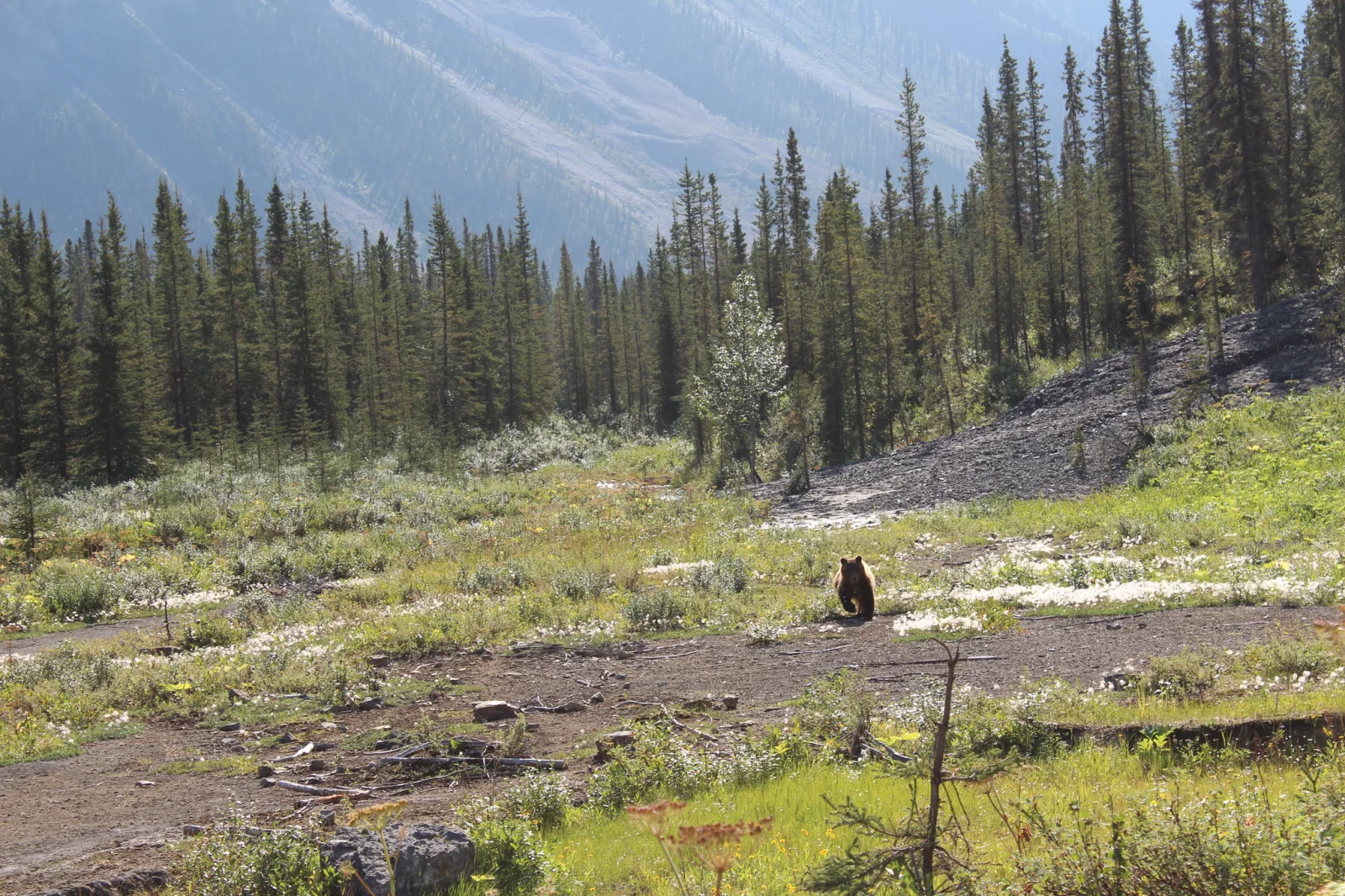
Brown Bear Crossing a Dirt Clearing Below Conifers
2048 × 1365 px Desktop Added 8 downloads
A single dark brown bear stands small in the middle of the frame, seen from behind on a bare, stony track. Around it the ground is a patchwork of green grass, low shrubs and pale scattered patches of dried vegetation. On the right, a slope of grey shale breaks the greenery, and beyond it a band of tall, narrow spruce-like conifers fills the midground. Behind the trees a hazy blue mountainside rises with pale scree streaks. Warm, slightly hazy sunlight gives the scene a calm, quiet summer feel, with the bear as a tiny focal point in a big landscape.
Grizzlies are a North American subspecies of brown bear, Ursus arctos horribilis. They range across western Canada, Alaska and parts of the northwestern United States. They eat mostly plants, roots, berries and insects, along with fish and other animals when available, and they often travel through open clearings and along trails while foraging. Seeing one at a distance, as here, shows how much space an individual bear uses. The wide landscape format suits desktop monitors and ultrawide screens, where the small figure and the open foreground leave room for icons on the left and bottom.
More like this: Pale Grizzly Foraging in Denali Tundra and Three Bears Walking Down a Northern Highway.
How it looks on your screens
Device sizes are cropped around the same point, so the subject stays in view.
Credit and licence
- Creator
- Allan Harris
- Source
- iNaturalist
- Licence
- CC0
This image has no copyright restrictions. You can use it for anything, including commercially. Credit isn't required, but it's appreciated.
"Brown Bear Crossing a Dirt Clearing Below Conifers", by Allan Harris, via iNaturalist, CC0
How to set this as your wallpaper
Windows
Download your size, right-click the file and choose Set as desktop background. Or go to Settings, Personalization, Background.
Mac
Open System Settings, Wallpaper, then Add Photo and pick the downloaded file. Choose “Fill screen”.
iPhone
Download the phone size, open it in Photos, tap Share, then Use as Wallpaper. Pinch to adjust before setting.
Android
Download the phone size, open it in Gallery or Photos, tap the menu and choose Set as wallpaper.
Is this your work and published in error? Report this image and we'll respond within 48 hours.
More like this
All animals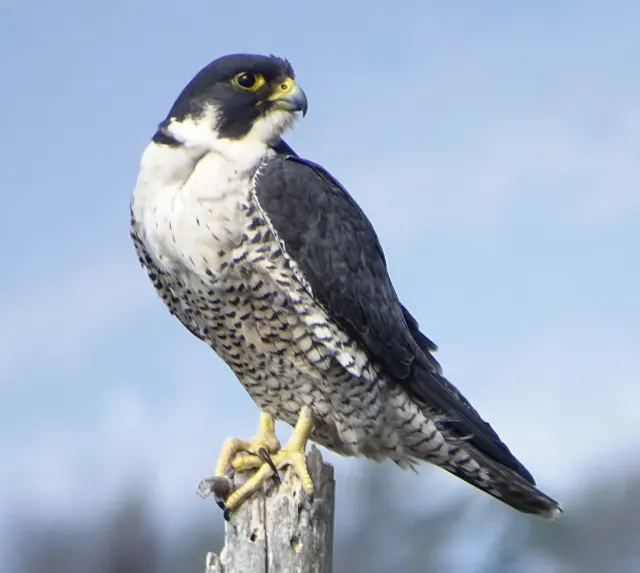 HD
Peregrine Falcon in Profile on a Weathered Stump
HD
Peregrine Falcon in Profile on a Weathered Stump
 HD
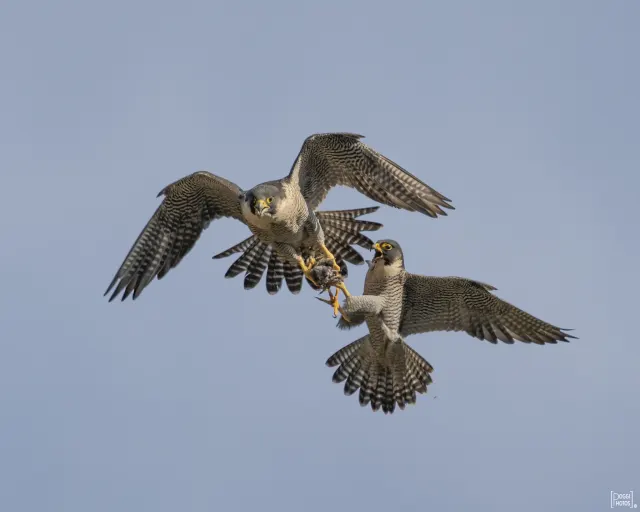
Two Peregrine Falcons Exchanging Prey Midair
HD
Two Peregrine Falcons Exchanging Prey Midair
 4K
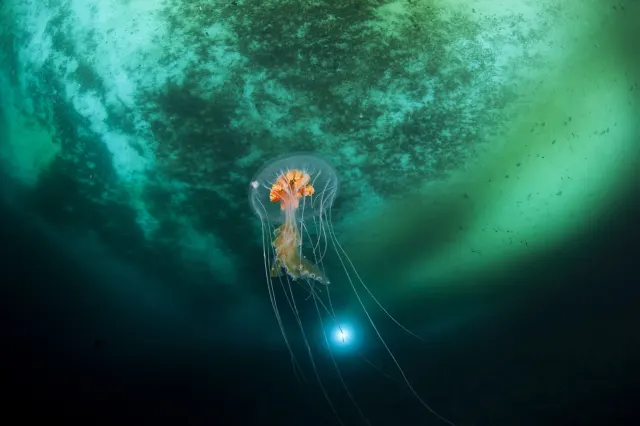
Antarctic Jellyfish Drifting Beneath Green Sea Ice
4K
Antarctic Jellyfish Drifting Beneath Green Sea Ice
 QHD
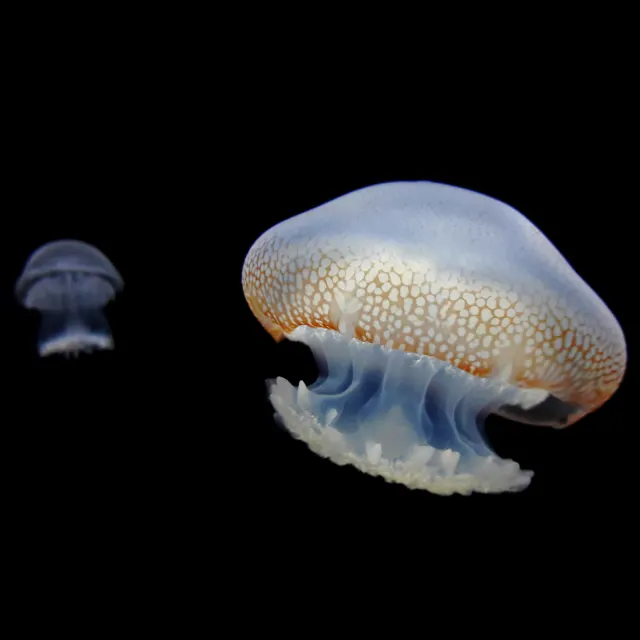
Spotted Jellyfish Drifting Against Black Water
QHD
Spotted Jellyfish Drifting Against Black Water
 4K
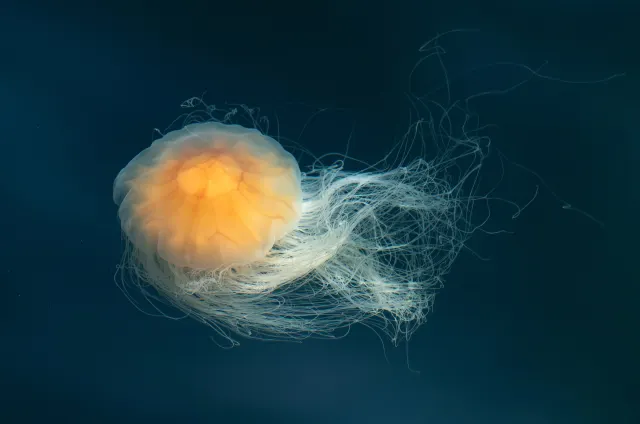
Lion's Mane Jellyfish Drifting in Dark Teal Water
4K
Lion's Mane Jellyfish Drifting in Dark Teal Water
 4K
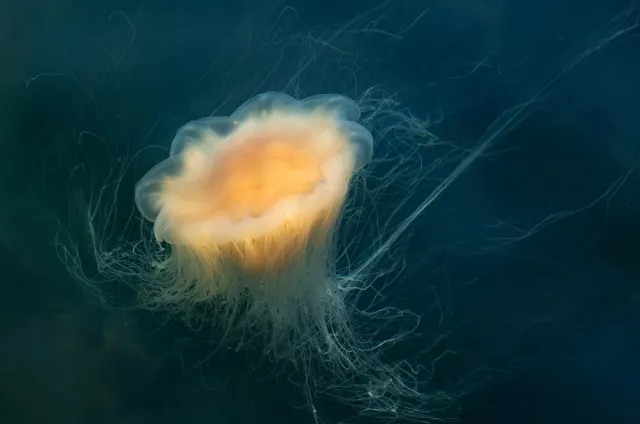
Lion's Mane Jellyfish Drifting in Dark Fjord Water
4K
Lion's Mane Jellyfish Drifting in Dark Fjord Water
 HD
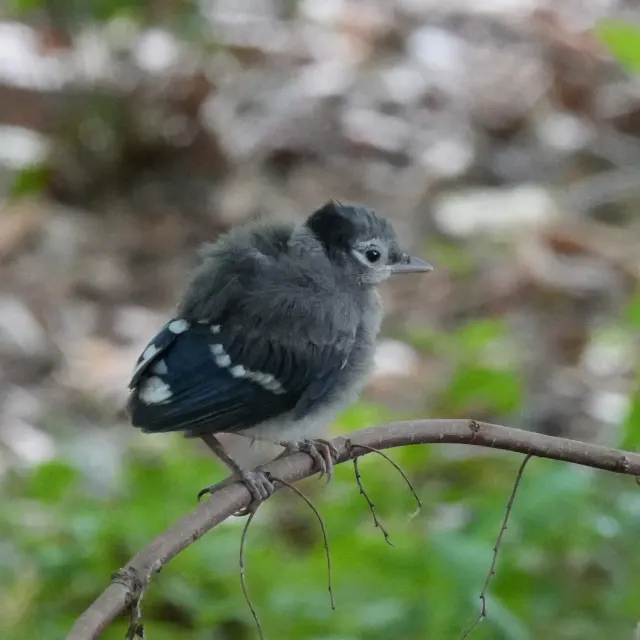
Fluffy Fledgling Blue Jay Perched on Thin Branch
HD
Fluffy Fledgling Blue Jay Perched on Thin Branch
 HD
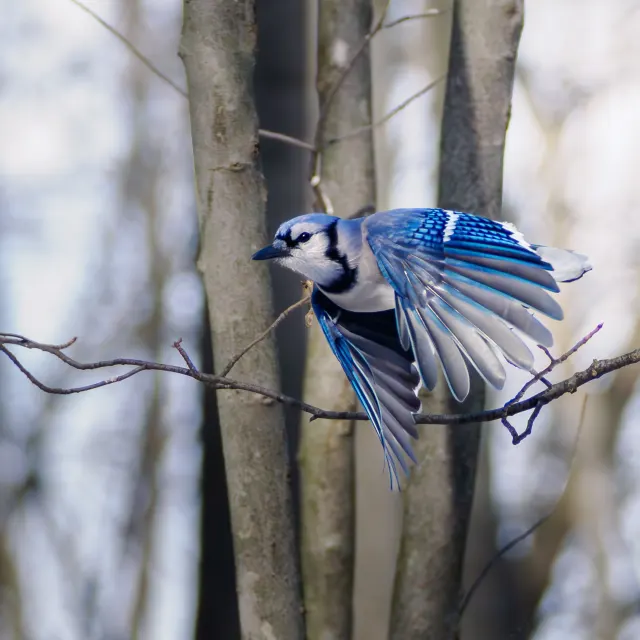
Blue Jay Taking Off Between Bare Winter Trunks
HD
Blue Jay Taking Off Between Bare Winter Trunks