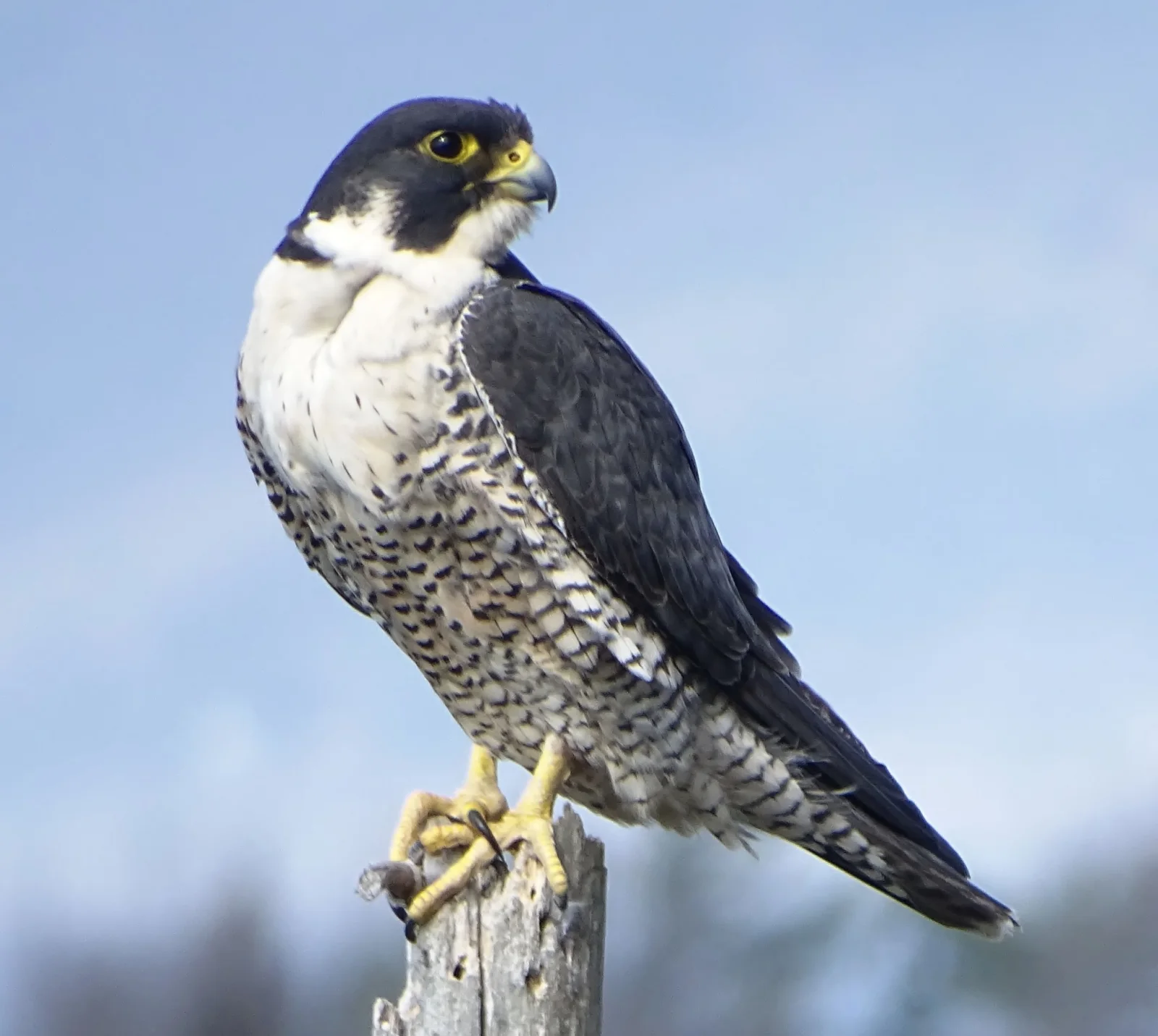
Peregrine Falcon in Profile on a Weathered Stump
2048 × 1832 px Desktop Added 1 downloads
A peregrine falcon perches on the splintered top of a pale, weathered post, its body turned to the left while its head looks off to the right. The crown and cheek are slate-black, set against a white throat and chest. The lower breast and belly are finely barred in dark grey. A yellow ring circles the dark eye, and the hooked beak is yellow at the base. The folded wings and tail form a long, dark diagonal that points to the lower right. The yellow feet grip the wood, and one talon seems to hold a small scrap. Behind the bird, a soft blue sky fades into a blurred, muted treeline.
Peregrine falcons are among the fastest animals on Earth. In a hunting stoop they dive on birds in flight at very high speed. They live on every continent except Antarctica, nesting on cliff ledges and, increasingly, on tall buildings and bridges. The species recovered across North America after the pesticide DDT was banned. This photograph was taken at Red Rocks Park in South Burlington, Vermont, in May 2018. The landscape frame leaves open sky on the right, so it suits widescreen desktop monitors, and the quiet blue background keeps icons readable.
More like this: Red Cardinal Perched on a Mesquite Branch.
How it looks on your screens
Device sizes are cropped around the same point, so the subject stays in view.
Credit and licence
- Creator
- Shirley Zundell
- Source
- iNaturalist
- Licence
- CC BY 4.0
Free to use, including commercially, as long as you credit the creator. Our downloads are resized and cropped from the original.
"Peregrine Falcon in Profile on a Weathered Stump", by Shirley Zundell, via iNaturalist, CC BY 4.0. Resized and cropped by Wallspapers
How to set this as your wallpaper
Windows
Download your size, right-click the file and choose Set as desktop background. Or go to Settings, Personalization, Background.
Mac
Open System Settings, Wallpaper, then Add Photo and pick the downloaded file. Choose “Fill screen”.
iPhone
Download the phone size, open it in Photos, tap Share, then Use as Wallpaper. Pinch to adjust before setting.
Android
Download the phone size, open it in Gallery or Photos, tap the menu and choose Set as wallpaper.
Is this your work and published in error? Report this image and we'll respond within 48 hours.
More like this
All animals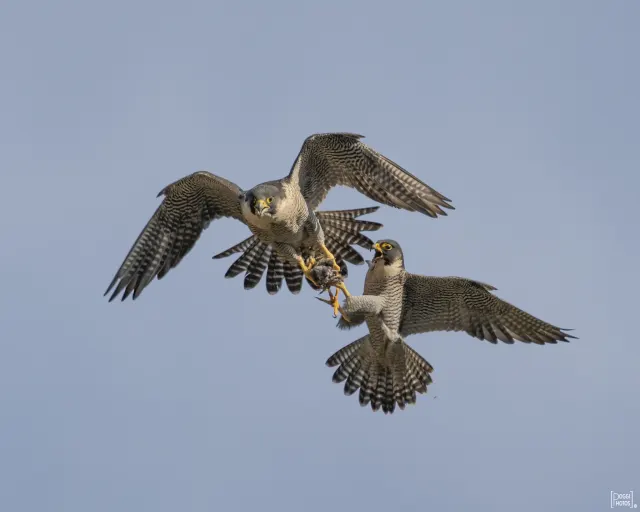 HD
Two Peregrine Falcons Exchanging Prey Midair
HD
Two Peregrine Falcons Exchanging Prey Midair
 4K
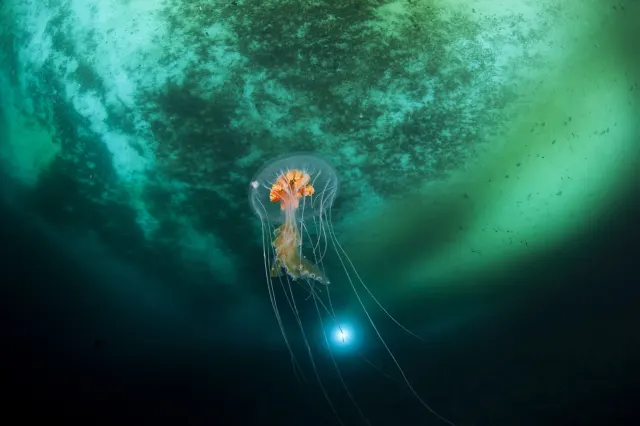
Antarctic Jellyfish Drifting Beneath Green Sea Ice
4K
Antarctic Jellyfish Drifting Beneath Green Sea Ice
 QHD
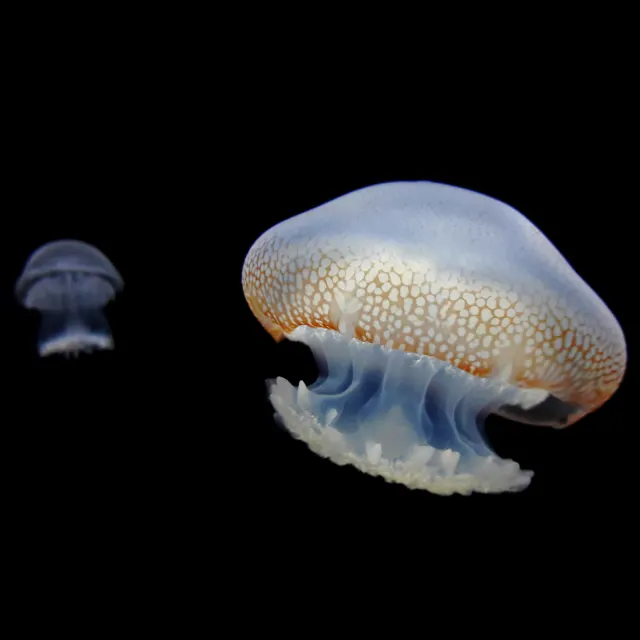
Spotted Jellyfish Drifting Against Black Water
QHD
Spotted Jellyfish Drifting Against Black Water
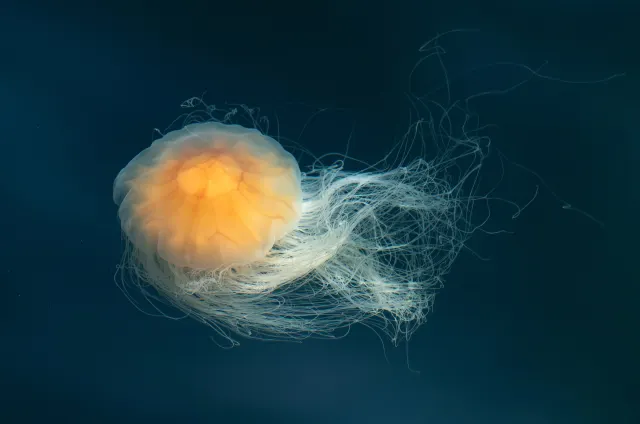 4K
Lion's Mane Jellyfish Drifting in Dark Teal Water
4K
Lion's Mane Jellyfish Drifting in Dark Teal Water
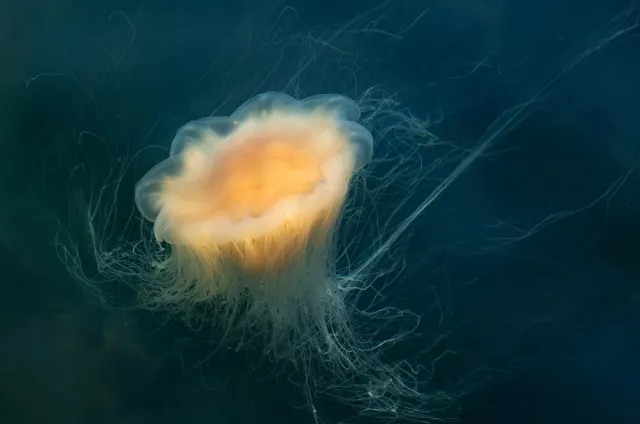 4K
Lion's Mane Jellyfish Drifting in Dark Fjord Water
4K
Lion's Mane Jellyfish Drifting in Dark Fjord Water
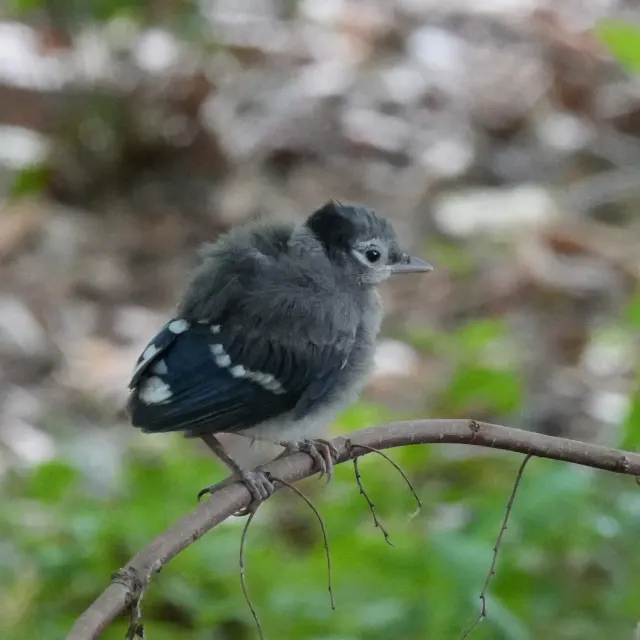 HD
Fluffy Fledgling Blue Jay Perched on Thin Branch
HD
Fluffy Fledgling Blue Jay Perched on Thin Branch
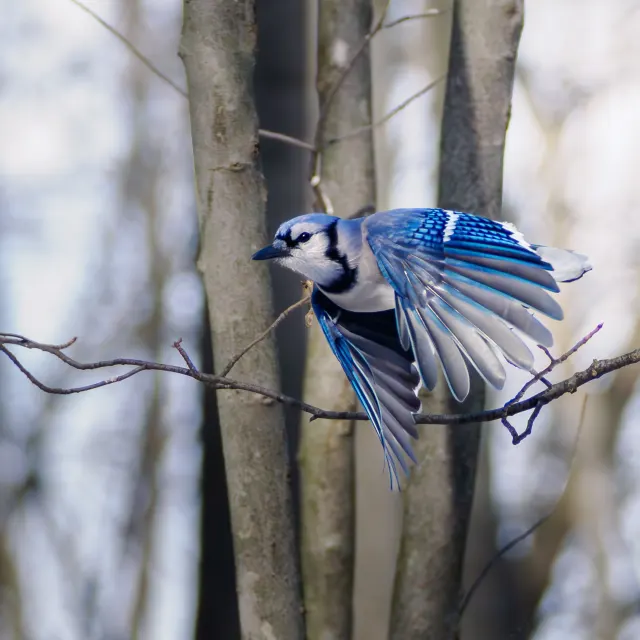 HD
Blue Jay Taking Off Between Bare Winter Trunks
HD
Blue Jay Taking Off Between Bare Winter Trunks
 HD
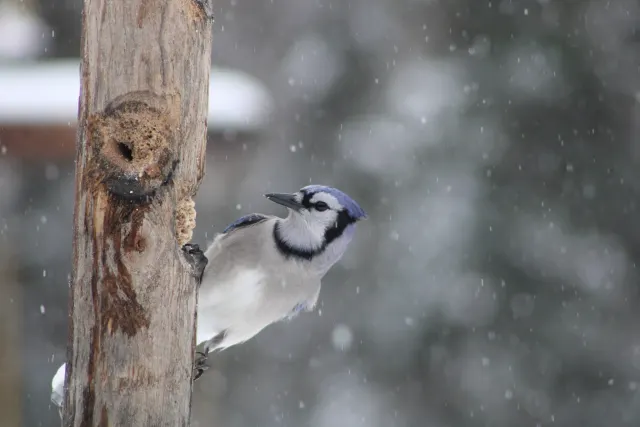
Blue Jay Clinging to Post in Falling Snow
HD
Blue Jay Clinging to Post in Falling Snow