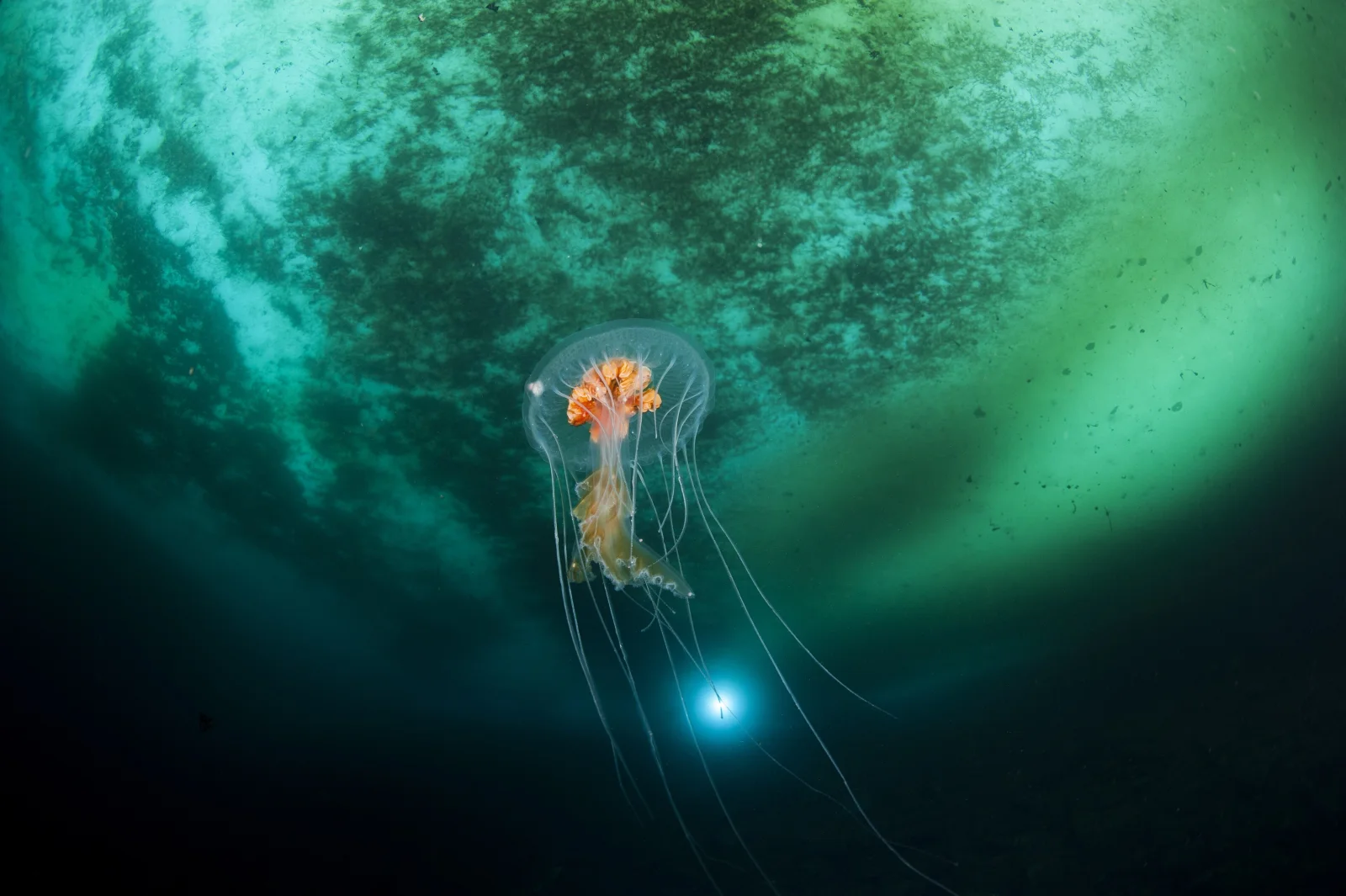
Antarctic Jellyfish Drifting Beneath Green Sea Ice
3840 × 2555 px DesktopPhone4KUltrawide Added 21 downloads
A single small jellyfish hangs in dark water just left of centre, its clear bell faintly outlined and its orange oral arms bunched at the middle. Several long, thin tentacles trail below it and curve out of frame in pale threads. Above, the underside of the ice fills the upper half of the picture with mottled green and teal, brightening to a luminous glow on the right. Toward the bottom the water fades to near black. A small, bright blue starburst of light sits below the jellyfish. The mood is quiet and cold, with a strong sense of depth.
The animal is identified as Diplulmaris antarctica, a scyphozoan of the family Ulmaridae. These jellyfish have marginal tentacles, elongated oral arms and a gastric cavity divided into canals, which show through the transparent bell. The species is found in Antarctic waters, and this image was made in the D'Urville Sea near the French scientific base. The pale ring of light around the ice is consistent with Snell's window, where the surface bends light into a bright circle when seen from below. The deep shadows at the bottom suit a dark desktop with icons along the edges, and the landscape framing fits widescreen monitors well.
More like this: Grizzly Bear Standing Alert in Green Meadow and Koala Walking Along a Thick Branch in Soft Light.
How it looks on your screens
Device sizes are cropped around the same point, so the subject stays in view.
Credit and licence
- Creator
- Erwan AMICE
- Source
- Wikimedia Commons
- Licence
- CC BY 4.0
Free to use, including commercially, as long as you credit the creator. Our downloads are resized and cropped from the original.
"Antarctic Jellyfish Drifting Beneath Green Sea Ice", by Erwan AMICE, via Wikimedia Commons, CC BY 4.0. Resized and cropped by Wallspapers
How to set this as your wallpaper
Windows
Download your size, right-click the file and choose Set as desktop background. Or go to Settings, Personalization, Background.
Mac
Open System Settings, Wallpaper, then Add Photo and pick the downloaded file. Choose “Fill screen”.
iPhone
Download the phone size, open it in Photos, tap Share, then Use as Wallpaper. Pinch to adjust before setting.
Android
Download the phone size, open it in Gallery or Photos, tap the menu and choose Set as wallpaper.
Is this your work and published in error? Report this image and we'll respond within 48 hours.
More like this
All animals HD
Peregrine Falcon in Profile on a Weathered Stump
HD
Peregrine Falcon in Profile on a Weathered Stump
 HD
Two Peregrine Falcons Exchanging Prey Midair
HD
Two Peregrine Falcons Exchanging Prey Midair
 QHD
Spotted Jellyfish Drifting Against Black Water
QHD
Spotted Jellyfish Drifting Against Black Water
 4K
Lion's Mane Jellyfish Drifting in Dark Teal Water
4K
Lion's Mane Jellyfish Drifting in Dark Teal Water
 4K
Lion's Mane Jellyfish Drifting in Dark Fjord Water
4K
Lion's Mane Jellyfish Drifting in Dark Fjord Water
 HD
Fluffy Fledgling Blue Jay Perched on Thin Branch
HD
Fluffy Fledgling Blue Jay Perched on Thin Branch
 HD
Blue Jay Taking Off Between Bare Winter Trunks
HD
Blue Jay Taking Off Between Bare Winter Trunks
 HD
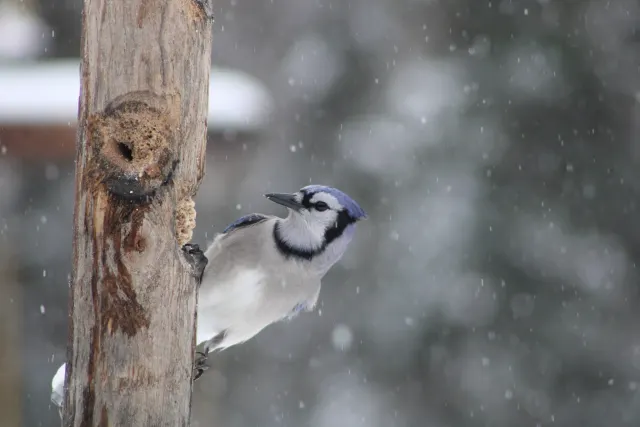
Blue Jay Clinging to Post in Falling Snow
HD
Blue Jay Clinging to Post in Falling Snow