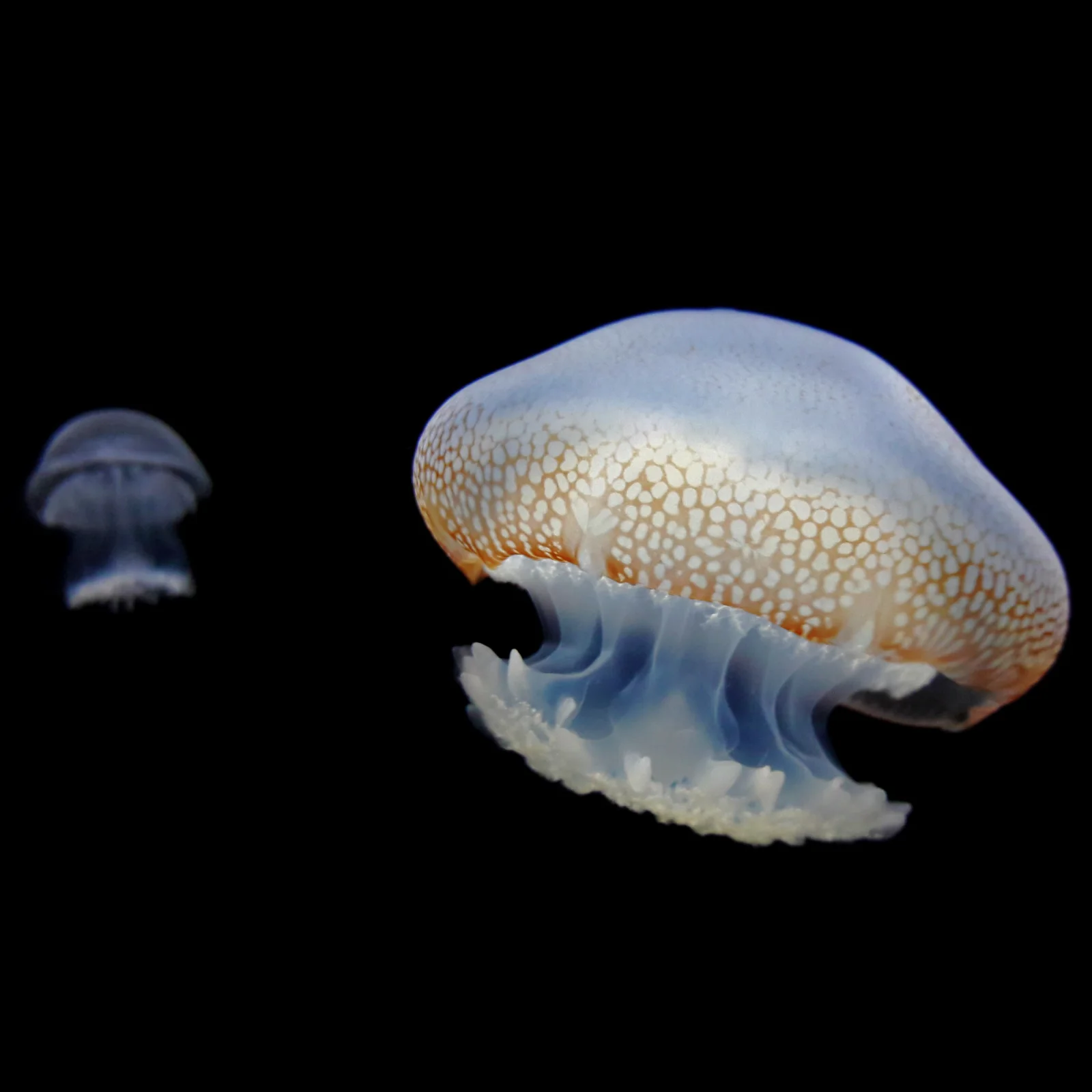
Spotted Jellyfish Drifting Against Black Water
2896 × 2896 px DesktopPhoneTablet Added 17 downloads
A large jellyfish fills the right side of the frame, its smooth, pale blue bell shaded with a band of orange near the rim. The lower edge of the bell is covered in a pattern of small, raised white spots. Beneath it, frilled blue and white oral arms hang in soft folds. A second, much smaller jellyfish floats faint and out of focus at the left edge. The background is pure black, so both animals seem to glow in the dark, and the mood is quiet and still.
Jellyfish are soft-bodied animals that move by pulsing their bells, and they rely largely on currents to carry them along. Many species with frilled arms like these feed on plankton and other tiny prey, which they trap and pass toward many small mouth openings. Corpus Christi Bay, on the Texas Gulf coast, is a shallow, sheltered bay, and jellyfish numbers there have risen over the years, according to the photo's caption. The square format and deep black background suit phone lock screens and OLED displays, where the black fades into the bezel and the bell appears to float.
More like this: Tagged Grizzly Among Wild Yarrow Stems and Resting Snow Geese in Winter Marsh Grass.
How it looks on your screens
Device sizes are cropped around the same point, so the subject stays in view.
Credit and licence
- Creator
- Miguel Angel Omaña Rojas
- Source
- Wikimedia Commons
- Licence
- CC0
This image has no copyright restrictions. You can use it for anything, including commercially. Credit isn't required, but it's appreciated.
"Spotted Jellyfish Drifting Against Black Water", by Miguel Angel Omaña Rojas, via Wikimedia Commons, CC0
How to set this as your wallpaper
Windows
Download your size, right-click the file and choose Set as desktop background. Or go to Settings, Personalization, Background.
Mac
Open System Settings, Wallpaper, then Add Photo and pick the downloaded file. Choose “Fill screen”.
iPhone
Download the phone size, open it in Photos, tap Share, then Use as Wallpaper. Pinch to adjust before setting.
Android
Download the phone size, open it in Gallery or Photos, tap the menu and choose Set as wallpaper.
Is this your work and published in error? Report this image and we'll respond within 48 hours.
More like this
All animals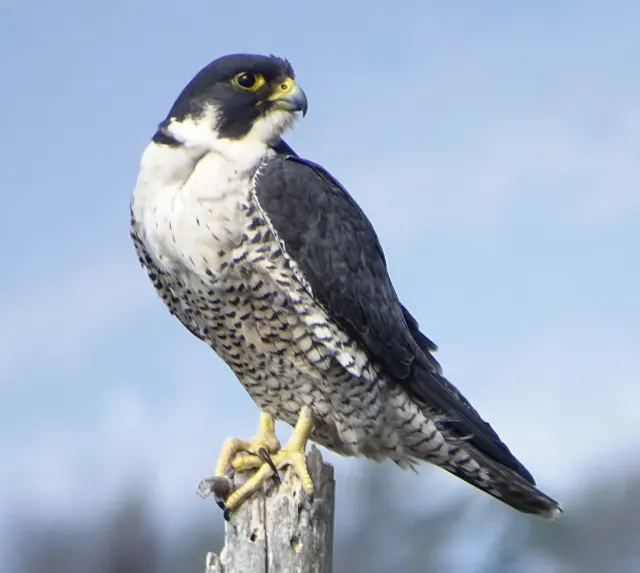 HD
Peregrine Falcon in Profile on a Weathered Stump
HD
Peregrine Falcon in Profile on a Weathered Stump
 HD
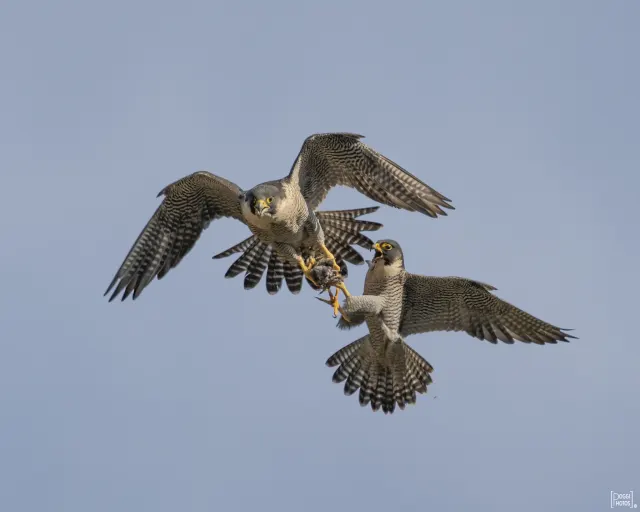
Two Peregrine Falcons Exchanging Prey Midair
HD
Two Peregrine Falcons Exchanging Prey Midair
 4K
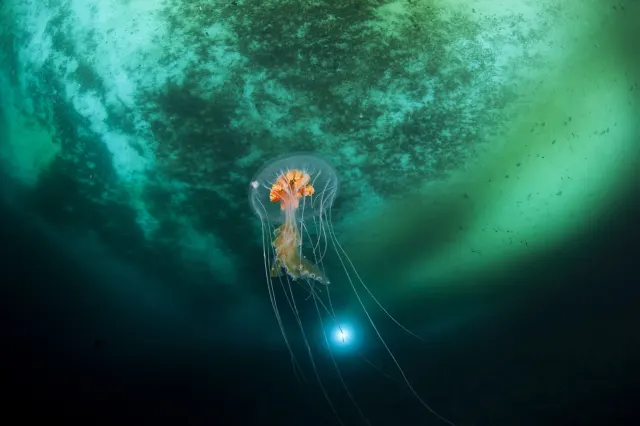
Antarctic Jellyfish Drifting Beneath Green Sea Ice
4K
Antarctic Jellyfish Drifting Beneath Green Sea Ice
 4K
Lion's Mane Jellyfish Drifting in Dark Teal Water
4K
Lion's Mane Jellyfish Drifting in Dark Teal Water
 4K
Lion's Mane Jellyfish Drifting in Dark Fjord Water
4K
Lion's Mane Jellyfish Drifting in Dark Fjord Water
 HD
Fluffy Fledgling Blue Jay Perched on Thin Branch
HD
Fluffy Fledgling Blue Jay Perched on Thin Branch
 HD
Blue Jay Taking Off Between Bare Winter Trunks
HD
Blue Jay Taking Off Between Bare Winter Trunks
 HD
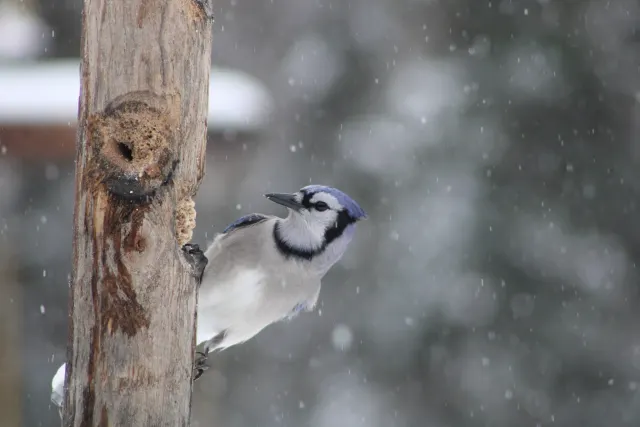
Blue Jay Clinging to Post in Falling Snow
HD
Blue Jay Clinging to Post in Falling Snow