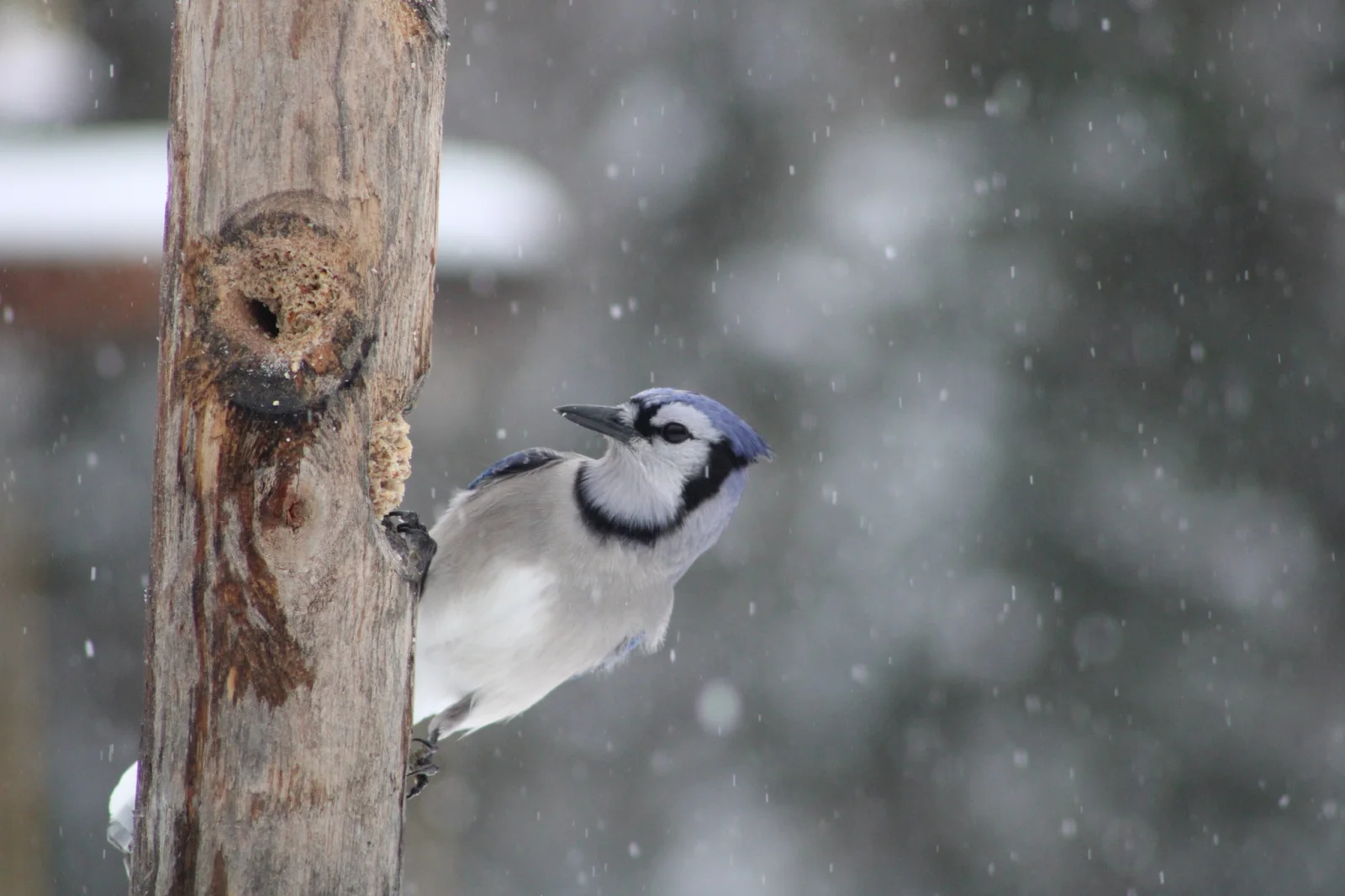
Blue Jay Clinging to Post in Falling Snow
2048 × 1365 px Desktop Added 5 downloads
A blue jay grips the side of a weathered wooden post, its body angled outward and its head turned in profile. The crest is blue, a black line runs across the eye and around the throat like a collar, and the chest and belly are pale grey-white. The post has a dark knothole, patches of peeled bark and warm brown streaks. Snowflakes drift through the air, and the background has dissolved into soft grey and white, with a hint of a snow-covered roof at the upper left.
The blue jay (Cyanocitta cristata) is a common bird of eastern and central North America. It stays in many northern regions through the winter, and it often visits feeders and wooded edges. Jays eat acorns, nuts, seeds and insects, and they are known for carrying and caching nuts. They are also loud and varied callers. This one was observed in Maine, where cold, snowy months are typical. The soft grey backdrop and the off-centre bird leave open space on the right, so the image suits a landscape desktop monitor, where icons are easy to place, and it also works on a wide laptop screen.
More like this: Steaming Winter Shore with a Grazing Bison.
How it looks on your screens
Device sizes are cropped around the same point, so the subject stays in view.
Credit and licence
- Creator
- oksanaetal
- Source
- iNaturalist
- Licence
- CC BY 4.0
Free to use, including commercially, as long as you credit the creator. Our downloads are resized and cropped from the original.
"Blue Jay Clinging to Post in Falling Snow", by oksanaetal, via iNaturalist, CC BY 4.0. Resized and cropped by Wallspapers
How to set this as your wallpaper
Windows
Download your size, right-click the file and choose Set as desktop background. Or go to Settings, Personalization, Background.
Mac
Open System Settings, Wallpaper, then Add Photo and pick the downloaded file. Choose “Fill screen”.
iPhone
Download the phone size, open it in Photos, tap Share, then Use as Wallpaper. Pinch to adjust before setting.
Android
Download the phone size, open it in Gallery or Photos, tap the menu and choose Set as wallpaper.
Is this your work and published in error? Report this image and we'll respond within 48 hours.
More like this
All animals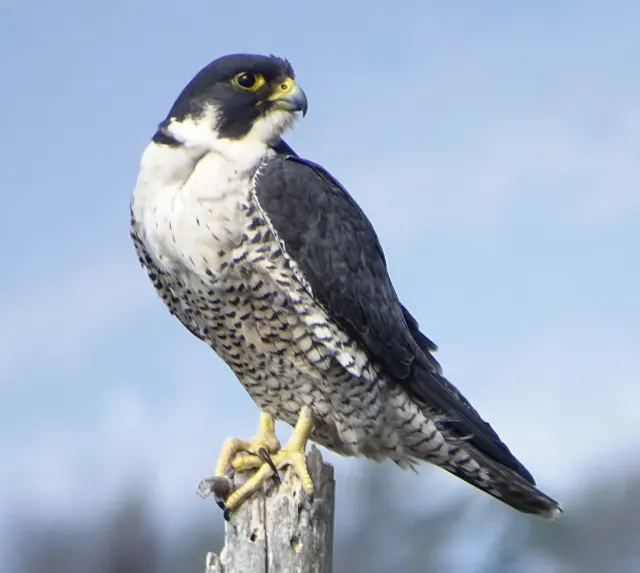 HD
Peregrine Falcon in Profile on a Weathered Stump
HD
Peregrine Falcon in Profile on a Weathered Stump
 HD
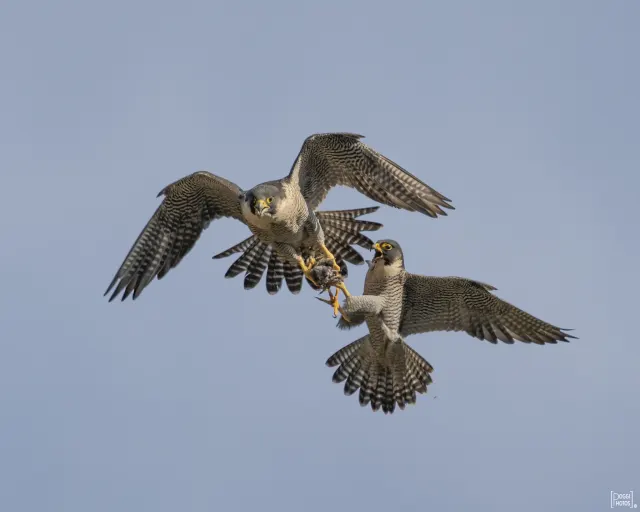
Two Peregrine Falcons Exchanging Prey Midair
HD
Two Peregrine Falcons Exchanging Prey Midair
 4K
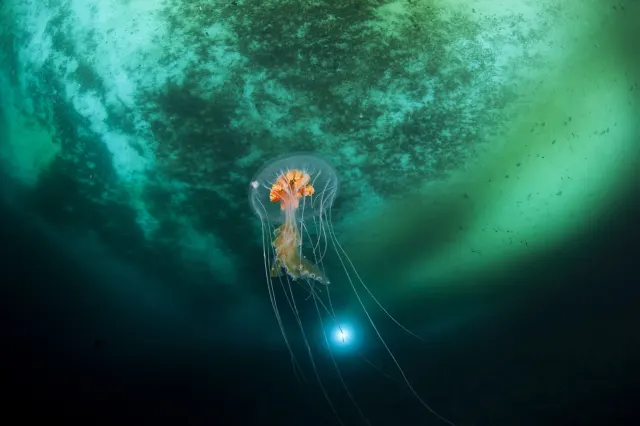
Antarctic Jellyfish Drifting Beneath Green Sea Ice
4K
Antarctic Jellyfish Drifting Beneath Green Sea Ice
 QHD
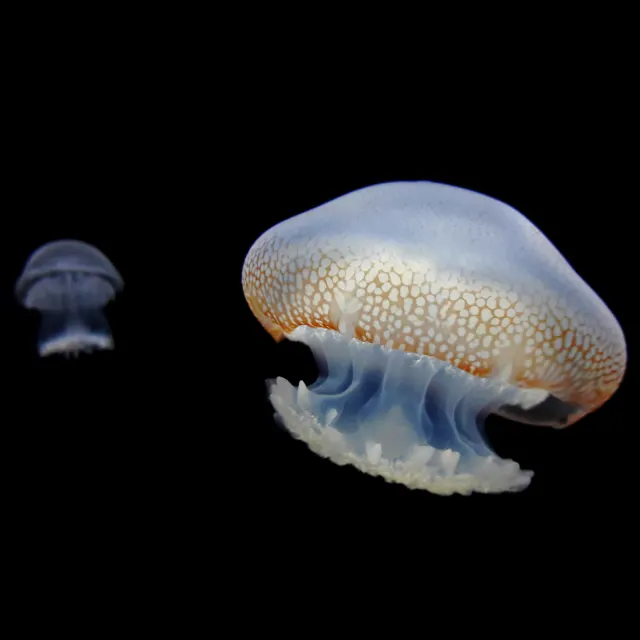
Spotted Jellyfish Drifting Against Black Water
QHD
Spotted Jellyfish Drifting Against Black Water
 4K
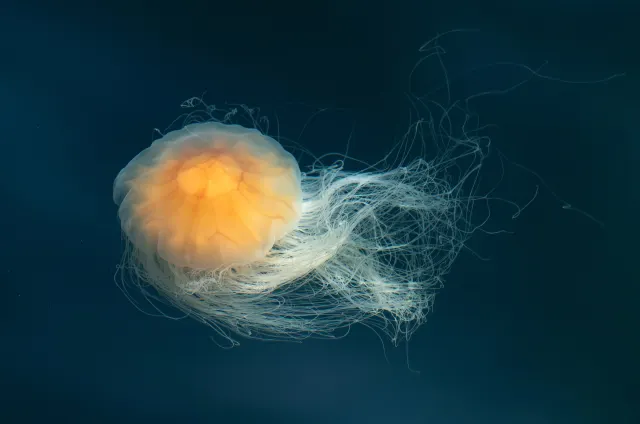
Lion's Mane Jellyfish Drifting in Dark Teal Water
4K
Lion's Mane Jellyfish Drifting in Dark Teal Water
 4K
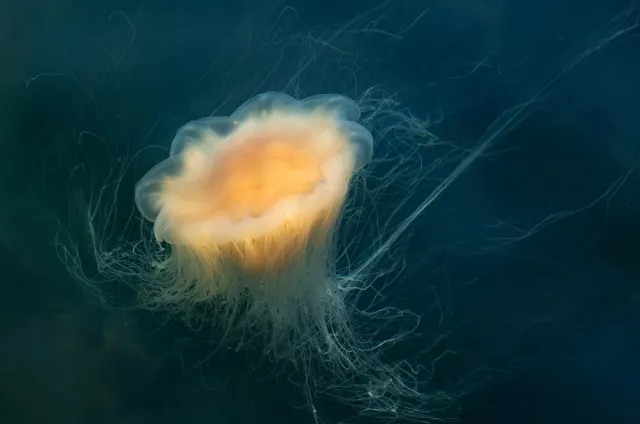
Lion's Mane Jellyfish Drifting in Dark Fjord Water
4K
Lion's Mane Jellyfish Drifting in Dark Fjord Water
 HD
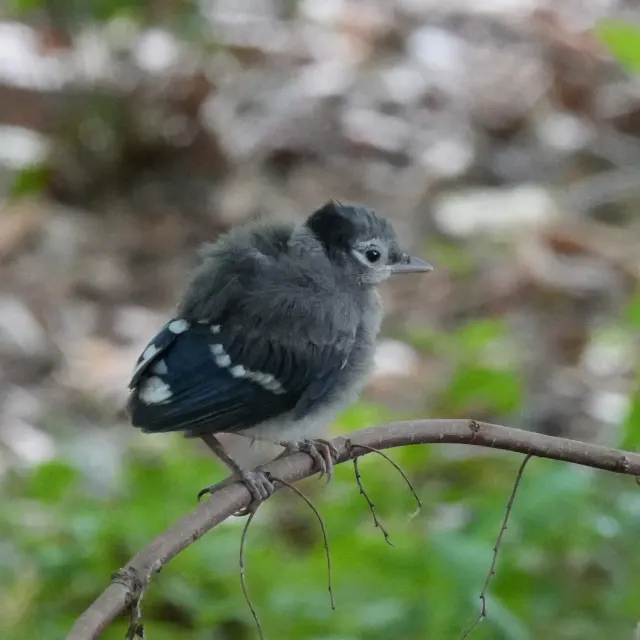
Fluffy Fledgling Blue Jay Perched on Thin Branch
HD
Fluffy Fledgling Blue Jay Perched on Thin Branch
 HD
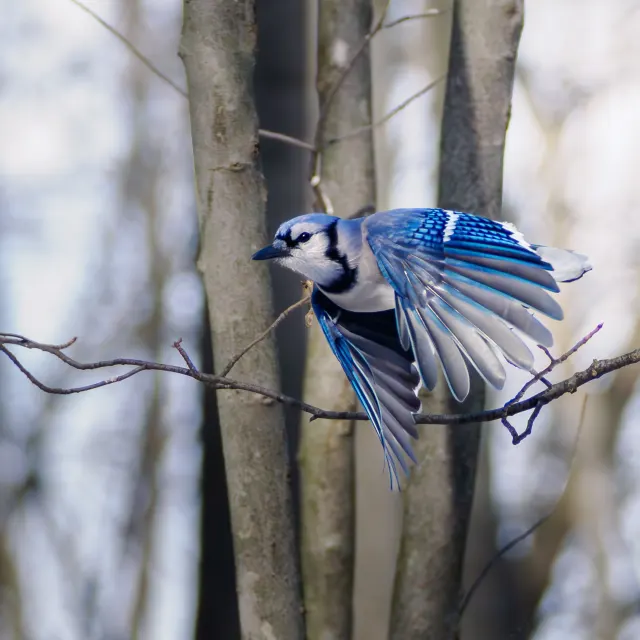
Blue Jay Taking Off Between Bare Winter Trunks
HD
Blue Jay Taking Off Between Bare Winter Trunks