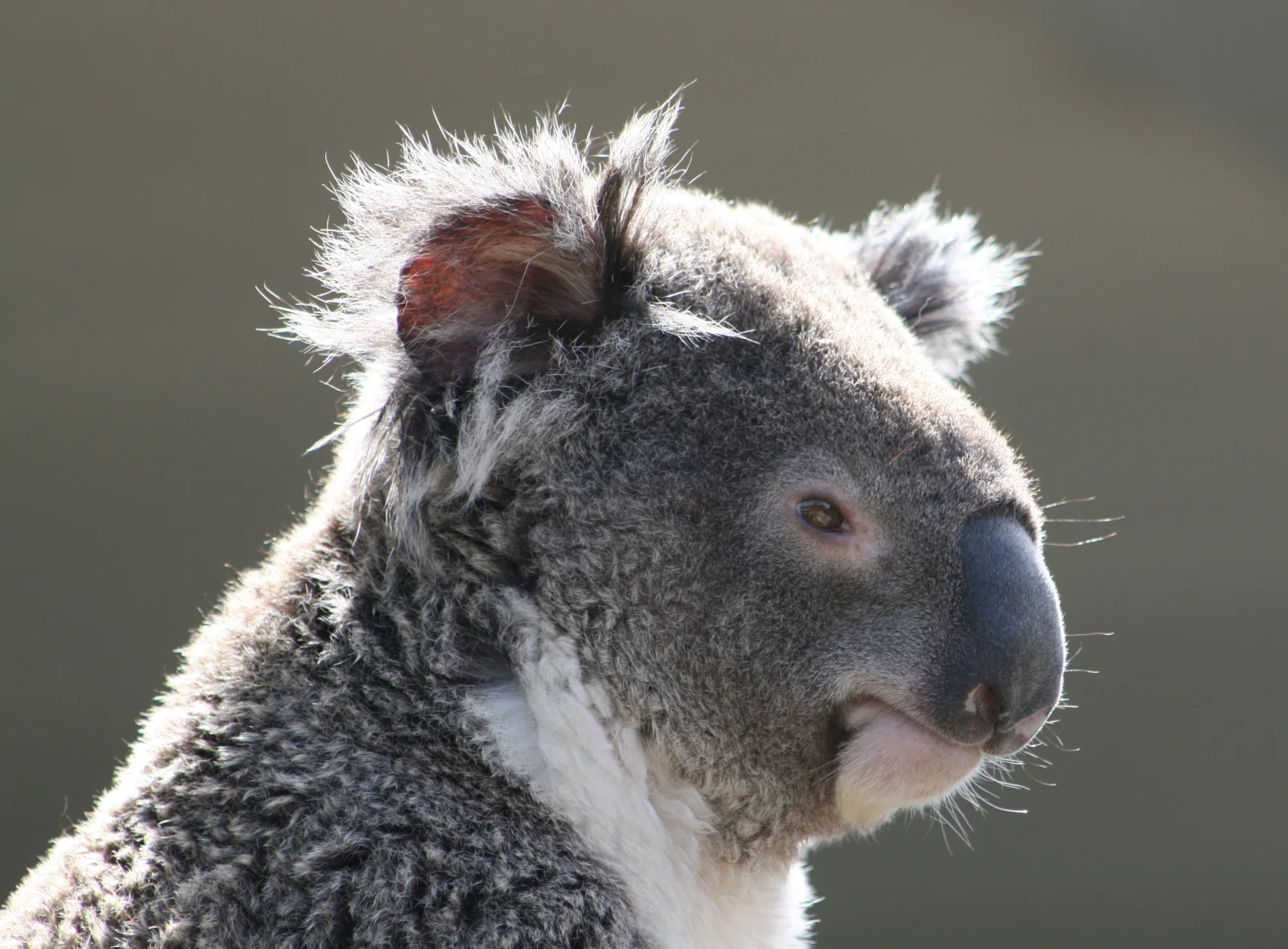
Koala in Profile With Tufted Ears Against Soft Green
3196 × 2355 px DesktopPhone Added 5 downloads
A koala is shown in close profile, facing right, its head and upper chest filling most of the frame. The thick grey fur looks dense and slightly woolly, and long pale tufts spill from the rounded ears, with a pinkish-red inner ear catching the sunlight. The large, dark, leathery nose is the strongest shape in the picture. A small brown eye sits in a soft pinkish patch, and a few whiskers show against the light cream chin and white chest. The background is a smooth, muted olive-grey blur, so nothing competes with the animal. The mood is calm and composed, with warm light picking out the fur along the edges.
Koalas (Phascolarctos cinereus) are marsupials native to eastern Australia, where they live in eucalyptus woodland. They eat mostly eucalyptus leaves, which are low in nutrition and toxic to most animals, so koalas save energy by sleeping for much of the day, often around 18 hours or more. Their thick fur sheds rain and helps insulate them. Each koala has a strong sense of smell that helps it pick leaves. The soft background and the subject's position on the right suit a widescreen desktop monitor, where the left side leaves room for icons.
More like this: Three Bears Walking Down a Northern Highway and Great Blue Heron Standing on a Seaweed-Strewn Beach.
How it looks on your screens
Device sizes are cropped around the same point, so the subject stays in view.
Credit and licence
- Creator
- Diego Delso
- Source
- Wikimedia Commons
- Licence
- CC BY 3.0
Free to use, including commercially, as long as you credit the creator. Our downloads are resized and cropped from the original.
"Koala in Profile With Tufted Ears Against Soft Green", by Diego Delso, via Wikimedia Commons, CC BY 3.0. Resized and cropped by Wallspapers
How to set this as your wallpaper
Windows
Download your size, right-click the file and choose Set as desktop background. Or go to Settings, Personalization, Background.
Mac
Open System Settings, Wallpaper, then Add Photo and pick the downloaded file. Choose “Fill screen”.
iPhone
Download the phone size, open it in Photos, tap Share, then Use as Wallpaper. Pinch to adjust before setting.
Android
Download the phone size, open it in Gallery or Photos, tap the menu and choose Set as wallpaper.
Is this your work and published in error? Report this image and we'll respond within 48 hours.
More like this
All animals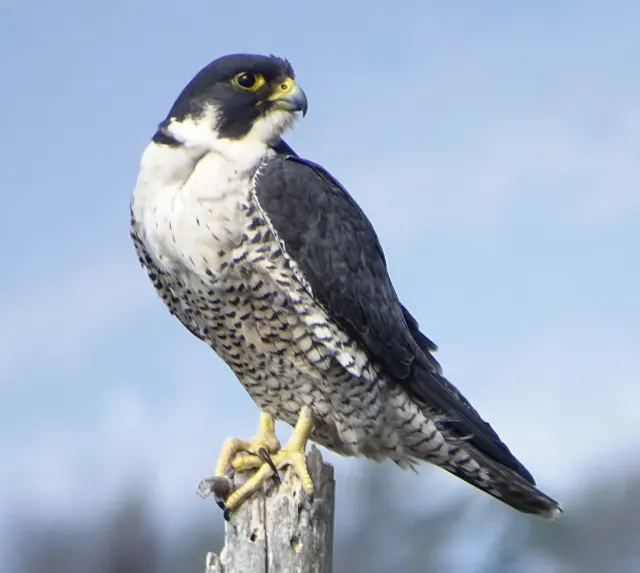 HD
Peregrine Falcon in Profile on a Weathered Stump
HD
Peregrine Falcon in Profile on a Weathered Stump
 HD
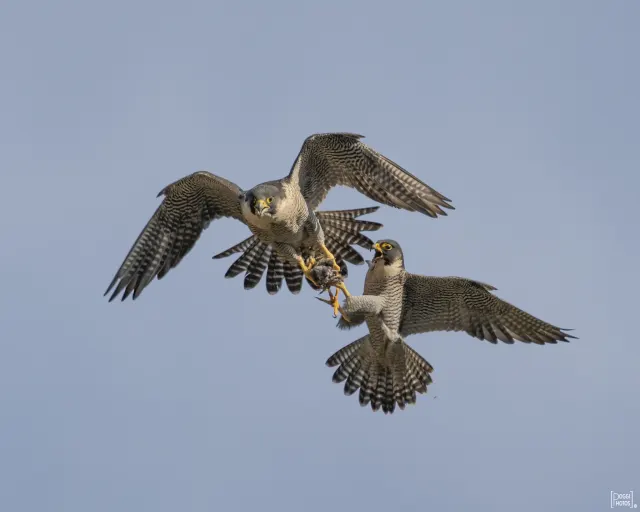
Two Peregrine Falcons Exchanging Prey Midair
HD
Two Peregrine Falcons Exchanging Prey Midair
 4K
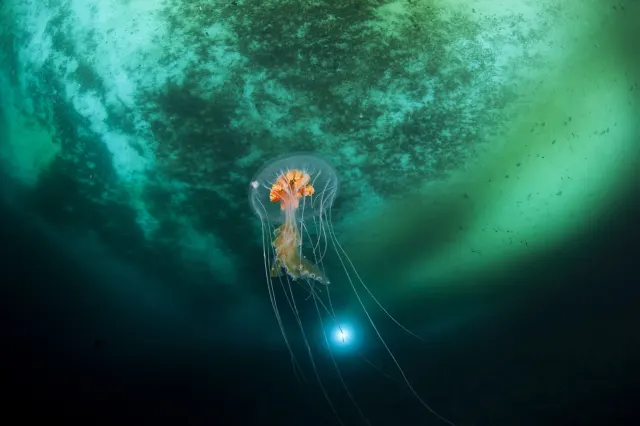
Antarctic Jellyfish Drifting Beneath Green Sea Ice
4K
Antarctic Jellyfish Drifting Beneath Green Sea Ice
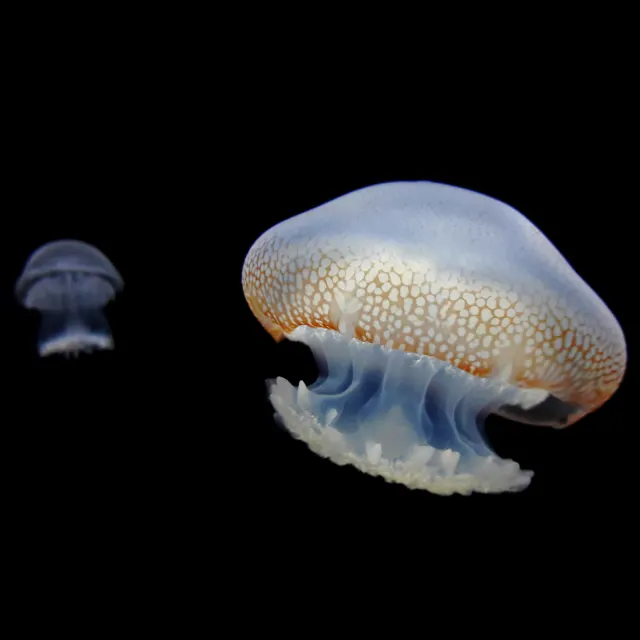 QHD
Spotted Jellyfish Drifting Against Black Water
QHD
Spotted Jellyfish Drifting Against Black Water
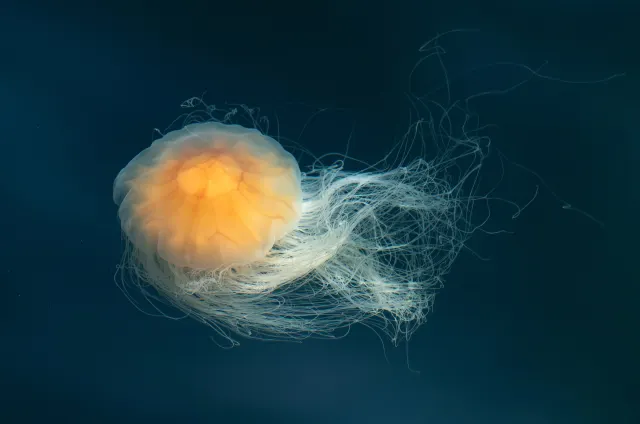 4K
Lion's Mane Jellyfish Drifting in Dark Teal Water
4K
Lion's Mane Jellyfish Drifting in Dark Teal Water
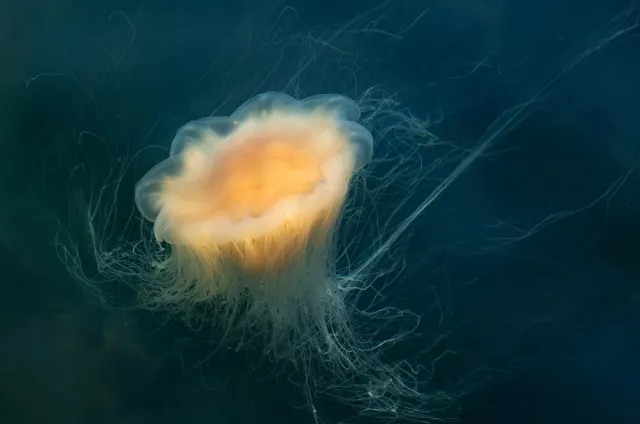 4K
Lion's Mane Jellyfish Drifting in Dark Fjord Water
4K
Lion's Mane Jellyfish Drifting in Dark Fjord Water
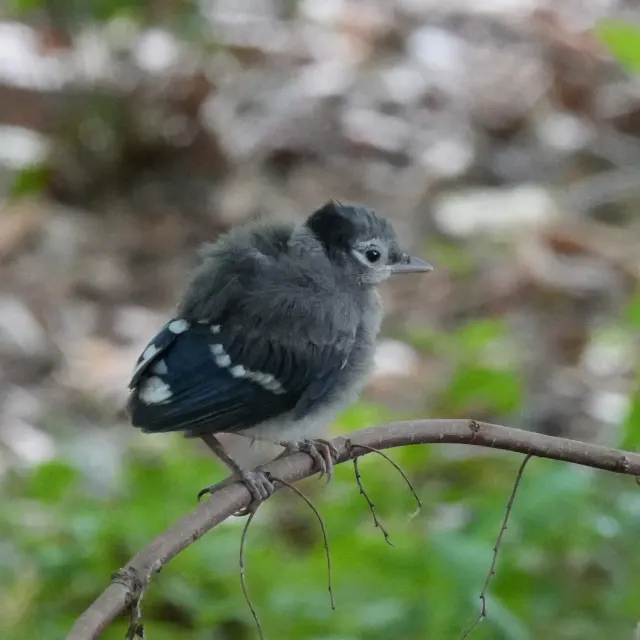 HD
Fluffy Fledgling Blue Jay Perched on Thin Branch
HD
Fluffy Fledgling Blue Jay Perched on Thin Branch
 HD
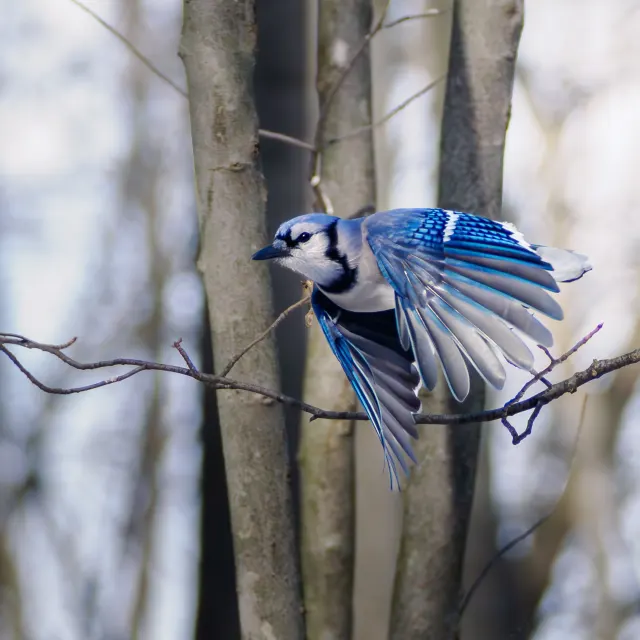
Blue Jay Taking Off Between Bare Winter Trunks
HD
Blue Jay Taking Off Between Bare Winter Trunks