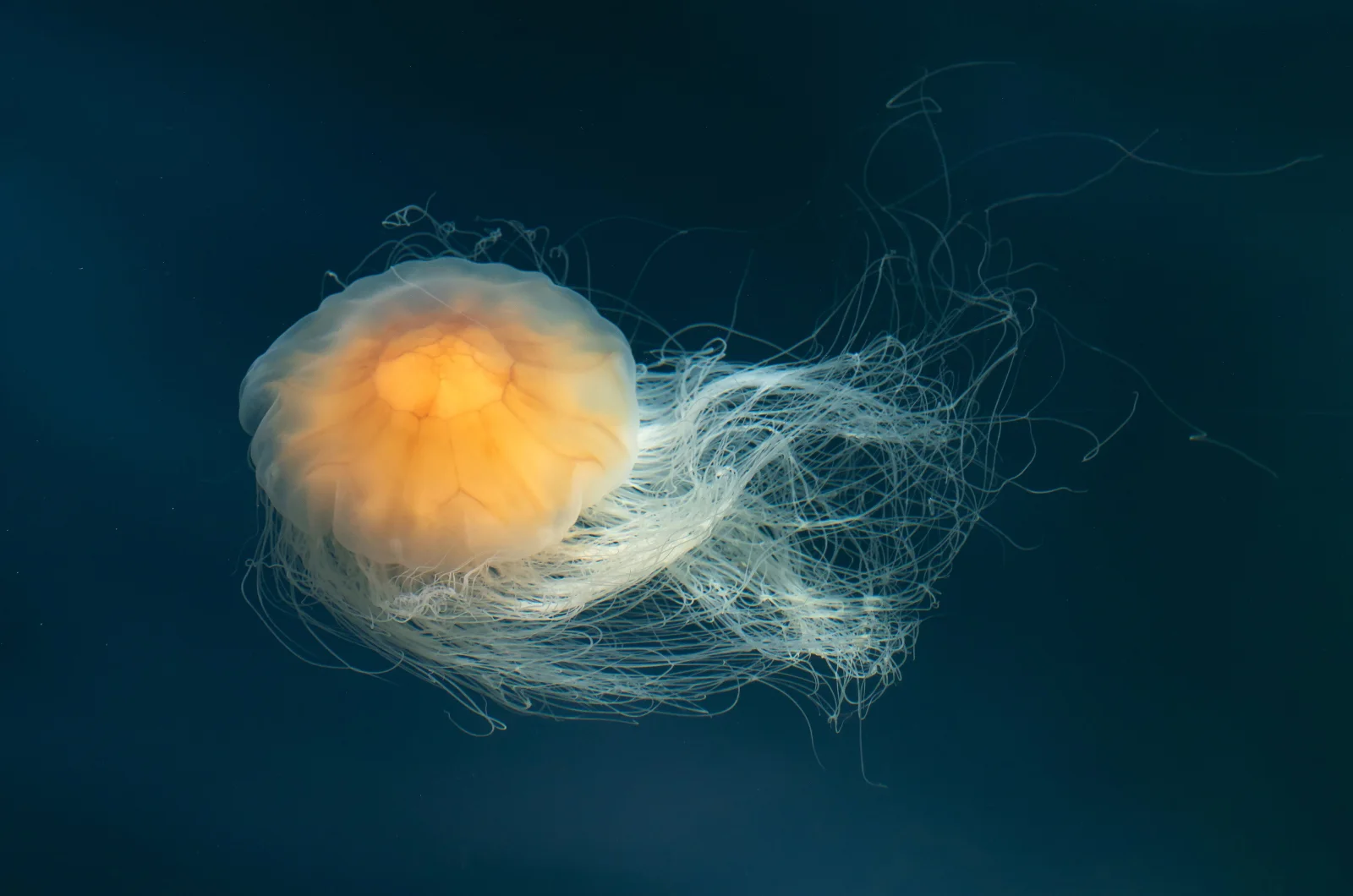
Lion's Mane Jellyfish Drifting in Dark Teal Water
3840 × 2544 px DesktopPhone4KUltrawide Added 17 downloads
A single jellyfish floats left of centre against a deep, even teal-blue background. Its rounded bell glows pale amber at the middle and fades to a translucent cream at the edges, with faint folds and lobes visible beneath the surface. From beneath the bell trails a dense mass of fine, pale tentacles. They sweep back to the right in loose curves, and a few thin strands drift out alone into the dark. The mood is quiet and weightless, and the warm orange against the cool blue gives the frame a strong focal point.
This is a lion's mane jellyfish (Cyanea capillata), photographed from a jetty in Gullmarn fjord, near Lysekil in Sweden. The bell here measures roughly 10–12 cm across, and the tentacles reach about 60–80 cm. The species is among the largest jellyfish known, and it lives in cold northern seas. Its tentacles carry stinging cells that it uses to catch plankton, small fish and other jellyfish. The open dark space on the right and the landscape format suit widescreen monitors and ultrawide setups, and the empty area leaves room for desktop icons.
More like this: Cherry Buds Breaking Open Against Clear Blue and Three Pale Pink Blossoms with Copper Leaves.
How it looks on your screens
Device sizes are cropped around the same point, so the subject stays in view.
Credit and licence
- Creator
- W.carter
- Source
- Wikimedia Commons
- Licence
- CC0
This image has no copyright restrictions. You can use it for anything, including commercially. Credit isn't required, but it's appreciated.
"Lion's Mane Jellyfish Drifting in Dark Teal Water", by W.carter, via Wikimedia Commons, CC0
How to set this as your wallpaper
Windows
Download your size, right-click the file and choose Set as desktop background. Or go to Settings, Personalization, Background.
Mac
Open System Settings, Wallpaper, then Add Photo and pick the downloaded file. Choose “Fill screen”.
iPhone
Download the phone size, open it in Photos, tap Share, then Use as Wallpaper. Pinch to adjust before setting.
Android
Download the phone size, open it in Gallery or Photos, tap the menu and choose Set as wallpaper.
Is this your work and published in error? Report this image and we'll respond within 48 hours.
More like this
All animals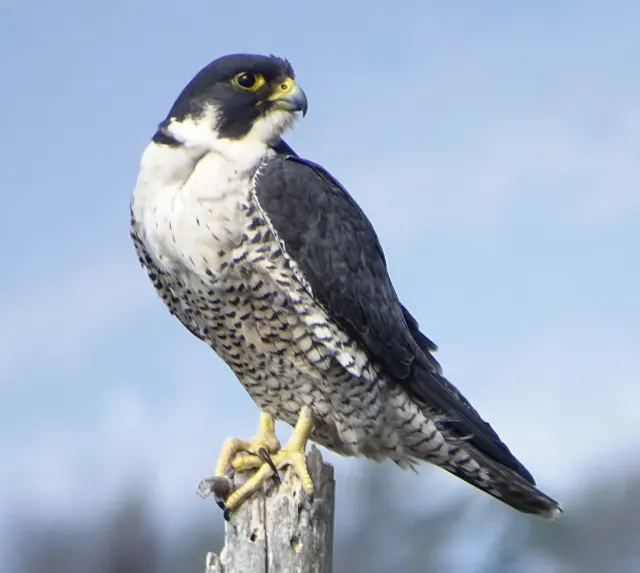 HD
Peregrine Falcon in Profile on a Weathered Stump
HD
Peregrine Falcon in Profile on a Weathered Stump
 HD
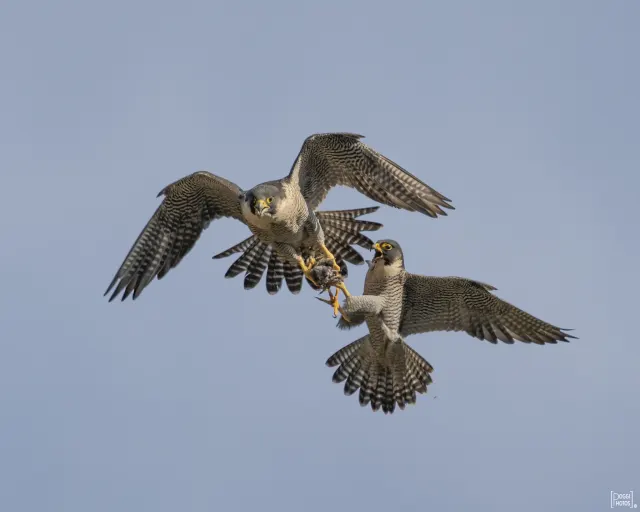
Two Peregrine Falcons Exchanging Prey Midair
HD
Two Peregrine Falcons Exchanging Prey Midair
 4K
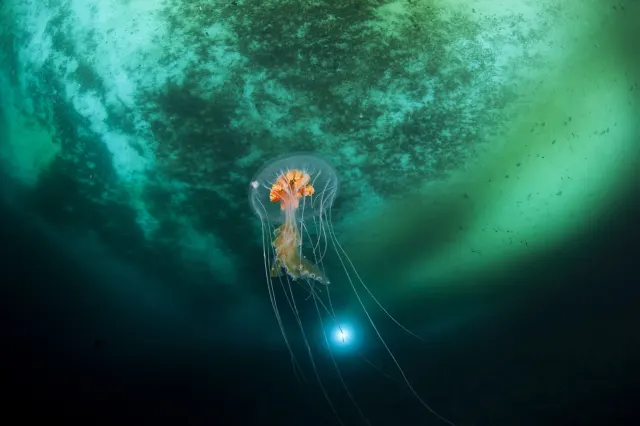
Antarctic Jellyfish Drifting Beneath Green Sea Ice
4K
Antarctic Jellyfish Drifting Beneath Green Sea Ice
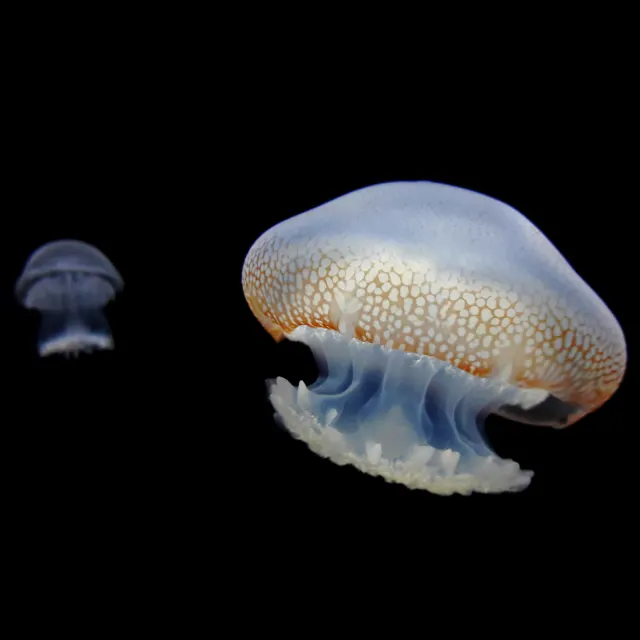 QHD
Spotted Jellyfish Drifting Against Black Water
QHD
Spotted Jellyfish Drifting Against Black Water
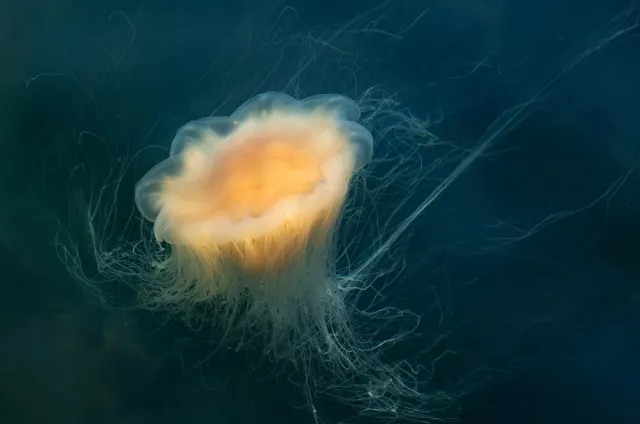 4K
Lion's Mane Jellyfish Drifting in Dark Fjord Water
4K
Lion's Mane Jellyfish Drifting in Dark Fjord Water
 HD
Fluffy Fledgling Blue Jay Perched on Thin Branch
HD
Fluffy Fledgling Blue Jay Perched on Thin Branch
 HD
Blue Jay Taking Off Between Bare Winter Trunks
HD
Blue Jay Taking Off Between Bare Winter Trunks
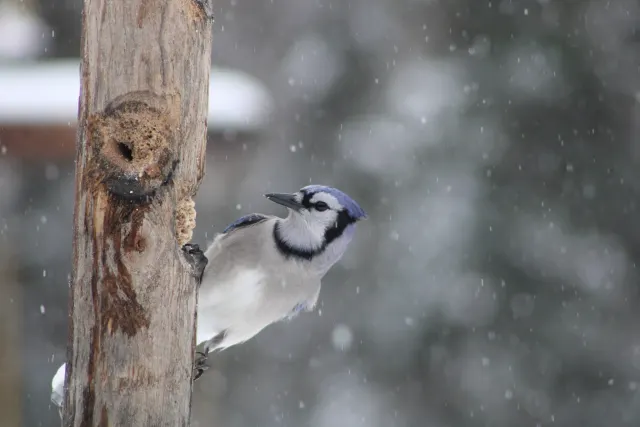 HD
Blue Jay Clinging to Post in Falling Snow
HD
Blue Jay Clinging to Post in Falling Snow