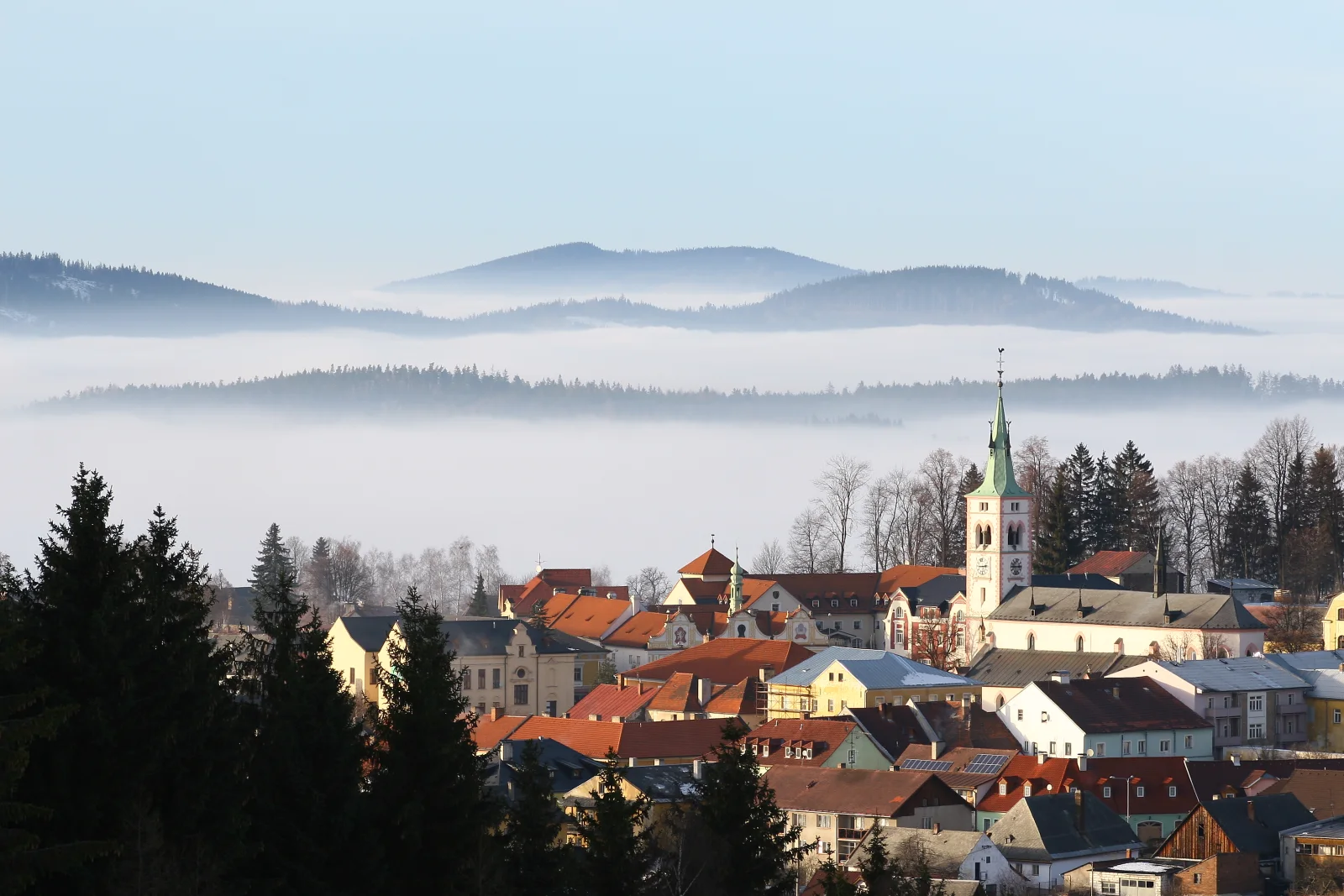
Church Spire Above a Sea of Morning Fog
3504 × 2336 px DesktopUltrawide Added
A small town sits in clear, low sunlight while a layer of fog fills the valley beyond it. Red and orange tiled roofs, pale façades and a white church tower with a slim green spire catch the warm light. Dark spruces fill the lower left foreground, and bare trees stand behind the rooftops. Past the town, the fog lies flat and smooth. Forested hills rise out of it in several soft, bluish layers under a pale, cloudless sky. The colours are muted and cool except for the warm roofs, and the mood is calm and still.
The view shows Kašperské Hory and its St Margaret church, seen from Liščí vrch (794 m) in the Šumava. Fog like this usually forms when cold air settles into valleys on clear, still nights. Viewers on higher ground can end up above the layer, looking down on it as a sea of clouds, and the effect often fades as the morning sun warms the air. The wide landscape frame and the open space of sky and fog suit a widescreen monitor, where icons can sit over the pale upper area without covering the town.
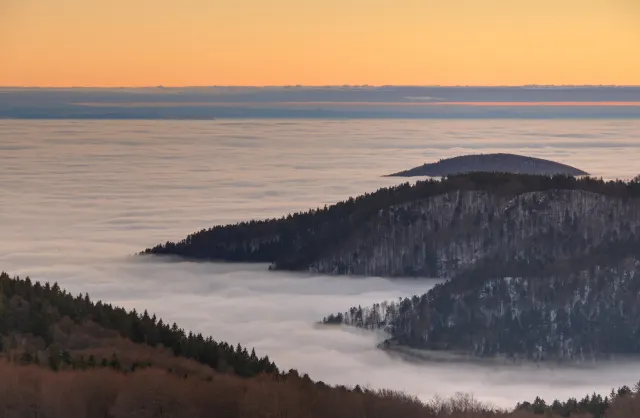
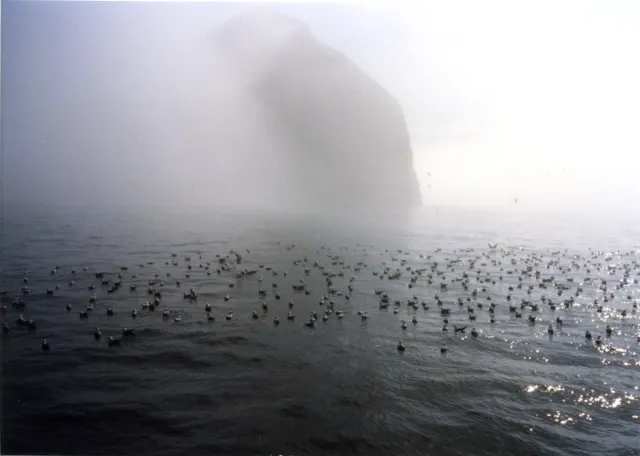
More like this: Kittiwakes Afloat Beneath a Fog-Shrouded Sea Stack and Three Bears Walking Down a Northern Highway.
How it looks on your screens
Device sizes are cropped around the same point, so the subject stays in view.
Credit and licence
- Creator
- Adam Hauner
- Source
- Wikimedia Commons
- Licence
- CC BY 3.0
Free to use, including commercially, as long as you credit the creator. Our downloads are resized and cropped from the original.
"Church Spire Above a Sea of Morning Fog", by Adam Hauner, via Wikimedia Commons, CC BY 3.0. Resized and cropped by Wallspapers
How to set this as your wallpaper
Windows
Download your size, right-click the file and choose Set as desktop background. Or go to Settings, Personalization, Background.
Mac
Open System Settings, Wallpaper, then Add Photo and pick the downloaded file. Choose “Fill screen”.
iPhone
Download the phone size, open it in Photos, tap Share, then Use as Wallpaper. Pinch to adjust before setting.
Android
Download the phone size, open it in Gallery or Photos, tap the menu and choose Set as wallpaper.
Is this your work and published in error? Report this image and we'll respond within 48 hours.