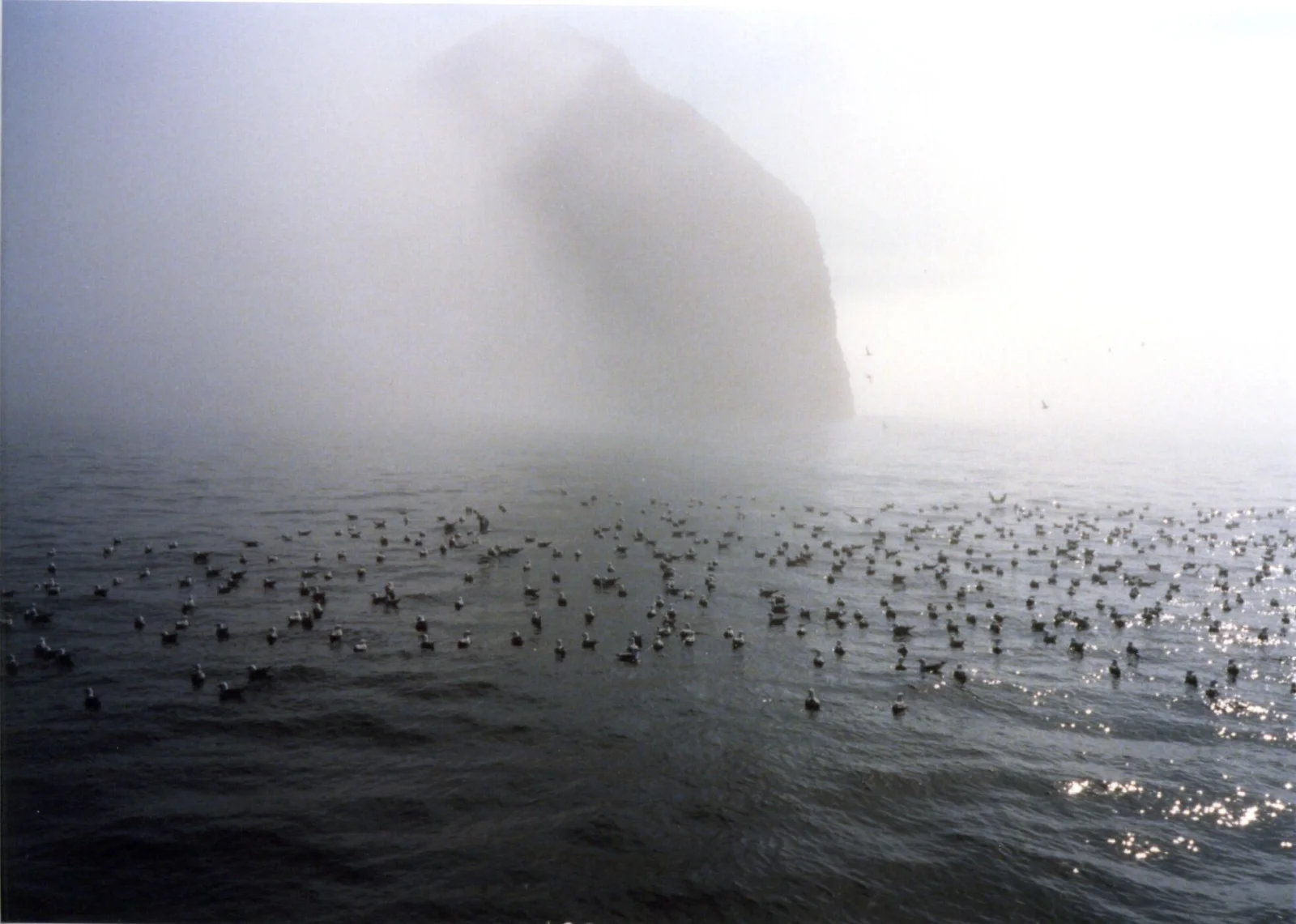
Kittiwakes Afloat Beneath a Fog-Shrouded Sea Stack
1964 × 1400 px Desktop Added 2 downloads
A large flock of small seabirds rests on dark, gently rippling water, scattered in a loose band across the middle of the frame. Beyond them a steep, rounded rock island rises out of thick fog, its upper slopes fading into pale grey haze. The palette is almost monochrome: charcoal water, silver mist and a washed-out white sky. At the right, low sunlight breaks into small bright glints on the surface. The mood is quiet and cool, with the birds in the foreground giving the empty scene a sense of scale.
The facts identify the birds as black-legged kittiwakes, a small gull that spends most of the year far out at sea and comes to coastal cliffs to nest. Colonies often gather on steep rock faces, and between feeding trips the birds rest in rafts on the water, as seen here. Fog is common along cold northern coasts, where cool seawater chills the air above it. The location is given as Beehive Island, in the park unit abbreviated KEFJ. The muted tones and wide open space suit a widescreen desktop monitor, where the dark lower half leaves room for icons.
How it looks on your screens
Device sizes are cropped around the same point, so the subject stays in view.
Credit and licence
- Creator
- NPS photo/Bud Rice
- Source
- National Park Service
- Licence
- Public domain
This image has no copyright restrictions. You can use it for anything, including commercially. Credit isn't required, but it's appreciated.
"Kittiwakes Afloat Beneath a Fog-Shrouded Sea Stack", by NPS photo/Bud Rice, via National Park Service, Public domain
How to set this as your wallpaper
Windows
Download your size, right-click the file and choose Set as desktop background. Or go to Settings, Personalization, Background.
Mac
Open System Settings, Wallpaper, then Add Photo and pick the downloaded file. Choose “Fill screen”.
iPhone
Download the phone size, open it in Photos, tap Share, then Use as Wallpaper. Pinch to adjust before setting.
Android
Download the phone size, open it in Gallery or Photos, tap the menu and choose Set as wallpaper.
Is this your work and published in error? Report this image and we'll respond within 48 hours.
More like this
All landscapes QHD
Moss-Covered Boulder Slope Beneath Spruce Branches
QHD
Moss-Covered Boulder Slope Beneath Spruce Branches
 4K
Gravel Trail Winding Through Green Tundra Valley
4K
Gravel Trail Winding Through Green Tundra Valley
 4K
Walkers Follow a Gravel Path Toward Snowy Peaks
4K
Walkers Follow a Gravel Path Toward Snowy Peaks
 4K
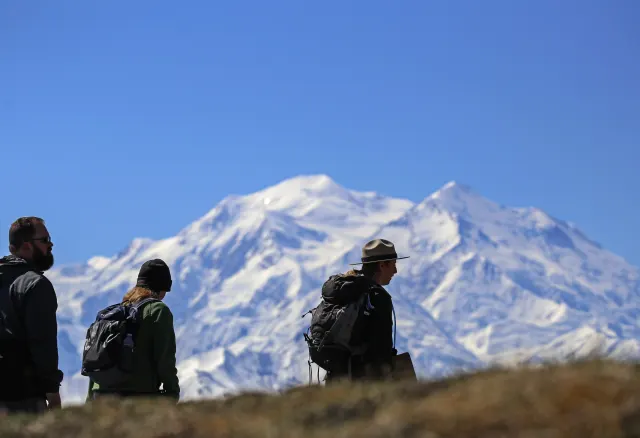
Silhouetted Ranger and Hikers Below a Snowy Summit
4K
Silhouetted Ranger and Hikers Below a Snowy Summit
 4K
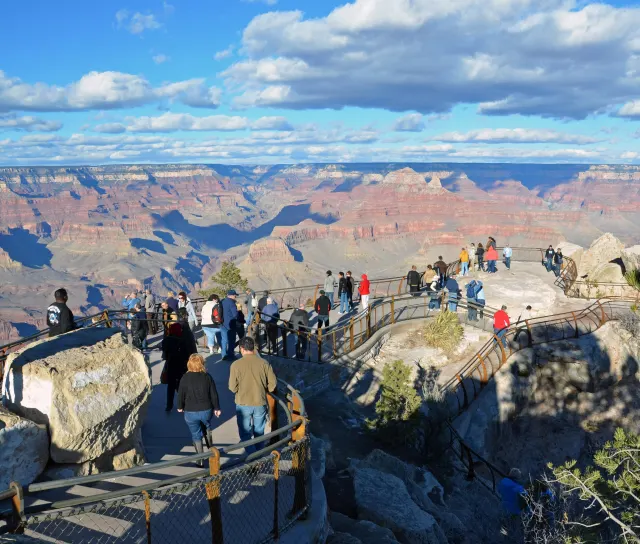
Visitors Along a Terraced Rim Path at Mather Point
4K
Visitors Along a Terraced Rim Path at Mather Point
 QHD
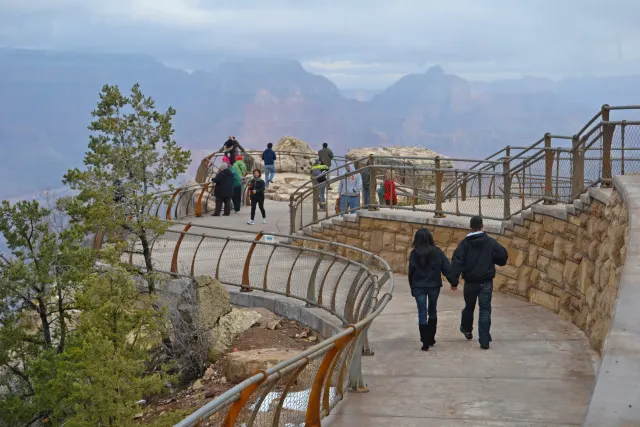
Curved Rim Walkway Above a Hazy Canyon Valley
QHD
Curved Rim Walkway Above a Hazy Canyon Valley
 QHD
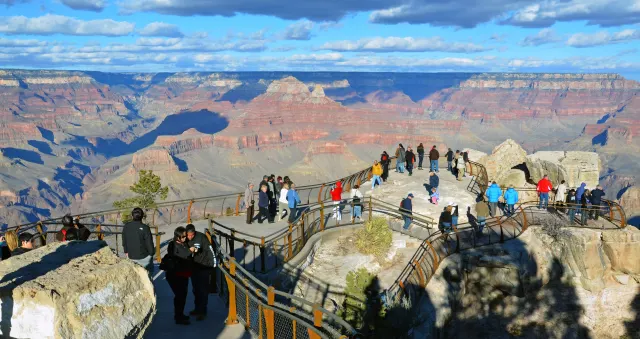
Orange Railings Over Red Canyon Buttes at Mather Point
QHD
Orange Railings Over Red Canyon Buttes at Mather Point
 HD
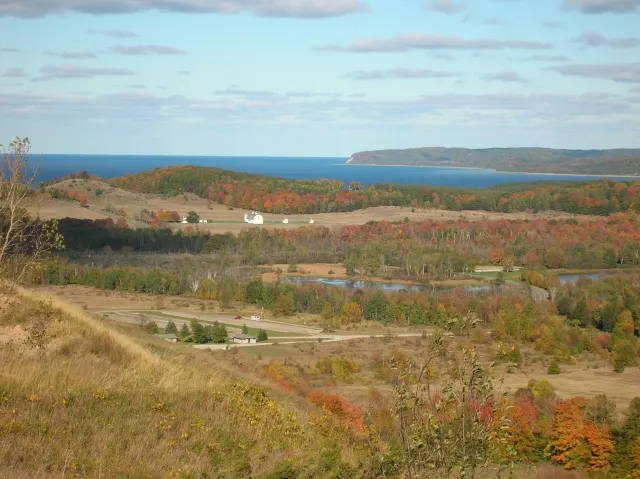
Autumn Hills Rolling Toward a Distant Blue Lake
HD
Autumn Hills Rolling Toward a Distant Blue Lake