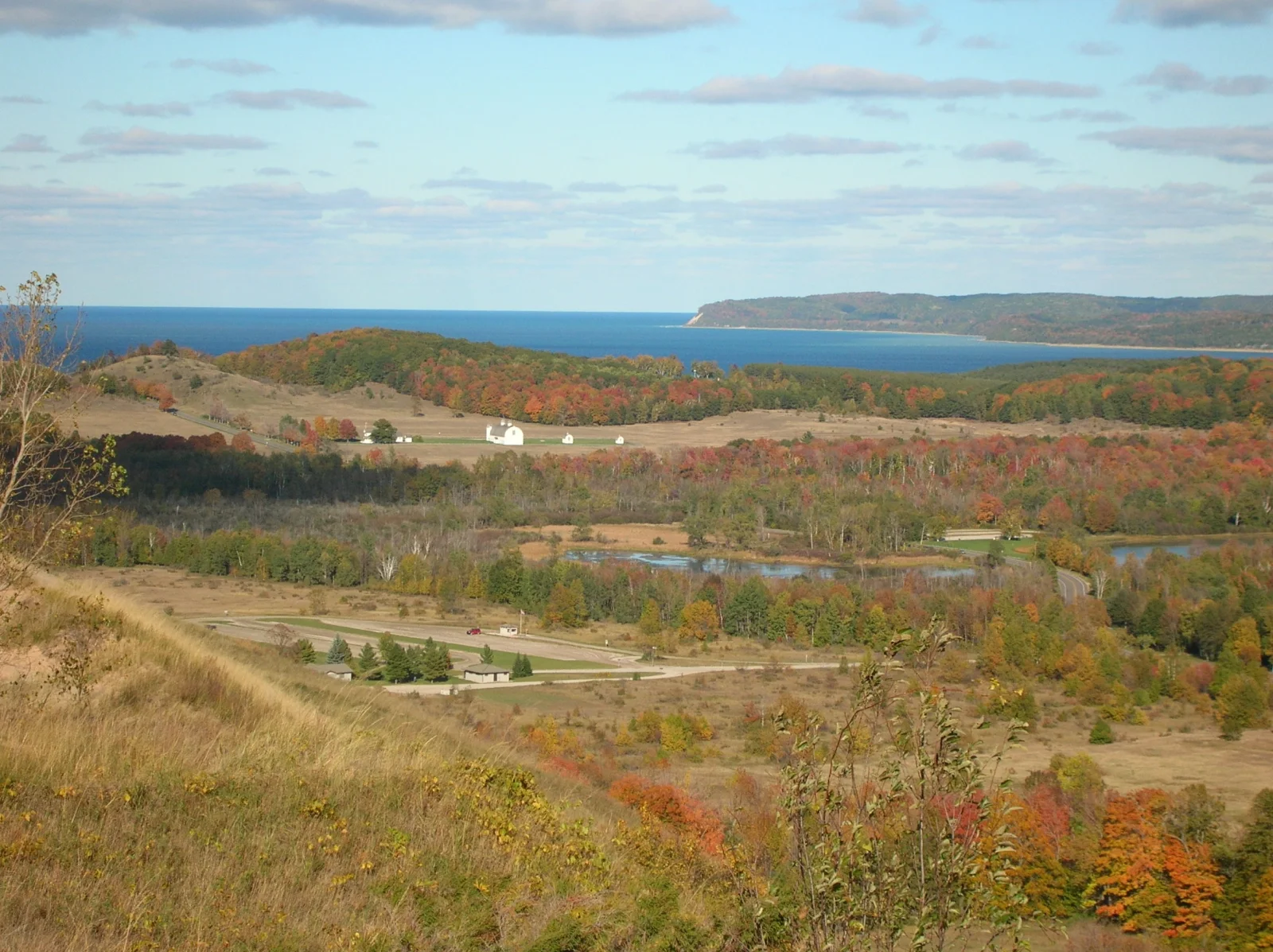
Autumn Hills Rolling Toward a Distant Blue Lake
2288 × 1712 px Desktop Added 4 downloads
A wide view from a grassy, sun-dried slope looks across a valley of mixed autumn woodland. Patches of red, orange and yellow stand out against darker evergreens and tan open fields. A small white building sits on a rise in the middle distance, and a few other farm structures and a pale road are scattered through the clearings. Small ponds catch the light between the trees. Beyond the hills, a band of deep blue water runs along the horizon, and a long, low, forested headland extends in from the right under a soft sky of thin, scattered cloud.
The view is taken from the Pierce Stocking Scenic Drive Dunes Overlook in Sleeping Bear Dunes National Lakeshore. The caption names the Dune Climb parking lot, the D. H. Day Farm, Lake Michigan and a bit of Glen Lake as landmarks within the scene. Fall color in this part of the Great Lakes region usually peaks in October, when maples turn red and orange and other hardwoods go yellow. The lake also moderates temperatures near the shore. The wide, layered composition suits a desktop monitor or ultrawide display, and the open sky leaves room for icons along the top.
How it looks on your screens
Device sizes are cropped around the same point, so the subject stays in view.
Credit and licence
- Creator
- National Park Service
- Source
- National Park Service
- Licence
- Public domain
This image has no copyright restrictions. You can use it for anything, including commercially. Credit isn't required, but it's appreciated.
"Autumn Hills Rolling Toward a Distant Blue Lake", by National Park Service, via National Park Service, Public domain
How to set this as your wallpaper
Windows
Download your size, right-click the file and choose Set as desktop background. Or go to Settings, Personalization, Background.
Mac
Open System Settings, Wallpaper, then Add Photo and pick the downloaded file. Choose “Fill screen”.
iPhone
Download the phone size, open it in Photos, tap Share, then Use as Wallpaper. Pinch to adjust before setting.
Android
Download the phone size, open it in Gallery or Photos, tap the menu and choose Set as wallpaper.
Is this your work and published in error? Report this image and we'll respond within 48 hours.
More like this
All landscapes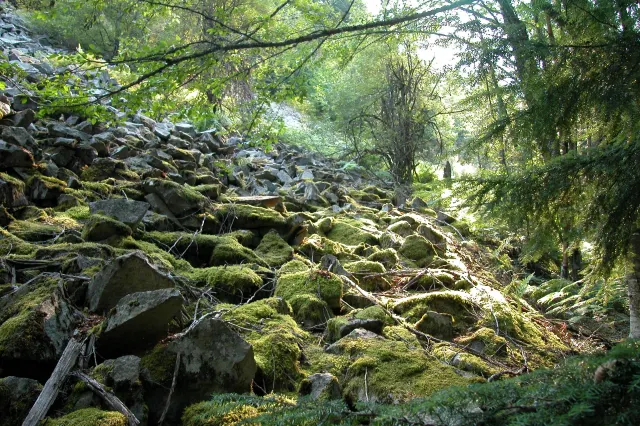 QHD
Moss-Covered Boulder Slope Beneath Spruce Branches
QHD
Moss-Covered Boulder Slope Beneath Spruce Branches
 4K
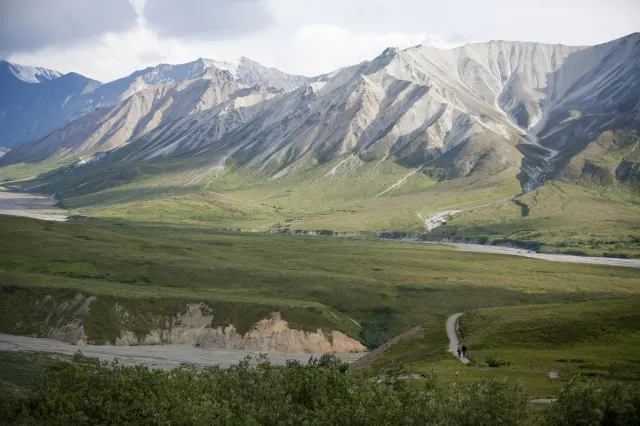
Gravel Trail Winding Through Green Tundra Valley
4K
Gravel Trail Winding Through Green Tundra Valley
 4K
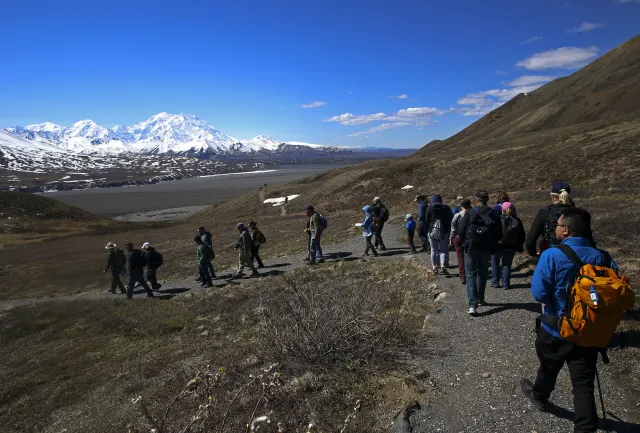
Walkers Follow a Gravel Path Toward Snowy Peaks
4K
Walkers Follow a Gravel Path Toward Snowy Peaks
 4K
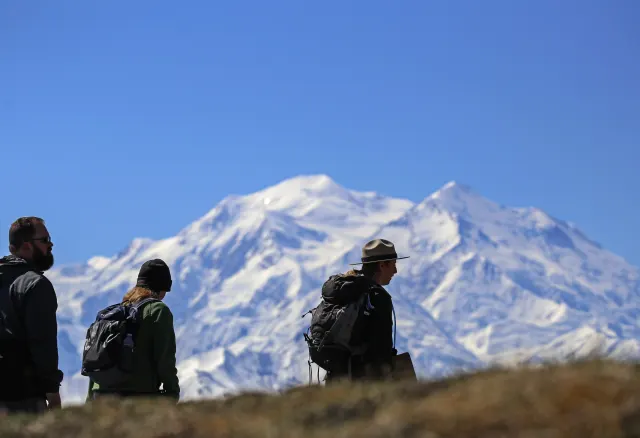
Silhouetted Ranger and Hikers Below a Snowy Summit
4K
Silhouetted Ranger and Hikers Below a Snowy Summit
 4K
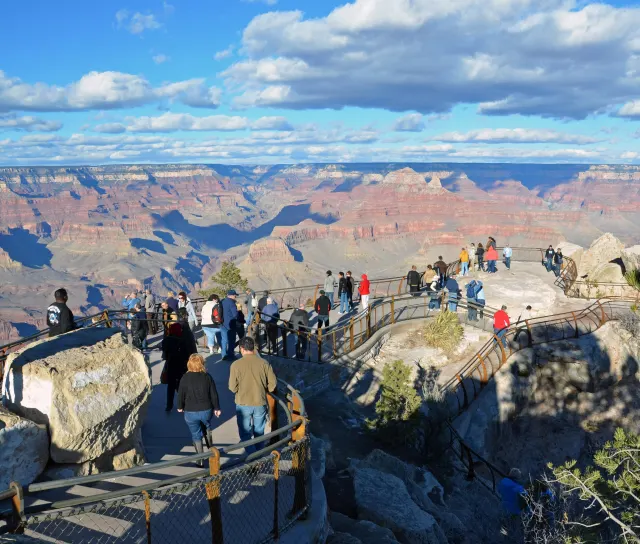
Visitors Along a Terraced Rim Path at Mather Point
4K
Visitors Along a Terraced Rim Path at Mather Point
 QHD
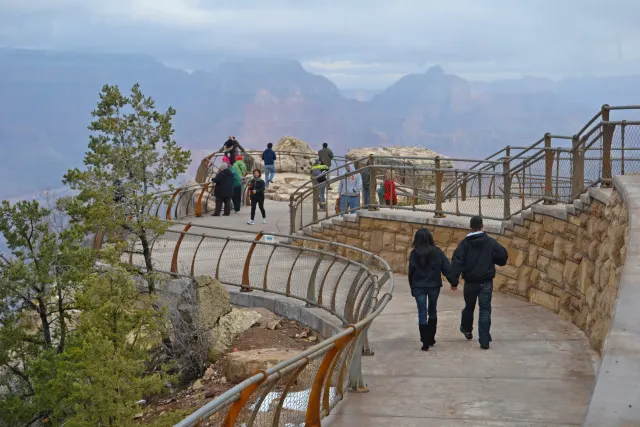
Curved Rim Walkway Above a Hazy Canyon Valley
QHD
Curved Rim Walkway Above a Hazy Canyon Valley
 QHD
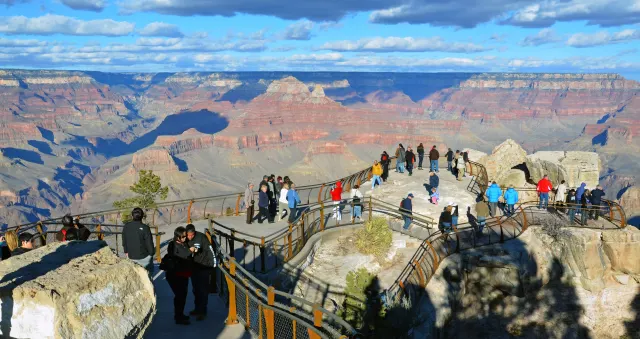
Orange Railings Over Red Canyon Buttes at Mather Point
QHD
Orange Railings Over Red Canyon Buttes at Mather Point
 QHD
Snow-Covered Bogs and Dark Forest Under Winter Haze
QHD
Snow-Covered Bogs and Dark Forest Under Winter Haze