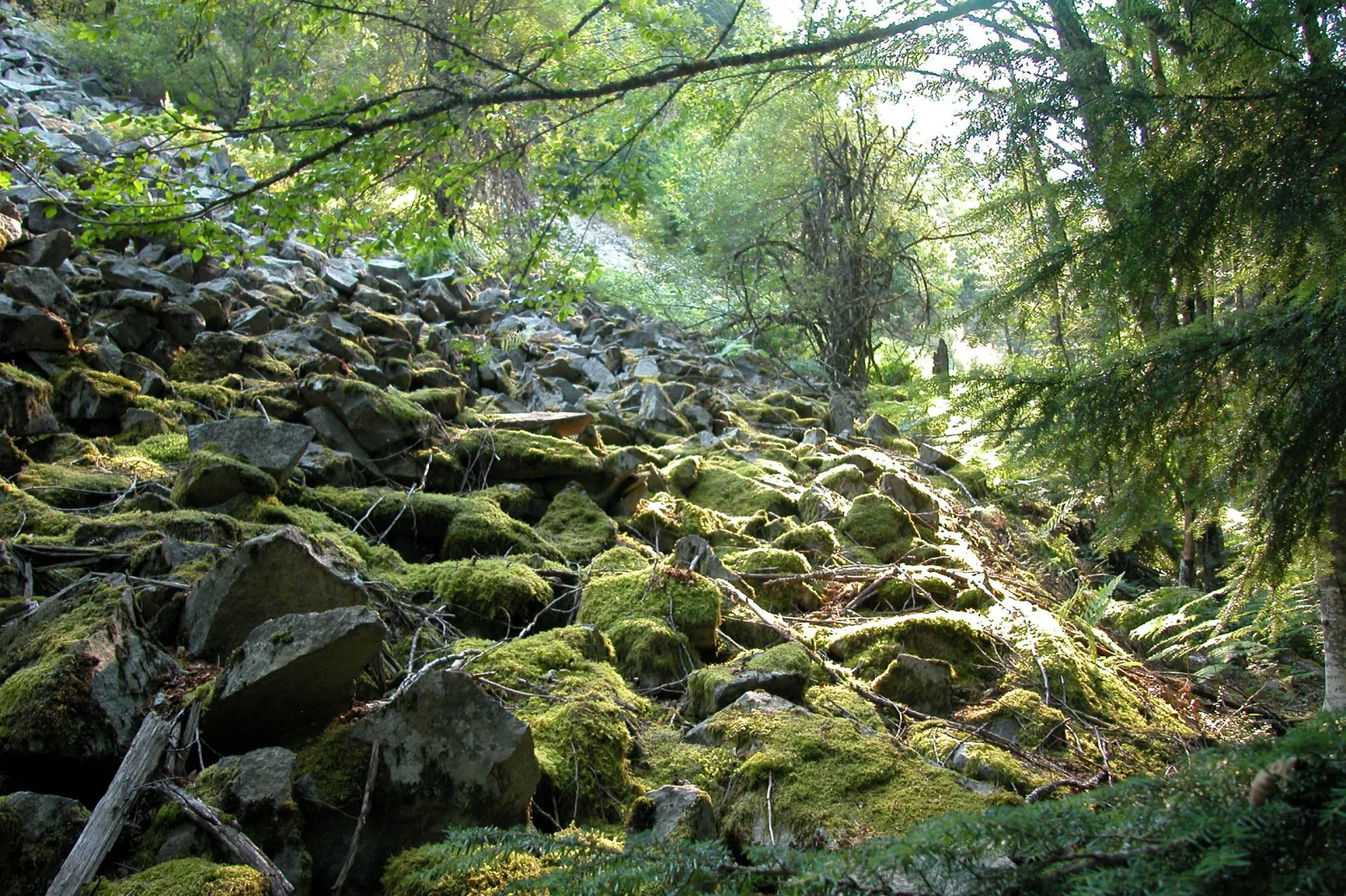
Moss-Covered Boulder Slope Beneath Spruce Branches
2560 × 1704 px Desktop Added 5 downloads
A steep slope of broken, angular rock fills the left and centre of the frame, with nearly every block wrapped in bright yellow-green moss. Darker grey stones show through between the cushions of growth, and a few fallen branches lie across the rubble. The ground climbs toward a line of trees in the distance, where pale light filters through the leaves. In the right foreground, fine spruce needles hang into the frame and give it a soft, shaded edge. The mood is quiet and cool, and the light looks like early or late sun in a damp forest.
The caption identifies this as Laurel Hill, part of the Oregon National Historic Trail near Mt. Hood. Emigrant wagon trains of the 1840s to 1860s sometimes took this land route to avoid the cold, dangerous rapids of the Columbia River. Descending the hill meant locking the wagon wheels with a stout log and anchoring the wagon with ropes lashed to trees. The rocky ground in the picture gives a sense of how rough that passage must have been. The wide landscape format and the strong contrast between green and grey suit a desktop or ultrawide monitor, where the texture of the stones can be seen in detail.
More like this: Ferns and Horsetail Under Beech Leaves.
How it looks on your screens
Device sizes are cropped around the same point, so the subject stays in view.
Credit and licence
- Creator
- National Park Service
- Source
- National Park Service
- Licence
- Public domain
This image has no copyright restrictions. You can use it for anything, including commercially. Credit isn't required, but it's appreciated.
"Moss-Covered Boulder Slope Beneath Spruce Branches", by National Park Service, via National Park Service, Public domain
How to set this as your wallpaper
Windows
Download your size, right-click the file and choose Set as desktop background. Or go to Settings, Personalization, Background.
Mac
Open System Settings, Wallpaper, then Add Photo and pick the downloaded file. Choose “Fill screen”.
iPhone
Download the phone size, open it in Photos, tap Share, then Use as Wallpaper. Pinch to adjust before setting.
Android
Download the phone size, open it in Gallery or Photos, tap the menu and choose Set as wallpaper.
Is this your work and published in error? Report this image and we'll respond within 48 hours.
More like this
All landscapes 4K
Gravel Trail Winding Through Green Tundra Valley
4K
Gravel Trail Winding Through Green Tundra Valley
 4K
Walkers Follow a Gravel Path Toward Snowy Peaks
4K
Walkers Follow a Gravel Path Toward Snowy Peaks
 4K
Silhouetted Ranger and Hikers Below a Snowy Summit
4K
Silhouetted Ranger and Hikers Below a Snowy Summit
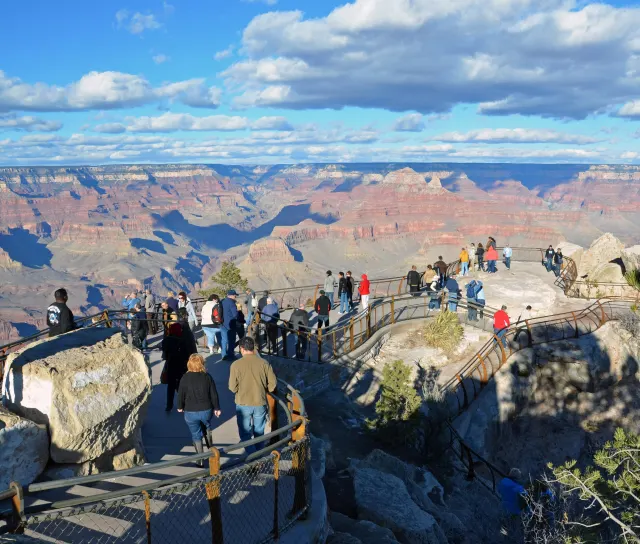 4K
Visitors Along a Terraced Rim Path at Mather Point
4K
Visitors Along a Terraced Rim Path at Mather Point
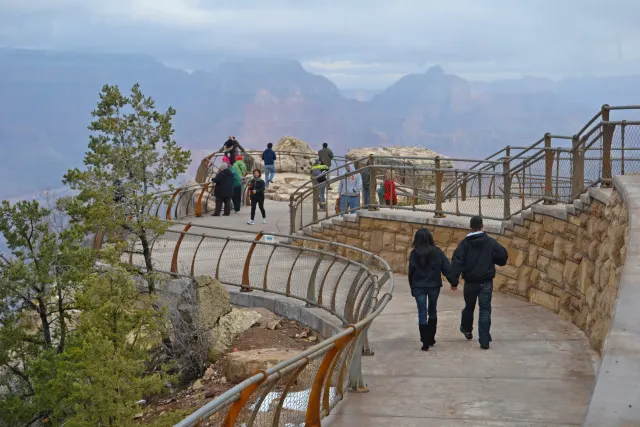 QHD
Curved Rim Walkway Above a Hazy Canyon Valley
QHD
Curved Rim Walkway Above a Hazy Canyon Valley
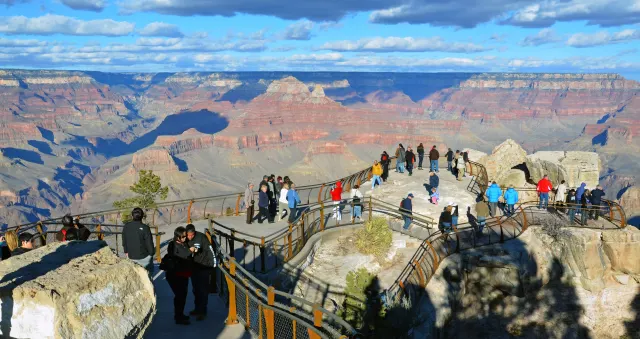 QHD
Orange Railings Over Red Canyon Buttes at Mather Point
QHD
Orange Railings Over Red Canyon Buttes at Mather Point
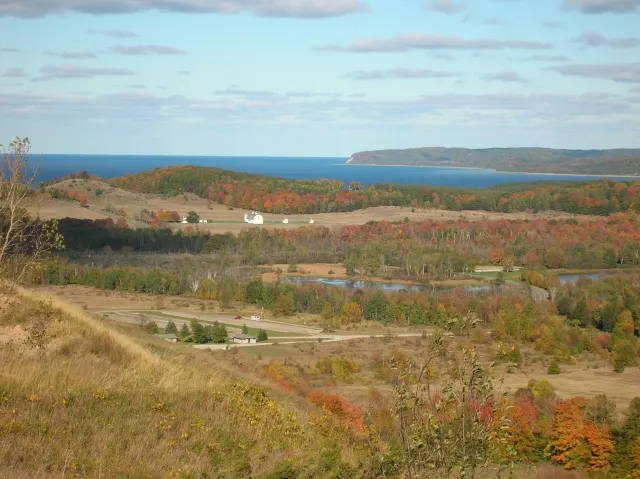 HD
Autumn Hills Rolling Toward a Distant Blue Lake
HD
Autumn Hills Rolling Toward a Distant Blue Lake
 QHD
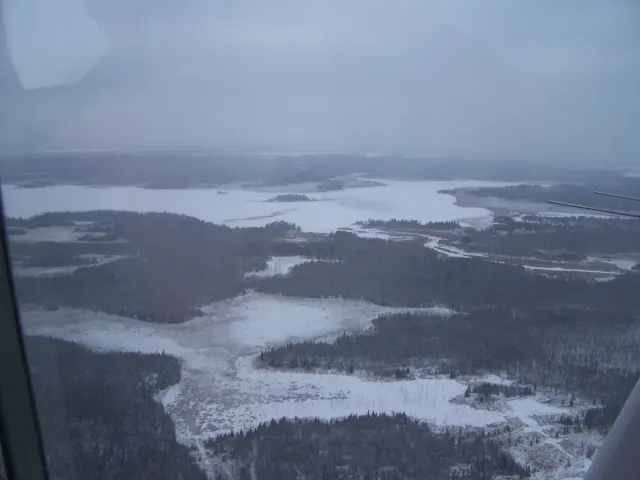
Snow-Covered Bogs and Dark Forest Under Winter Haze
QHD
Snow-Covered Bogs and Dark Forest Under Winter Haze