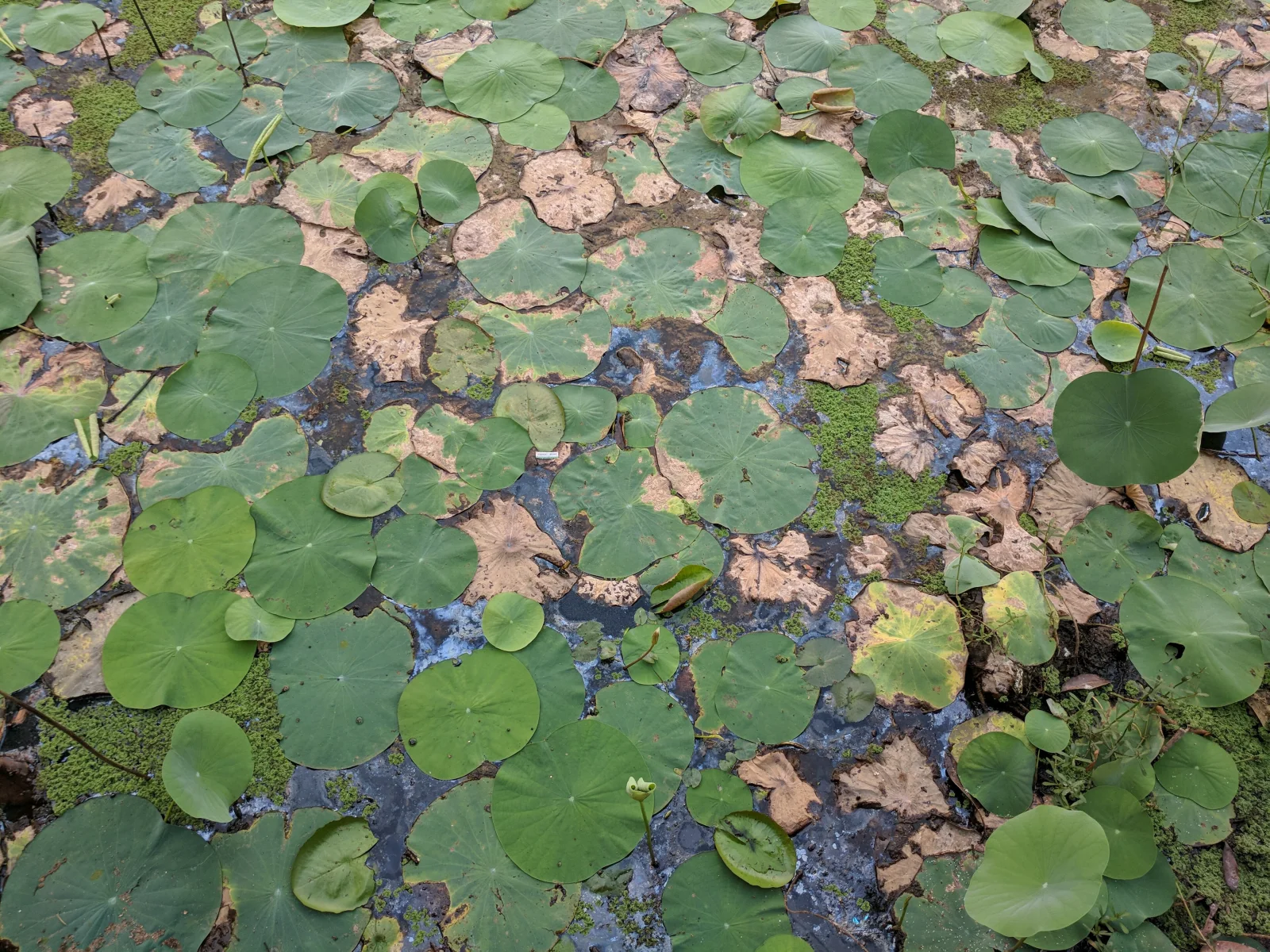
Lily Pad Carpet Over Shallow Pond Water
3840 × 2880 px DesktopPhone4KUltrawideTablet Added 20 downloads
Round green leaves cover nearly the whole frame, floating on dark, shallow water that shows through in blue-grey patches. Some leaves are fresh and smooth, others are folded, torn or turning tan and brown, so the colours run from deep green to olive to dry copper. Small patches of bright green algae or duckweed sit between the pads. No flowers are visible, and the light is soft and overcast with no hard shadows. The mood is quiet and a little untidy, like a pond late in the growing season.
The facts name this as Nelumbo nucifera, the sacred lotus, a species of the family Nelumbonaceae that is widely grown across India and Asia. Its leaves are round and water-repellent, and the surface makes water bead and roll off. Older leaves yellow and die back while new ones keep emerging, which would explain the mix of green and brown here. Some of the smaller round pads in this scene may be other aquatic plants, so the picture is best read as a general pond surface. The even texture and muted palette suit a widescreen desktop, where icons will not compete with the pattern, and also work well as a calm tablet background.
How it looks on your screens
Device sizes are cropped around the same point, so the subject stays in view.
Credit and licence
- Creator
- Vengolis
- Source
- Wikimedia Commons
- Licence
- CC BY 4.0
Free to use, including commercially, as long as you credit the creator. Our downloads are resized and cropped from the original.
"Lily Pad Carpet Over Shallow Pond Water", by Vengolis, via Wikimedia Commons, CC BY 4.0. Resized and cropped by Wallspapers
How to set this as your wallpaper
Windows
Download your size, right-click the file and choose Set as desktop background. Or go to Settings, Personalization, Background.
Mac
Open System Settings, Wallpaper, then Add Photo and pick the downloaded file. Choose “Fill screen”.
iPhone
Download the phone size, open it in Photos, tap Share, then Use as Wallpaper. Pinch to adjust before setting.
Android
Download the phone size, open it in Gallery or Photos, tap the menu and choose Set as wallpaper.
Is this your work and published in error? Report this image and we'll respond within 48 hours.
More like this
All flowers & plants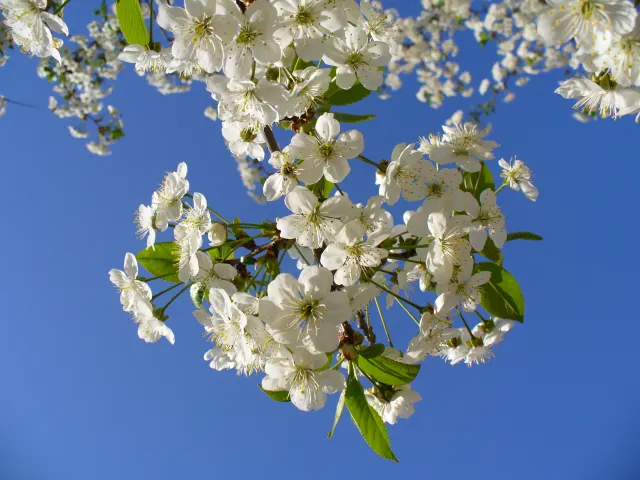 QHD
White Cherry Blossom Against Deep Blue Sky
QHD
White Cherry Blossom Against Deep Blue Sky
 HD
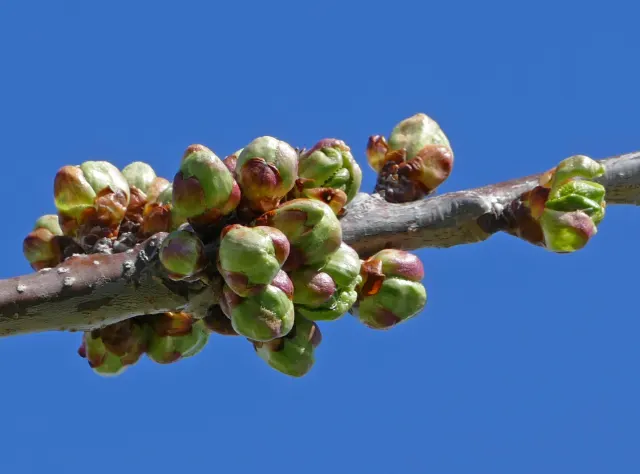
Swelling Cherry Buds on a Bare Branch
HD
Swelling Cherry Buds on a Bare Branch
 4K
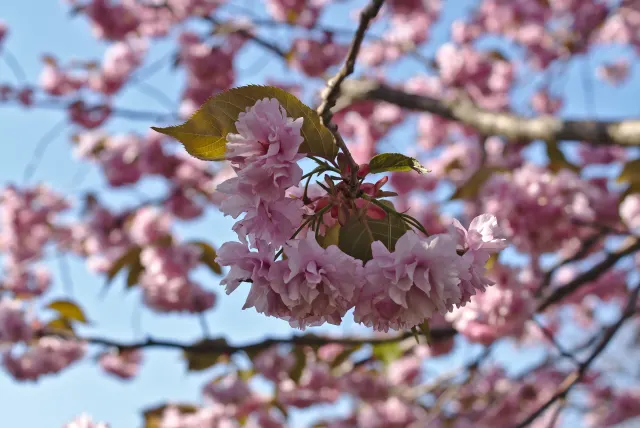
Double Pink Sakura Cluster with Bronze Leaves
4K
Double Pink Sakura Cluster with Bronze Leaves
 4K
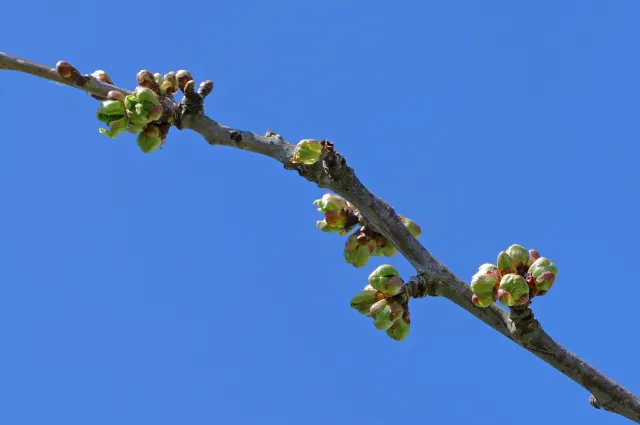
Green Cherry Buds Along a Diagonal Branch
4K
Green Cherry Buds Along a Diagonal Branch
 4K
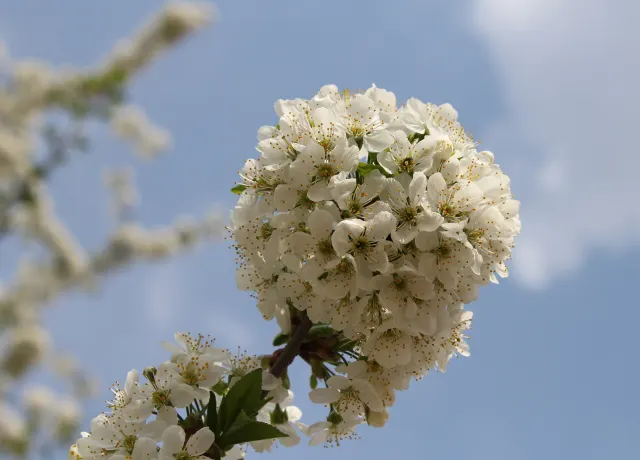
Rounded Cluster of White Cherry Blossoms in Sunlight
4K
Rounded Cluster of White Cherry Blossoms in Sunlight
 QHD
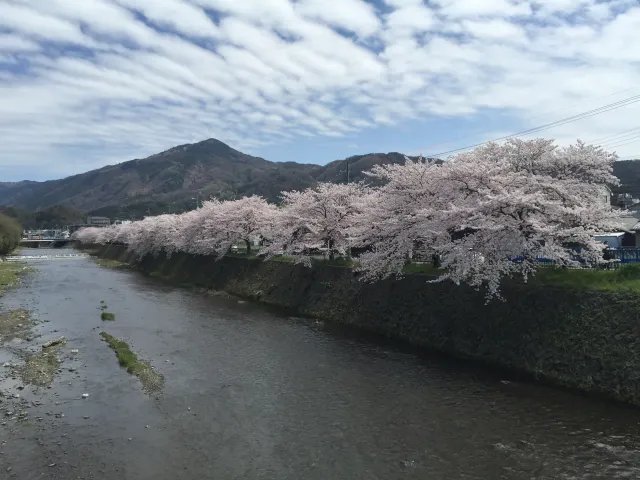
Cherry Blossoms Along a Stone-Walled River
QHD
Cherry Blossoms Along a Stone-Walled River
 4K
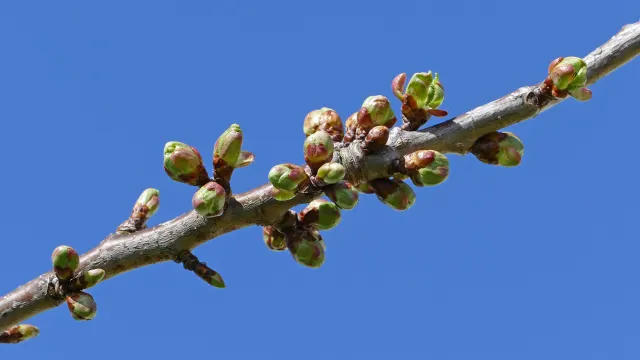
Cherry Buds Breaking Open Against Clear Blue
4K
Cherry Buds Breaking Open Against Clear Blue
 4K
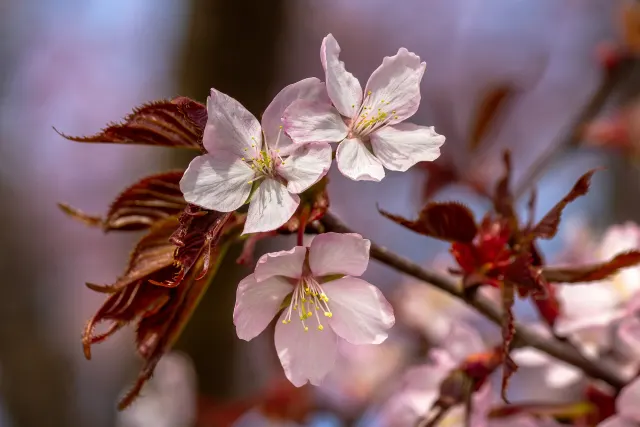
Three Pale Pink Blossoms with Copper Leaves
4K
Three Pale Pink Blossoms with Copper Leaves