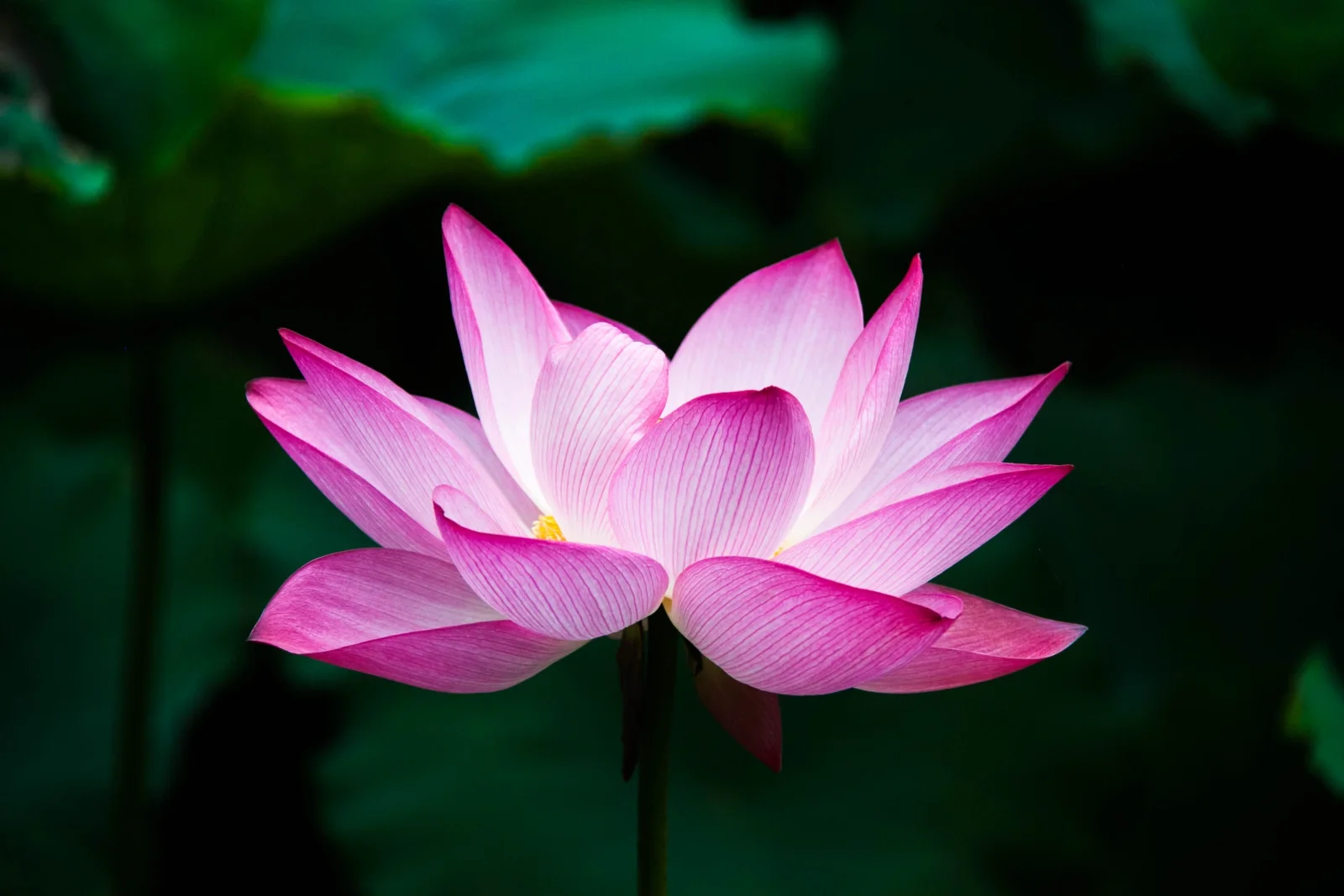
Open Pink Lotus Against Dark Green Leaves
3267 × 2178 px Desktop Added 5 downloads
A single pink lotus flower fills the centre of the frame, fully open and seen from the side. Its pointed petals overlap in layers, deepest magenta at the tips and fading to near white toward the base, with fine veins running along each one. A small patch of yellow shows at the heart of the bloom. The flower is lit softly and evenly, so it glows against a background of deep green leaves that have fallen into shadow and blur. A thin dark stem rises from below. The mood is calm and quiet, with strong contrast and very little clutter.
The Indian lotus (Nelumbo nucifera) is an aquatic plant rooted in mud, with its leaves and flowers held above the water on long stems. Its leaves are coated in a waxy surface that makes water bead and roll off. Blooms open for only a few days, usually in summer in warm regions. The species has long been cultivated across Asia, and it is widely associated with purity in Buddhist and Hindu traditions. The dark, low-detail surroundings make this landscape image a good fit for desktop monitors and ultrawide screens, where icons stay readable over the shadowed edges.
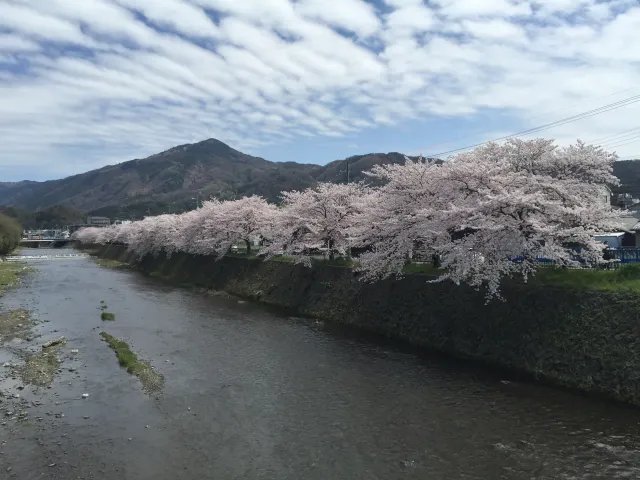
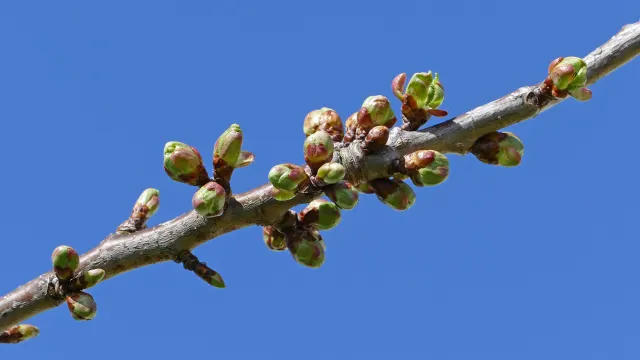
More like this: Cherry Blossoms Along a Stone-Walled River and Cherry Buds Breaking Open Against Clear Blue.
How it looks on your screens
Device sizes are cropped around the same point, so the subject stays in view.
Credit and licence
- Creator
- Hong Zhang (jennyzhh2008)
- Source
- Wikimedia Commons
- Licence
- CC0
This image has no copyright restrictions. You can use it for anything, including commercially. Credit isn't required, but it's appreciated.
"Open Pink Lotus Against Dark Green Leaves", by Hong Zhang (jennyzhh2008), via Wikimedia Commons, CC0
How to set this as your wallpaper
Windows
Download your size, right-click the file and choose Set as desktop background. Or go to Settings, Personalization, Background.
Mac
Open System Settings, Wallpaper, then Add Photo and pick the downloaded file. Choose “Fill screen”.
iPhone
Download the phone size, open it in Photos, tap Share, then Use as Wallpaper. Pinch to adjust before setting.
Android
Download the phone size, open it in Gallery or Photos, tap the menu and choose Set as wallpaper.
Is this your work and published in error? Report this image and we'll respond within 48 hours.
More like this
All flowers & plants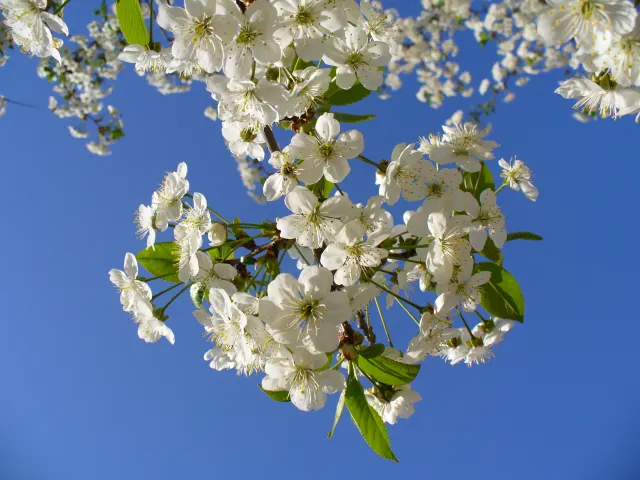 QHD
White Cherry Blossom Against Deep Blue Sky
QHD
White Cherry Blossom Against Deep Blue Sky
 HD
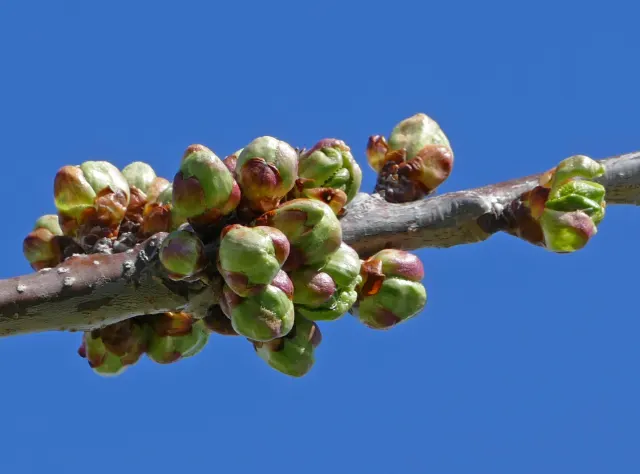
Swelling Cherry Buds on a Bare Branch
HD
Swelling Cherry Buds on a Bare Branch
 4K
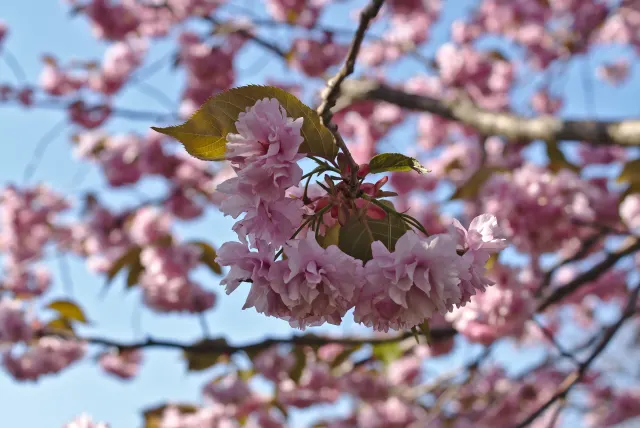
Double Pink Sakura Cluster with Bronze Leaves
4K
Double Pink Sakura Cluster with Bronze Leaves
 4K
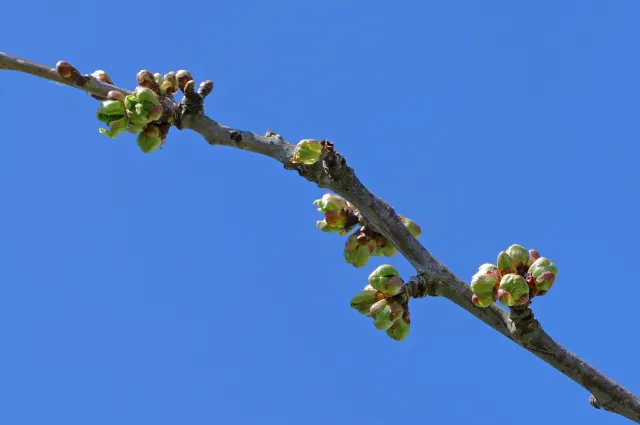
Green Cherry Buds Along a Diagonal Branch
4K
Green Cherry Buds Along a Diagonal Branch
 4K
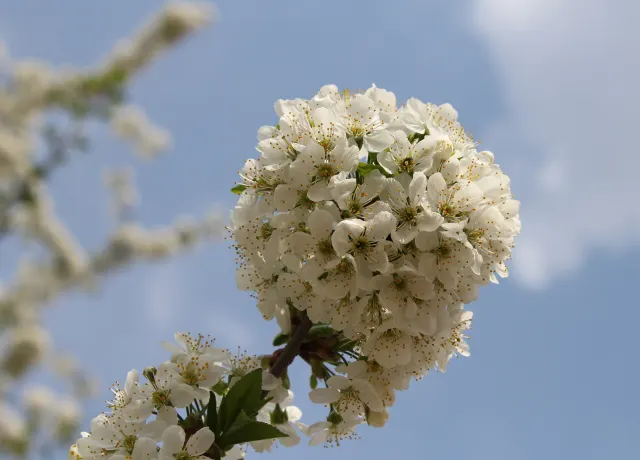
Rounded Cluster of White Cherry Blossoms in Sunlight
4K
Rounded Cluster of White Cherry Blossoms in Sunlight
 QHD
Cherry Blossoms Along a Stone-Walled River
QHD
Cherry Blossoms Along a Stone-Walled River
 4K
Cherry Buds Breaking Open Against Clear Blue
4K
Cherry Buds Breaking Open Against Clear Blue
 4K
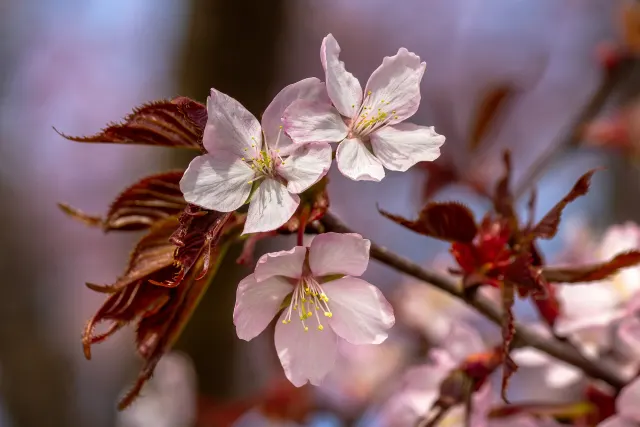
Three Pale Pink Blossoms with Copper Leaves
4K
Three Pale Pink Blossoms with Copper Leaves