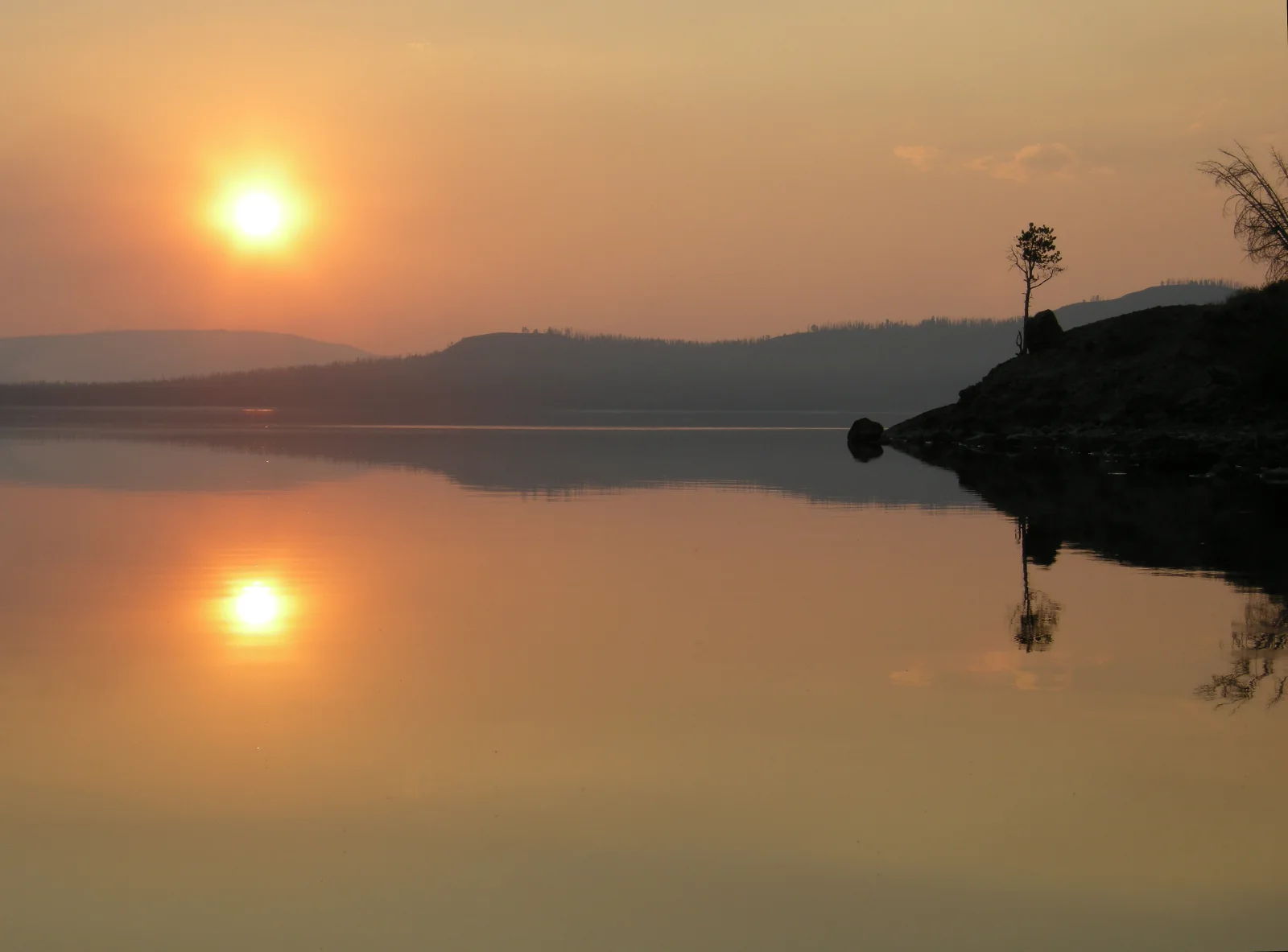
Hazy Orange Sun Mirrored in Still Lake Water
3588 × 2652 px DesktopPhoneUltrawide Added 8 downloads
A low, orange sun hangs in a smoke-softened sky on the left of the frame, and a second, smaller sun glows in the glassy water below it. The lake is almost perfectly calm, so the warm amber and peach tones fade evenly from the horizon down to the foreground. Across the middle, dark hills sit in layers, each fainter than the one before. On the right, a rocky point juts into the water, with a single slim tree standing on top. The tree and the rocks are silhouetted and reflected below. The mood is quiet and muted, and the haze takes the edge off the light.
The caption places this at Yellowstone Lake near Terrace Point in September 2013, with smoke in the air from the Alder fire. Wildfire smoke scatters blue light and lets the longer orange and red wavelengths through, which is why the sun looks like a disc you can almost look at directly. Yellowstone Lake is the largest high-elevation lake in North America, and its surface often goes flat in still air at dawn and dusk. The wide, low-contrast scene suits a widescreen desktop monitor, where the empty water leaves room for icons along the bottom and left.
More like this: Pale Limestone Ledge Above a Wide Valley.
How it looks on your screens
Device sizes are cropped around the same point, so the subject stays in view.
Credit and licence
- Creator
- NPS/Diane Renkin
- Source
- National Park Service
- Licence
- Public domain
This image has no copyright restrictions. You can use it for anything, including commercially. Credit isn't required, but it's appreciated.
"Hazy Orange Sun Mirrored in Still Lake Water", by NPS/Diane Renkin, via National Park Service, Public domain
How to set this as your wallpaper
Windows
Download your size, right-click the file and choose Set as desktop background. Or go to Settings, Personalization, Background.
Mac
Open System Settings, Wallpaper, then Add Photo and pick the downloaded file. Choose “Fill screen”.
iPhone
Download the phone size, open it in Photos, tap Share, then Use as Wallpaper. Pinch to adjust before setting.
Android
Download the phone size, open it in Gallery or Photos, tap the menu and choose Set as wallpaper.
Is this your work and published in error? Report this image and we'll respond within 48 hours.
More like this
All landscapes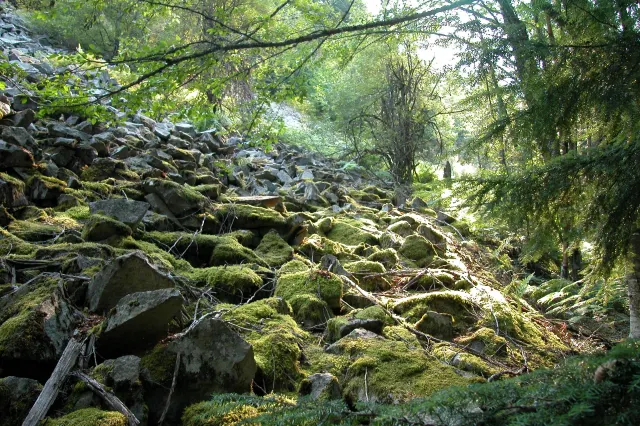 QHD
Moss-Covered Boulder Slope Beneath Spruce Branches
QHD
Moss-Covered Boulder Slope Beneath Spruce Branches
 4K
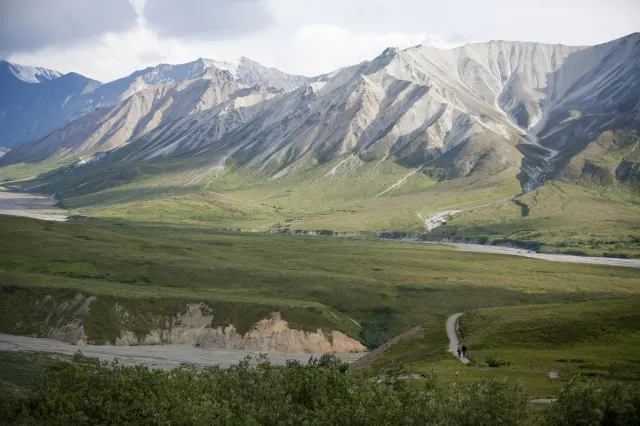
Gravel Trail Winding Through Green Tundra Valley
4K
Gravel Trail Winding Through Green Tundra Valley
 4K
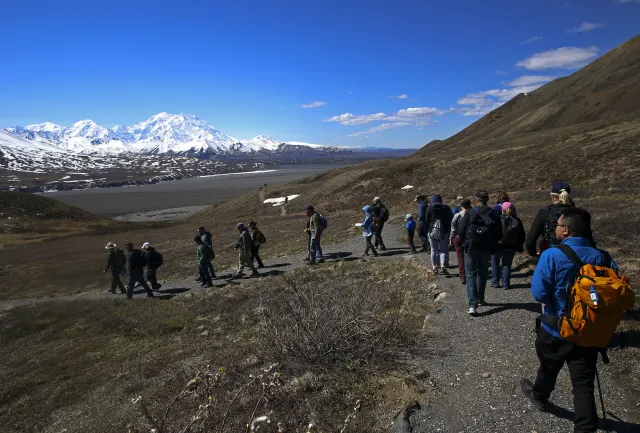
Walkers Follow a Gravel Path Toward Snowy Peaks
4K
Walkers Follow a Gravel Path Toward Snowy Peaks
 4K
Silhouetted Ranger and Hikers Below a Snowy Summit
4K
Silhouetted Ranger and Hikers Below a Snowy Summit
 4K
Visitors Along a Terraced Rim Path at Mather Point
4K
Visitors Along a Terraced Rim Path at Mather Point
 QHD
Curved Rim Walkway Above a Hazy Canyon Valley
QHD
Curved Rim Walkway Above a Hazy Canyon Valley
 QHD
Orange Railings Over Red Canyon Buttes at Mather Point
QHD
Orange Railings Over Red Canyon Buttes at Mather Point
 HD
Autumn Hills Rolling Toward a Distant Blue Lake
HD
Autumn Hills Rolling Toward a Distant Blue Lake