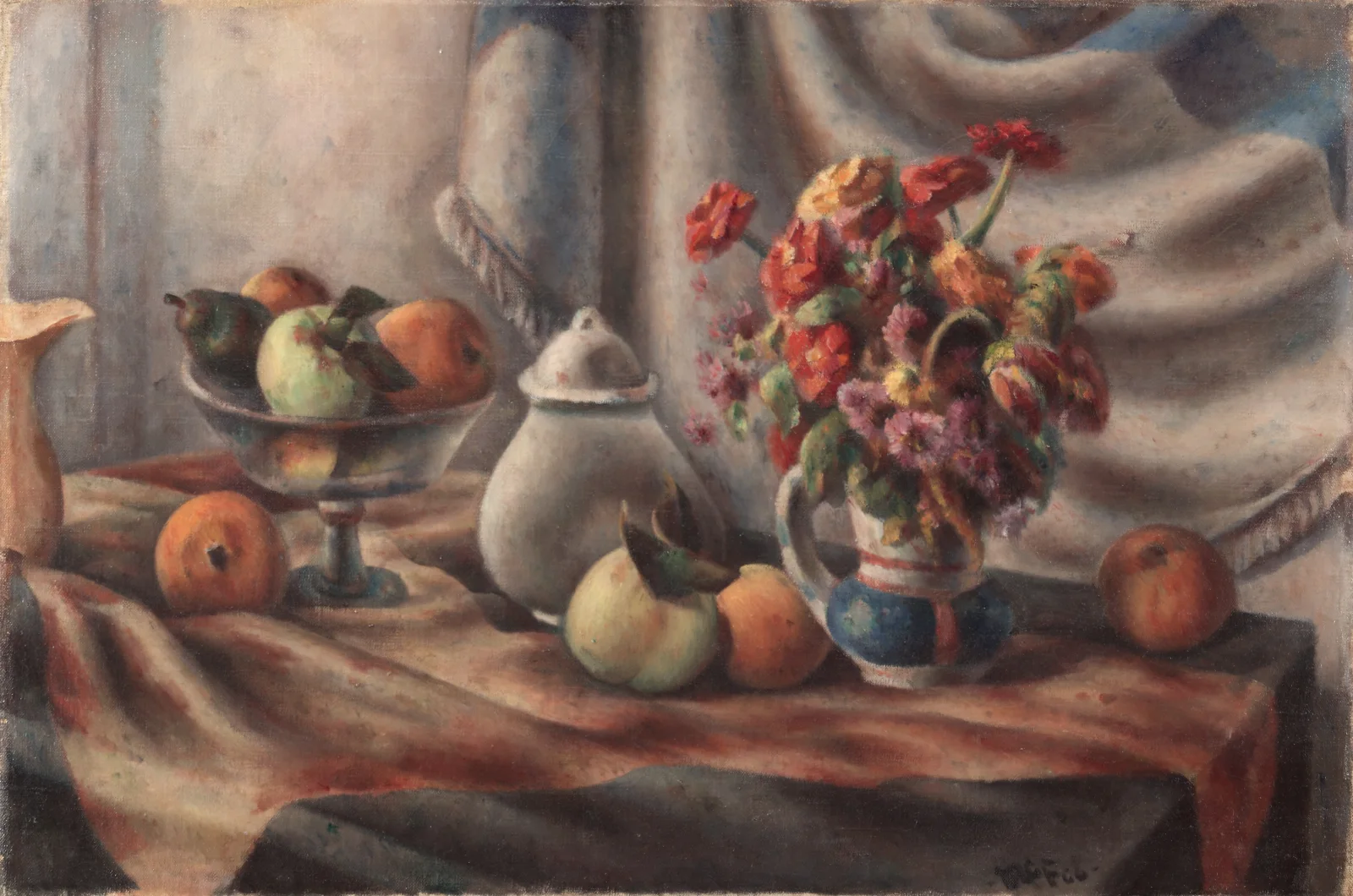
Orange Zinnias and Fruit on Draped Table
3400 × 2253 px DesktopUltrawide Added 5 downloads
A table draped in a rust-striped cloth holds a loosely arranged still life. On the right, a blue and cream pitcher is crowded with red, orange and yellow flowers and a few softer purple blooms. On the left, a footed glass bowl holds oranges, a green apple and what looks like a dark pear. More fruit sits on the cloth, including a pale yellow-green pear or apple and several oranges. A white lidded pot stands in the middle. Behind it hangs a heavy grey-white curtain with soft folds and a hint of blue at the top. The light is even and muted, the paint is thin and slightly chalky, and the red-orange of the flowers stands out against the cool backdrop.
This is an oil painting from 1927 by the American artist Henry Lee McFee, who worked in the still life tradition of arranging fruit, flowers and household objects on a table. Painters have long used these subjects to study colour, form and the way fabric catches light. The flowers are clustered and painted with little fine detail, so they read as a few species at most, and none is named here. The warm table and cool curtain make a balanced layout that suits wide desktop monitors, where the arrangement sits comfortably across the frame. It also works on a laptop, and its quiet tones leave desktop icons readable.
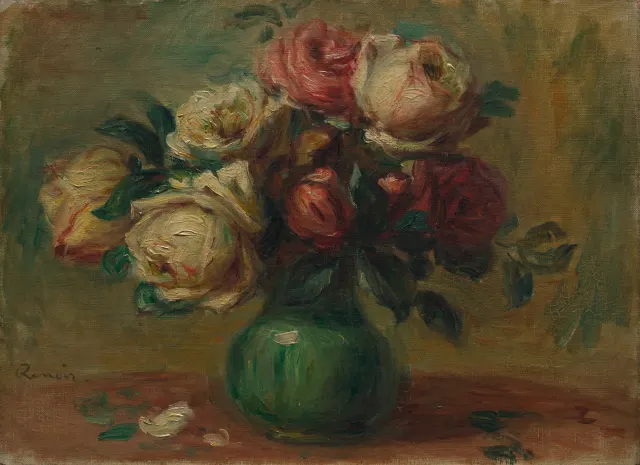
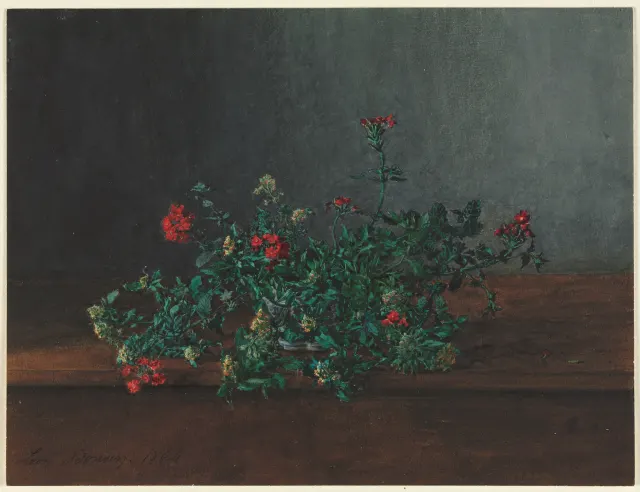
More like this: Cream and Crimson Roses in a Green Vase and Red and Yellow Wildflowers on a Dark Ledge.
How it looks on your screens
Device sizes are cropped around the same point, so the subject stays in view.
Credit and licence
- Creator
- Henry Lee McFee
- Source
- Cleveland Museum of Art
- Licence
- CC0
This image has no copyright restrictions. You can use it for anything, including commercially. Credit isn't required, but it's appreciated.
"Orange Zinnias and Fruit on Draped Table", by Henry Lee McFee, via Cleveland Museum of Art, CC0
How to set this as your wallpaper
Windows
Download your size, right-click the file and choose Set as desktop background. Or go to Settings, Personalization, Background.
Mac
Open System Settings, Wallpaper, then Add Photo and pick the downloaded file. Choose “Fill screen”.
iPhone
Download the phone size, open it in Photos, tap Share, then Use as Wallpaper. Pinch to adjust before setting.
Android
Download the phone size, open it in Gallery or Photos, tap the menu and choose Set as wallpaper.
Is this your work and published in error? Report this image and we'll respond within 48 hours.