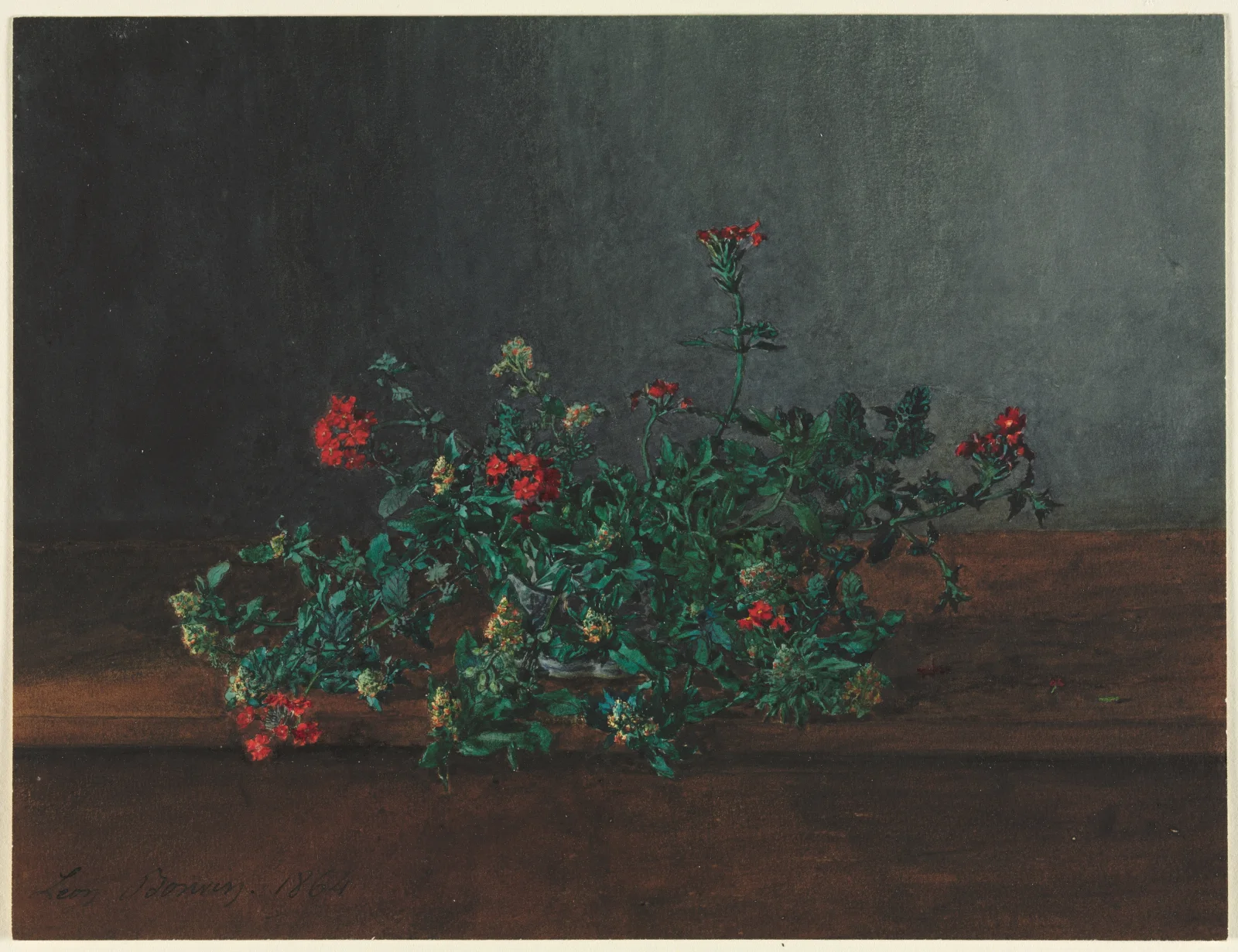
Red and Yellow Wildflowers on a Dark Ledge
3400 × 2615 px DesktopPhoneUltrawide Added 7 downloads
A low spray of wildflowers lies across a brown wooden ledge, set against a dark grey-green wall. Small clusters of bright red blossoms rise at the left, the center and the far right, and one tall stem lifts a red cluster high above the rest. Between them are paler heads of muted yellow-green. The leaves are dense, small and deep green, and they spread out sideways in a loose tangle. The light is soft and falls mostly on the flowers, leaving the wall in shadow. The mood is hushed and unhurried. A faint signature and date show in the lower left corner of the painted surface.
The facts give no species, so the plants are best described as a mixed cutting of wild flowers. Wildflowers like these grow in meadows, hedgerows and field edges, and their small, clustered blooms attract bees, hoverflies and other pollinators. Bright red against green is a strong contrast, and it makes even a tiny blossom easy to see. The work is a watercolor and gouache piece by Léon Bonvin, dated 1864. The dark upper half leaves plenty of quiet space for desktop icons, so it suits a widescreen monitor, especially one used in a dim room.
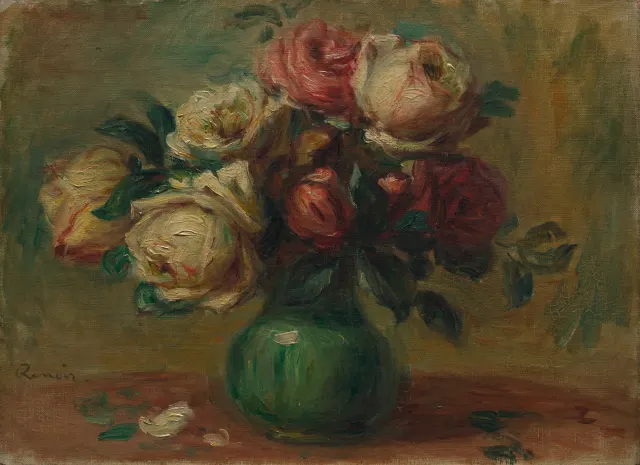
More like this: Cream and Crimson Roses in a Green Vase.
How it looks on your screens
Device sizes are cropped around the same point, so the subject stays in view.
Credit and licence
- Creator
- Léon Bonvin
- Source
- Cleveland Museum of Art
- Licence
- CC0
This image has no copyright restrictions. You can use it for anything, including commercially. Credit isn't required, but it's appreciated.
"Red and Yellow Wildflowers on a Dark Ledge", by Léon Bonvin, via Cleveland Museum of Art, CC0
How to set this as your wallpaper
Windows
Download your size, right-click the file and choose Set as desktop background. Or go to Settings, Personalization, Background.
Mac
Open System Settings, Wallpaper, then Add Photo and pick the downloaded file. Choose “Fill screen”.
iPhone
Download the phone size, open it in Photos, tap Share, then Use as Wallpaper. Pinch to adjust before setting.
Android
Download the phone size, open it in Gallery or Photos, tap the menu and choose Set as wallpaper.
Is this your work and published in error? Report this image and we'll respond within 48 hours.
More like this
 QHD
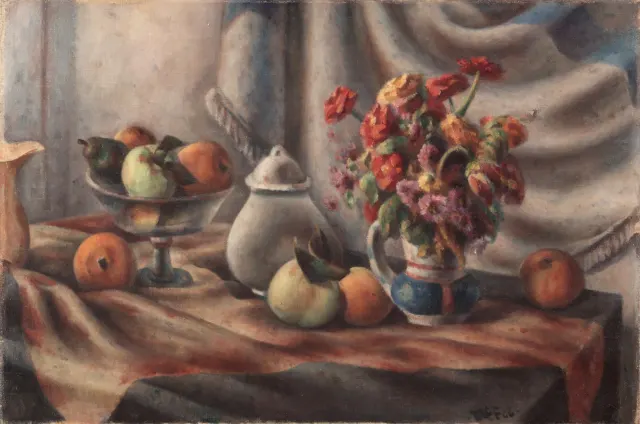
Orange Zinnias and Fruit on Draped Table
QHD
Orange Zinnias and Fruit on Draped Table
 QHD
Cream and Crimson Roses in a Green Vase
QHD
Cream and Crimson Roses in a Green Vase
 4K
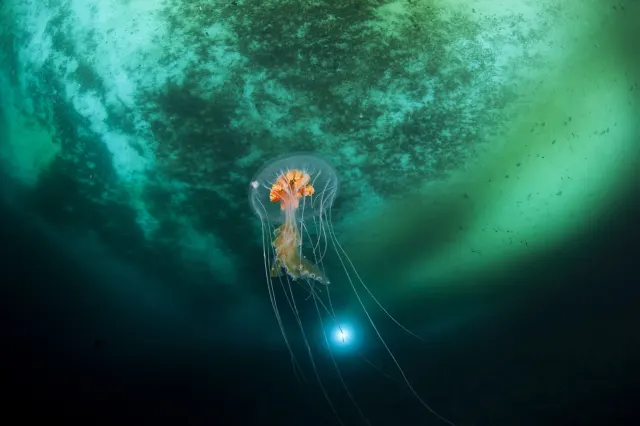
Antarctic Jellyfish Drifting Beneath Green Sea Ice
4K
Antarctic Jellyfish Drifting Beneath Green Sea Ice
 4K
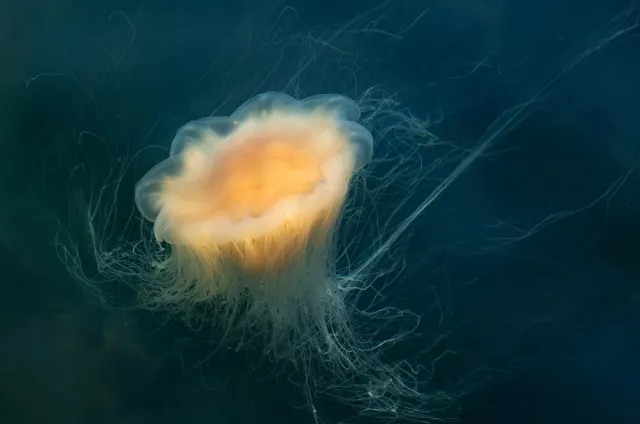
Lion's Mane Jellyfish Drifting in Dark Fjord Water
4K
Lion's Mane Jellyfish Drifting in Dark Fjord Water
 4K
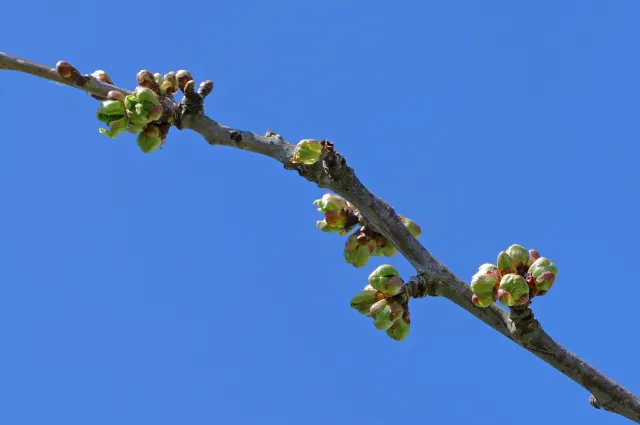
Green Cherry Buds Along a Diagonal Branch
4K
Green Cherry Buds Along a Diagonal Branch
 4K
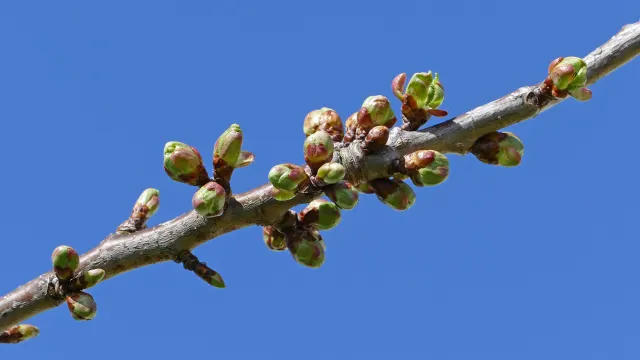
Cherry Buds Breaking Open Against Clear Blue
4K
Cherry Buds Breaking Open Against Clear Blue
 QHD
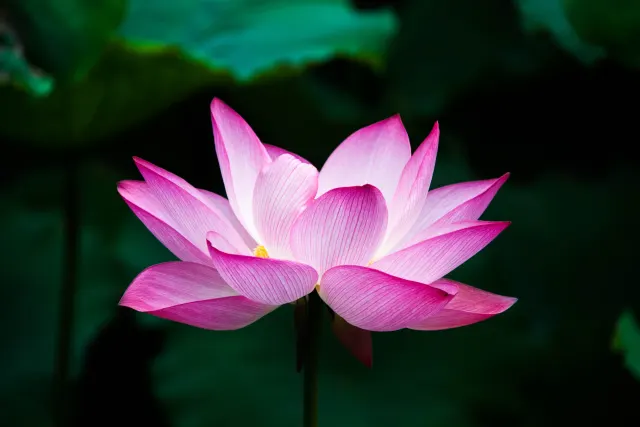
Open Pink Lotus Against Dark Green Leaves
QHD
Open Pink Lotus Against Dark Green Leaves