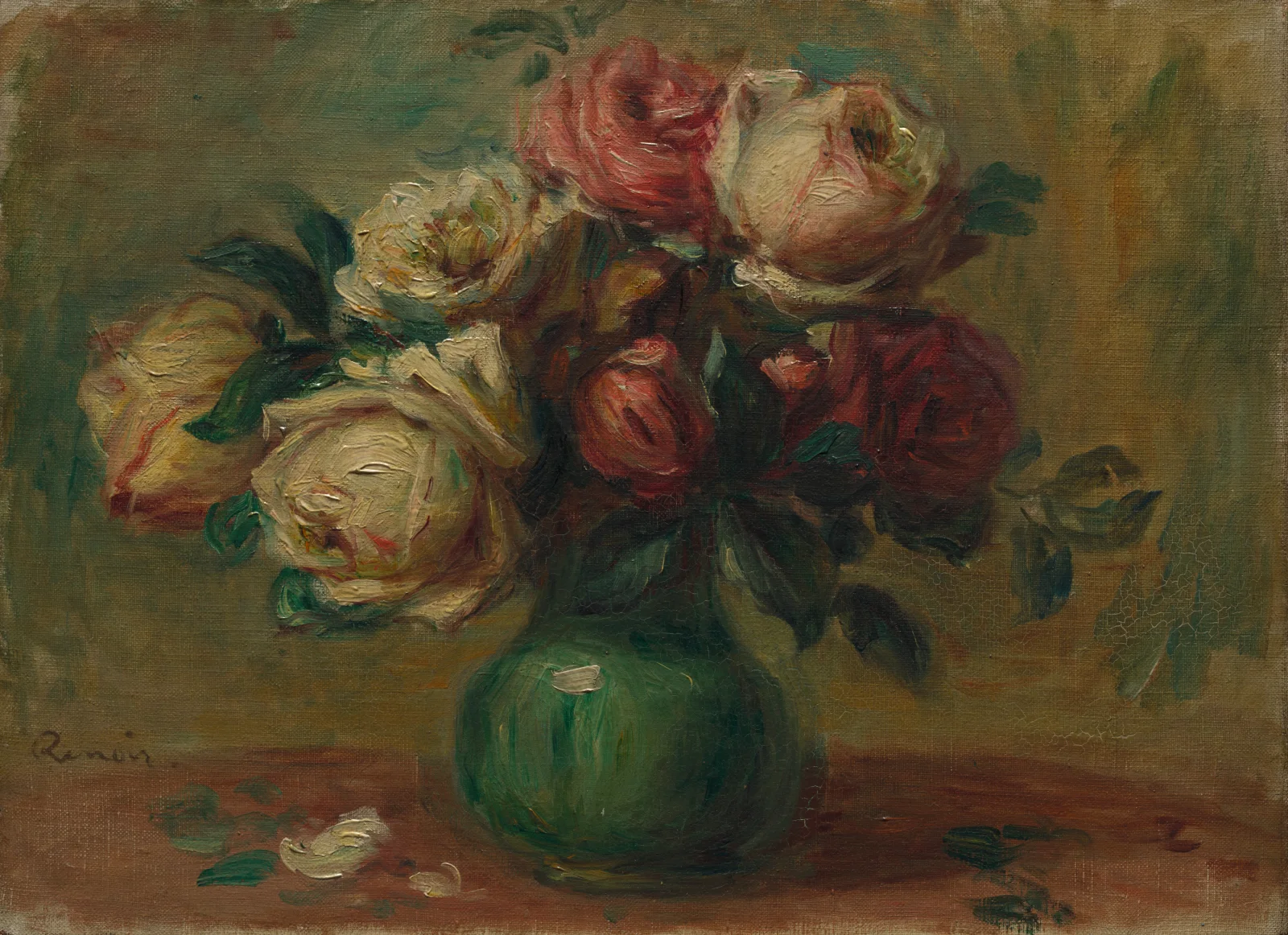
Cream and Crimson Roses in a Green Vase
3400 × 2469 px DesktopPhoneUltrawide Added 6 downloads
A loose bouquet of roses fills the upper half of this small oil painting, set in a round green vase on a reddish-brown tabletop. The blooms range from cream and pale yellow on the left to dusty pink and deep red on the right, with a few tight buds tucked between them. Dark green leaves sit in the gaps. The brushwork is soft and visible, so petals read as dabs of thick paint rather than sharp edges. The background is a hazy mix of olive, ochre and green. A few fallen petals lie on the table in front of the vase, and a faint signature sits at the lower left.
The caption dates the work to about 1890 and says it shows seven roses. Renoir said that painting flowers rested his mind, since he could try bold tones without worrying about ruining a canvas. Garden roses suit that kind of study. Their layered petals make rounded shapes, and their colour shifts subtly from the outer edge to the centre. Cut roses also open and drop petals within days, which may explain the fallen ones here. The landscape format and muted, warm palette suit a desktop monitor or laptop, where the green vase can sit clear of most icon layouts.
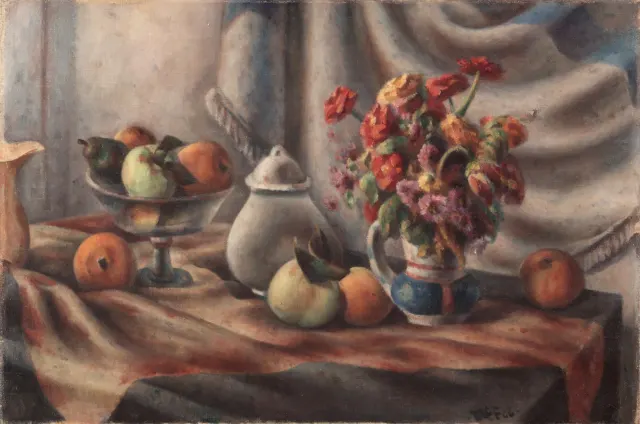
More like this: Orange Zinnias and Fruit on Draped Table.
How it looks on your screens
Device sizes are cropped around the same point, so the subject stays in view.
Credit and licence
- Creator
- Pierre-Auguste Renoir
- Source
- Cleveland Museum of Art
- Licence
- CC0
This image has no copyright restrictions. You can use it for anything, including commercially. Credit isn't required, but it's appreciated.
"Cream and Crimson Roses in a Green Vase", by Pierre-Auguste Renoir, via Cleveland Museum of Art, CC0
How to set this as your wallpaper
Windows
Download your size, right-click the file and choose Set as desktop background. Or go to Settings, Personalization, Background.
Mac
Open System Settings, Wallpaper, then Add Photo and pick the downloaded file. Choose “Fill screen”.
iPhone
Download the phone size, open it in Photos, tap Share, then Use as Wallpaper. Pinch to adjust before setting.
Android
Download the phone size, open it in Gallery or Photos, tap the menu and choose Set as wallpaper.
Is this your work and published in error? Report this image and we'll respond within 48 hours.