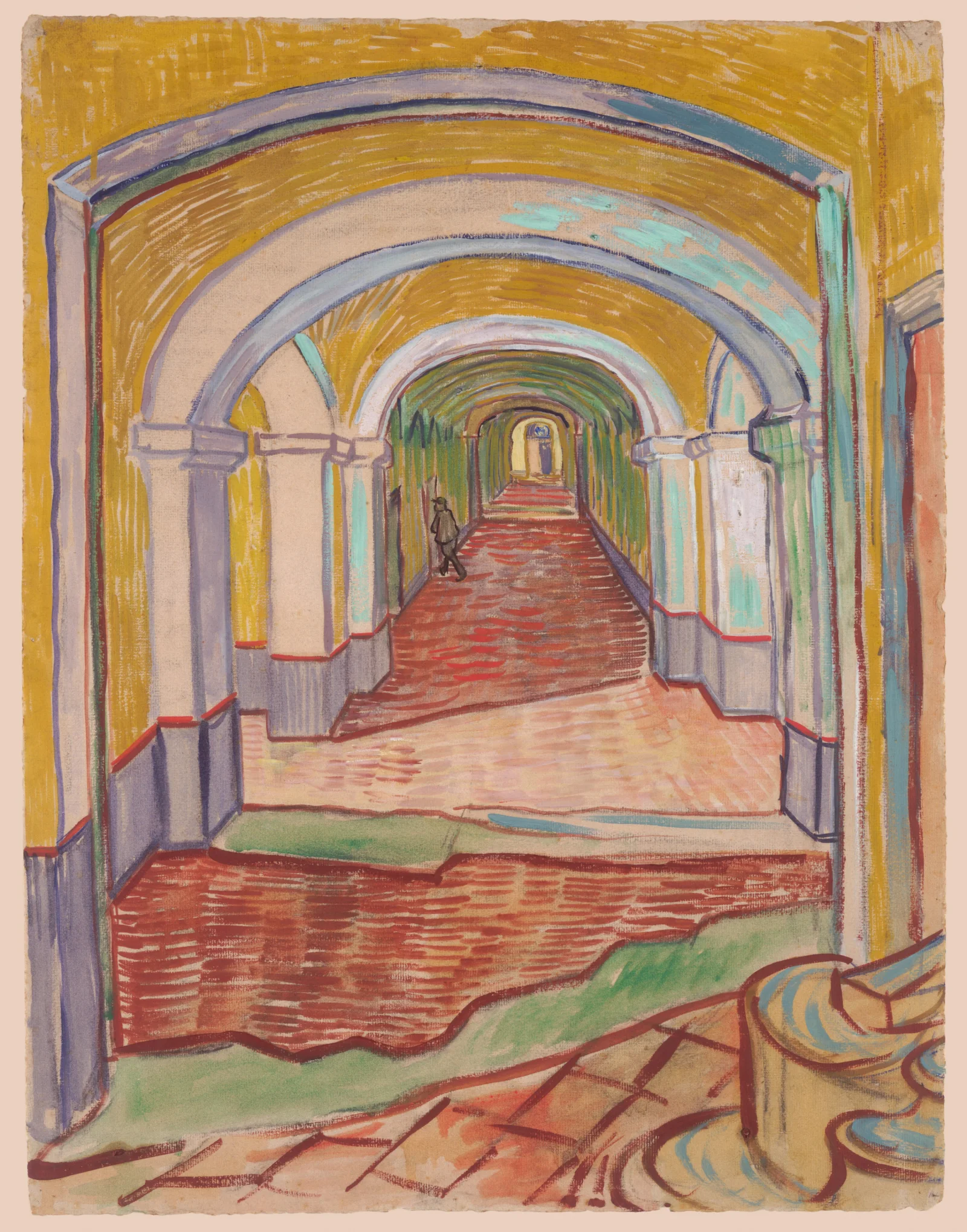
Ochre Arches Over a Red-Tiled Corridor
3014 × 3840 px DesktopPhoneTablet Added 3 downloads
A long arcade recedes into the distance, framed by a series of rounded arches drawn in lavender-grey and pale blue outlines. The vaulted ceiling is built from short, energetic strokes of mustard yellow, with touches of turquoise where light seems to fall. Square pillars with grey lower walls and thin red bands line both sides. The floor is a warm field of red and orange hatching, broken by a green patch and a loose tiled foreground. A single small figure in dark clothing walks along the left side, and a pale doorway glows at the far end. The mood is quiet and a little uneasy, the perspective pulling the eye steadily down the passage.
This is a drawing of an interior, not a landscape, made in brush and oil over black chalk on pink paper. The caption dates it to September 1889 and names Vincent van Gogh as the creator. Its keywords point to a hospital setting. The visible paper tone and the rhythm of the strokes are part of its character, which is worth knowing if you enjoy seeing how a picture was built up. The tall portrait format suits phones and vertical monitors best, where the receding arches run the full height of the screen. Icons placed at the bottom will sit over the busy foreground.
More like this: Tagged Grizzly Among Wild Yarrow Stems and Koala Walking Along a Thick Branch in Soft Light.
How it looks on your screens
Device sizes are cropped around the same point, so the subject stays in view.
Credit and licence
- Creator
- Vincent van Gogh
- Source
- The Met Museum
- Licence
- CC0
This image has no copyright restrictions. You can use it for anything, including commercially. Credit isn't required, but it's appreciated.
"Ochre Arches Over a Red-Tiled Corridor", by Vincent van Gogh, via The Met Museum, CC0
How to set this as your wallpaper
Windows
Download your size, right-click the file and choose Set as desktop background. Or go to Settings, Personalization, Background.
Mac
Open System Settings, Wallpaper, then Add Photo and pick the downloaded file. Choose “Fill screen”.
iPhone
Download the phone size, open it in Photos, tap Share, then Use as Wallpaper. Pinch to adjust before setting.
Android
Download the phone size, open it in Gallery or Photos, tap the menu and choose Set as wallpaper.
Is this your work and published in error? Report this image and we'll respond within 48 hours.
More like this
All fine art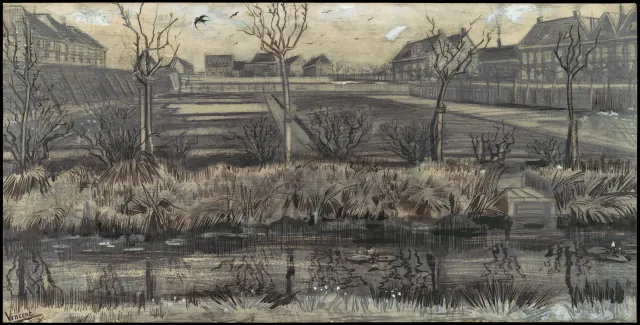 QHD
Bare Trees Beside a Reedy Nursery Pond
 4K
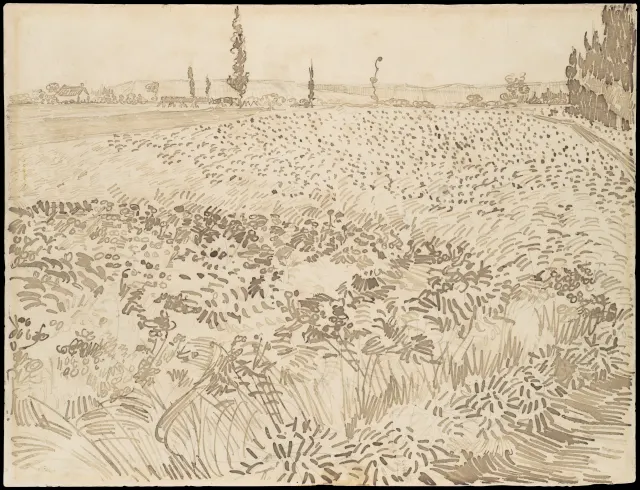
Pen-Stroked Wheat Field Under Distant Poplars
 QHD
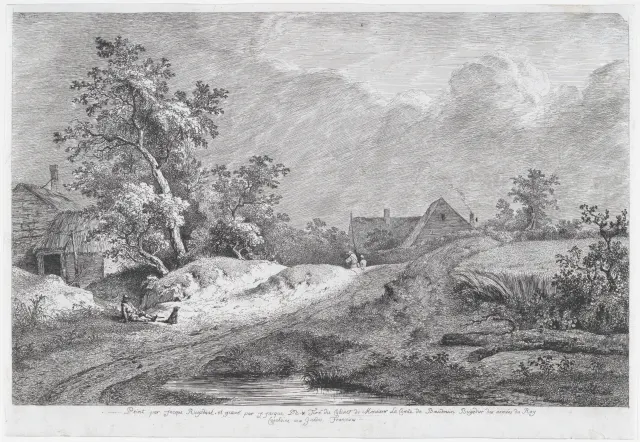
Sunlit Sandy Track Past Thatched Farmhouses
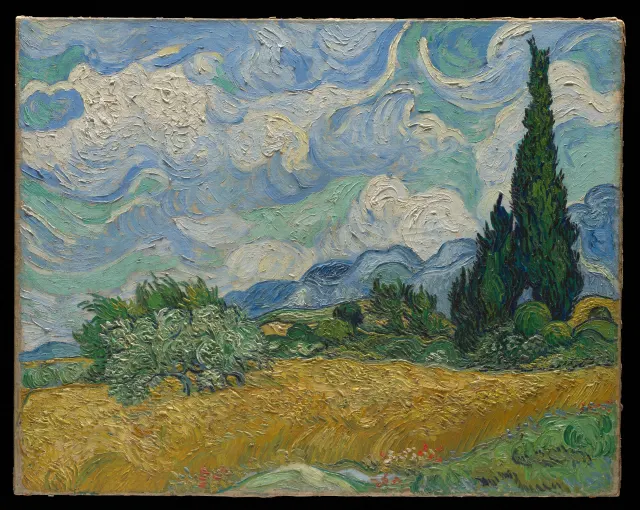 4K
Swirling Clouds Over Golden Wheat and Cypresses
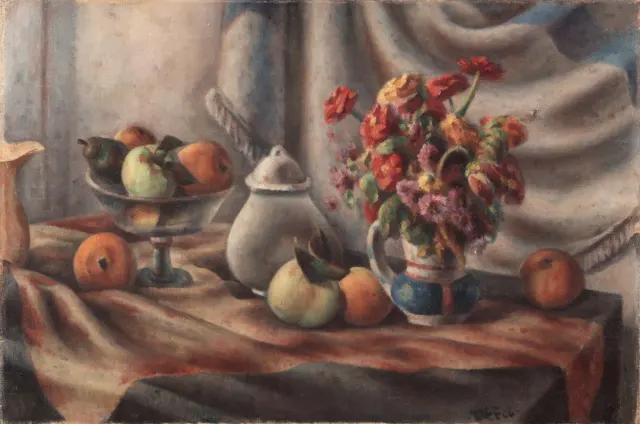 QHD
Orange Zinnias and Fruit on Draped Table
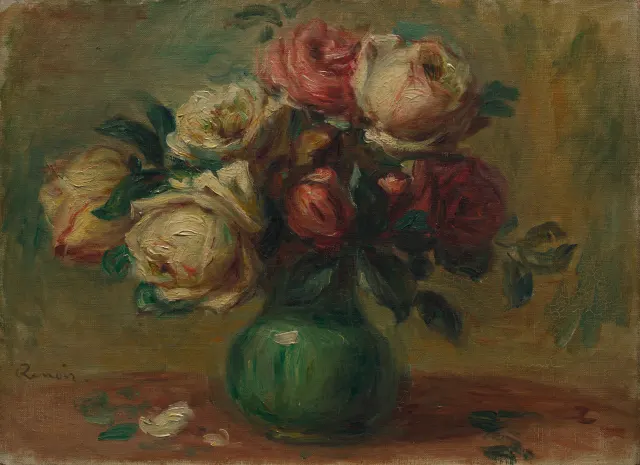 QHD
Cream and Crimson Roses in a Green Vase
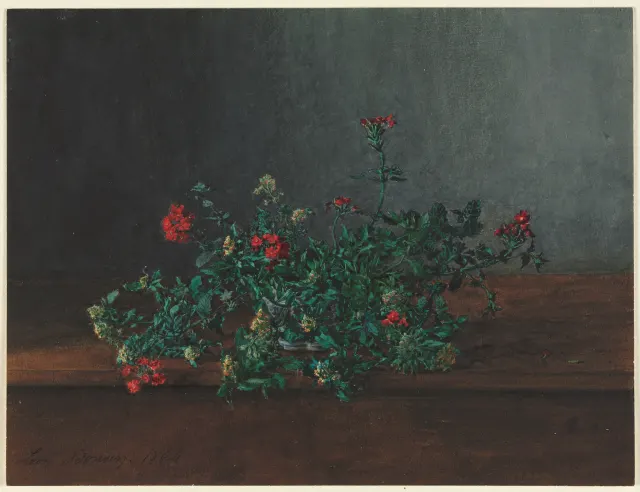 QHD
Red and Yellow Wildflowers on a Dark Ledge
 HD
Peregrine Falcon in Profile on a Weathered Stump