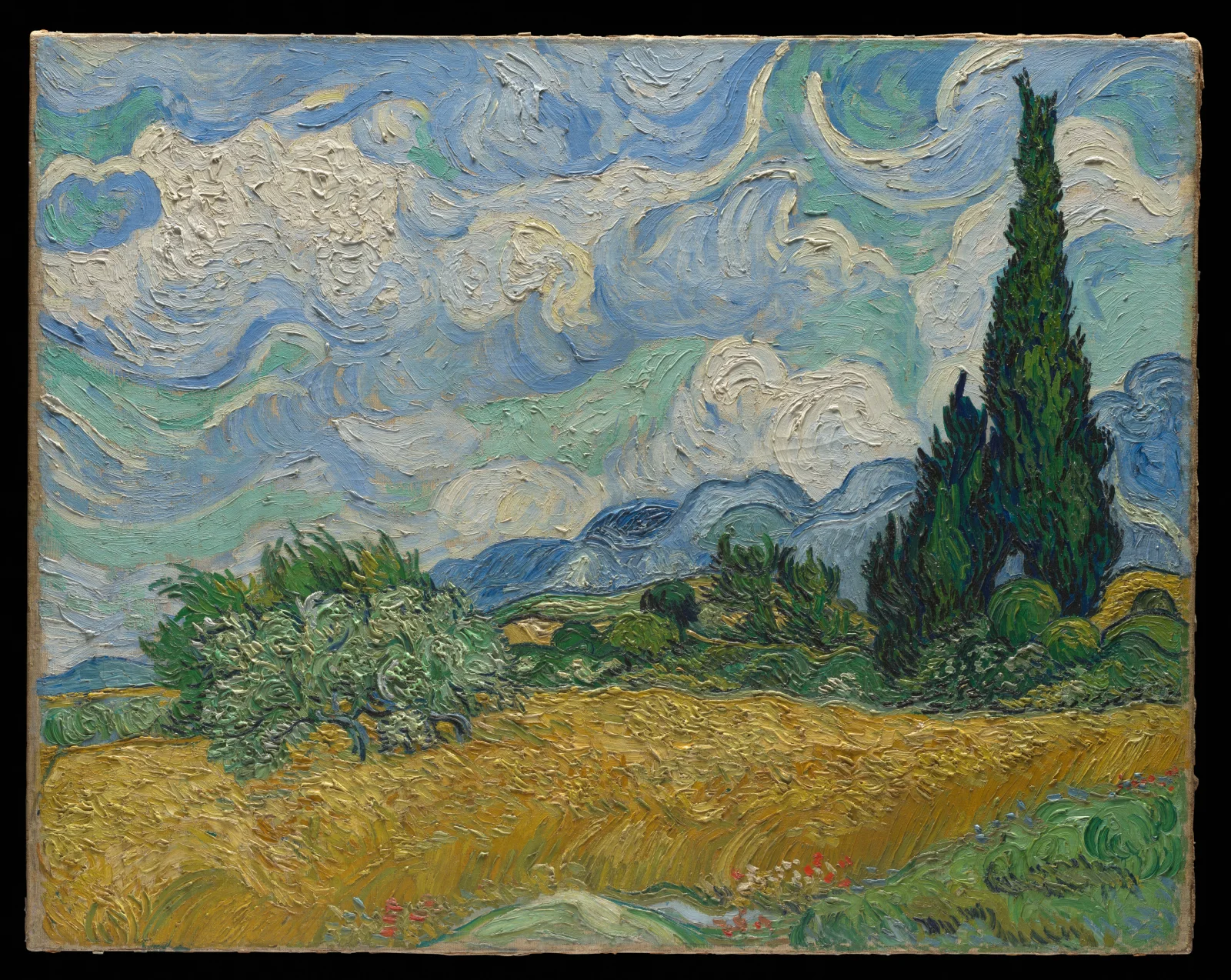
Swirling Clouds Over Golden Wheat and Cypresses
3840 × 3057 px DesktopPhone4KUltrawideTablet Added 11 downloads
A field of ripe wheat fills the lower half of the scene, painted in thick strokes of ochre, gold and olive. On the right, a tall dark cypress rises like a flame beside a smaller one, both in deep greens that nearly turn black. At left, a silvery-green olive-like tree bends in the wind. Blue hills sit low on the horizon under a sky of heavy white clouds, with ribbons of turquoise, pale blue and cream curling through them. The paint stands up in ridges and swirls, so every surface looks in motion. The mood is warm and restless, with a bright summer day and a strong breeze.
The painting is by Vincent van Gogh and dates from 1889. Cypresses are narrow evergreen trees common in Mediterranean landscapes, where they are often planted as windbreaks and beside fields and cemeteries. Their upright shape and dense, dark foliage make them stand out against open farmland. Wheat turns golden as it ripens in early summer, shortly before harvest. The wide format and visible brushwork suit large landscape monitors and ultrawide displays, where the texture stays clear at 3840×3057 pixels. On a desktop, the lower field sits calmly behind icons.
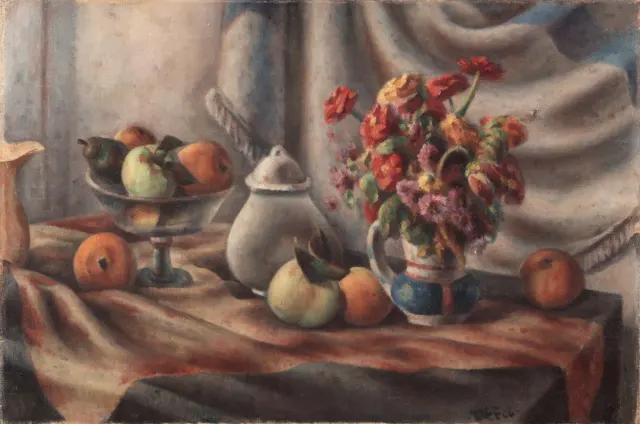
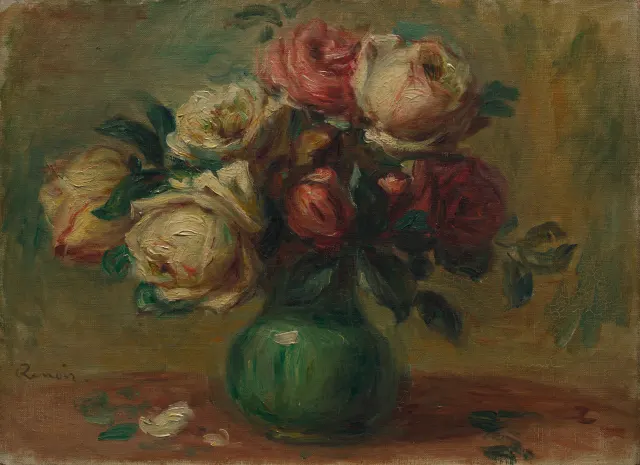
More like this: Cream and Crimson Roses in a Green Vase and Orange Zinnias and Fruit on Draped Table.
How it looks on your screens
Device sizes are cropped around the same point, so the subject stays in view.
Credit and licence
- Creator
- Vincent van Gogh
- Source
- The Met Museum
- Licence
- CC0
This image has no copyright restrictions. You can use it for anything, including commercially. Credit isn't required, but it's appreciated.
"Swirling Clouds Over Golden Wheat and Cypresses", by Vincent van Gogh, via The Met Museum, CC0
How to set this as your wallpaper
Windows
Download your size, right-click the file and choose Set as desktop background. Or go to Settings, Personalization, Background.
Mac
Open System Settings, Wallpaper, then Add Photo and pick the downloaded file. Choose “Fill screen”.
iPhone
Download the phone size, open it in Photos, tap Share, then Use as Wallpaper. Pinch to adjust before setting.
Android
Download the phone size, open it in Gallery or Photos, tap the menu and choose Set as wallpaper.
Is this your work and published in error? Report this image and we'll respond within 48 hours.
More like this
All fine art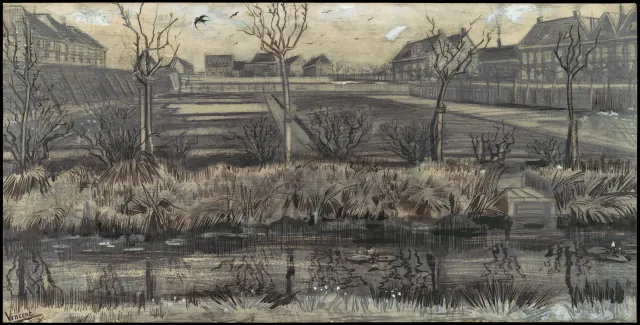 QHD
Bare Trees Beside a Reedy Nursery Pond
 QHD
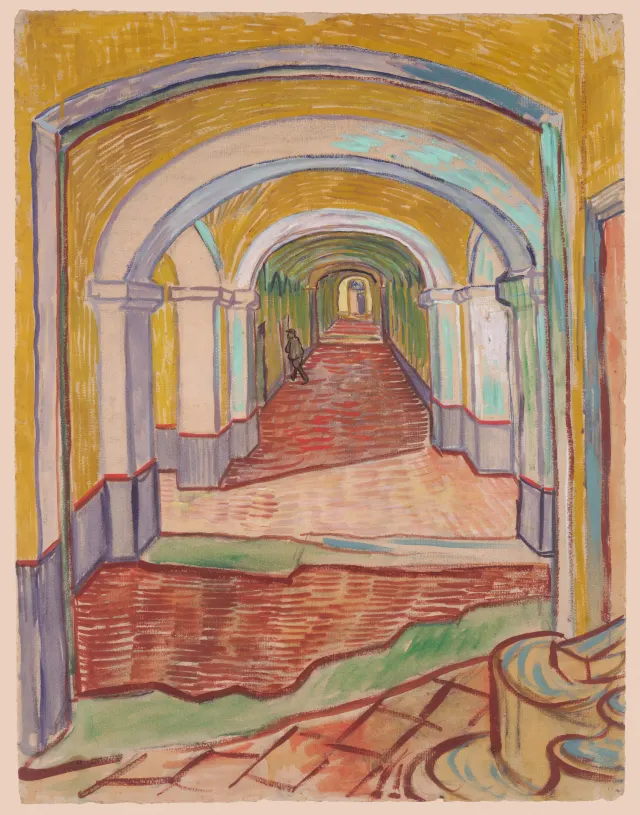
Ochre Arches Over a Red-Tiled Corridor
 4K
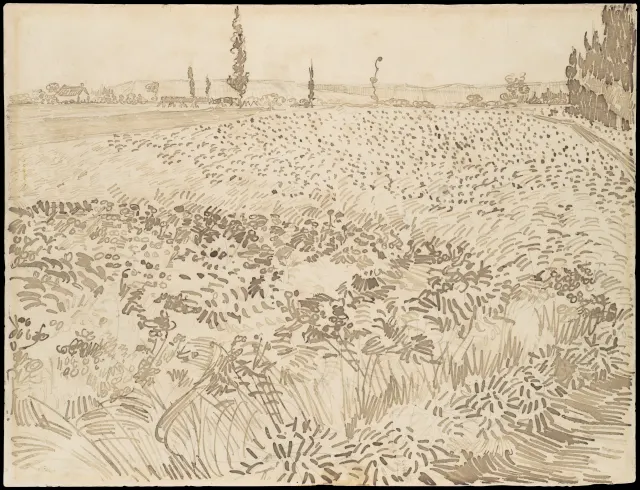
Pen-Stroked Wheat Field Under Distant Poplars
 QHD
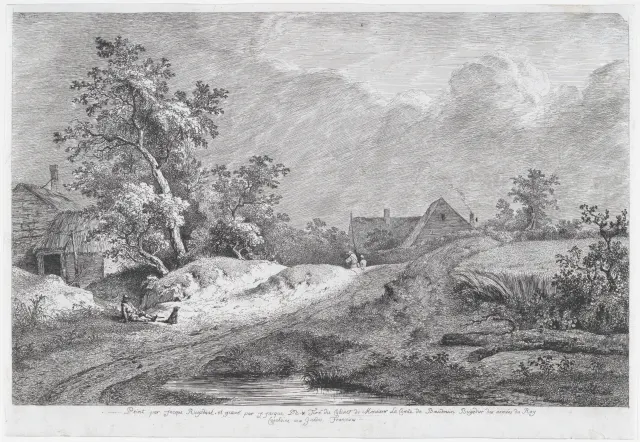
Sunlit Sandy Track Past Thatched Farmhouses
 QHD
Orange Zinnias and Fruit on Draped Table
 QHD
Cream and Crimson Roses in a Green Vase
 QHD
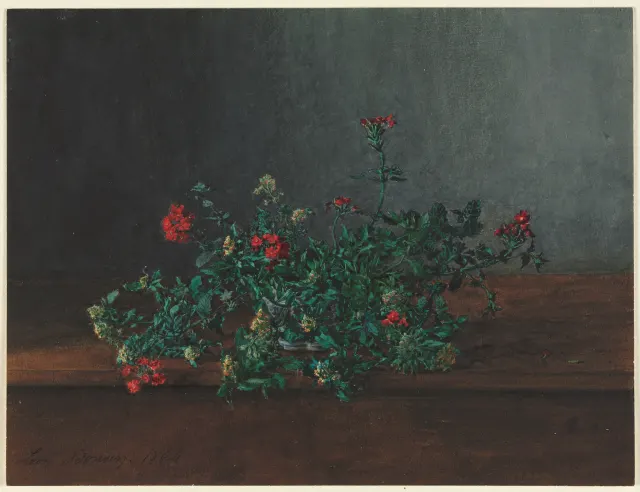
Red and Yellow Wildflowers on a Dark Ledge