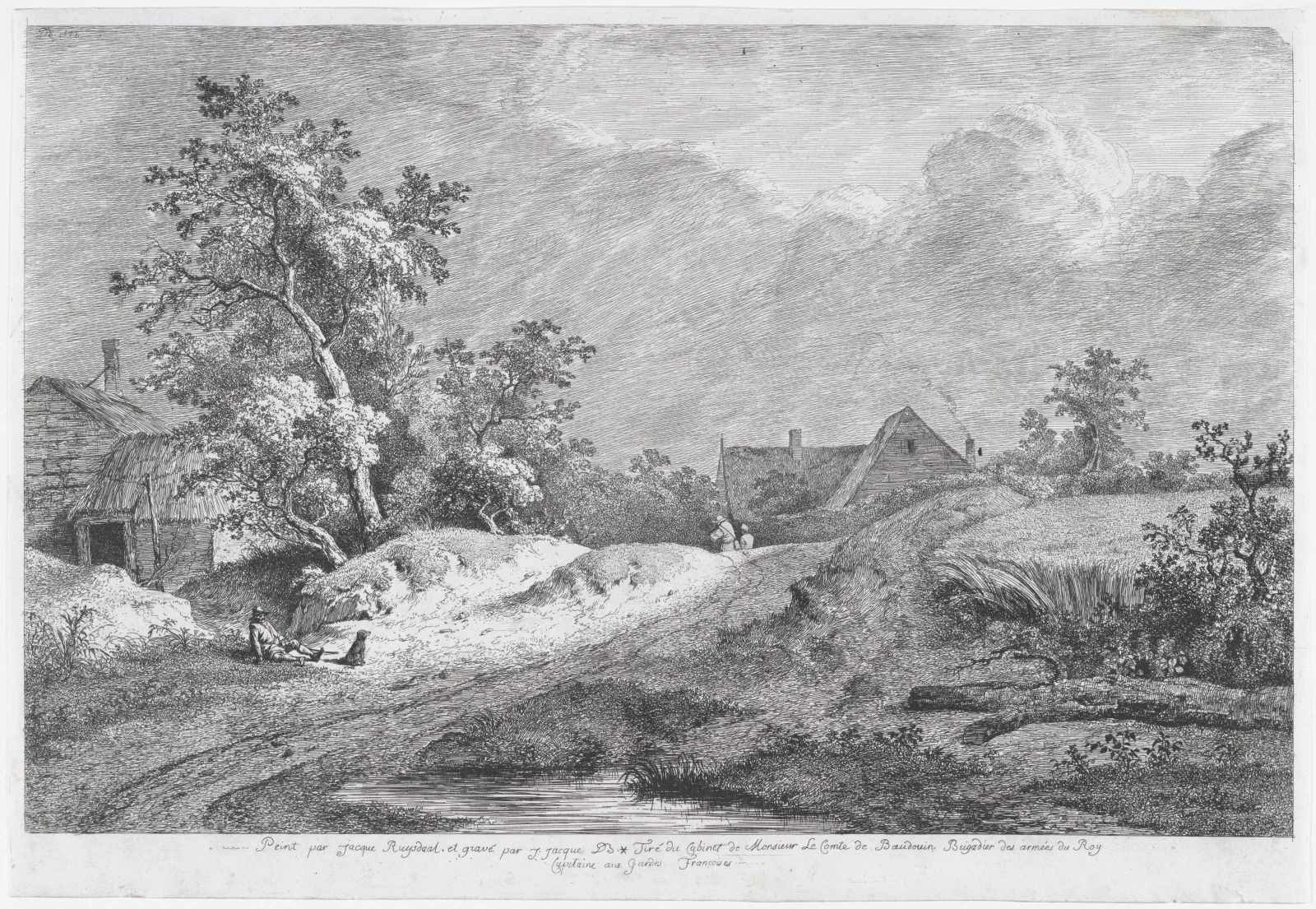
Sunlit Sandy Track Past Thatched Farmhouses
3652 × 2522 px DesktopPhoneUltrawide Added 2 downloads
This black-and-white etching shows a country scene under a heavy, moving sky. A sandy track curves from the lower left toward a cluster of farm buildings on the right, passing a small pool of still water in the foreground. On the left a large, leaning tree spreads its leaves above a low thatched shed. Two small seated figures and what looks like a dog rest on the pale mound beneath it. Farther along the track, a few tiny figures walk toward the houses. Fine hatching builds the dark clouds and shaded grass, while bare paper leaves the bank and path bright. The mood is calm and a little windswept, with a storm either gathering or clearing.
The print is credited to Jean Jacques de Boissieu and dated 1772. It is an etching with drypoint, a technique in which the artist scratches lines into a metal plate, inks it and presses it onto paper. Drypoint leaves a soft, burred line that is useful for the deep shadows seen in the foliage. Despite the title Wheat Field, the picture itself is dominated by the track, trees and buildings, so it is best taken as a general rural landscape. The fine linework and wide tonal range suit a large landscape monitor, where the detail in the clouds and leaves stays crisp, and the neutral grey palette works well behind desktop icons.
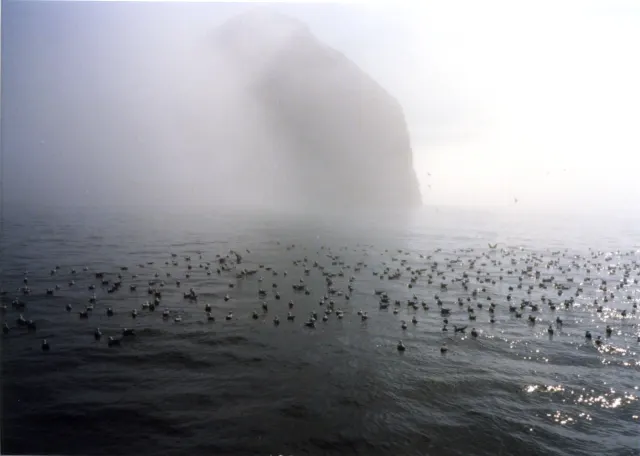
More like this: Kittiwakes Afloat Beneath a Fog-Shrouded Sea Stack.
How it looks on your screens
Device sizes are cropped around the same point, so the subject stays in view.
Credit and licence
- Creator
- Jean Jacques de Boissieu
- Source
- The Met Museum
- Licence
- CC0
This image has no copyright restrictions. You can use it for anything, including commercially. Credit isn't required, but it's appreciated.
"Sunlit Sandy Track Past Thatched Farmhouses", by Jean Jacques de Boissieu, via The Met Museum, CC0
How to set this as your wallpaper
Windows
Download your size, right-click the file and choose Set as desktop background. Or go to Settings, Personalization, Background.
Mac
Open System Settings, Wallpaper, then Add Photo and pick the downloaded file. Choose “Fill screen”.
iPhone
Download the phone size, open it in Photos, tap Share, then Use as Wallpaper. Pinch to adjust before setting.
Android
Download the phone size, open it in Gallery or Photos, tap the menu and choose Set as wallpaper.
Is this your work and published in error? Report this image and we'll respond within 48 hours.
More like this
All fine art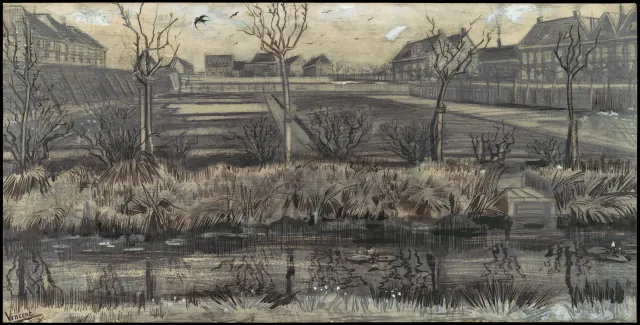 QHD
Bare Trees Beside a Reedy Nursery Pond
 QHD
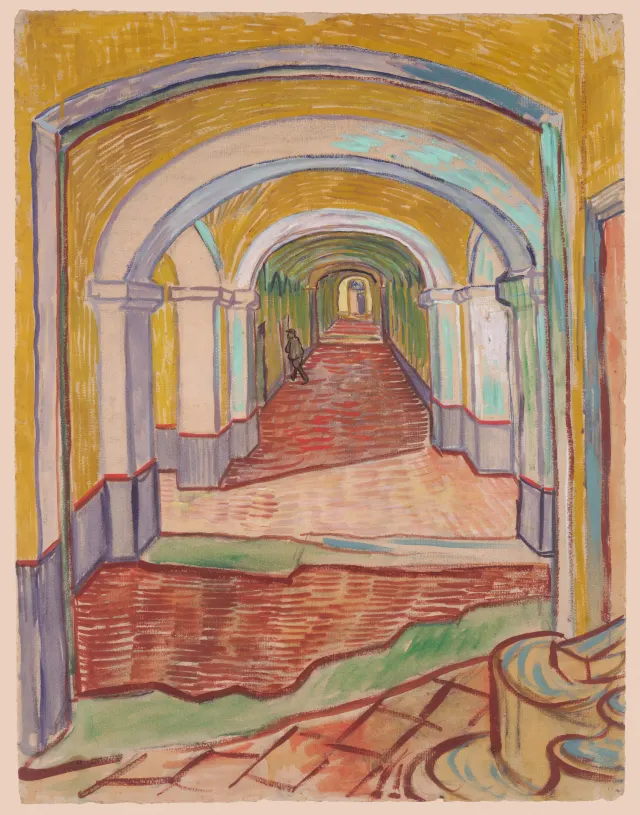
Ochre Arches Over a Red-Tiled Corridor
 4K
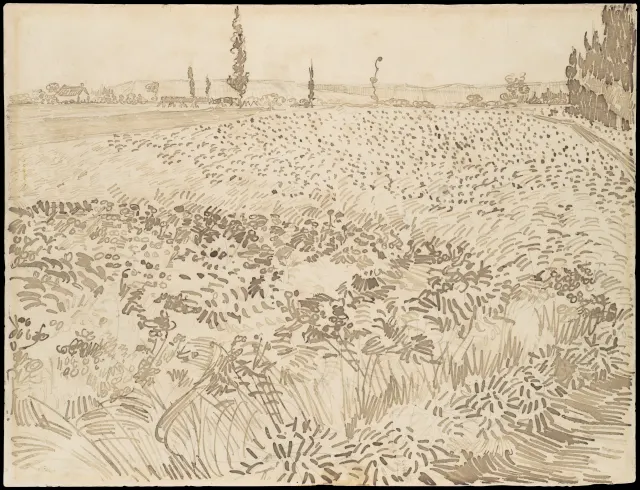
Pen-Stroked Wheat Field Under Distant Poplars
 4K
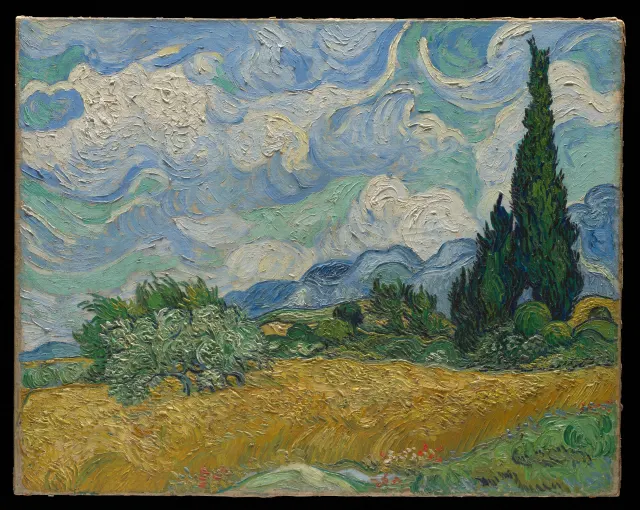
Swirling Clouds Over Golden Wheat and Cypresses
 QHD
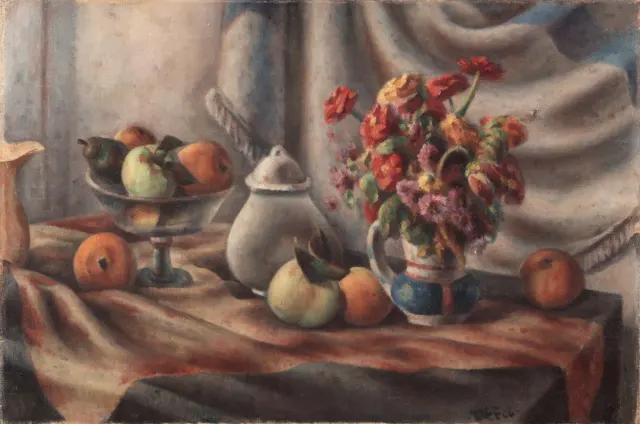
Orange Zinnias and Fruit on Draped Table
 QHD
Cream and Crimson Roses in a Green Vase
 QHD
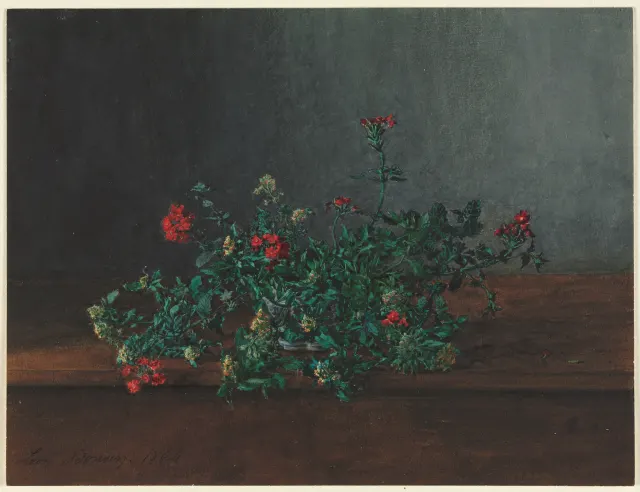
Red and Yellow Wildflowers on a Dark Ledge
 HD
Kittiwakes Afloat Beneath a Fog-Shrouded Sea Stack