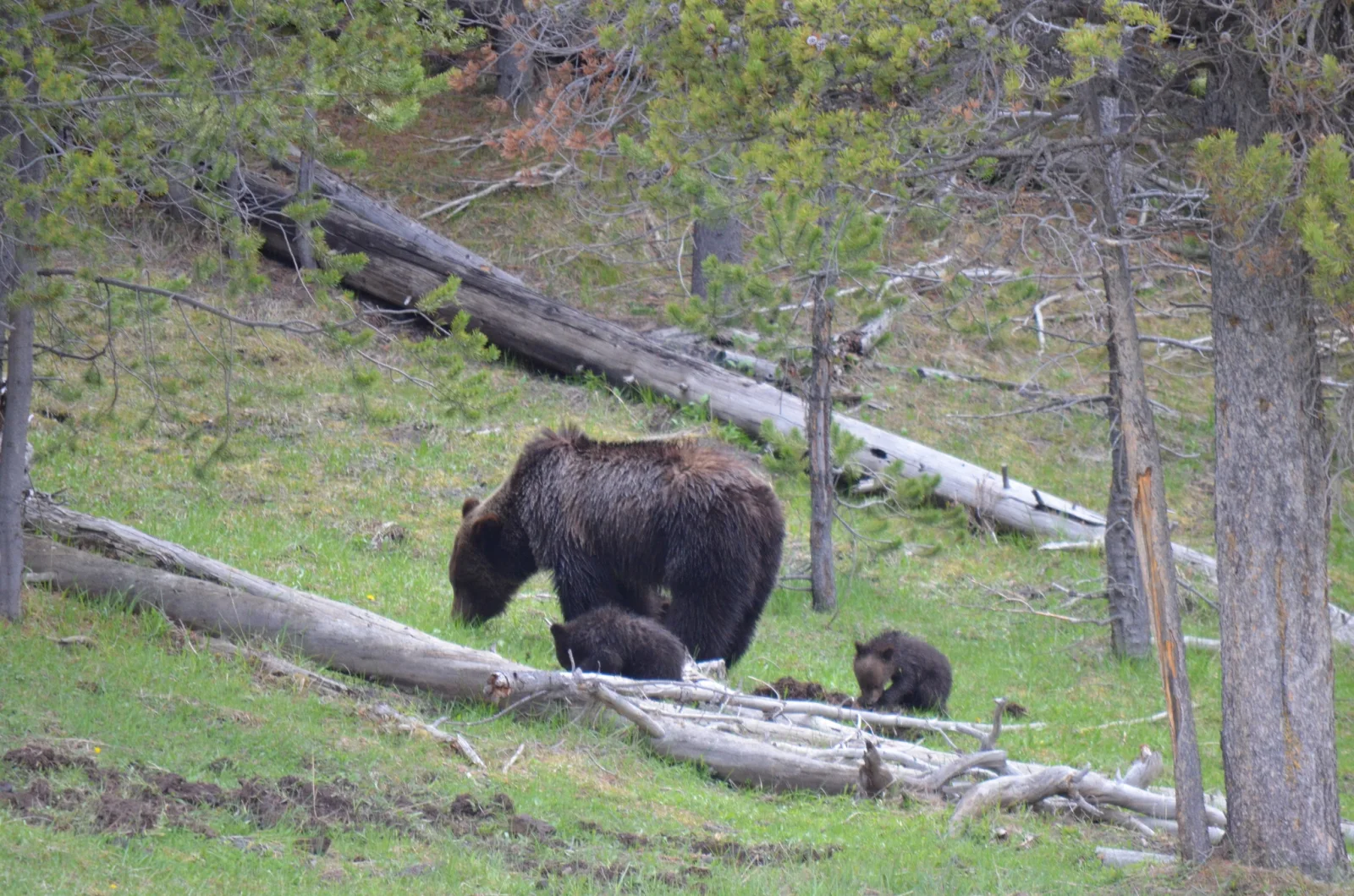
Grizzly Sow and Two Cubs Grazing on Forest Slope
2048 × 1356 px Desktop Added 3 downloads
A large dark brown bear walks across a green, grassy hillside with her head lowered to the ground, and two small cubs follow close beside her. One cub stands at her flank and the other sits a little further along, near a tangle of pale, weathered logs. Behind them a long fallen trunk lies diagonally up the slope. Young pines in soft yellow-green frame the scene, and the light is flat and overcast. The palette is muted, with fresh spring grass, grey wood and the bears' dark, slightly shaggy coats.
The caption identifies the animal as a grizzly bear (Ursus arctos horribilis), photographed in Yellowstone National Park. Grizzly cubs usually stay with their mother for two to three years. She teaches them where to find food, and in spring and early summer much of that food is grasses, sedges, roots and other new plant growth. Adult females are protective, which is why wildlife rules in the park require visitors to keep a safe distance. The wide landscape frame and the quiet, earthy tones suit a desktop monitor or laptop, and the bears sit low enough in the frame that icons on the left will not cover them.
How it looks on your screens
Device sizes are cropped around the same point, so the subject stays in view.
Credit and licence
- Creator
- Josiah Londerée
- Source
- iNaturalist
- Licence
- CC BY 4.0
Free to use, including commercially, as long as you credit the creator. Our downloads are resized and cropped from the original.
"Grizzly Sow and Two Cubs Grazing on Forest Slope", by Josiah Londerée, via iNaturalist, CC BY 4.0. Resized and cropped by Wallspapers
How to set this as your wallpaper
Windows
Download your size, right-click the file and choose Set as desktop background. Or go to Settings, Personalization, Background.
Mac
Open System Settings, Wallpaper, then Add Photo and pick the downloaded file. Choose “Fill screen”.
iPhone
Download the phone size, open it in Photos, tap Share, then Use as Wallpaper. Pinch to adjust before setting.
Android
Download the phone size, open it in Gallery or Photos, tap the menu and choose Set as wallpaper.
Is this your work and published in error? Report this image and we'll respond within 48 hours.
More like this
All animals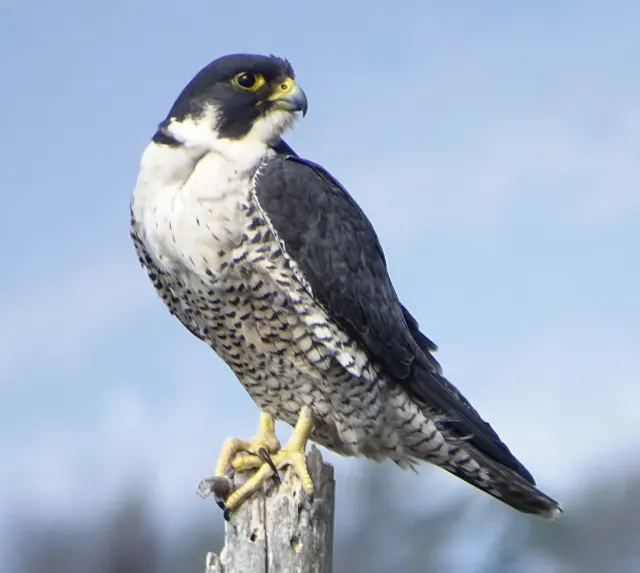 HD
Peregrine Falcon in Profile on a Weathered Stump
HD
Peregrine Falcon in Profile on a Weathered Stump
 HD
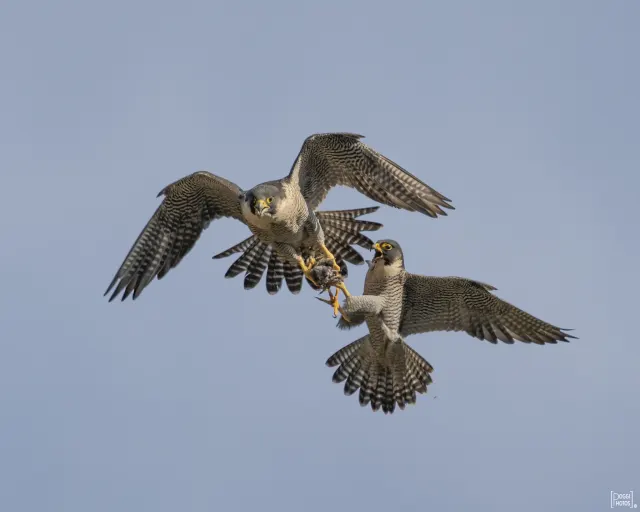
Two Peregrine Falcons Exchanging Prey Midair
HD
Two Peregrine Falcons Exchanging Prey Midair
 4K
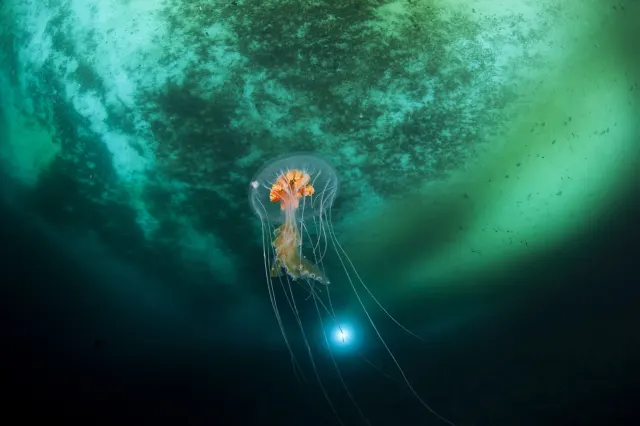
Antarctic Jellyfish Drifting Beneath Green Sea Ice
4K
Antarctic Jellyfish Drifting Beneath Green Sea Ice
 QHD
Spotted Jellyfish Drifting Against Black Water
QHD
Spotted Jellyfish Drifting Against Black Water
 4K
Lion's Mane Jellyfish Drifting in Dark Teal Water
4K
Lion's Mane Jellyfish Drifting in Dark Teal Water
 4K
Lion's Mane Jellyfish Drifting in Dark Fjord Water
4K
Lion's Mane Jellyfish Drifting in Dark Fjord Water
 HD
Fluffy Fledgling Blue Jay Perched on Thin Branch
HD
Fluffy Fledgling Blue Jay Perched on Thin Branch
 HD
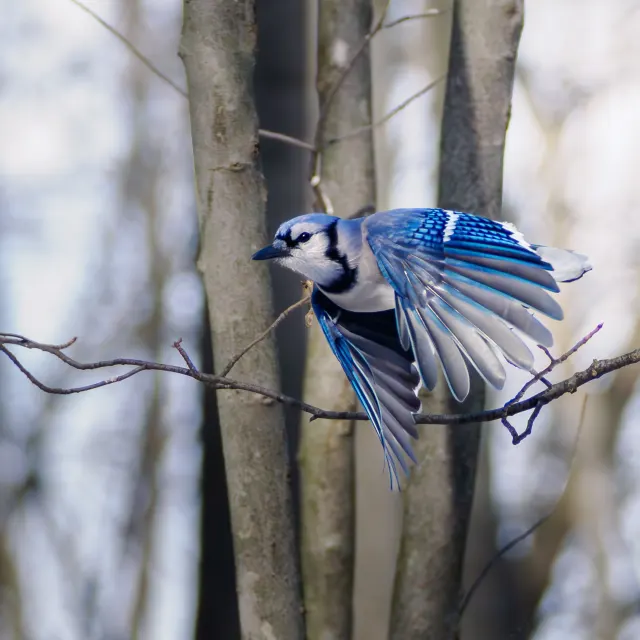
Blue Jay Taking Off Between Bare Winter Trunks
HD
Blue Jay Taking Off Between Bare Winter Trunks