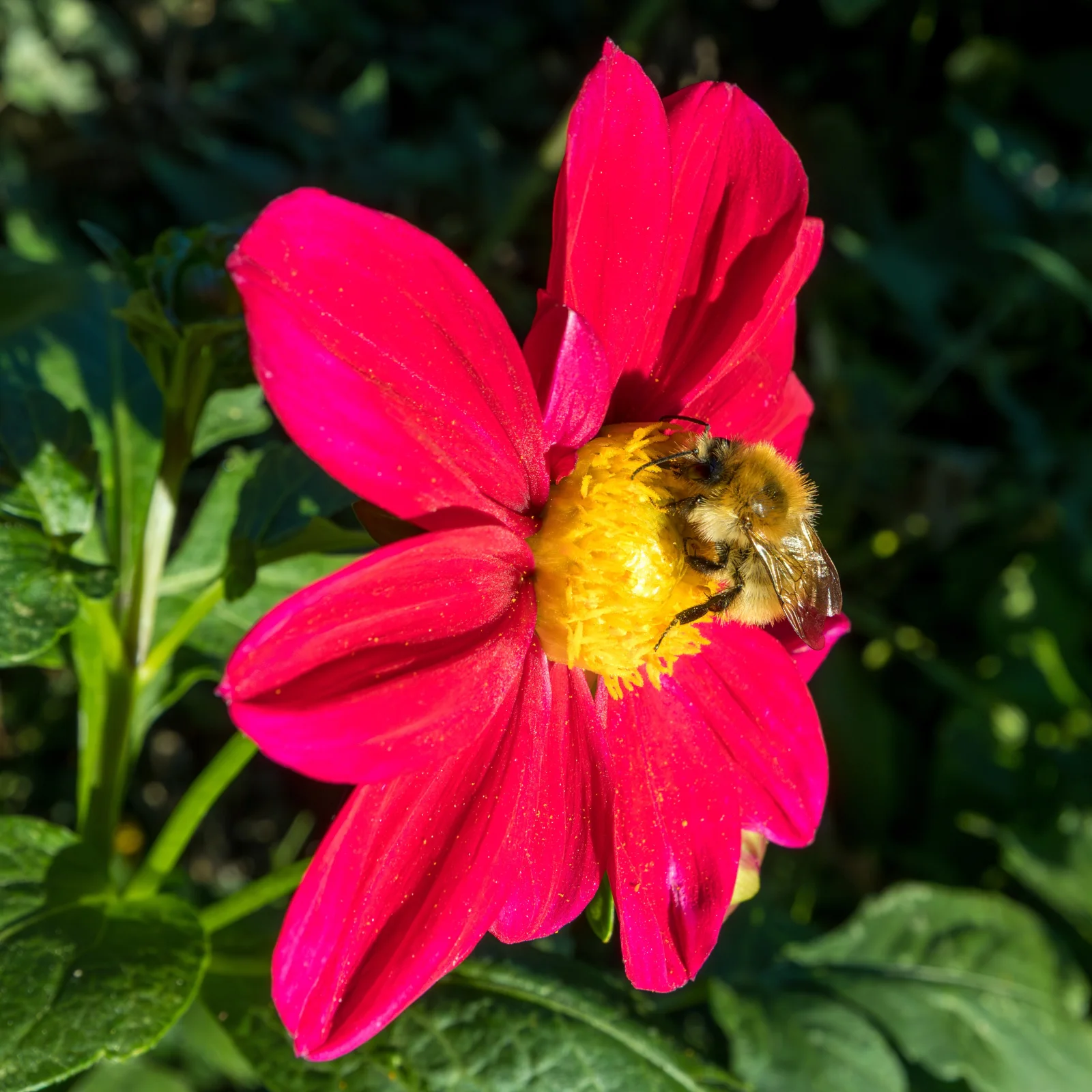
Bumblebee Feeding on a Crimson Single Dahlia
3840 × 3840 px DesktopPhone4KUltrawideTablet Added 4 downloads
A bumblebee clings to the bright yellow centre of a single-flowered dahlia, its furry body dusted with pollen. The petals are a saturated crimson-pink, with fine yellow specks of pollen scattered across their surface. Strong sunlight picks out the veins and gentle folds in the petals and lights the bee's golden-brown fur and translucent wings. Behind the flower, deep green leaves fall into shadow, which makes the red and yellow stand out. The mood is warm and still, like a sunny afternoon in a garden.
The facts identify the insect as a common carder bumblebee, Bombus pascuorum, photographed in September. This species is widespread across much of Europe and is easy to recognise by its ginger-brown thorax. It stays active late into the year, and open, single-flowered dahlias help it because the pollen and nectar are easy to reach, unlike on tightly doubled blooms. Bumblebees collect pollen on their hairy bodies and carry it between flowers as they feed. The square format suits a phone lock screen, a tablet, or a centred desktop layout where the flower can fill the middle of the display.
More like this: Cherry Buds Breaking Open Against Clear Blue.
How it looks on your screens
Device sizes are cropped around the same point, so the subject stays in view.
Credit and licence
- Creator
- JackyM59
- Source
- Wikimedia Commons
- Licence
- CC BY 4.0
Free to use, including commercially, as long as you credit the creator. Our downloads are resized and cropped from the original.
"Bumblebee Feeding on a Crimson Single Dahlia", by JackyM59, via Wikimedia Commons, CC BY 4.0. Resized and cropped by Wallspapers
How to set this as your wallpaper
Windows
Download your size, right-click the file and choose Set as desktop background. Or go to Settings, Personalization, Background.
Mac
Open System Settings, Wallpaper, then Add Photo and pick the downloaded file. Choose “Fill screen”.
iPhone
Download the phone size, open it in Photos, tap Share, then Use as Wallpaper. Pinch to adjust before setting.
Android
Download the phone size, open it in Gallery or Photos, tap the menu and choose Set as wallpaper.
Is this your work and published in error? Report this image and we'll respond within 48 hours.
More like this
All animals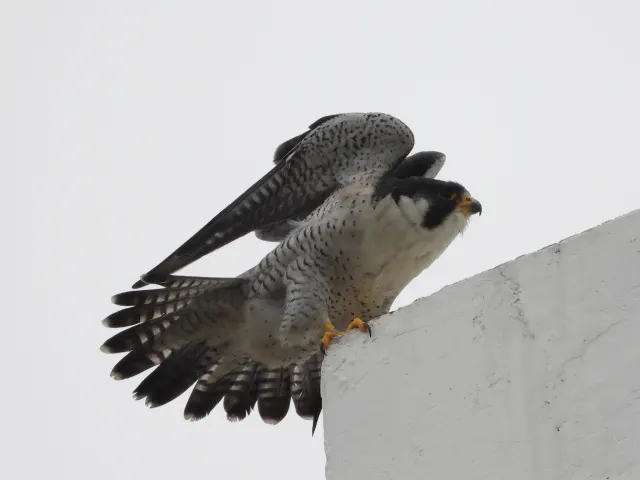 HD
Peregrine Falcon Raising Wings on a Concrete Ledge
 HD
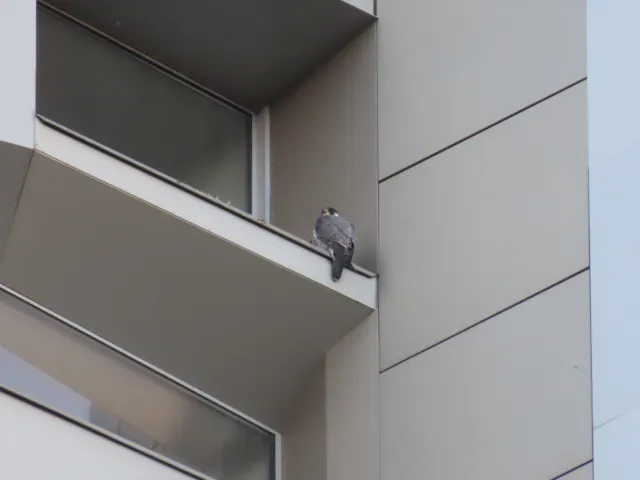
Peregrine Falcon Perched on Tver Building Ledge
 HD
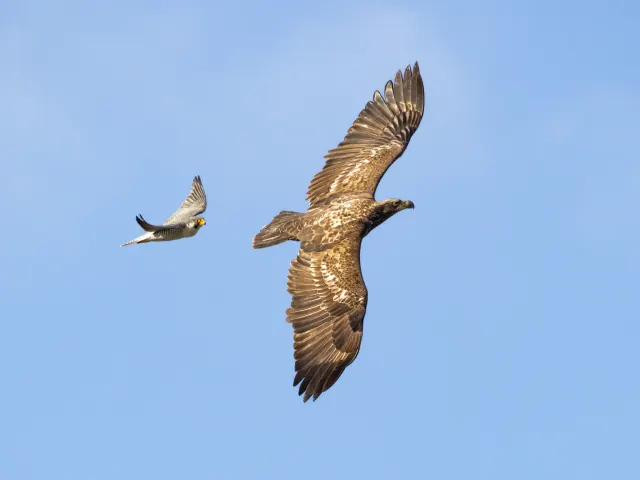
Peregrine Falcon Trailing a Young Eagle Overhead
 HD
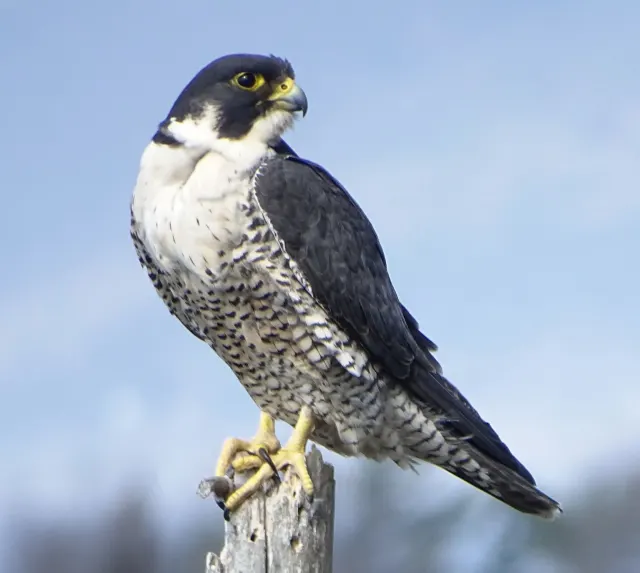
Peregrine Falcon in Profile on a Weathered Stump
 HD
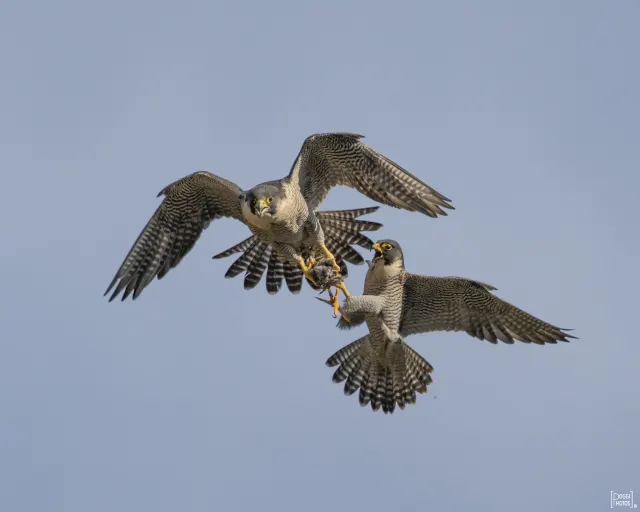
Two Peregrine Falcons Exchanging Prey Midair
 4K
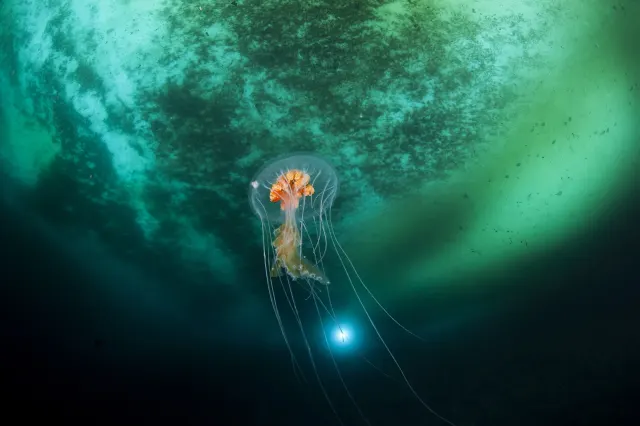
Antarctic Jellyfish Drifting Beneath Green Sea Ice
 QHD
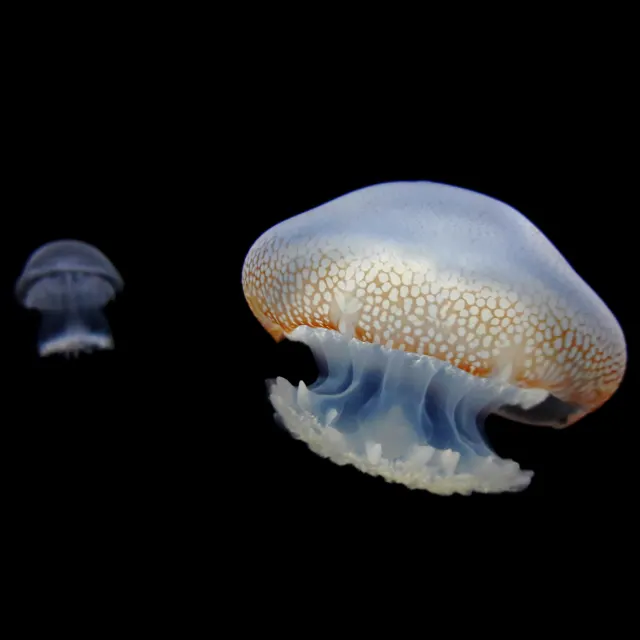
Spotted Jellyfish Drifting Against Black Water
 4K
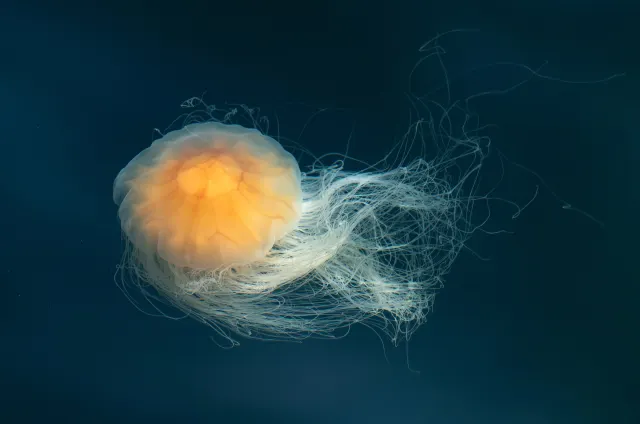
Lion's Mane Jellyfish Drifting in Dark Teal Water