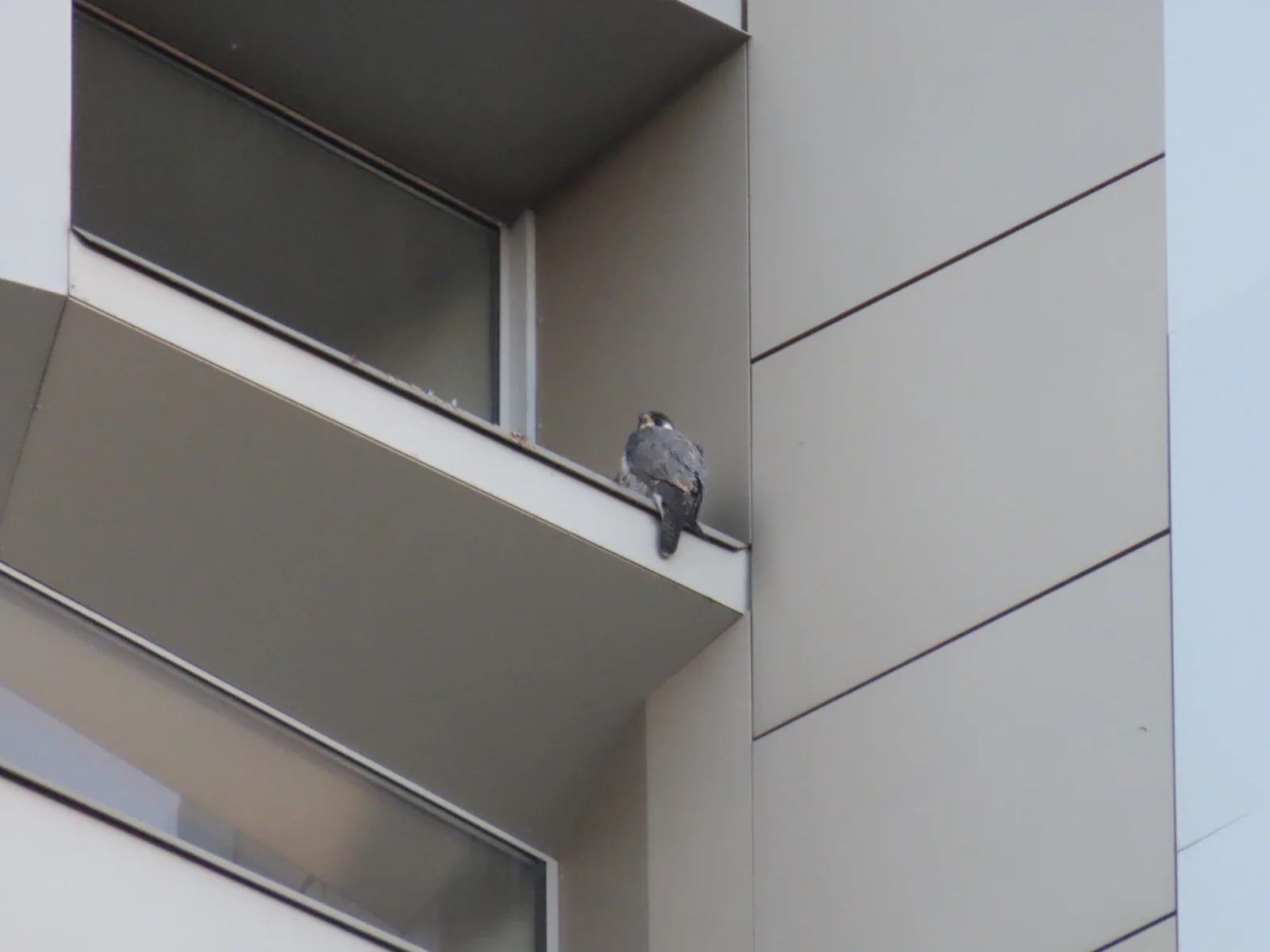
Peregrine Falcon Perched on Tver Building Ledge
2048 × 1536 px Desktop Added
A single peregrine falcon sits on the narrow edge of a balcony ledge, seen from below and behind. Its slate-grey back and folded wings face the camera, and its dark head is turned slightly to one side. The bird is small in the frame, set against the flat beige panels of a modern building. Thin dark seams divide the cladding into clean geometric blocks, and the overhanging balcony slab and window glass add angled shadows on the left. The palette is muted, with soft greys, warm taupe and a pale sky edge on the right. The light is even and overcast, and the mood is quiet and watchful.
Peregrine falcons (Falco peregrinus) are found on nearly every continent. They are known for diving at extreme speed to catch other birds in flight. Cliff ledges are their traditional nest and perching sites, and tall buildings offer a similar vantage point, so the species has taken to cities in many countries. This photograph was taken in Tver, Russia, on 1 October 2025. The wide, uncluttered architecture leaves plenty of empty space, which suits a desktop monitor with icons on the left, or a widescreen display where the small figure can serve as a focal point.
More like this: Snowy Owl on a Misty Dune Crest and Three Bears Walking Down a Northern Highway.
How it looks on your screens
Device sizes are cropped around the same point, so the subject stays in view.
Credit and licence
- Creator
- Дмитрий Кошелев
- Source
- iNaturalist
- Licence
- CC BY 4.0
Free to use, including commercially, as long as you credit the creator. Our downloads are resized and cropped from the original.
"Peregrine Falcon Perched on Tver Building Ledge", by Дмитрий Кошелев, via iNaturalist, CC BY 4.0. Resized and cropped by Wallspapers
How to set this as your wallpaper
Windows
Download your size, right-click the file and choose Set as desktop background. Or go to Settings, Personalization, Background.
Mac
Open System Settings, Wallpaper, then Add Photo and pick the downloaded file. Choose “Fill screen”.
iPhone
Download the phone size, open it in Photos, tap Share, then Use as Wallpaper. Pinch to adjust before setting.
Android
Download the phone size, open it in Gallery or Photos, tap the menu and choose Set as wallpaper.
Is this your work and published in error? Report this image and we'll respond within 48 hours.
More like this
All animals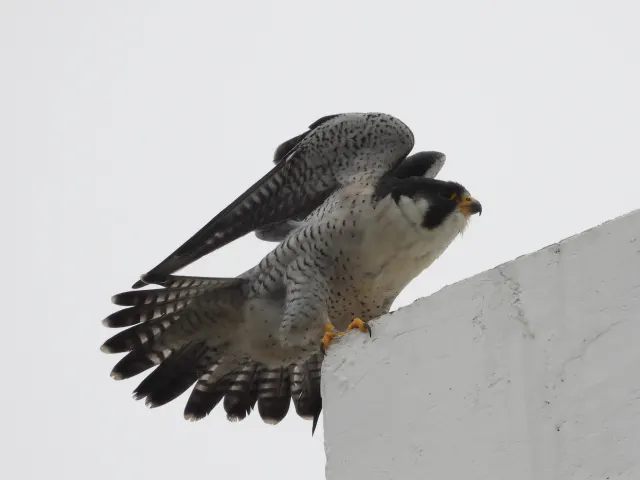 HD
Peregrine Falcon Raising Wings on a Concrete Ledge
HD
Peregrine Falcon Raising Wings on a Concrete Ledge
 HD
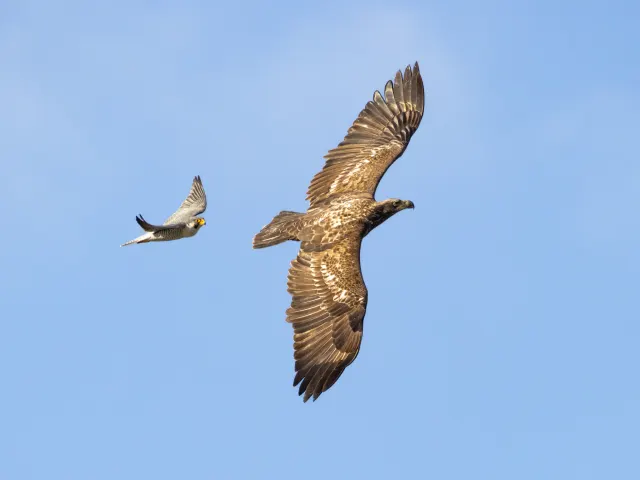
Peregrine Falcon Trailing a Young Eagle Overhead
HD
Peregrine Falcon Trailing a Young Eagle Overhead
 HD
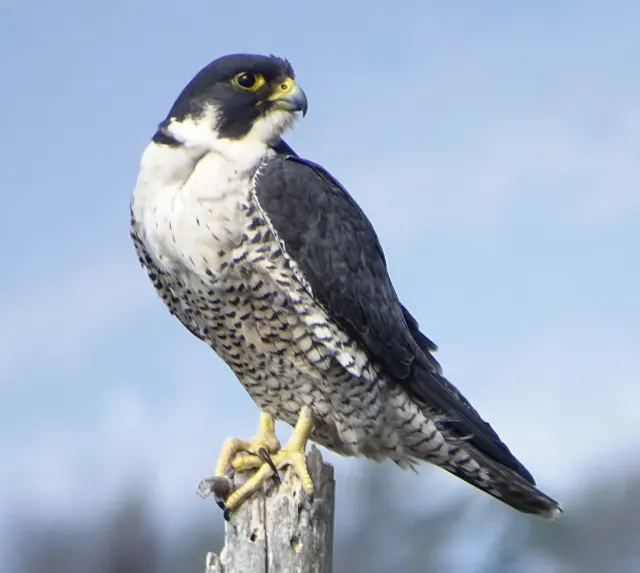
Peregrine Falcon in Profile on a Weathered Stump
HD
Peregrine Falcon in Profile on a Weathered Stump
 HD
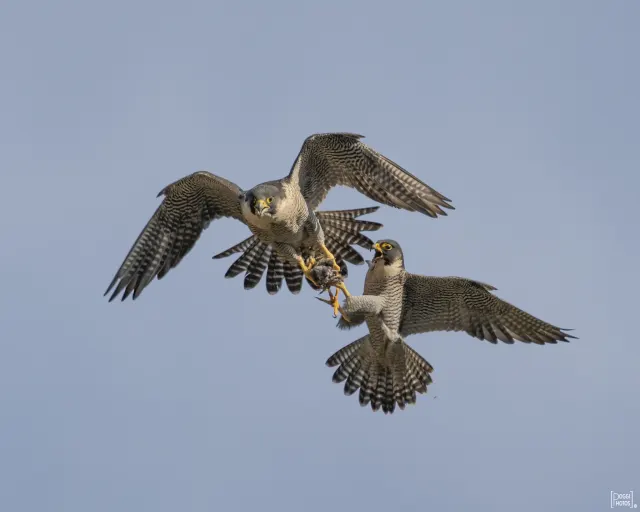
Two Peregrine Falcons Exchanging Prey Midair
HD
Two Peregrine Falcons Exchanging Prey Midair
 4K
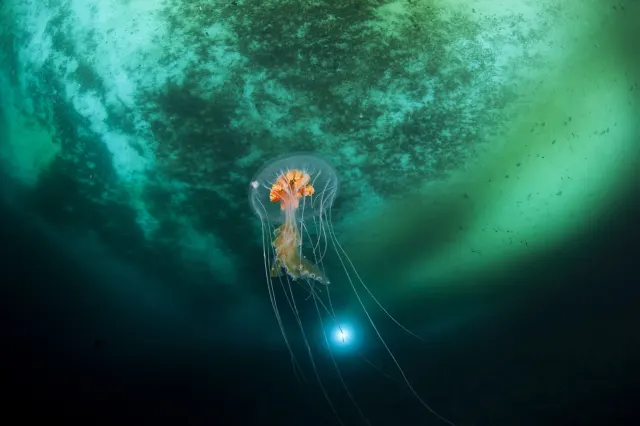
Antarctic Jellyfish Drifting Beneath Green Sea Ice
4K
Antarctic Jellyfish Drifting Beneath Green Sea Ice
 QHD
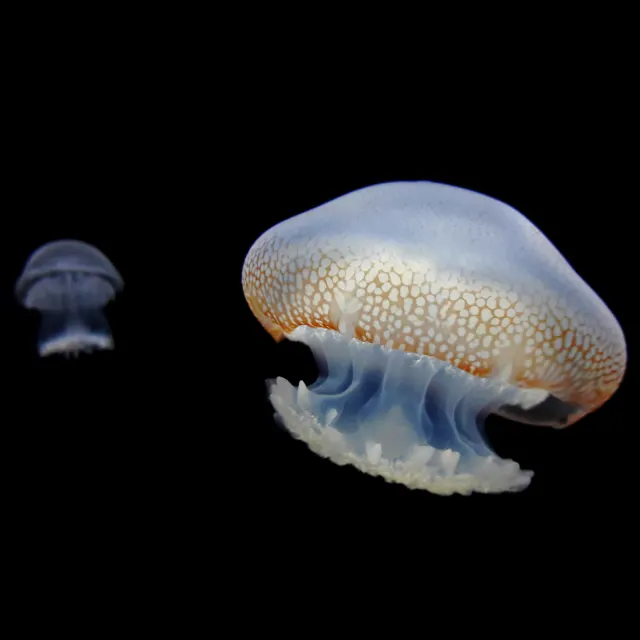
Spotted Jellyfish Drifting Against Black Water
QHD
Spotted Jellyfish Drifting Against Black Water
 4K
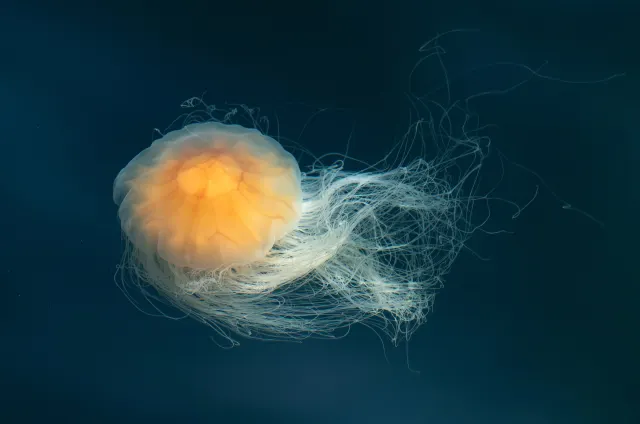
Lion's Mane Jellyfish Drifting in Dark Teal Water
4K
Lion's Mane Jellyfish Drifting in Dark Teal Water
 4K
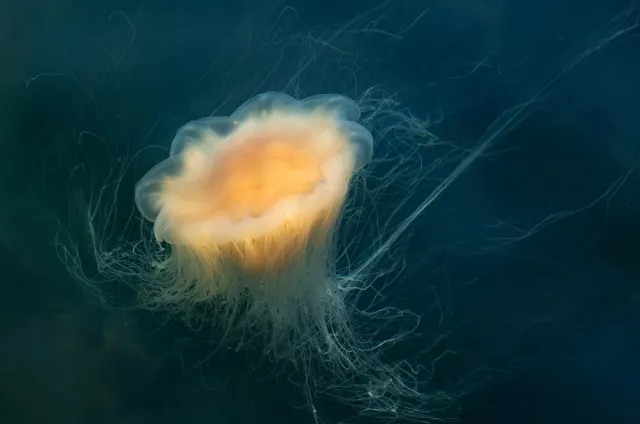
Lion's Mane Jellyfish Drifting in Dark Fjord Water
4K
Lion's Mane Jellyfish Drifting in Dark Fjord Water