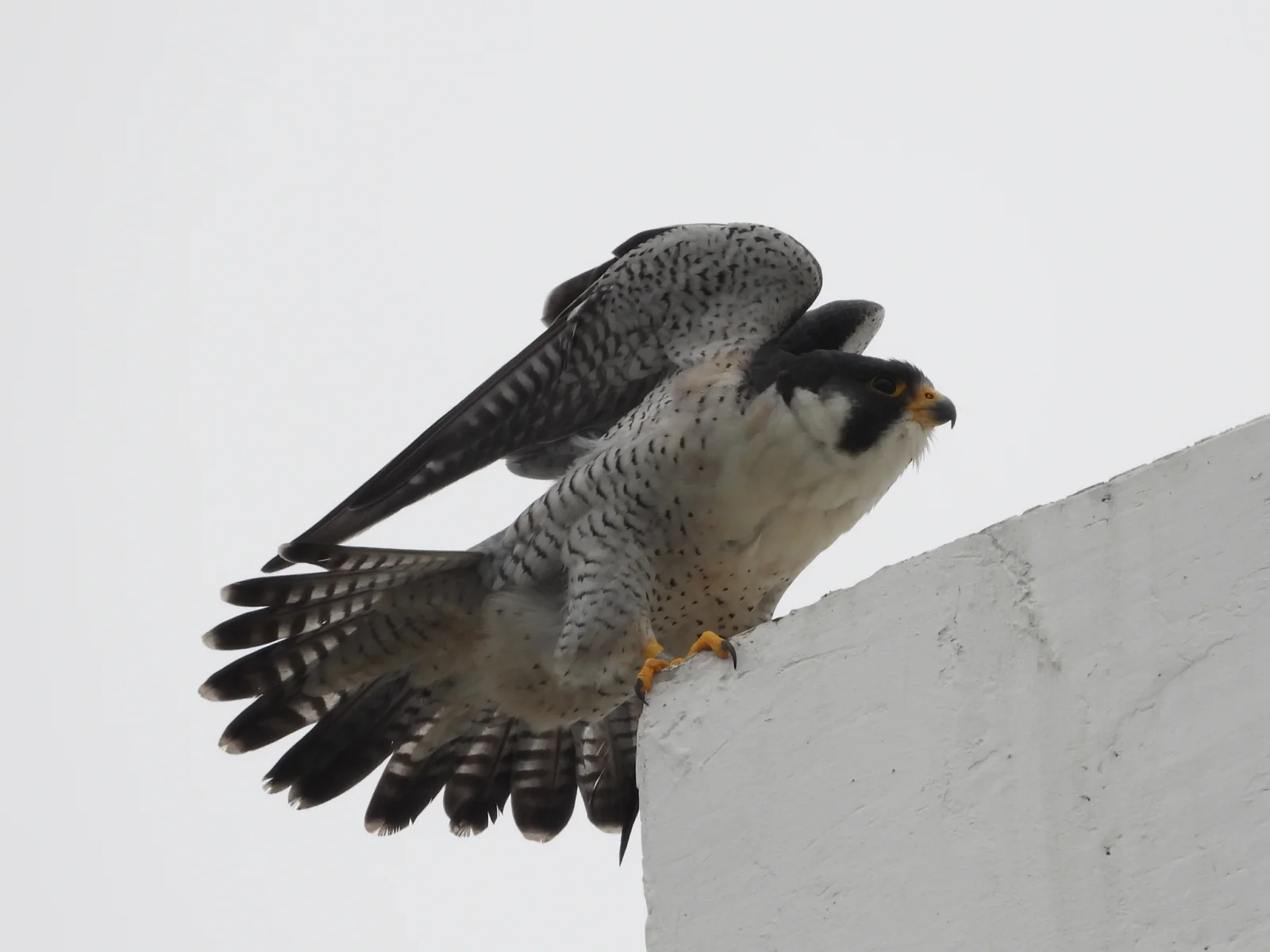
Peregrine Falcon Raising Wings on a Concrete Ledge
2048 × 1536 px Desktop Added
A peregrine falcon crouches at the corner of a pale concrete ledge with its wings lifted and its tail fanned, caught in the moment before it moves. The upper wing is slate grey with fine dark barring. The tail feathers are spread to show bold black and white bands. Its head is dark with a black hood and a pale cheek patch, and its beak and feet are yellow-orange. The overcast sky behind it is a smooth, even white-grey, so the bird's pattern and posture stand out against the plain background. The mood is quiet and tense.
The peregrine falcon (Falco peregrinus) is found on nearly every continent and is often cited as the fastest animal in a hunting dive, or stoop. It feeds mainly on other birds, which it strikes in flight. Many peregrines have adapted to cities, where tall buildings and ledges stand in for the cliffs they usually nest on. This photograph was taken at Sai Kung, Hong Kong, in March 2021. The landscape format and wide empty space on the left suit desktop monitors and ultrawide screens, with room for icons.
More like this: Male Cardinal Taking Off With Wings Spread and Blue Jay Landing With Wings Fanned Wide.
How it looks on your screens
Device sizes are cropped around the same point, so the subject stays in view.
Credit and licence
- Creator
- Stephen Matthews
- Source
- iNaturalist
- Licence
- CC0
This image has no copyright restrictions. You can use it for anything, including commercially. Credit isn't required, but it's appreciated.
"Peregrine Falcon Raising Wings on a Concrete Ledge", by Stephen Matthews, via iNaturalist, CC0
How to set this as your wallpaper
Windows
Download your size, right-click the file and choose Set as desktop background. Or go to Settings, Personalization, Background.
Mac
Open System Settings, Wallpaper, then Add Photo and pick the downloaded file. Choose “Fill screen”.
iPhone
Download the phone size, open it in Photos, tap Share, then Use as Wallpaper. Pinch to adjust before setting.
Android
Download the phone size, open it in Gallery or Photos, tap the menu and choose Set as wallpaper.
Is this your work and published in error? Report this image and we'll respond within 48 hours.
More like this
All animals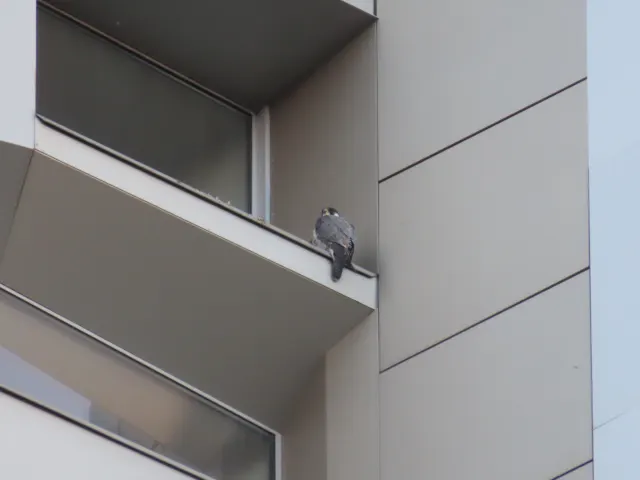 HD
Peregrine Falcon Perched on Tver Building Ledge
HD
Peregrine Falcon Perched on Tver Building Ledge
 HD
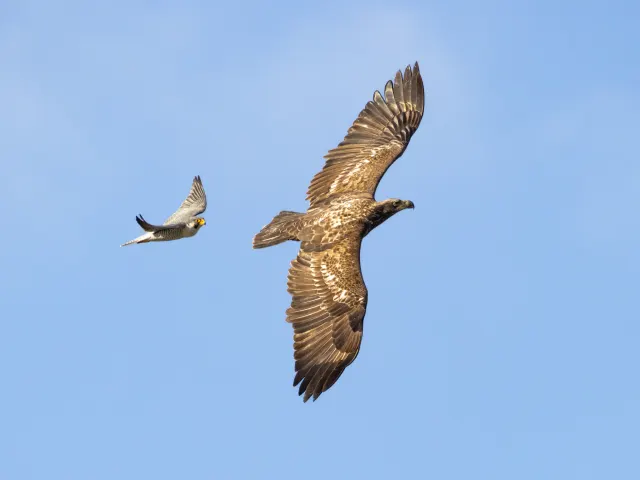
Peregrine Falcon Trailing a Young Eagle Overhead
HD
Peregrine Falcon Trailing a Young Eagle Overhead
 HD
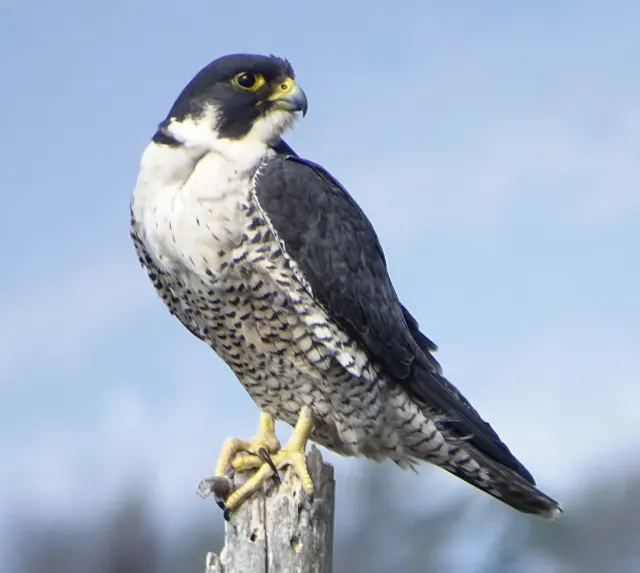
Peregrine Falcon in Profile on a Weathered Stump
HD
Peregrine Falcon in Profile on a Weathered Stump
 HD
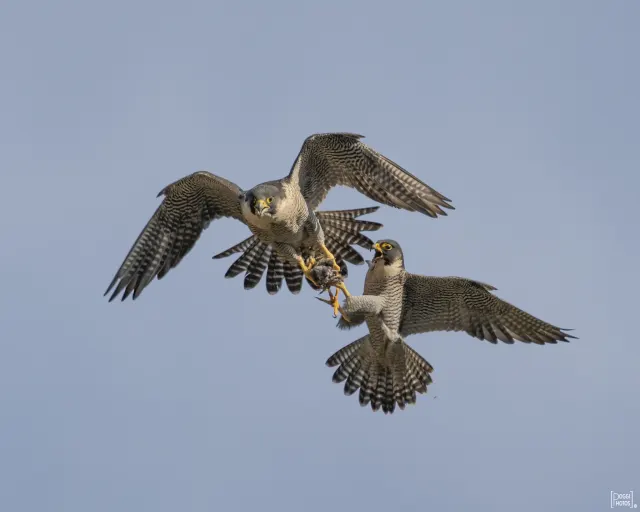
Two Peregrine Falcons Exchanging Prey Midair
HD
Two Peregrine Falcons Exchanging Prey Midair
 4K
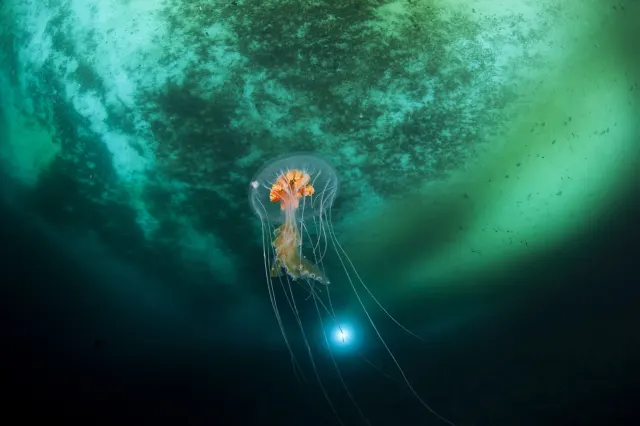
Antarctic Jellyfish Drifting Beneath Green Sea Ice
4K
Antarctic Jellyfish Drifting Beneath Green Sea Ice
 QHD
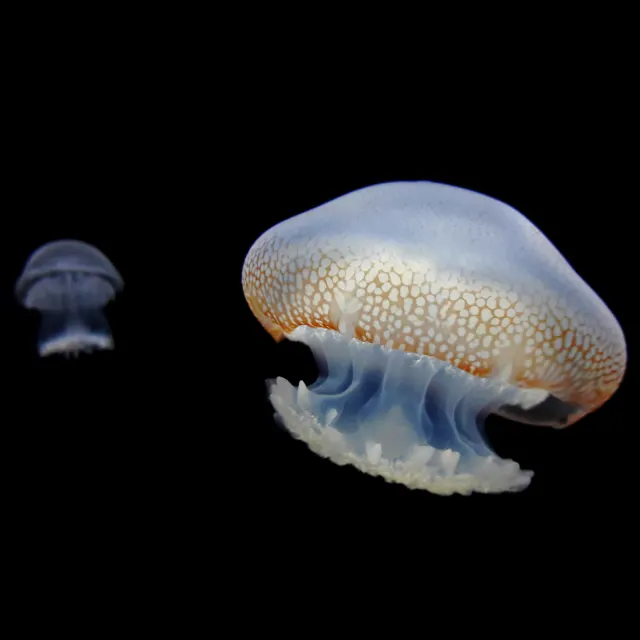
Spotted Jellyfish Drifting Against Black Water
QHD
Spotted Jellyfish Drifting Against Black Water
 4K
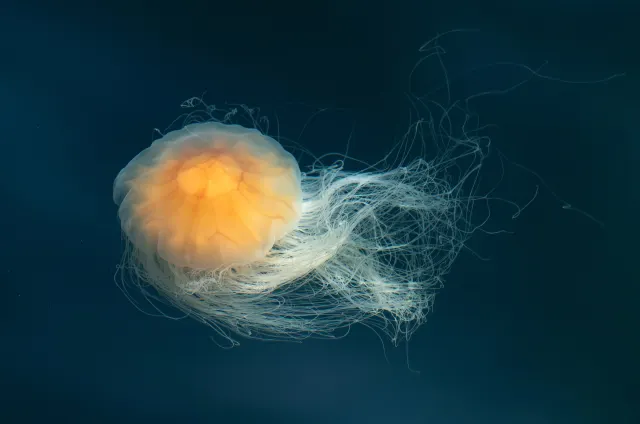
Lion's Mane Jellyfish Drifting in Dark Teal Water
4K
Lion's Mane Jellyfish Drifting in Dark Teal Water
 4K
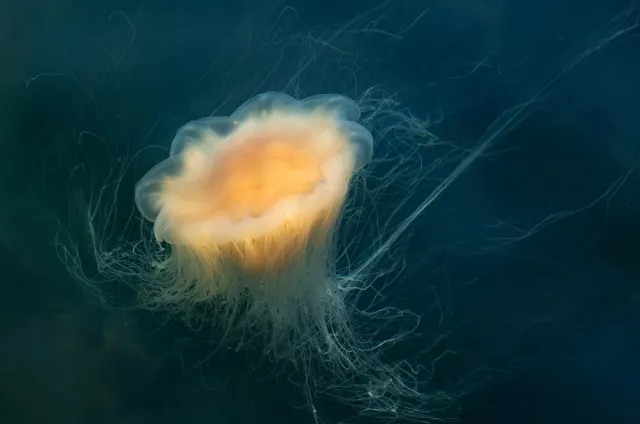
Lion's Mane Jellyfish Drifting in Dark Fjord Water
4K
Lion's Mane Jellyfish Drifting in Dark Fjord Water