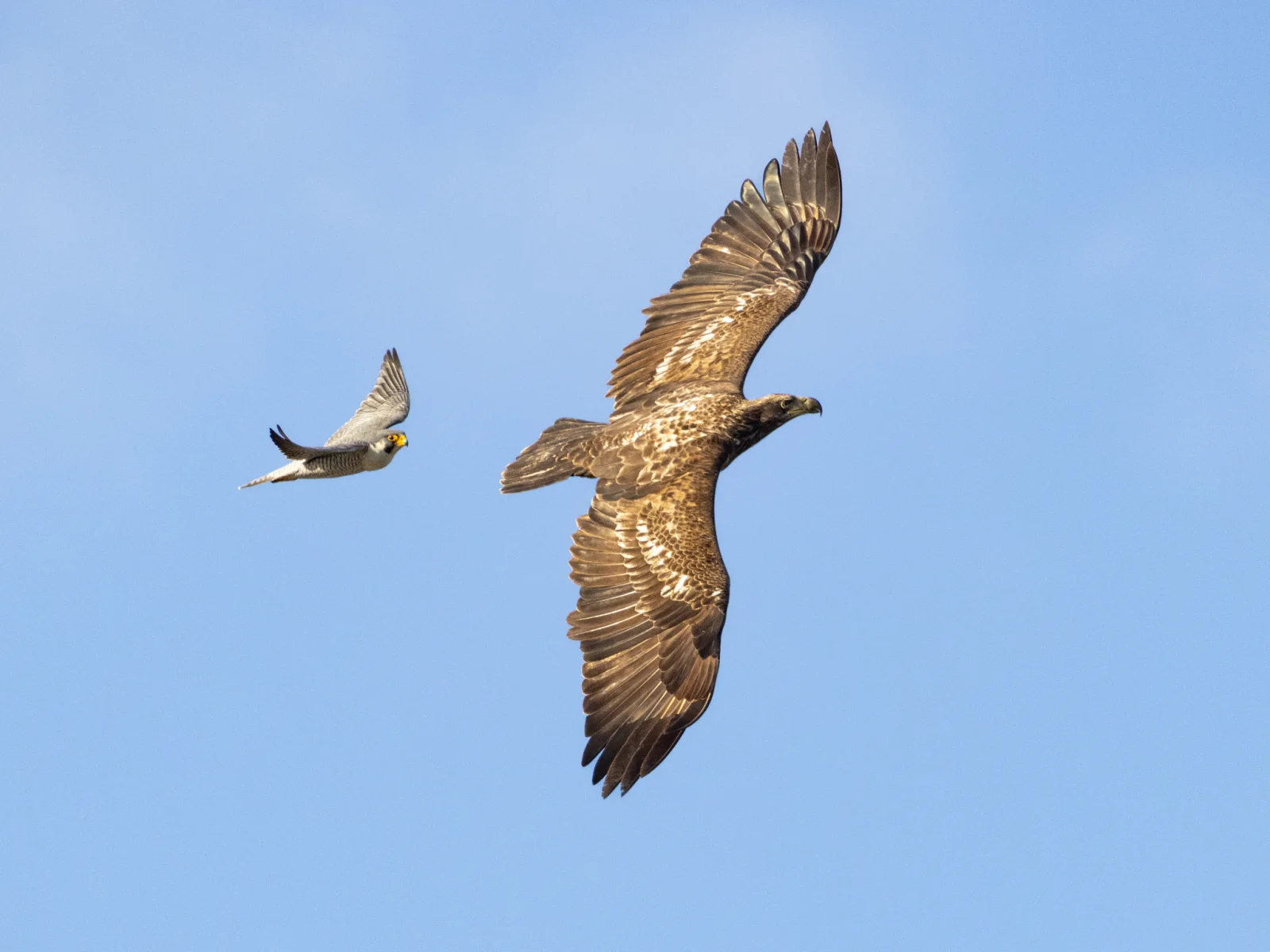
Peregrine Falcon Trailing a Young Eagle Overhead
2048 × 1536 px Desktop Added
Two birds share a clear blue sky. On the right, a large brown raptor soars with its wings fully spread and seen from below. Its feathers are mottled with cream and pale patches, and the wingtips splay into separate fingers. Its head is turned to the side. On the left, a much smaller, pale-bellied bird with swept-back wings and a yellow-ringed face flies a short distance behind. The soft, even light brings out the warm browns of the large bird against the plain background, and the difference in size gives the scene a tense, watchful feel.
The small bird fits the Peregrine Falcon named in the photo's details, recorded in Frederick County, Maryland, in January 2025. Peregrines are known for fast, aggressive flight, and they often harass larger raptors that pass through their territory, a behaviour called mobbing. The large bird appears to be a big soaring raptor, and I'd rather not name its species from the image alone. The wide landscape frame and the empty sky leave plenty of room for desktop icons, so it suits a widescreen monitor or a laptop. Icons on the left side would sit clear of the birds if you shift the crop.
More like this: Flock of Ducks Rising Over a Dune Pond.
How it looks on your screens
Device sizes are cropped around the same point, so the subject stays in view.
Credit and licence
- Creator
- Andy Wilson
- Source
- iNaturalist
- Licence
- CC0
This image has no copyright restrictions. You can use it for anything, including commercially. Credit isn't required, but it's appreciated.
"Peregrine Falcon Trailing a Young Eagle Overhead", by Andy Wilson, via iNaturalist, CC0
How to set this as your wallpaper
Windows
Download your size, right-click the file and choose Set as desktop background. Or go to Settings, Personalization, Background.
Mac
Open System Settings, Wallpaper, then Add Photo and pick the downloaded file. Choose “Fill screen”.
iPhone
Download the phone size, open it in Photos, tap Share, then Use as Wallpaper. Pinch to adjust before setting.
Android
Download the phone size, open it in Gallery or Photos, tap the menu and choose Set as wallpaper.
Is this your work and published in error? Report this image and we'll respond within 48 hours.
More like this
All animals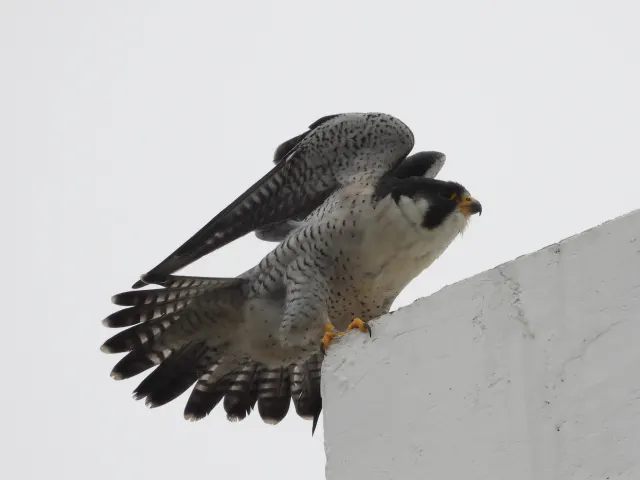 HD
Peregrine Falcon Raising Wings on a Concrete Ledge
HD
Peregrine Falcon Raising Wings on a Concrete Ledge
 HD
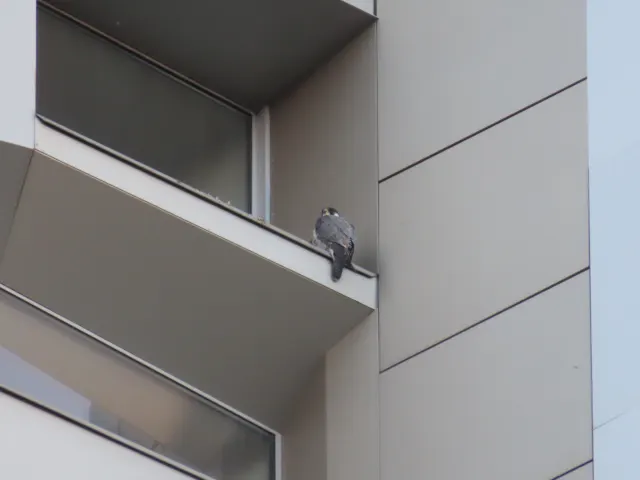
Peregrine Falcon Perched on Tver Building Ledge
HD
Peregrine Falcon Perched on Tver Building Ledge
 HD
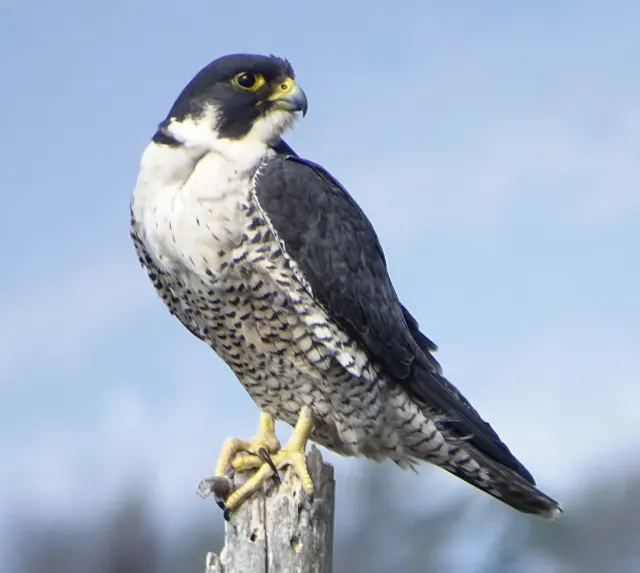
Peregrine Falcon in Profile on a Weathered Stump
HD
Peregrine Falcon in Profile on a Weathered Stump
 HD
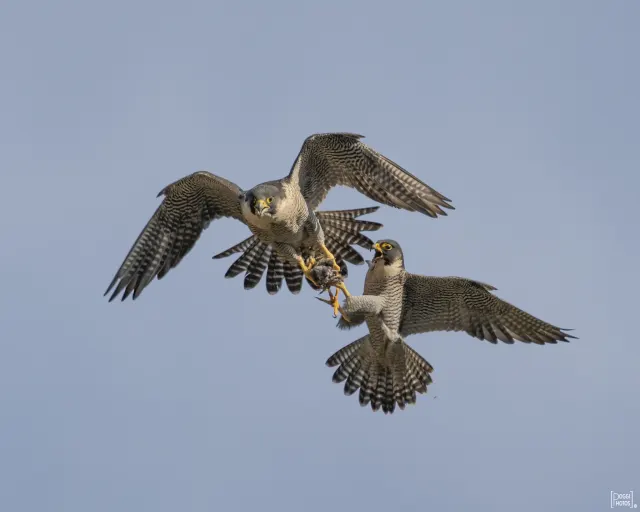
Two Peregrine Falcons Exchanging Prey Midair
HD
Two Peregrine Falcons Exchanging Prey Midair
 4K
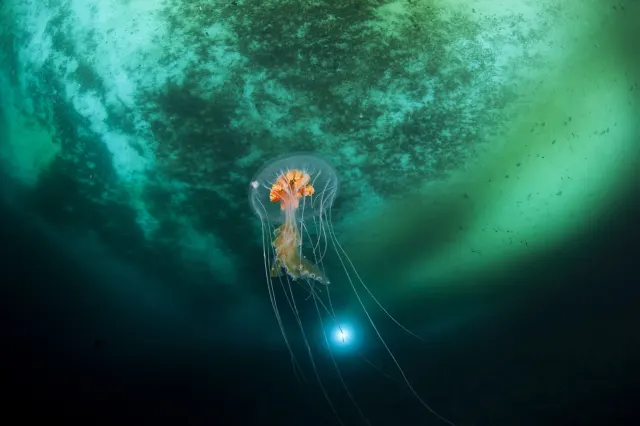
Antarctic Jellyfish Drifting Beneath Green Sea Ice
4K
Antarctic Jellyfish Drifting Beneath Green Sea Ice
 QHD
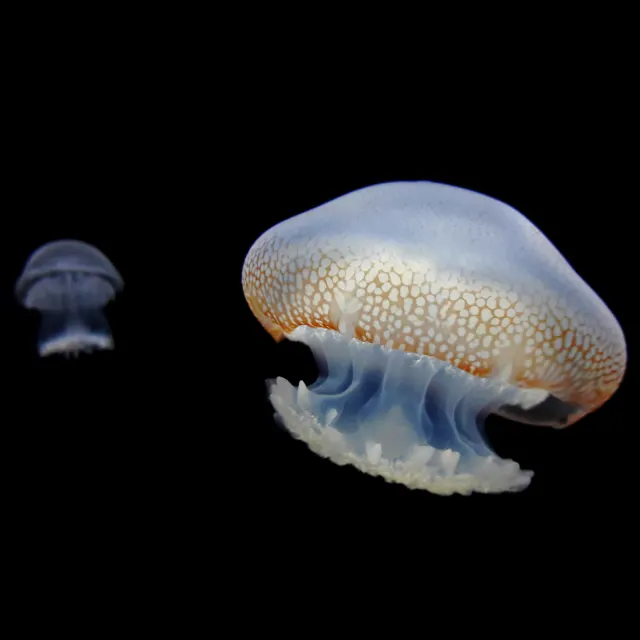
Spotted Jellyfish Drifting Against Black Water
QHD
Spotted Jellyfish Drifting Against Black Water
 4K
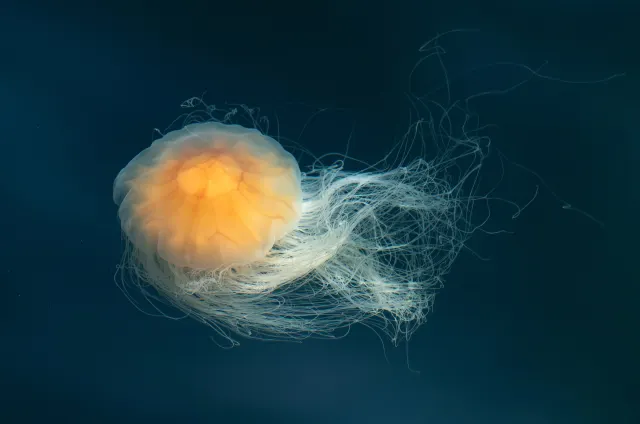
Lion's Mane Jellyfish Drifting in Dark Teal Water
4K
Lion's Mane Jellyfish Drifting in Dark Teal Water
 4K
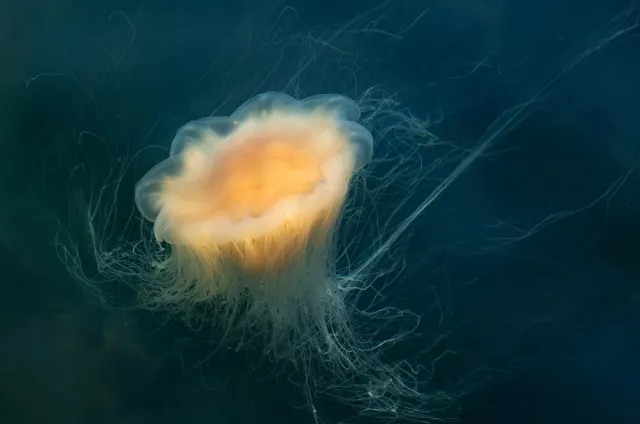
Lion's Mane Jellyfish Drifting in Dark Fjord Water
4K
Lion's Mane Jellyfish Drifting in Dark Fjord Water