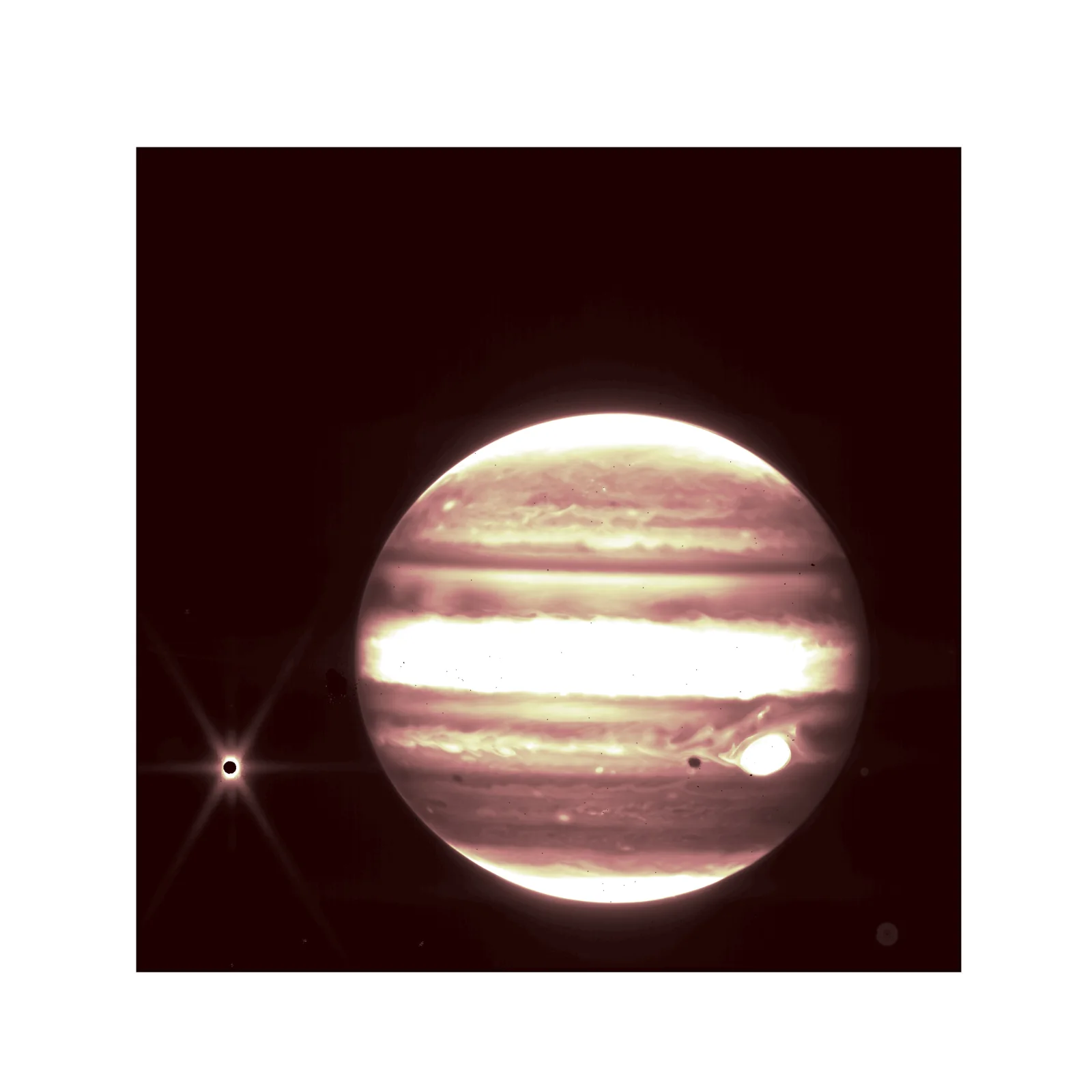
Jupiter's Banded Disc in Infrared With Distant Moon
3840 × 3840 px DesktopPhone4KUltrawideTablet Added 21 downloads
Jupiter fills the right of a dark, maroon-black square, its disc cut off sharply against the background. The banded atmosphere is rendered in warm creams, pinks and browns, with a broad, almost white equatorial stripe across the middle. Finer, wispy cloud texture shows in the bands above and below it. Near the lower right, a bright white oval stands out, and a small dark spot sits just beside it. At far left, a small dark-centred point is ringed by a bright halo and long diffraction spikes. A faint glow surrounds the planet's edge.
This is an infrared view, so the colours are assigned rather than seen by eye. In infrared, high-altitude hazes and clouds look bright, and deeper, clearer regions look darker. The bright oval is consistent with the Great Red Spot, the giant storm that has lasted for centuries. The small moon at left is Europa, which is thought to hide a salty ocean beneath its icy crust. The spikes around it are an optical effect of the telescope. The square, high-resolution format suits a phone lock screen or a centred desktop background, and the black margins leave room for icons.
More like this: Red and Yellow Wildflowers on a Dark Ledge.
How it looks on your screens
Device sizes are cropped around the same point, so the subject stays in view.
Credit and licence
- Creator
- NASA/ESA/CSA/STScI
- Source
- ESA/Webb Space Telescope
- Licence
- CC BY 4.0
Free to use, including commercially, as long as you credit the creator. Our downloads are resized and cropped from the original.
"Jupiter's Banded Disc in Infrared With Distant Moon", by NASA/ESA/CSA/STScI, via ESA/Webb Space Telescope, CC BY 4.0. Resized and cropped by Wallspapers
How to set this as your wallpaper
Windows
Download your size, right-click the file and choose Set as desktop background. Or go to Settings, Personalization, Background.
Mac
Open System Settings, Wallpaper, then Add Photo and pick the downloaded file. Choose “Fill screen”.
iPhone
Download the phone size, open it in Photos, tap Share, then Use as Wallpaper. Pinch to adjust before setting.
Android
Download the phone size, open it in Gallery or Photos, tap the menu and choose Set as wallpaper.
Is this your work and published in error? Report this image and we'll respond within 48 hours.
More like this
All space & earth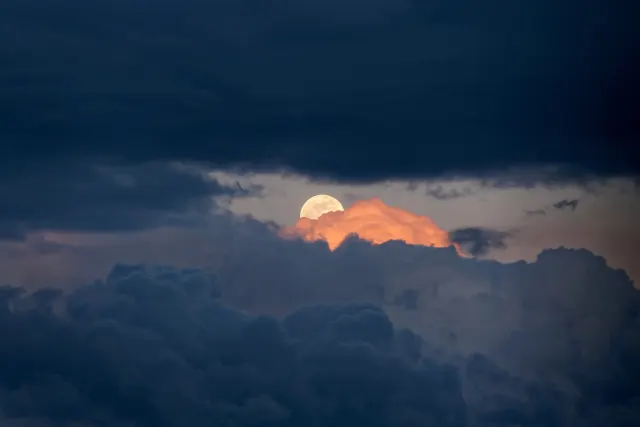 4K
Pale Moon Rising Behind Orange-Lit Cloud
 4K
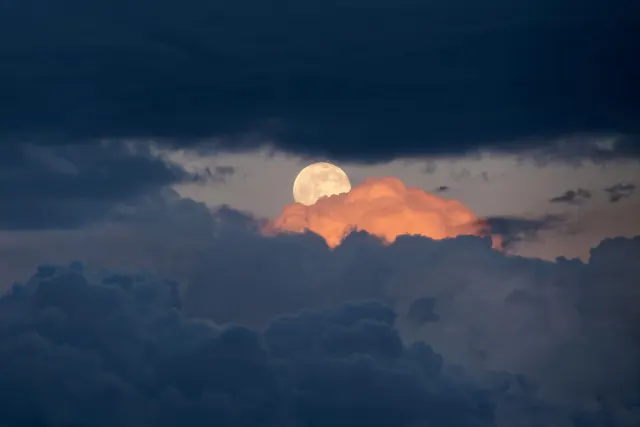
Full Moon Over Dark Storm Clouds at Dusk
 QHD
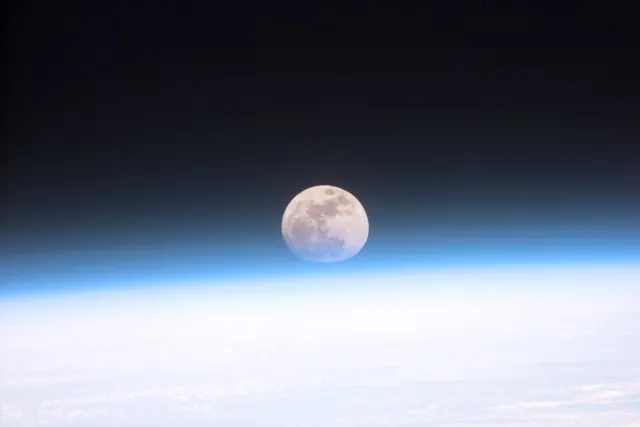
Full Moon Sinking Into Earth's Blue Limb
 4K
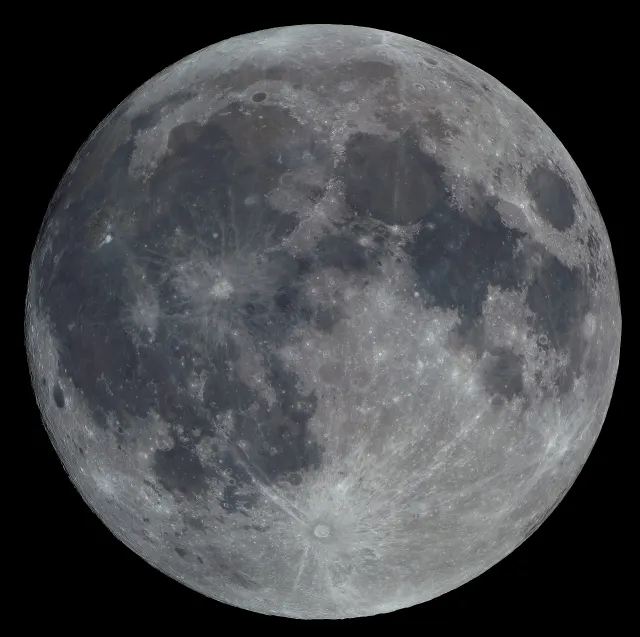
Full Moon With Tycho's Rays and Blue-Grey Seas
 HD
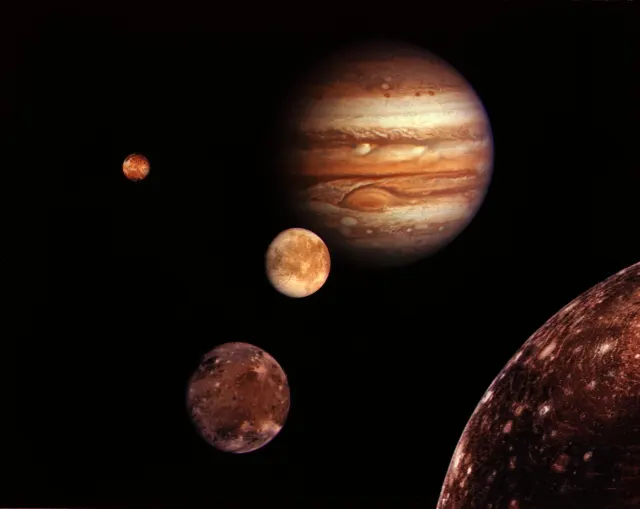
Jupiter and Its Four Largest Moons Composite
 4K
Antarctic Jellyfish Drifting Beneath Green Sea Ice
 4K
Lion's Mane Jellyfish Drifting in Dark Fjord Water
 QHD
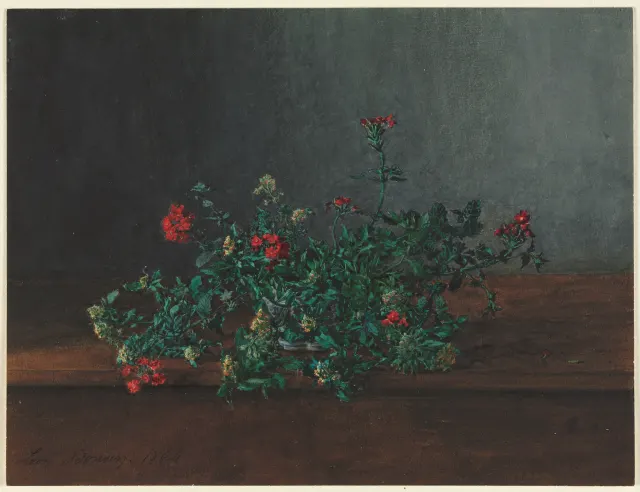
Red and Yellow Wildflowers on a Dark Ledge