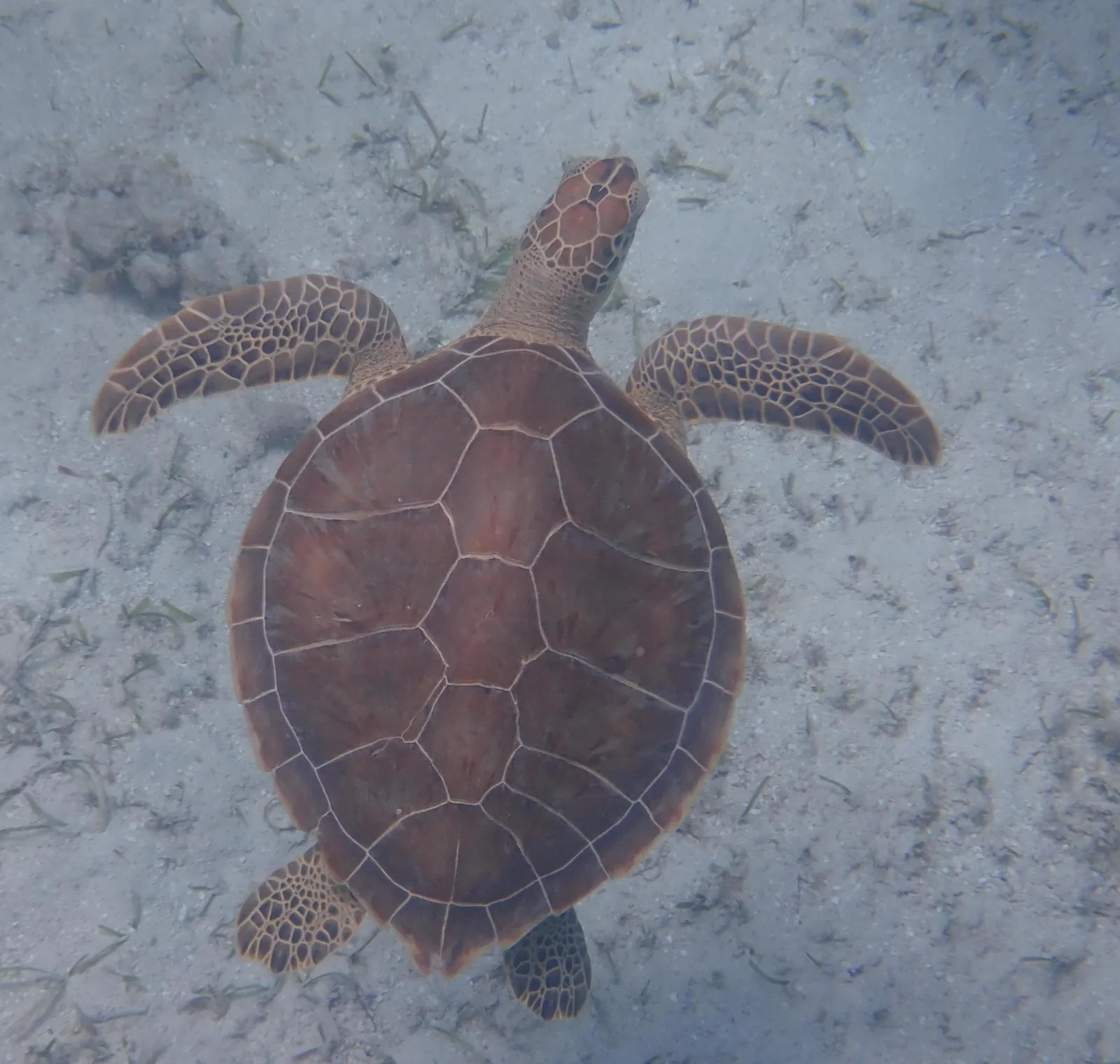
Green Turtle Seen from Above Over Sand
2048 × 1946 px Desktop Added
A single sea turtle swims over a pale, sandy seabed, photographed from directly above. Its reddish-brown shell fills the centre of the frame, and the pale seams between the scutes form a neat pattern of plates. The head points up the frame, with large scales visible on the crown. The front flippers stretch out to each side, and the mottled brown-and-cream scales on them are easy to see. The two rear flippers trail at the bottom. The water is soft blue-grey and slightly hazy, and thin strands of seagrass and debris are scattered over the sand. The mood is quiet and unhurried, with the warm shell standing out against the cool background.
Green sea turtles (Chelonia mydas) live in tropical and subtropical seas around the world. They usually stay in shallow coastal waters with seagrass beds or algae. Adults are mostly herbivorous, which is unusual among sea turtles, and the species is named for the greenish fat beneath its shell, not for the colour of the shell itself. Females return to nesting beaches every few years to lay their eggs, and many travel long distances between feeding and nesting areas. The square format and the centred subject suit a phone lock screen or a tablet. The plain background leaves room for icons on a desktop.
More like this: Tagged Grizzly Among Wild Yarrow Stems and Kittiwakes Afloat Beneath a Fog-Shrouded Sea Stack.
How it looks on your screens
Device sizes are cropped around the same point, so the subject stays in view.
Credit and licence
- Creator
- Alexis Tinker-Tsavalas
- Source
- iNaturalist
- Licence
- CC BY 4.0
Free to use, including commercially, as long as you credit the creator. Our downloads are resized and cropped from the original.
"Green Turtle Seen from Above Over Sand", by Alexis Tinker-Tsavalas, via iNaturalist, CC BY 4.0. Resized and cropped by Wallspapers
How to set this as your wallpaper
Windows
Download your size, right-click the file and choose Set as desktop background. Or go to Settings, Personalization, Background.
Mac
Open System Settings, Wallpaper, then Add Photo and pick the downloaded file. Choose “Fill screen”.
iPhone
Download the phone size, open it in Photos, tap Share, then Use as Wallpaper. Pinch to adjust before setting.
Android
Download the phone size, open it in Gallery or Photos, tap the menu and choose Set as wallpaper.
Is this your work and published in error? Report this image and we'll respond within 48 hours.
More like this
All ocean & coast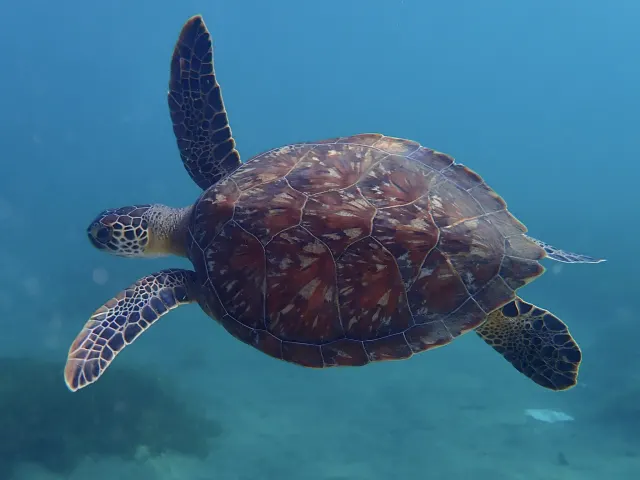 HD
Green Turtle Gliding Through Open Blue Water
HD
Green Turtle Gliding Through Open Blue Water
 HD
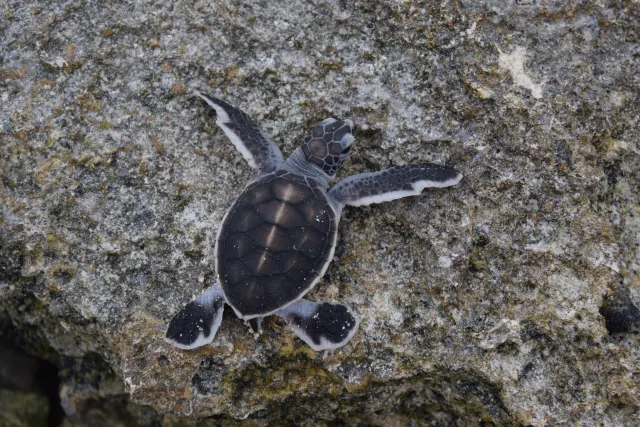
Hatchling Green Turtle Climbing a Rocky Ledge
HD
Hatchling Green Turtle Climbing a Rocky Ledge
 HD
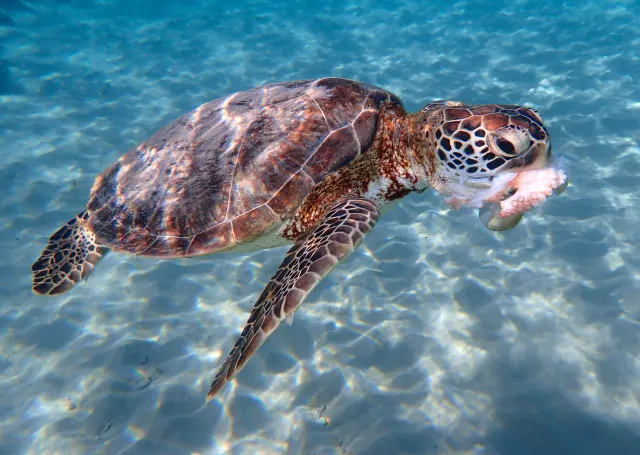
Green Turtle Feeding in Sunlit Shallows
HD
Green Turtle Feeding in Sunlit Shallows
 HD
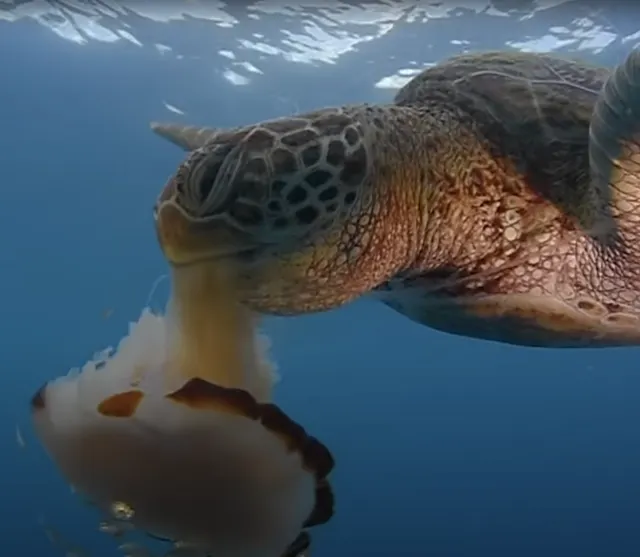
Sea Turtle Swallowing a Pale Jellyfish
HD
Sea Turtle Swallowing a Pale Jellyfish
 QHD
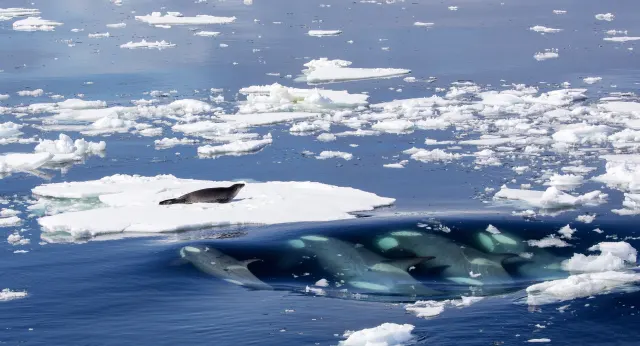
Killer Whales Approach a Seal on Ice
QHD
Killer Whales Approach a Seal on Ice
 4K
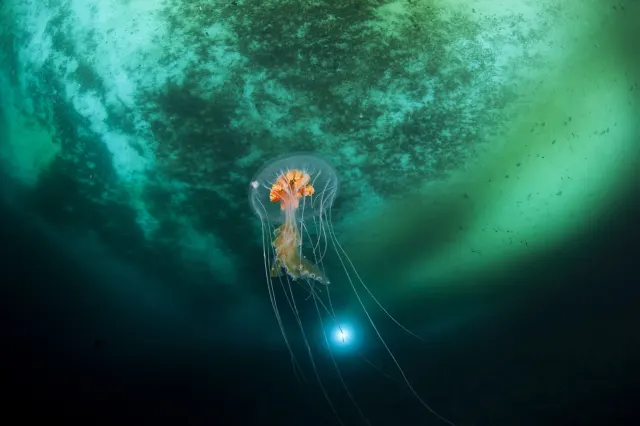
Antarctic Jellyfish Drifting Beneath Green Sea Ice
4K
Antarctic Jellyfish Drifting Beneath Green Sea Ice
 QHD
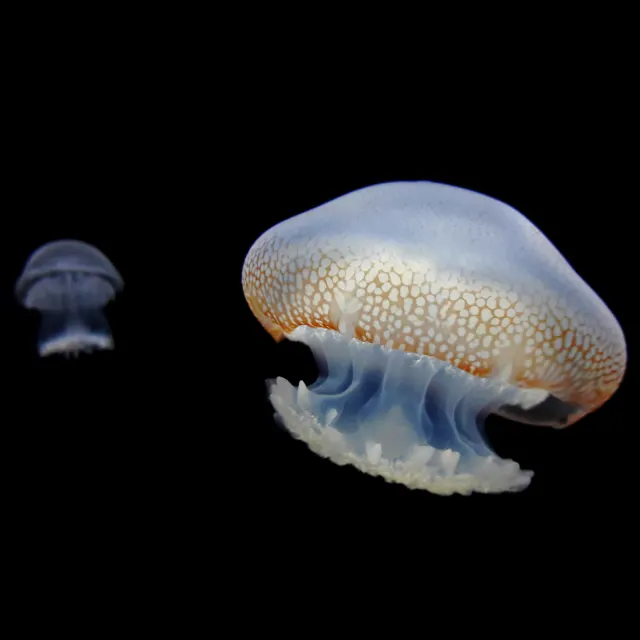
Spotted Jellyfish Drifting Against Black Water
QHD
Spotted Jellyfish Drifting Against Black Water
 4K
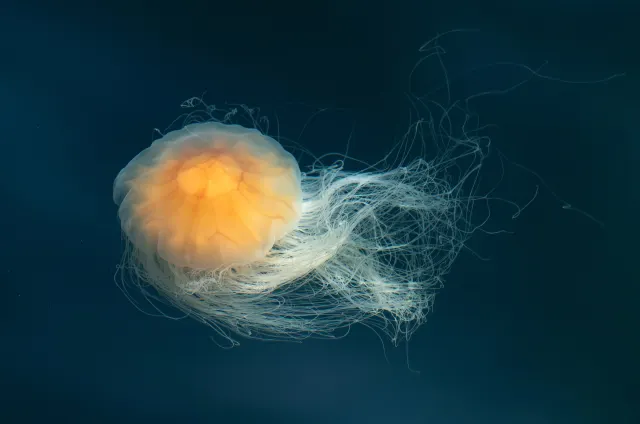
Lion's Mane Jellyfish Drifting in Dark Teal Water
4K
Lion's Mane Jellyfish Drifting in Dark Teal Water