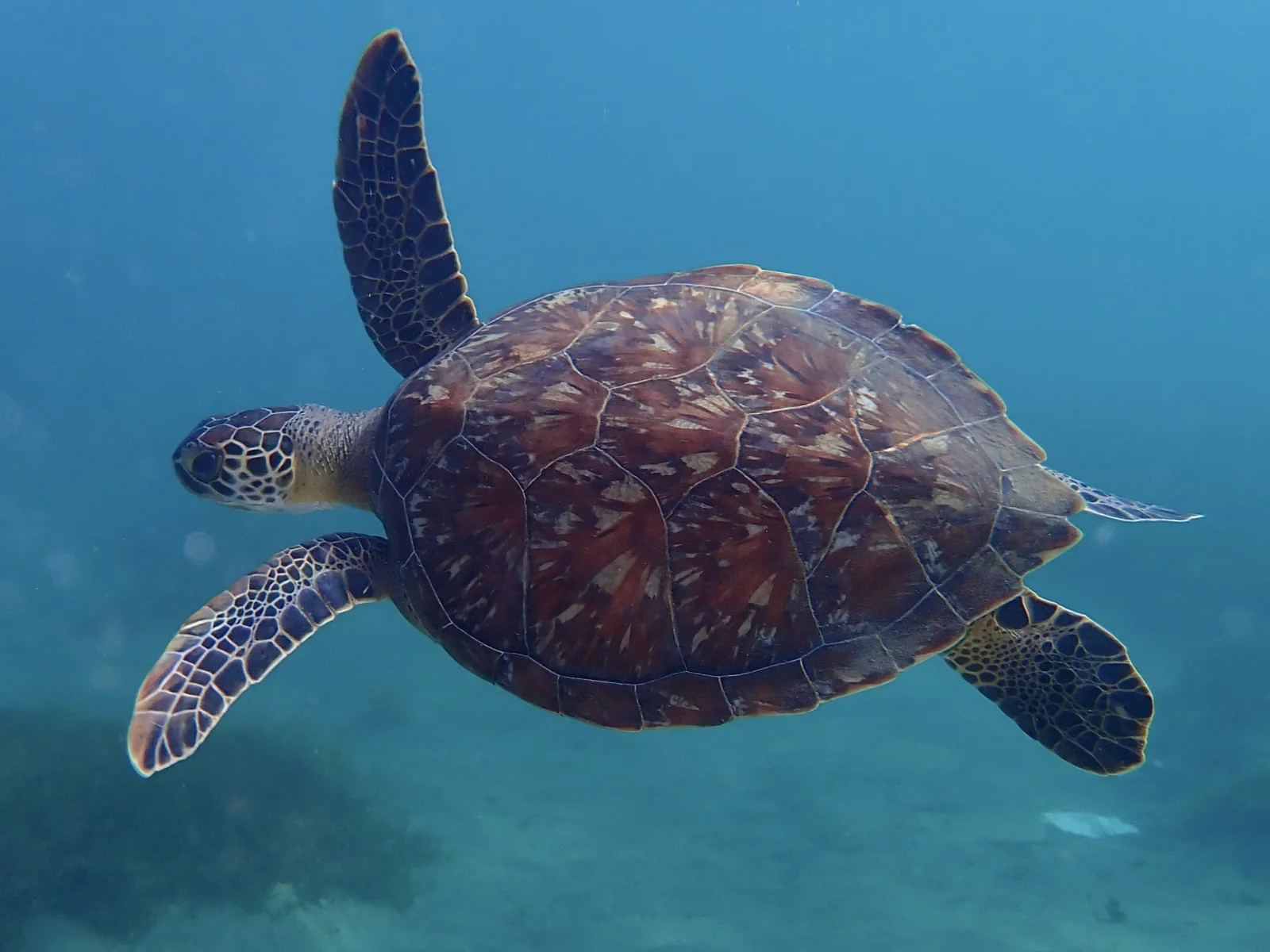
Green Turtle Gliding Through Open Blue Water
2048 × 1536 px Desktop Added
A sea turtle swims left of centre in clear blue-green water, seen from slightly above and to the side. Its raised front flipper points toward the top of the frame, while the other flipper reaches forward below the head. The shell is a warm reddish brown with pale streaks along the scute edges, and it stands out against the cool, evenly lit water. The head is turned toward the camera, and the flippers carry a mosaic of dark and cream scales. Below, a soft, hazy seabed fades into the blue, which leaves plenty of open space around the animal. The mood is calm and unhurried.
Green sea turtles (Chelonia mydas) live in tropical and subtropical seas around the world. They take their name from the green tint of their body fat, not from the colour of the shell. Adults are mostly grazers on seagrass and algae, though young turtles eat a broader mix of food. They surface regularly to breathe, but they can stay under for long periods while resting. Females return to sandy beaches to nest, often near where they hatched. The wide landscape format and the open water on every side suit desktop monitors and ultrawide screens, where desktop icons can sit on the empty blue without covering the turtle.
More like this: Three Bears Walking Down a Northern Highway and Great Blue Heron Standing on a Seaweed-Strewn Beach.
How it looks on your screens
Device sizes are cropped around the same point, so the subject stays in view.
Credit and licence
- Creator
- Matteo Bellucci
- Source
- iNaturalist
- Licence
- CC BY 4.0
Free to use, including commercially, as long as you credit the creator. Our downloads are resized and cropped from the original.
"Green Turtle Gliding Through Open Blue Water", by Matteo Bellucci, via iNaturalist, CC BY 4.0. Resized and cropped by Wallspapers
How to set this as your wallpaper
Windows
Download your size, right-click the file and choose Set as desktop background. Or go to Settings, Personalization, Background.
Mac
Open System Settings, Wallpaper, then Add Photo and pick the downloaded file. Choose “Fill screen”.
iPhone
Download the phone size, open it in Photos, tap Share, then Use as Wallpaper. Pinch to adjust before setting.
Android
Download the phone size, open it in Gallery or Photos, tap the menu and choose Set as wallpaper.
Is this your work and published in error? Report this image and we'll respond within 48 hours.
More like this
All ocean & coast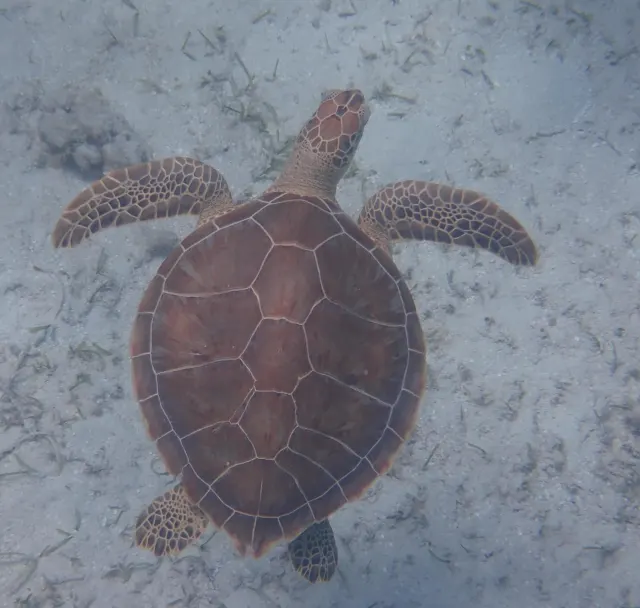 HD
Green Turtle Seen from Above Over Sand
HD
Green Turtle Seen from Above Over Sand
 HD
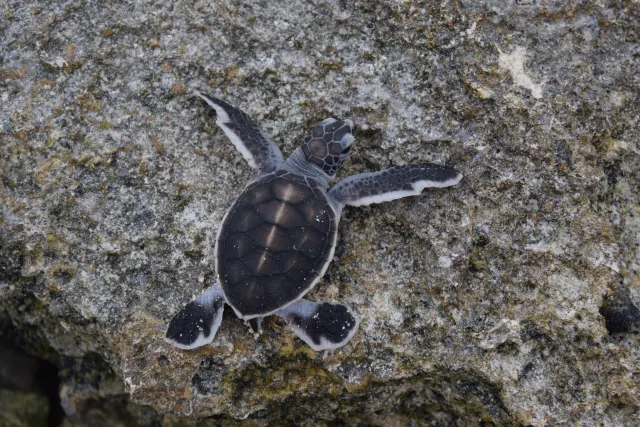
Hatchling Green Turtle Climbing a Rocky Ledge
HD
Hatchling Green Turtle Climbing a Rocky Ledge
 HD
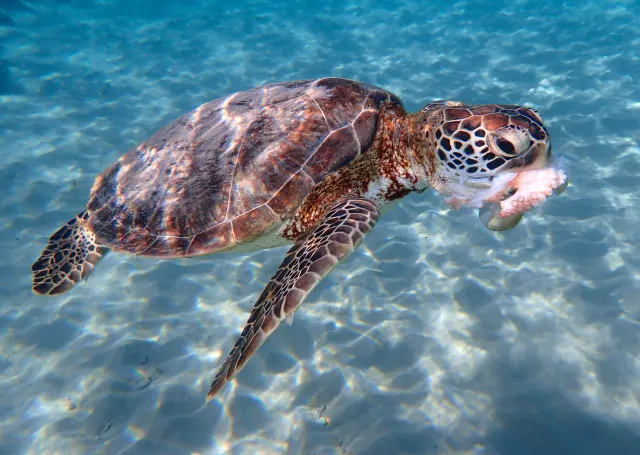
Green Turtle Feeding in Sunlit Shallows
HD
Green Turtle Feeding in Sunlit Shallows
 HD
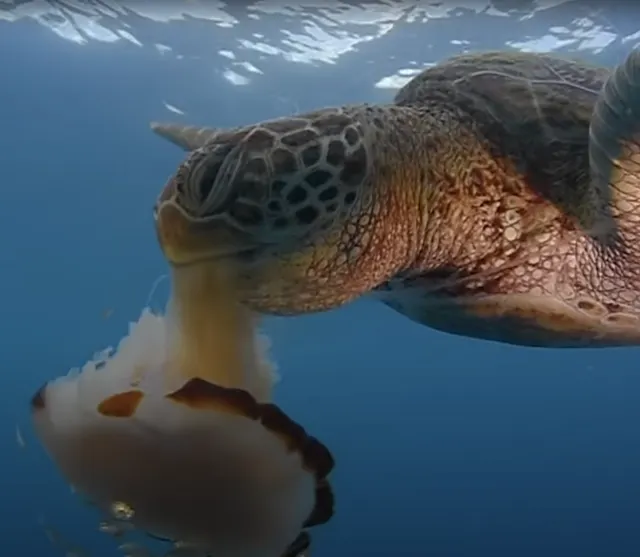
Sea Turtle Swallowing a Pale Jellyfish
HD
Sea Turtle Swallowing a Pale Jellyfish
 QHD
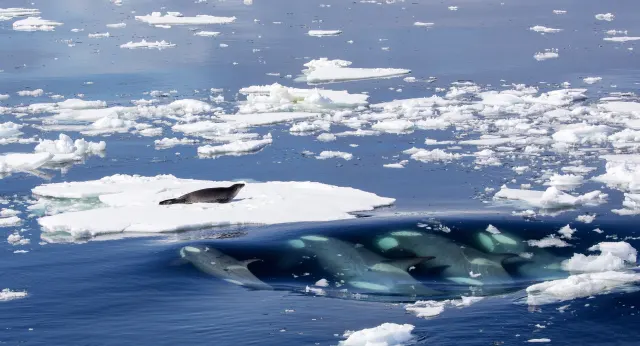
Killer Whales Approach a Seal on Ice
QHD
Killer Whales Approach a Seal on Ice
 HD
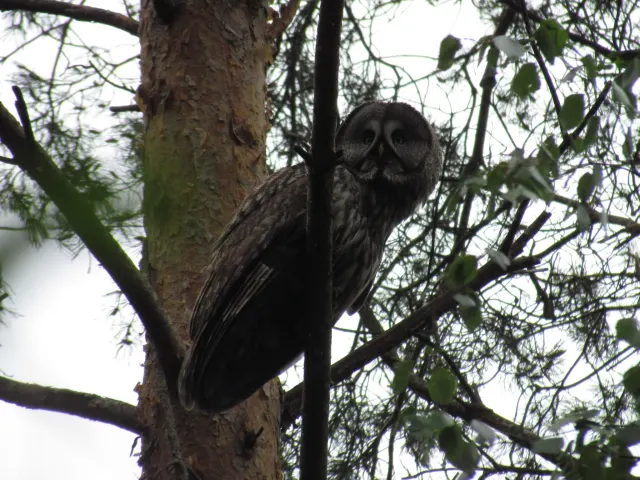
Great Gray Owl Peering Down from a Pine Branch
HD
Great Gray Owl Peering Down from a Pine Branch
 HD
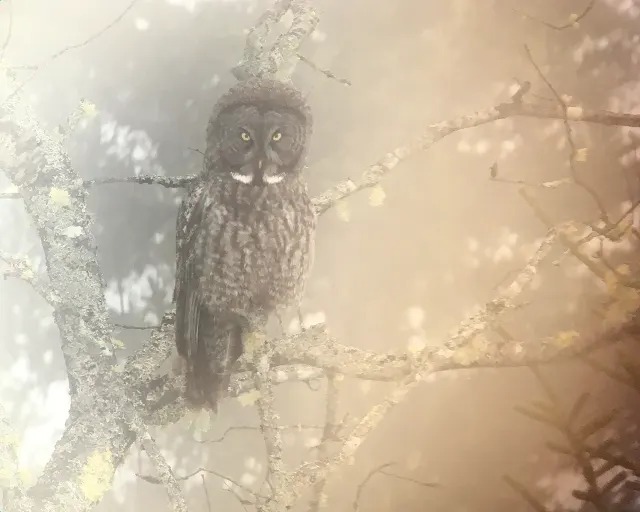
Great Gray Owl in Soft Amber Mist
HD
Great Gray Owl in Soft Amber Mist
 HD
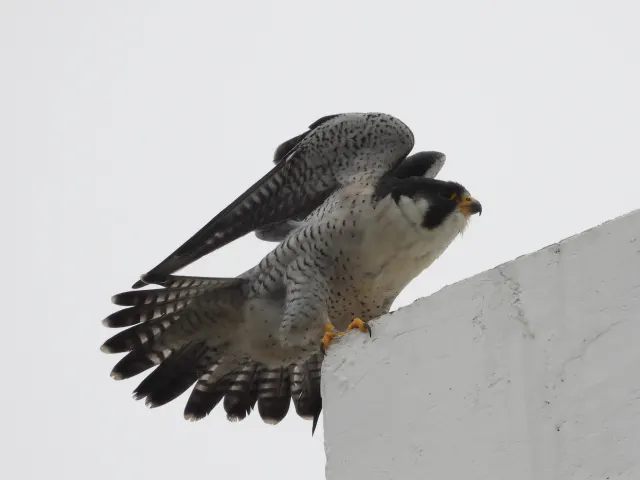
Peregrine Falcon Raising Wings on a Concrete Ledge
HD
Peregrine Falcon Raising Wings on a Concrete Ledge