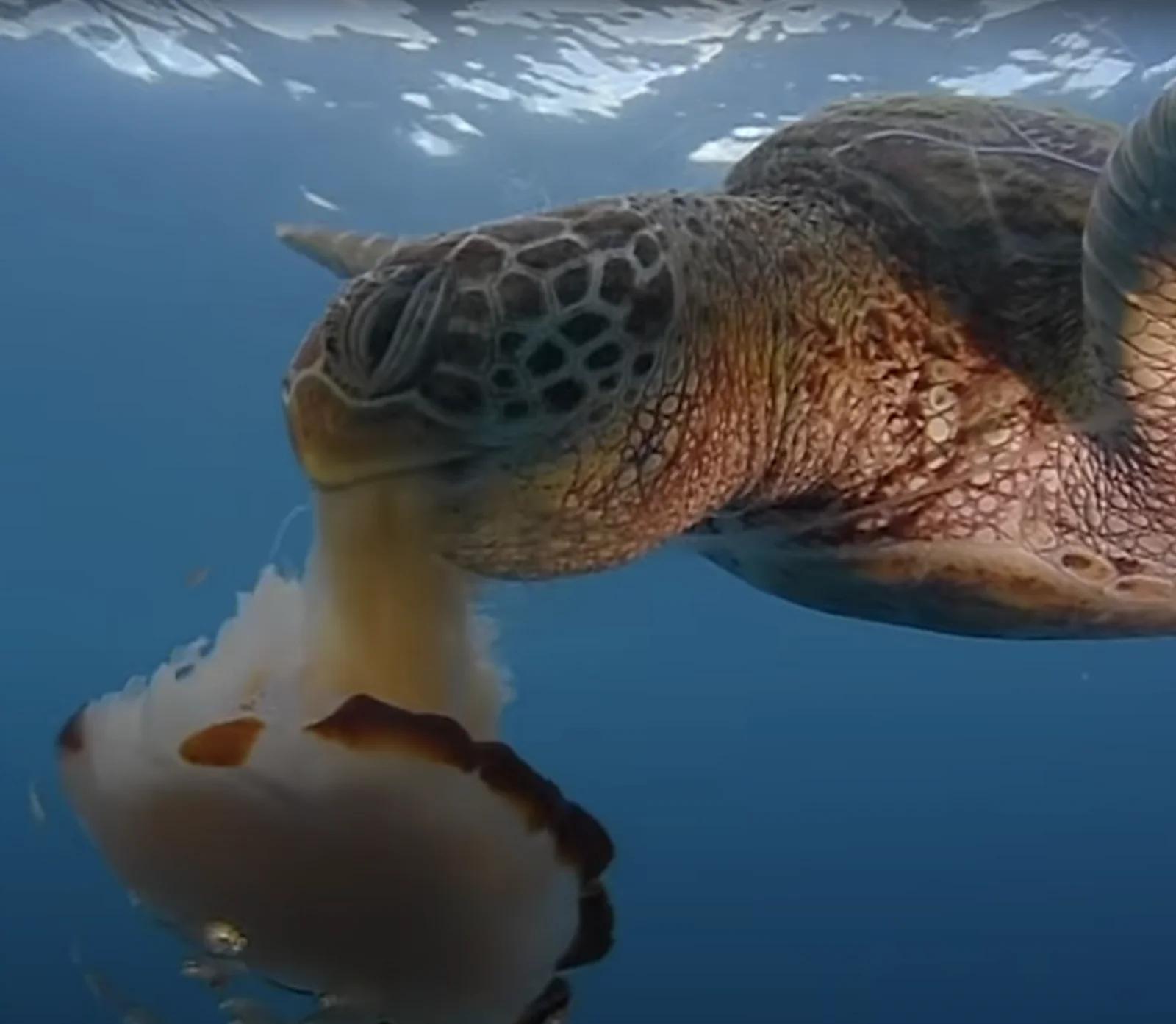
Sea Turtle Swallowing a Pale Jellyfish
2048 × 1783 px Desktop Added
A sea turtle fills the upper right of the frame, seen from the side as it feeds on a large, pale jellyfish in open blue water. Its head is angled downward, and the scales on its face form a dark, honeycomb-like pattern against warm brown and amber skin. The jellyfish hangs below, with a translucent cream bell edged in rust-brown and a thick column of tissue rising into the turtle's beak. Light ripples across the surface at the top of the picture, while the water deepens from bright cyan to a soft, even blue. The mood is calm and quiet, and the open water leaves plenty of empty space around the animals.
Green sea turtles, Chelonia mydas, live in tropical and subtropical seas around the world. Juveniles eat a mixed diet that often includes jellyfish and other soft-bodied animals, while adults feed mostly on seagrass and algae, which is unusual among sea turtles. The Whitsundays, off the Queensland coast, sit within the Great Barrier Reef region, where the species is regularly seen. This landscape image suits desktop monitors and laptops best. The blue negative space on the left leaves room for icons, and the turtle's detailed texture holds up on larger displays.
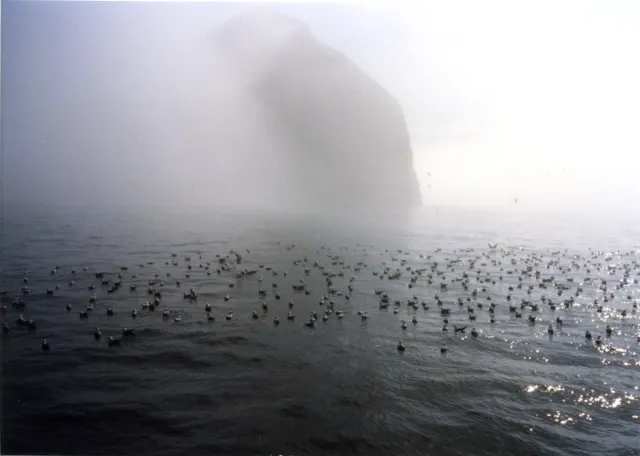
More like this: Kittiwakes Afloat Beneath a Fog-Shrouded Sea Stack and Killer Whales Approach a Seal on Ice.
How it looks on your screens
Device sizes are cropped around the same point, so the subject stays in view.
Credit and licence
- Creator
- Kyle Van Houtan
- Source
- iNaturalist
- Licence
- CC BY 4.0
Free to use, including commercially, as long as you credit the creator. Our downloads are resized and cropped from the original.
"Sea Turtle Swallowing a Pale Jellyfish", by Kyle Van Houtan, via iNaturalist, CC BY 4.0. Resized and cropped by Wallspapers
How to set this as your wallpaper
Windows
Download your size, right-click the file and choose Set as desktop background. Or go to Settings, Personalization, Background.
Mac
Open System Settings, Wallpaper, then Add Photo and pick the downloaded file. Choose “Fill screen”.
iPhone
Download the phone size, open it in Photos, tap Share, then Use as Wallpaper. Pinch to adjust before setting.
Android
Download the phone size, open it in Gallery or Photos, tap the menu and choose Set as wallpaper.
Is this your work and published in error? Report this image and we'll respond within 48 hours.
More like this
 HD
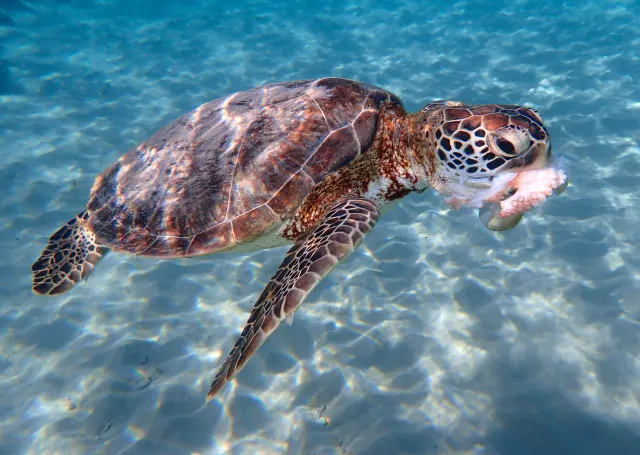
Green Turtle Feeding in Sunlit Shallows
HD
Green Turtle Feeding in Sunlit Shallows
 QHD
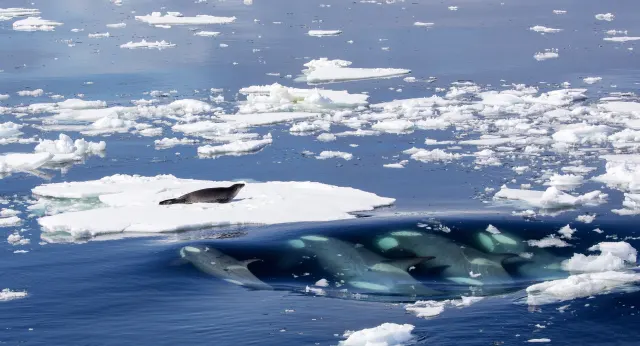
Killer Whales Approach a Seal on Ice
QHD
Killer Whales Approach a Seal on Ice
 4K
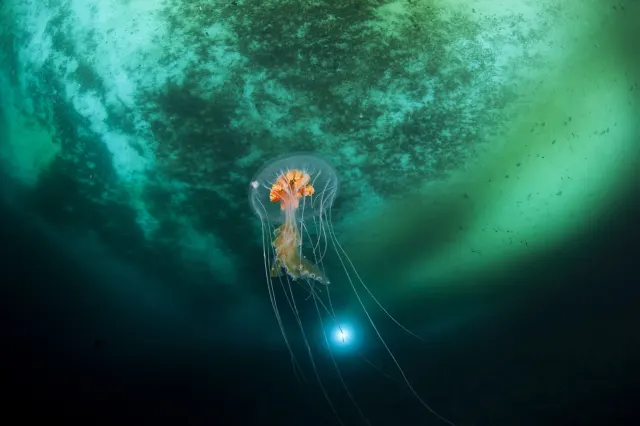
Antarctic Jellyfish Drifting Beneath Green Sea Ice
4K
Antarctic Jellyfish Drifting Beneath Green Sea Ice
 QHD
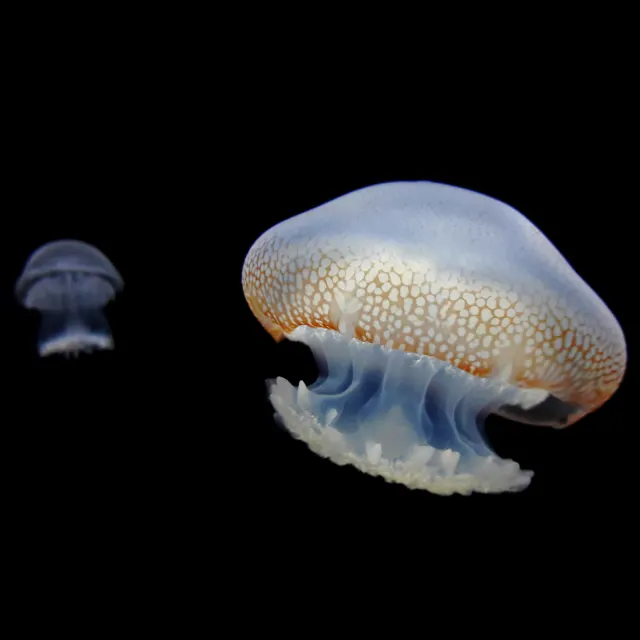
Spotted Jellyfish Drifting Against Black Water
QHD
Spotted Jellyfish Drifting Against Black Water
 4K
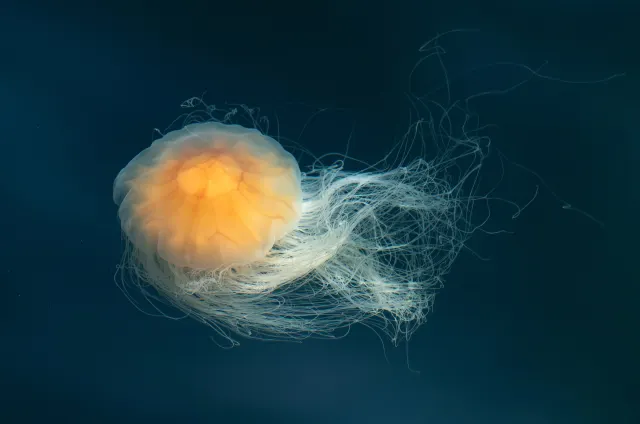
Lion's Mane Jellyfish Drifting in Dark Teal Water
4K
Lion's Mane Jellyfish Drifting in Dark Teal Water
 4K
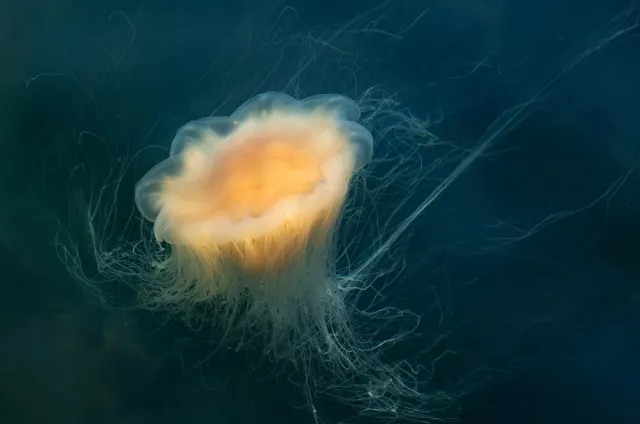
Lion's Mane Jellyfish Drifting in Dark Fjord Water
4K
Lion's Mane Jellyfish Drifting in Dark Fjord Water
 HD
Kittiwakes Afloat Beneath a Fog-Shrouded Sea Stack
HD
Kittiwakes Afloat Beneath a Fog-Shrouded Sea Stack