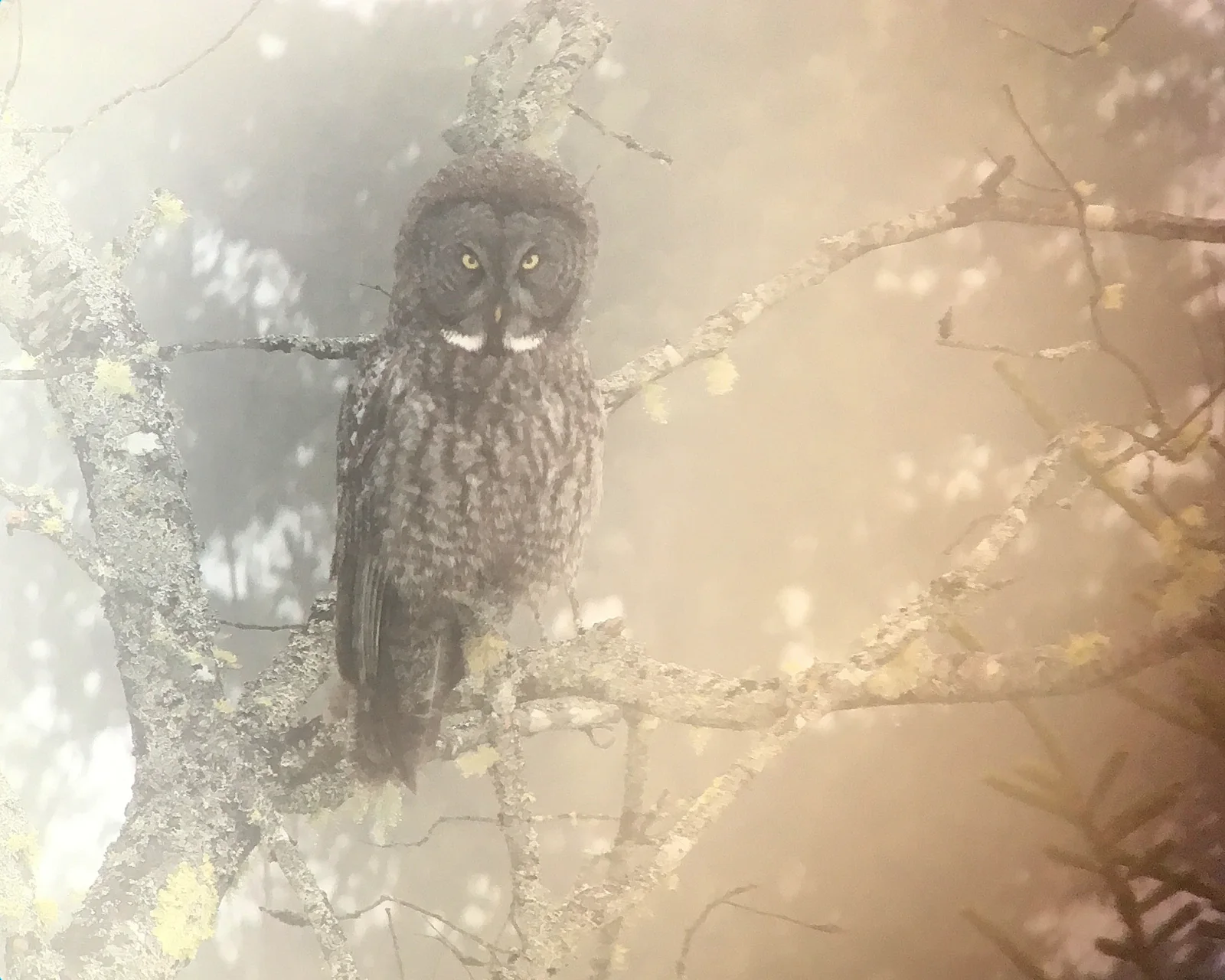
Great Gray Owl in Soft Amber Mist
2048 × 1638 px Desktop Added
A great gray owl sits upright on a lichen-covered branch, facing the viewer with pale yellow eyes and two white bow-tie marks beneath its beak. Its round face and streaked grey-brown plumage stand out against a hazy background. Warm amber light drifts in from the right and cool grey fills the left, so the whole frame reads as a muted wash of cream and silver. Thin bare twigs cross the picture, and small pale leaves and blurred bokeh patches float around the bird. The mood is quiet and a little dreamlike.
The great gray owl (Strix nebulosa) is among the largest owls in North America by length, though much of its bulk is feathers. The big facial disc works like a dish, directing faint sounds to the ears, and the bird can find rodents moving under snow. It hunts mostly at dawn and dusk and often perches on low limbs at forest edges. The caption places this individual in Maine in late February. The image is a landscape crop, and its soft tones suit a widescreen monitor or laptop. The owl sits just left of centre, so desktop icons on the right will not cover it.
More like this: Snowy Owl in Low Flight Over Prairie.
How it looks on your screens
Device sizes are cropped around the same point, so the subject stays in view.
Credit and licence
- Creator
- Roger Rittmaster
- Source
- iNaturalist
- Licence
- CC BY 4.0
Free to use, including commercially, as long as you credit the creator. Our downloads are resized and cropped from the original.
"Great Gray Owl in Soft Amber Mist", by Roger Rittmaster, via iNaturalist, CC BY 4.0. Resized and cropped by Wallspapers
How to set this as your wallpaper
Windows
Download your size, right-click the file and choose Set as desktop background. Or go to Settings, Personalization, Background.
Mac
Open System Settings, Wallpaper, then Add Photo and pick the downloaded file. Choose “Fill screen”.
iPhone
Download the phone size, open it in Photos, tap Share, then Use as Wallpaper. Pinch to adjust before setting.
Android
Download the phone size, open it in Gallery or Photos, tap the menu and choose Set as wallpaper.
Is this your work and published in error? Report this image and we'll respond within 48 hours.
More like this
All birds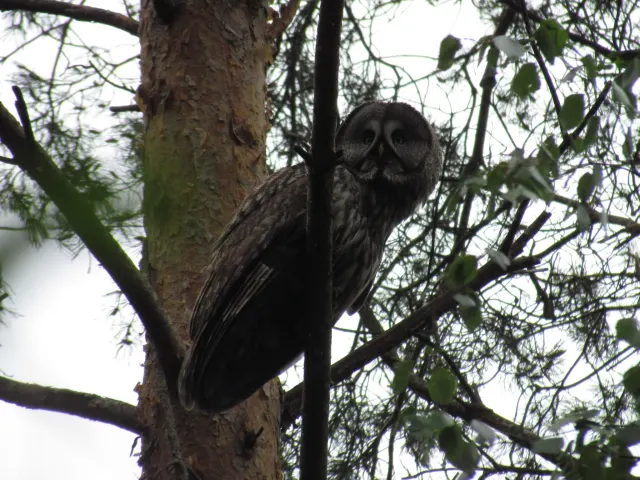 HD
Great Gray Owl Peering Down from a Pine Branch
HD
Great Gray Owl Peering Down from a Pine Branch
 HD
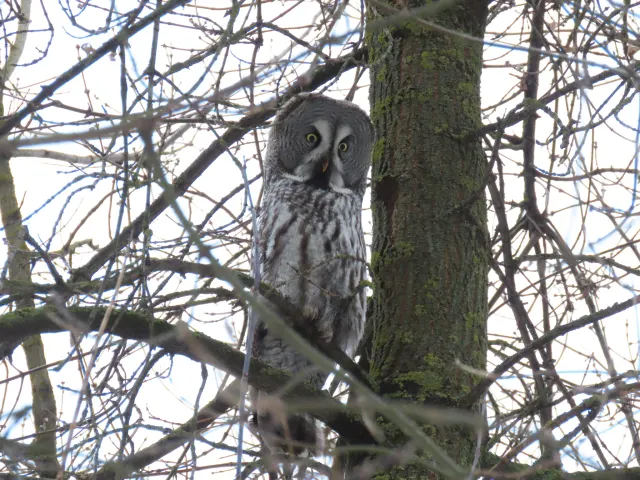
Great Gray Owl Beside a Moss-Streaked Trunk in Tver
HD
Great Gray Owl Beside a Moss-Streaked Trunk in Tver
 HD
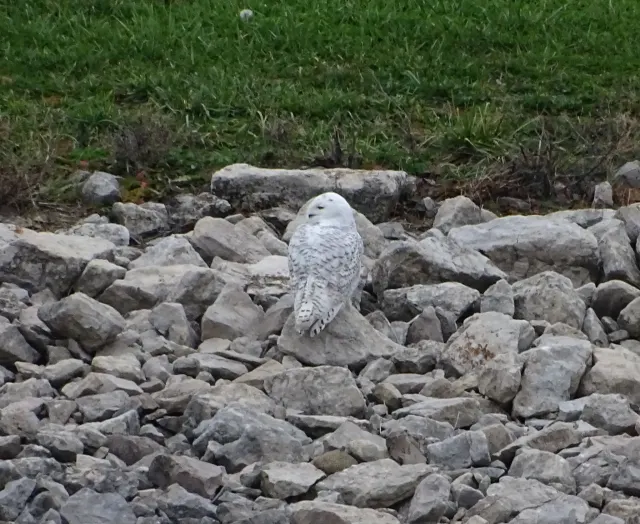
Snowy Owl Resting Among Gray Riprap Stones
HD
Snowy Owl Resting Among Gray Riprap Stones
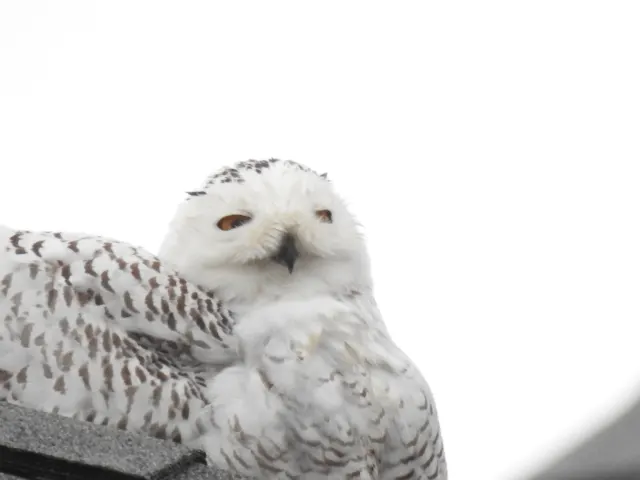 HD
Snowy Owl Peering Over Its Shoulder on a Rooftop
HD
Snowy Owl Peering Over Its Shoulder on a Rooftop
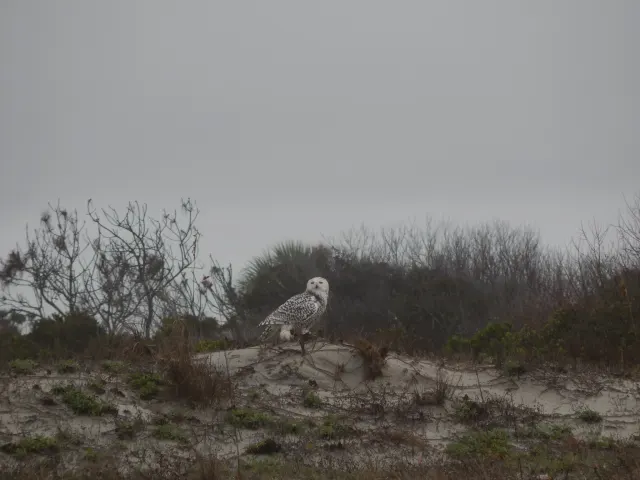 HD
Snowy Owl on a Misty Dune Crest
HD
Snowy Owl on a Misty Dune Crest
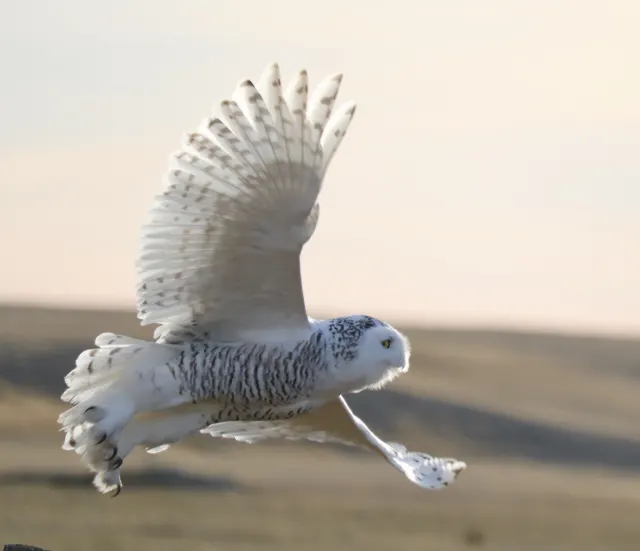 HD
Snowy Owl in Low Flight Over Prairie
HD
Snowy Owl in Low Flight Over Prairie
 HD
Peregrine Falcon Raising Wings on a Concrete Ledge
HD
Peregrine Falcon Raising Wings on a Concrete Ledge
 HD
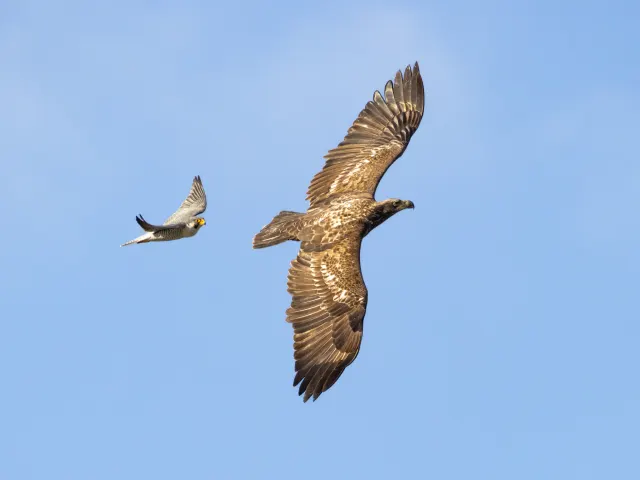
Peregrine Falcon Trailing a Young Eagle Overhead
HD
Peregrine Falcon Trailing a Young Eagle Overhead