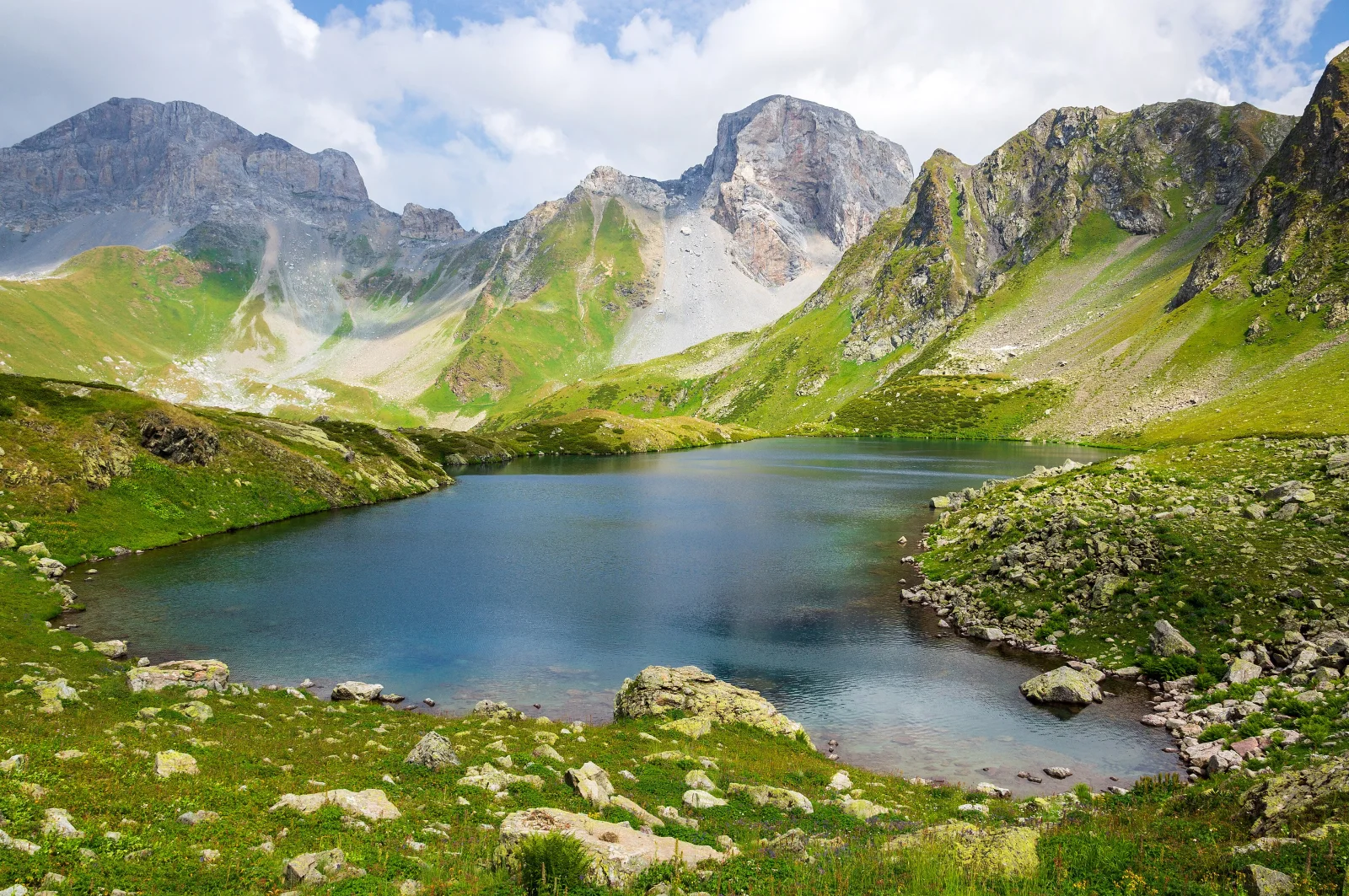
Zagedan Cirque Lake in Green Summer Slopes
3840 × 2552 px DesktopPhone4KUltrawide Added 8 downloads
A small lake lies in a hollow of the mountains, its water a deep blue-teal that turns paler and greener near the shallow edge. The near shore is covered in short grass and pale, scattered boulders, and a rocky bank curves in from the right. Beyond the water, steep slopes in bright green rise to grey rock ridges and two jagged peaks. A fan of pale scree runs down between them. Soft white cloud fills most of the sky, with a few patches of blue, and the light is even and clear. The mood is calm and open.
The Zagedan lakes sit in a mountain cirque in Karachay-Cherkessia, in the western Caucasus, Russia. A cirque is a bowl-shaped hollow cut by glacial ice, and this one is a typical ancient glacial landform of the range. The glacier retreated about 11,000 years ago and left the basin that now holds the water. The surrounding rock includes karst formations. Because the lake is high in the mountains, its green summer season is short. The wide landscape format and the strong band of blue in the middle suit a widescreen monitor or an ultrawide desktop, where the peaks can frame the icons.
More like this: Granite Ridge Above a Sayan Mountain Lake.
How it looks on your screens
Device sizes are cropped around the same point, so the subject stays in view.
Credit and licence
- Creator
- Vyacheslav Argenberg
- Source
- Wikimedia Commons
- Licence
- CC BY 4.0
Free to use, including commercially, as long as you credit the creator. Our downloads are resized and cropped from the original.
"Zagedan Cirque Lake in Green Summer Slopes", by Vyacheslav Argenberg, via Wikimedia Commons, CC BY 4.0. Resized and cropped by Wallspapers
How to set this as your wallpaper
Windows
Download your size, right-click the file and choose Set as desktop background. Or go to Settings, Personalization, Background.
Mac
Open System Settings, Wallpaper, then Add Photo and pick the downloaded file. Choose “Fill screen”.
iPhone
Download the phone size, open it in Photos, tap Share, then Use as Wallpaper. Pinch to adjust before setting.
Android
Download the phone size, open it in Gallery or Photos, tap the menu and choose Set as wallpaper.
Is this your work and published in error? Report this image and we'll respond within 48 hours.
More like this
 4K
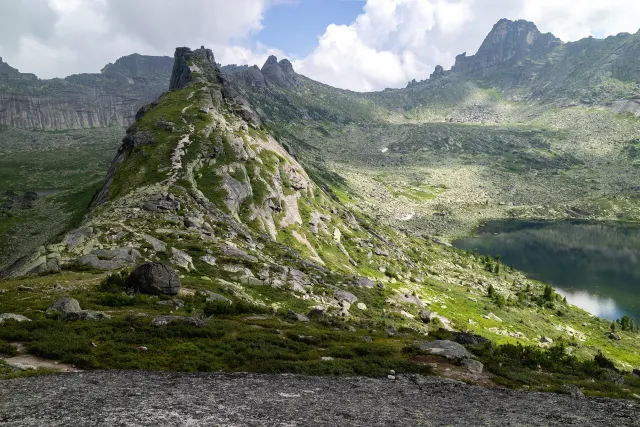
Granite Ridge Above a Sayan Mountain Lake
4K
Granite Ridge Above a Sayan Mountain Lake
 4K
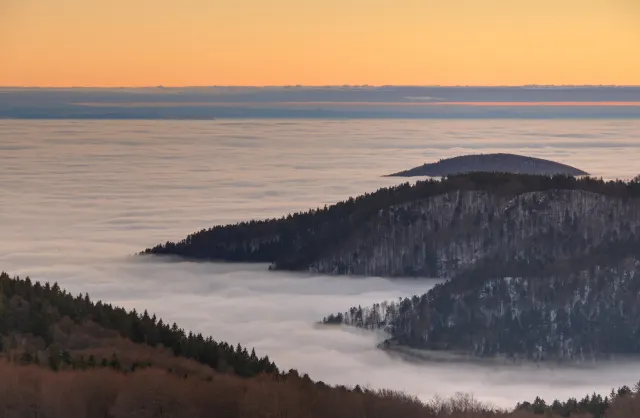
Forested Ridges Above a Fog-Filled Valley
4K
Forested Ridges Above a Fog-Filled Valley
 4K
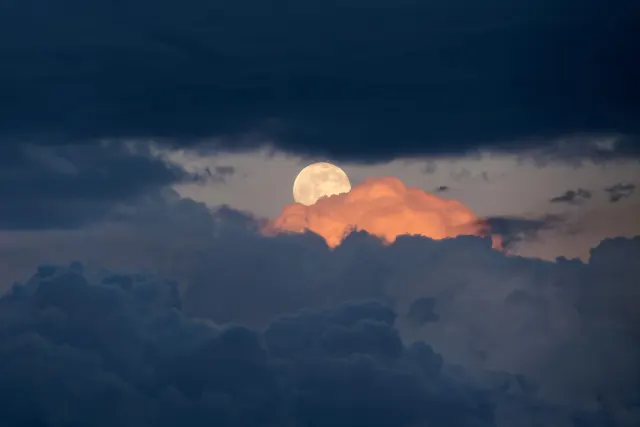
Full Moon Over Dark Storm Clouds at Dusk
4K
Full Moon Over Dark Storm Clouds at Dusk
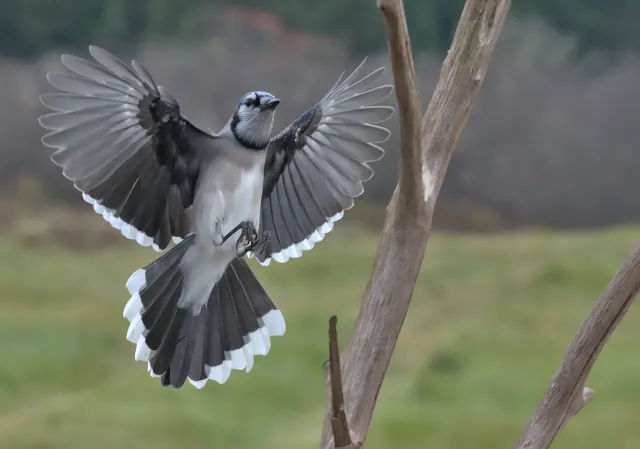 HD
Blue Jay Landing With Wings Fanned Wide
HD
Blue Jay Landing With Wings Fanned Wide
 HD
Blue Jay Carrying Bread Along a Weathered Fence
HD
Blue Jay Carrying Bread Along a Weathered Fence
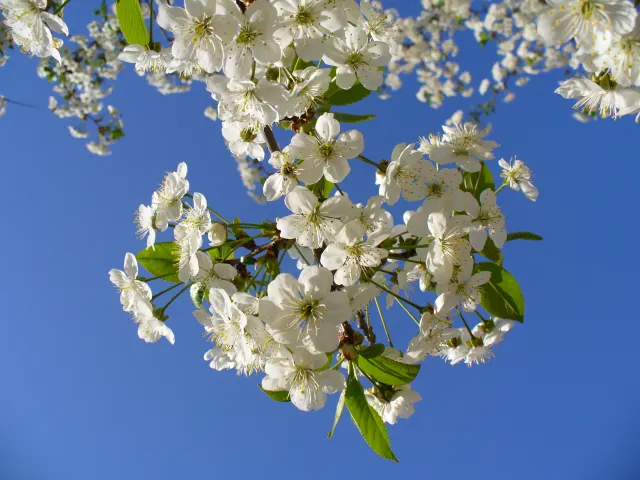 QHD
White Cherry Blossom Against Deep Blue Sky
QHD
White Cherry Blossom Against Deep Blue Sky
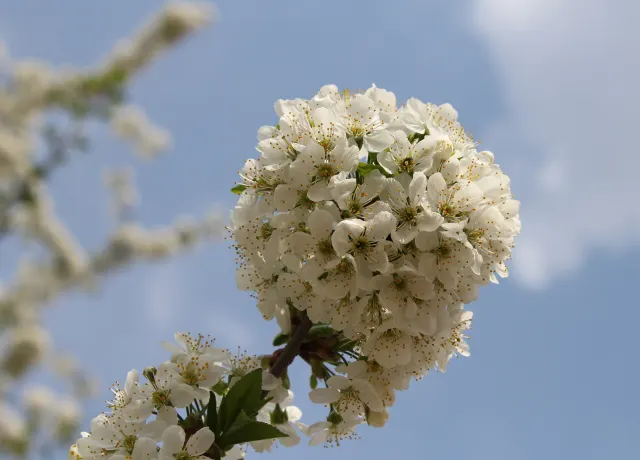 4K
Rounded Cluster of White Cherry Blossoms in Sunlight
4K
Rounded Cluster of White Cherry Blossoms in Sunlight
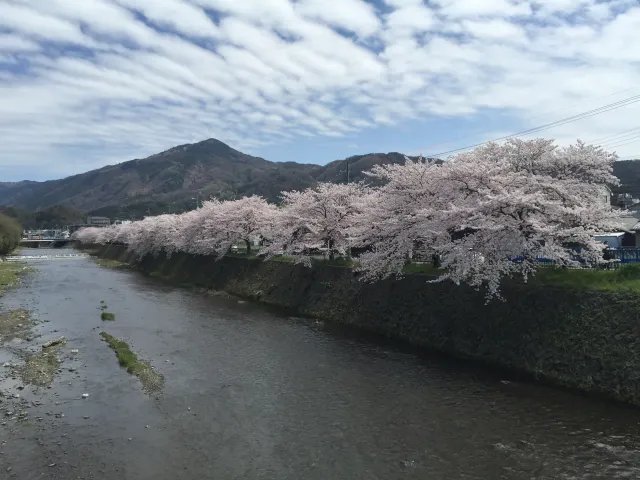 QHD
Cherry Blossoms Along a Stone-Walled River
QHD
Cherry Blossoms Along a Stone-Walled River