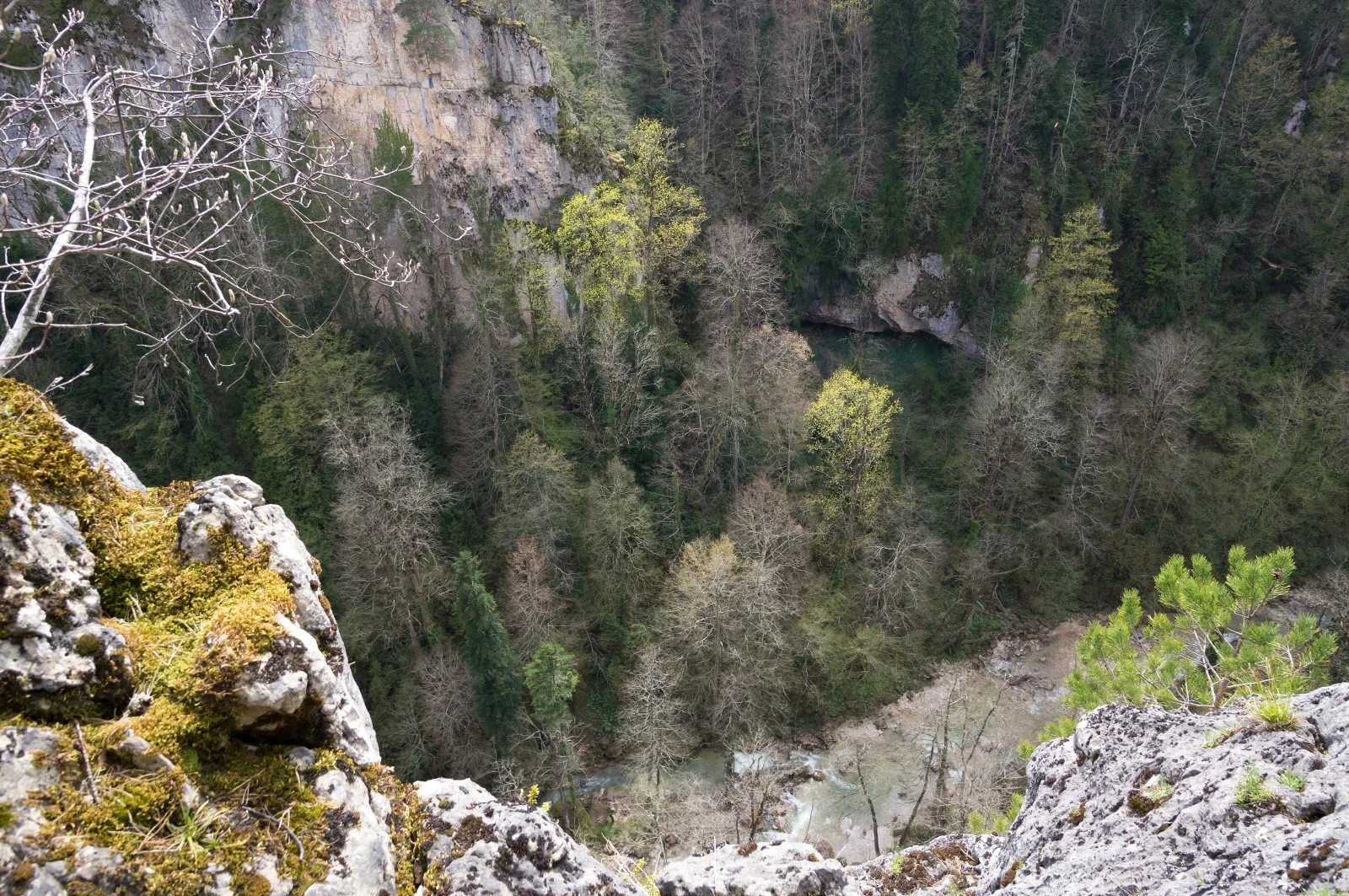
Canyon Forest Seen from a Mossy Limestone Edge
3840 × 2552 px DesktopPhone4KUltrawide Added 9 downloads
The view looks down from a rocky ledge into a deep, wooded gorge. In the foreground, pale grey limestone is cushioned with bright yellow-green moss, and a bare branch crosses the upper left corner. A small pine sprig on the right edge adds a fresh green accent. Below, the forest fills the canyon floor with a mix of dark conifers and broadleaf trees. Some of the broadleaf trees are still leafless and grey, while others show the first soft green and yellow of spring. A sheer cliff face rises at the top, and a pale stretch of river or gravel bed winds through the trees at the bottom right.
The canyon is described as part of the Kurdzhips River near Mezmay in the Western Caucasus, where fir and beech forests grow on steep slopes. Beech trees leaf out later than many conifers keep their colour, so early in the season a forest like this often looks patchy, with bare crowns beside green ones. Limestone ledges and cliffs are common along mountain rivers, and moss gathers on them wherever moisture lingers. The depth and layered tones of this image suit a widescreen desktop monitor, where the dark forest leaves room for icons along the left side.
How it looks on your screens
Device sizes are cropped around the same point, so the subject stays in view.
Credit and licence
- Creator
- Vyacheslav Argenberg
- Source
- Wikimedia Commons
- Licence
- CC BY 4.0
Free to use, including commercially, as long as you credit the creator. Our downloads are resized and cropped from the original.
"Canyon Forest Seen from a Mossy Limestone Edge", by Vyacheslav Argenberg, via Wikimedia Commons, CC BY 4.0. Resized and cropped by Wallspapers
How to set this as your wallpaper
Windows
Download your size, right-click the file and choose Set as desktop background. Or go to Settings, Personalization, Background.
Mac
Open System Settings, Wallpaper, then Add Photo and pick the downloaded file. Choose “Fill screen”.
iPhone
Download the phone size, open it in Photos, tap Share, then Use as Wallpaper. Pinch to adjust before setting.
Android
Download the phone size, open it in Gallery or Photos, tap the menu and choose Set as wallpaper.
Is this your work and published in error? Report this image and we'll respond within 48 hours.
More like this
 4K
Ferns and Horsetail Under Beech Leaves
4K
Ferns and Horsetail Under Beech Leaves
 4K
Forested Ridges Above a Fog-Filled Valley
4K
Forested Ridges Above a Fog-Filled Valley
 QHD
Moss-Covered Boulder Slope Beneath Spruce Branches
QHD
Moss-Covered Boulder Slope Beneath Spruce Branches
 QHD
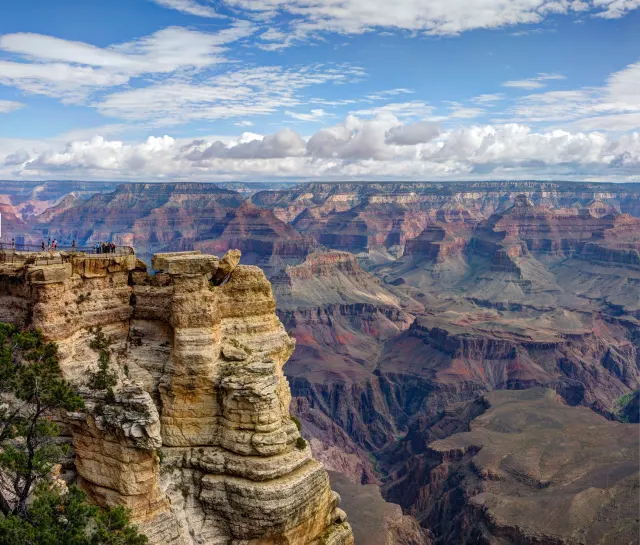
Sandstone Pillar and Cloud Bank Over Grand Canyon
QHD
Sandstone Pillar and Cloud Bank Over Grand Canyon
 QHD
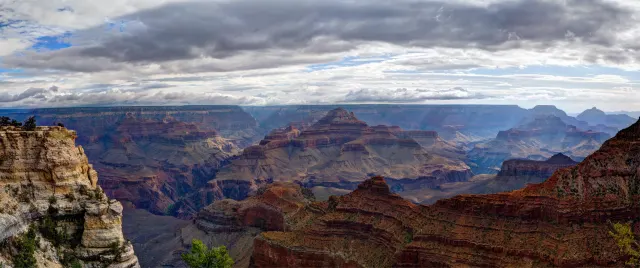
Storm Light Over the Canyon's Red Buttes
QHD
Storm Light Over the Canyon's Red Buttes
 QHD
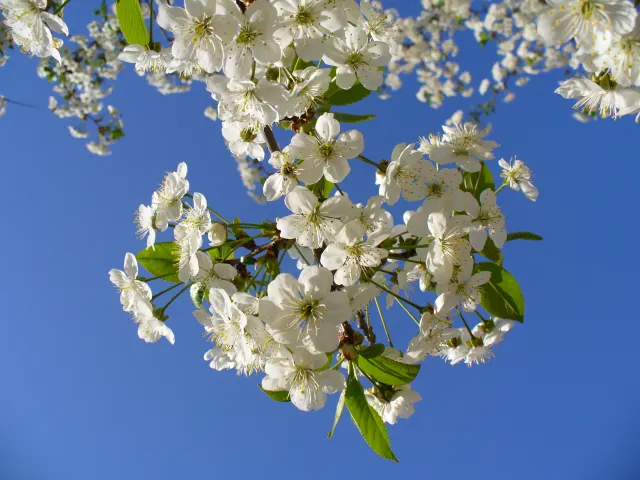
White Cherry Blossom Against Deep Blue Sky
QHD
White Cherry Blossom Against Deep Blue Sky
 HD
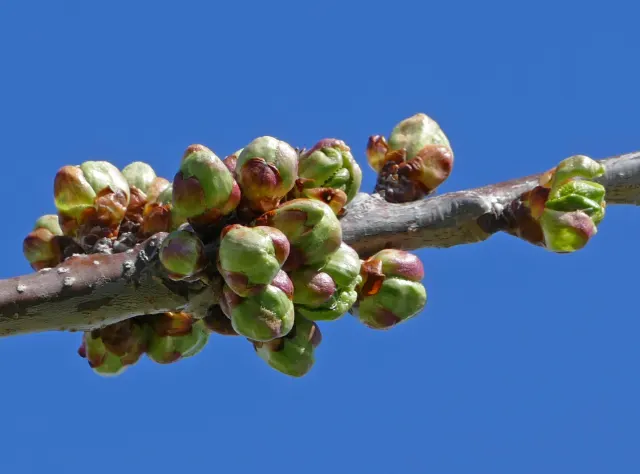
Swelling Cherry Buds on a Bare Branch
HD
Swelling Cherry Buds on a Bare Branch
 4K
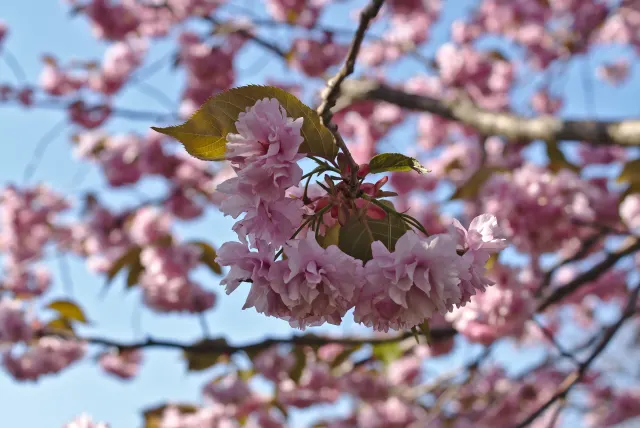
Double Pink Sakura Cluster with Bronze Leaves
4K
Double Pink Sakura Cluster with Bronze Leaves