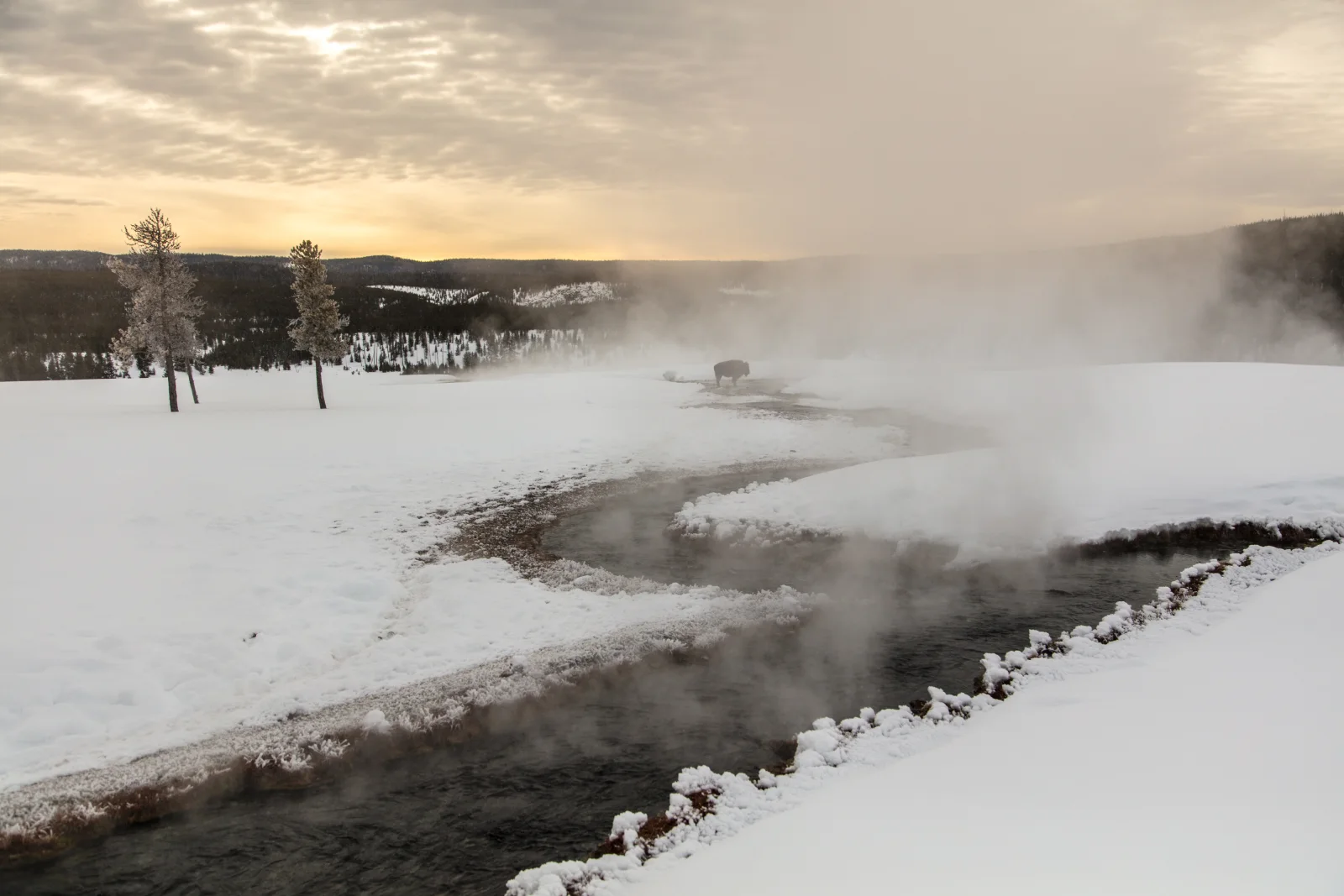
Steam and Snow Along a Winter Stream at Dawn
3840 × 2560 px DesktopPhone4KUltrawide Added 18 downloads
A wide, snow-covered meadow fills the frame, cut by a dark stream that bends from the lower left toward the middle distance. Steam rises off the water and drifts across the white ground, softening the view and hiding the far bank. A single bison stands small and dark in the haze near the center. Two frosted trees lean on the left, and a low forested ridge sits under a sky of layered cloud. The light is a pale gold near the horizon, fading to grey, and the palette stays muted, mostly white, charcoal and soft amber. The mood is quiet and cold.
Bison stay in Yellowstone through the winter, and they often gather near thermal features, where the ground is warmer and snow melts sooner. Their thick coats insulate them well, and they sweep snow aside with their heads to reach the grass underneath. Water from hot springs stays warm as it runs out across the surrounding ground, which is why streams here steam in freezing air. The wide, open composition and the small subject suit a widescreen desktop monitor, and the calm, pale tones leave room for desktop icons on the left.
How it looks on your screens
Device sizes are cropped around the same point, so the subject stays in view.
Credit and licence
- Creator
- NPS / Jacob W. Frank
- Source
- National Park Service
- Licence
- Public domain
This image has no copyright restrictions. You can use it for anything, including commercially. Credit isn't required, but it's appreciated.
"Steam and Snow Along a Winter Stream at Dawn", by NPS / Jacob W. Frank, via National Park Service, Public domain
How to set this as your wallpaper
Windows
Download your size, right-click the file and choose Set as desktop background. Or go to Settings, Personalization, Background.
Mac
Open System Settings, Wallpaper, then Add Photo and pick the downloaded file. Choose “Fill screen”.
iPhone
Download the phone size, open it in Photos, tap Share, then Use as Wallpaper. Pinch to adjust before setting.
Android
Download the phone size, open it in Gallery or Photos, tap the menu and choose Set as wallpaper.
Is this your work and published in error? Report this image and we'll respond within 48 hours.
More like this
All landscapes QHD
Moss-Covered Boulder Slope Beneath Spruce Branches
QHD
Moss-Covered Boulder Slope Beneath Spruce Branches
 4K
Gravel Trail Winding Through Green Tundra Valley
4K
Gravel Trail Winding Through Green Tundra Valley
 4K
Walkers Follow a Gravel Path Toward Snowy Peaks
4K
Walkers Follow a Gravel Path Toward Snowy Peaks
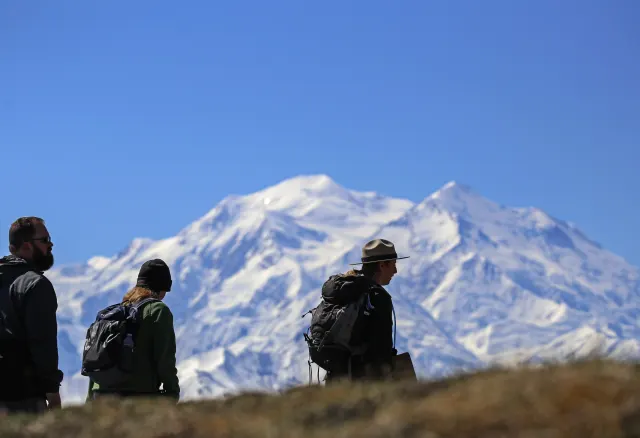 4K
Silhouetted Ranger and Hikers Below a Snowy Summit
4K
Silhouetted Ranger and Hikers Below a Snowy Summit
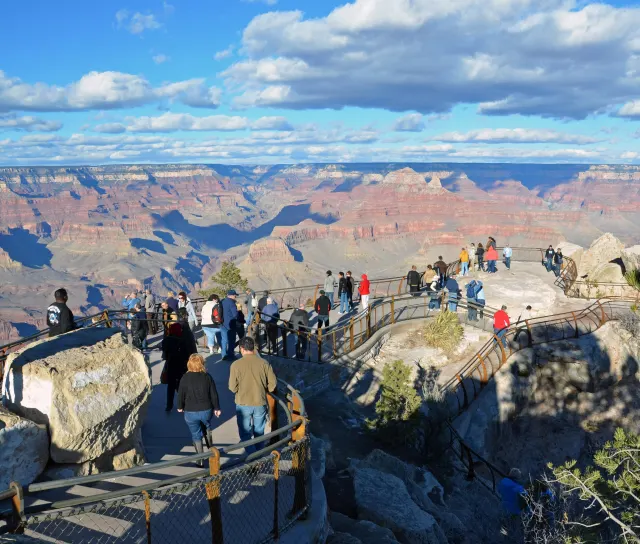 4K
Visitors Along a Terraced Rim Path at Mather Point
4K
Visitors Along a Terraced Rim Path at Mather Point
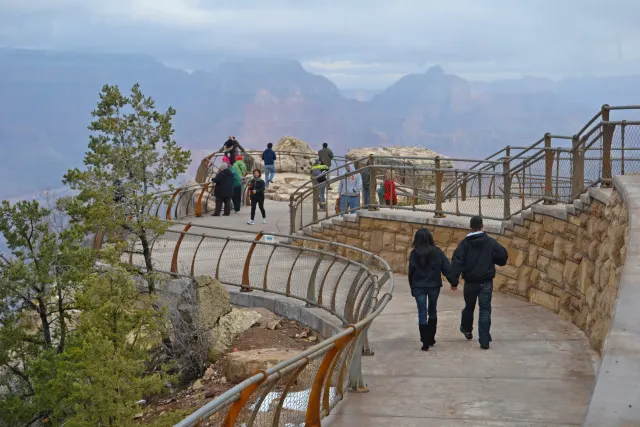 QHD
Curved Rim Walkway Above a Hazy Canyon Valley
QHD
Curved Rim Walkway Above a Hazy Canyon Valley
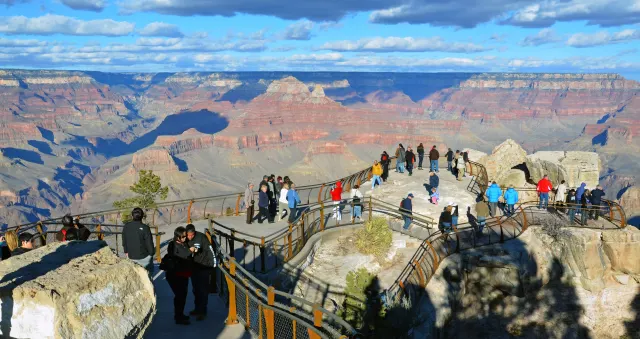 QHD
Orange Railings Over Red Canyon Buttes at Mather Point
QHD
Orange Railings Over Red Canyon Buttes at Mather Point
 HD
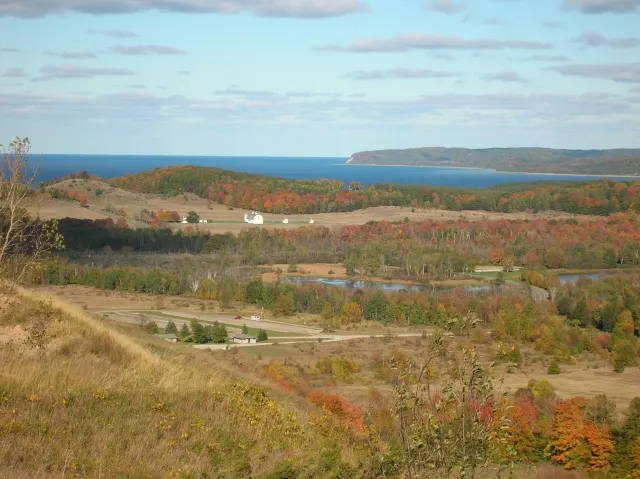
Autumn Hills Rolling Toward a Distant Blue Lake
HD
Autumn Hills Rolling Toward a Distant Blue Lake