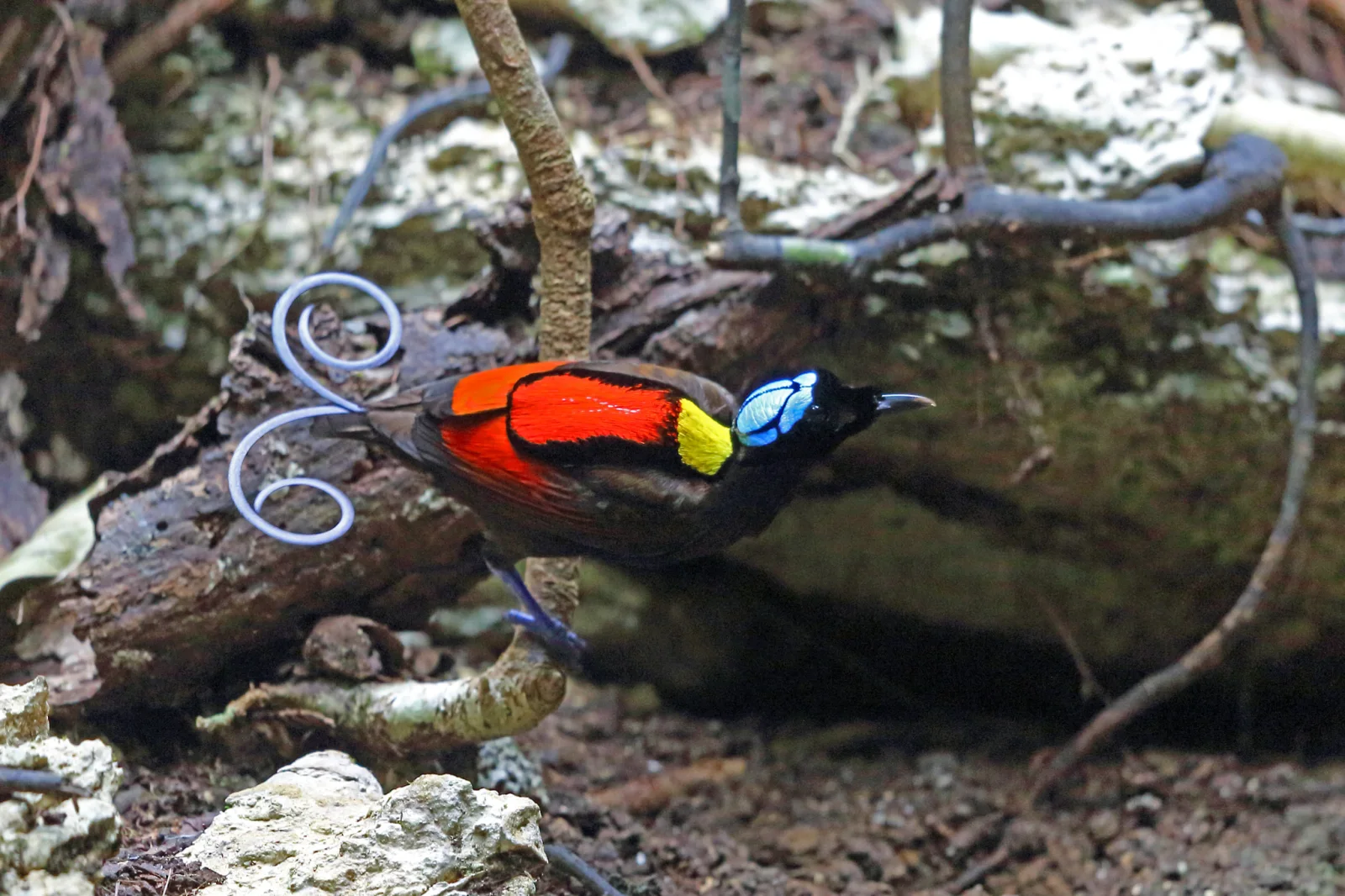
Wilson's Bird-of-Paradise Perched Low Above Mossy Rock
2048 × 1365 px Desktop Added 1 downloads
A small bird clings to a thin vertical stem close to the forest floor, its body angled toward the right. The back is a block of saturated red and orange, with a bright yellow patch at the nape and a glossy black head. A pale blue crown with dark markings stands out against the dark plumage. Two curled, wire-like tail feathers loop out to the left in a bluish-grey spiral. Behind it, a weathered log, lichen-covered stone and a few dark twisting vines sit in muted greens, browns and greys, and the soft, shadowed light lets the bird's colours carry the frame.
Wilson's Bird-of-Paradise, Diphyllodes respublica, belongs to the Paradisaeidae family and is found only on the islands of Waigeo and Batanta in the Raja Ampat archipelago of West Papua, Indonesia. Males clear a patch of forest floor and display from low perches, showing off their colours to watching females. The curled tail wires and bare blue skull cap are distinctive features of the species. The wide landscape format and dark, uncluttered lower half suit desktop monitors well, leaving room for icons along the left edge and the bottom of the screen.
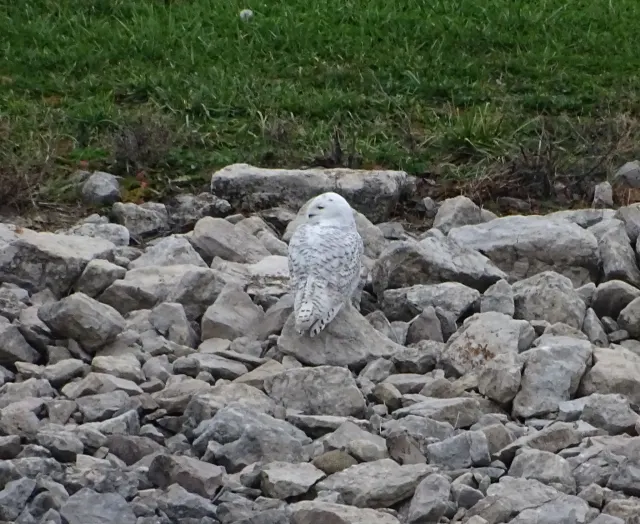
More like this: Snowy Owl in Low Flight Over Prairie and Snowy Owl Resting Among Gray Riprap Stones.
How it looks on your screens
Device sizes are cropped around the same point, so the subject stays in view.
Credit and licence
- Creator
- Nigel Voaden
- Source
- iNaturalist
- Licence
- CC BY 4.0
Free to use, including commercially, as long as you credit the creator. Our downloads are resized and cropped from the original.
"Wilson's Bird-of-Paradise Perched Low Above Mossy Rock", by Nigel Voaden, via iNaturalist, CC BY 4.0. Resized and cropped by Wallspapers
How to set this as your wallpaper
Windows
Download your size, right-click the file and choose Set as desktop background. Or go to Settings, Personalization, Background.
Mac
Open System Settings, Wallpaper, then Add Photo and pick the downloaded file. Choose “Fill screen”.
iPhone
Download the phone size, open it in Photos, tap Share, then Use as Wallpaper. Pinch to adjust before setting.
Android
Download the phone size, open it in Gallery or Photos, tap the menu and choose Set as wallpaper.
Is this your work and published in error? Report this image and we'll respond within 48 hours.
More like this
All birds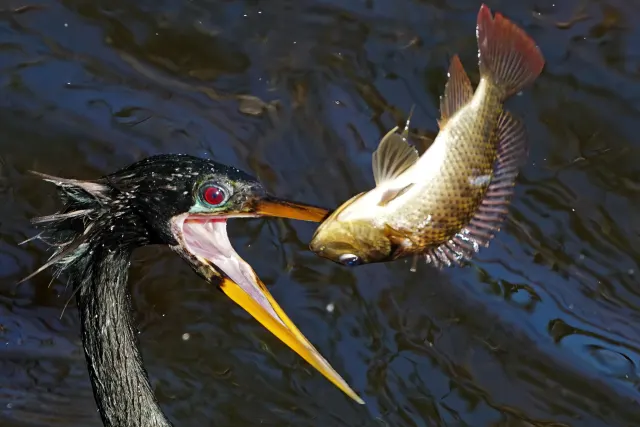 HD
Anhinga Tossing a Fish Above Dark Rippled Water
 HD
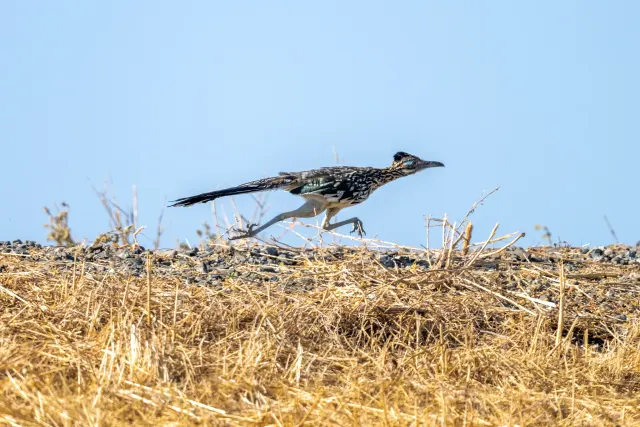
Greater Roadrunner Mid-Stride Over Dry Golden Grass
 HD
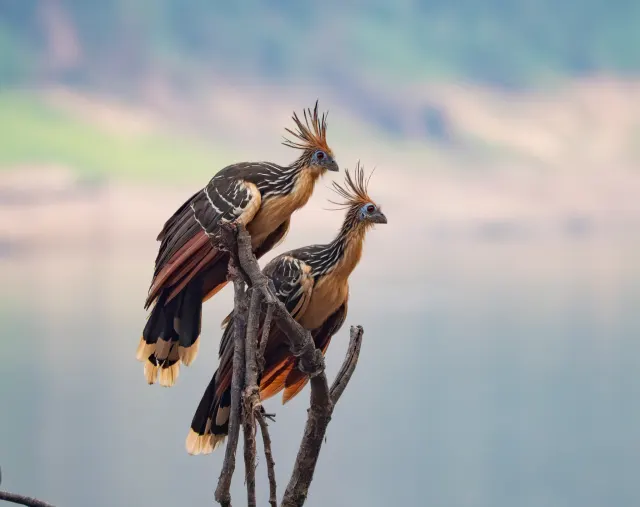
Two Hoatzins Perched on a Bare Twig
 HD
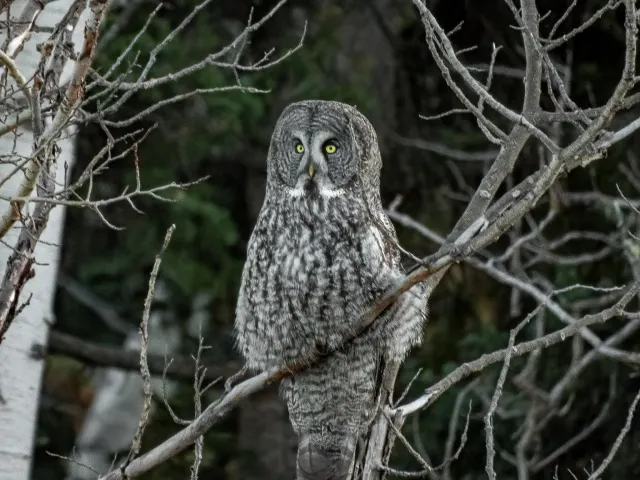
Great Gray Owl Facing Forward on Bare Branch
 HD
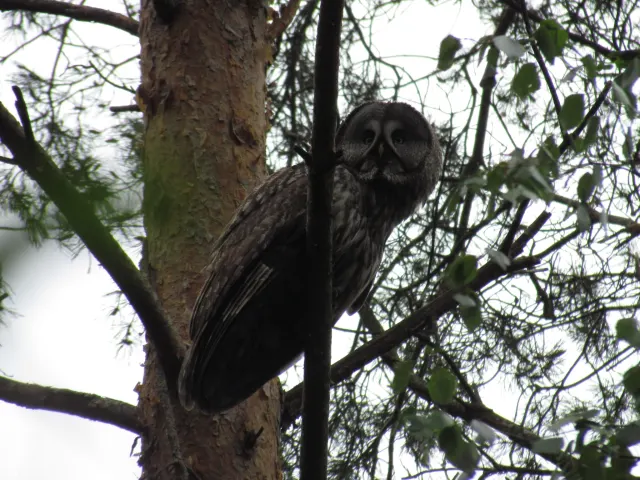
Great Gray Owl Peering Down from a Pine Branch
 HD
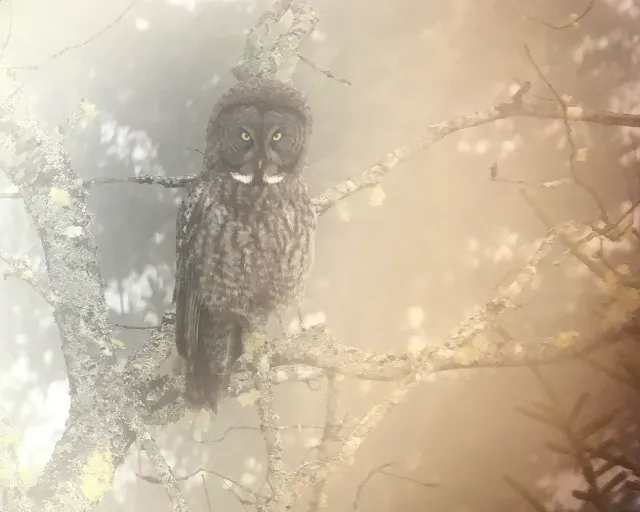
Great Gray Owl in Soft Amber Mist
 HD
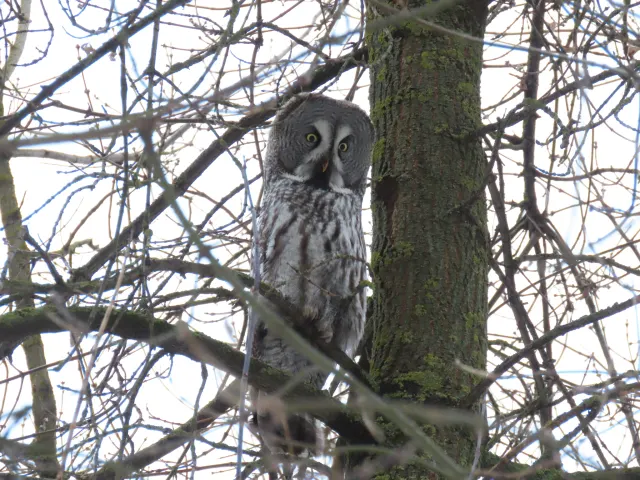
Great Gray Owl Beside a Moss-Streaked Trunk in Tver
 HD
Snowy Owl Resting Among Gray Riprap Stones