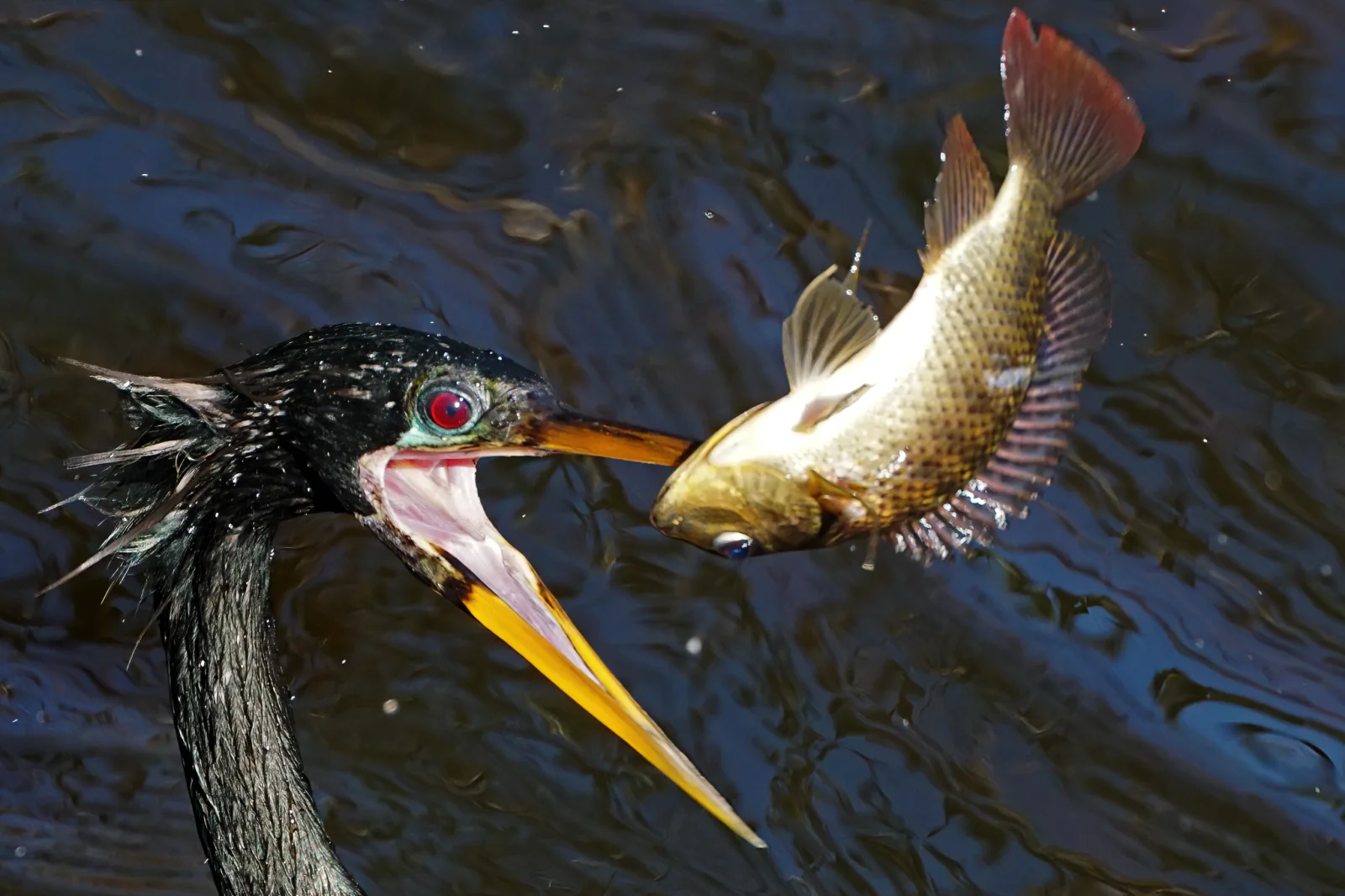
Anhinga Tossing a Fish Above Dark Rippled Water
2048 × 1365 px Desktop Added
A black-feathered anhinga holds a golden-olive fish at the tip of its long, orange-yellow bill, with the bird's beak wide open and the pink inside of its mouth showing. The bird has a vivid red eye ringed in teal, and a few pale, wispy feathers stick out from the back of its head. The fish is caught in mid-air, tilted upward, with its fins spread and a rust-red tail and dorsal fin catching the light. Behind them, the water is dark navy and charcoal with soft ripples and small bright flecks. The warm tones of the fish stand out against the cool background, and the moment feels tense and sudden.
Anhingas, also called darters, belong to the same order as cormorants and gannets. They hunt by swimming underwater and spearing fish with a sharp bill, then surface and flip the catch into the air so they can swallow it head first. Their feathers lack the heavy waterproofing of many other waterbirds, so they often perch with wings spread to dry. They live in warm, shallow freshwater habitats across the southeastern United States and beyond, and this one was recorded in Palm Beach County, Florida. The dark, even background and diagonal composition suit widescreen desktop monitors, where the fish and bill have room to stand out.
How it looks on your screens
Device sizes are cropped around the same point, so the subject stays in view.
Credit and licence
- Creator
- Eridan Xharahi
- Source
- iNaturalist
- Licence
- CC BY 4.0
Free to use, including commercially, as long as you credit the creator. Our downloads are resized and cropped from the original.
"Anhinga Tossing a Fish Above Dark Rippled Water", by Eridan Xharahi, via iNaturalist, CC BY 4.0. Resized and cropped by Wallspapers
How to set this as your wallpaper
Windows
Download your size, right-click the file and choose Set as desktop background. Or go to Settings, Personalization, Background.
Mac
Open System Settings, Wallpaper, then Add Photo and pick the downloaded file. Choose “Fill screen”.
iPhone
Download the phone size, open it in Photos, tap Share, then Use as Wallpaper. Pinch to adjust before setting.
Android
Download the phone size, open it in Gallery or Photos, tap the menu and choose Set as wallpaper.
Is this your work and published in error? Report this image and we'll respond within 48 hours.
More like this
All birds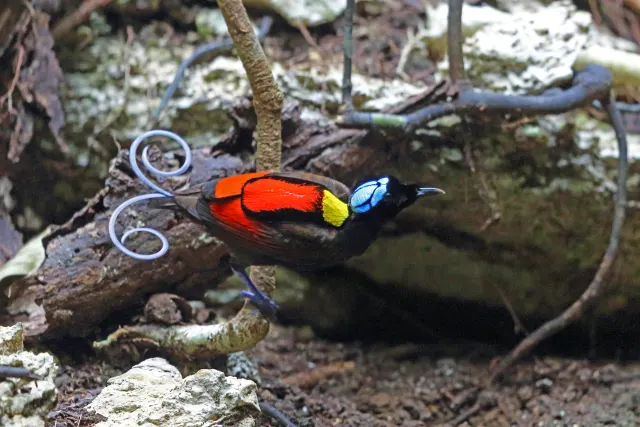 HD
Wilson's Bird-of-Paradise Perched Low Above Mossy Rock
 HD
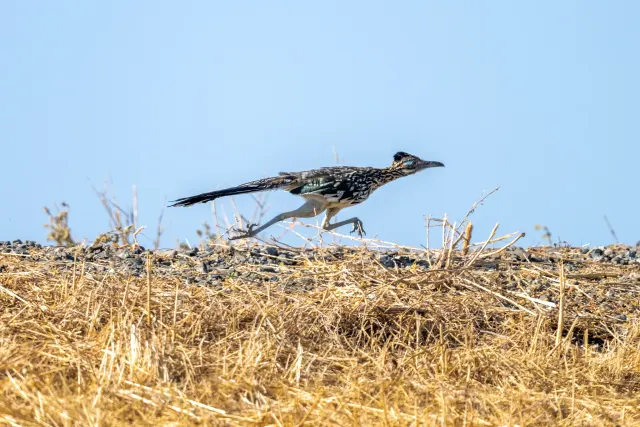
Greater Roadrunner Mid-Stride Over Dry Golden Grass
 HD
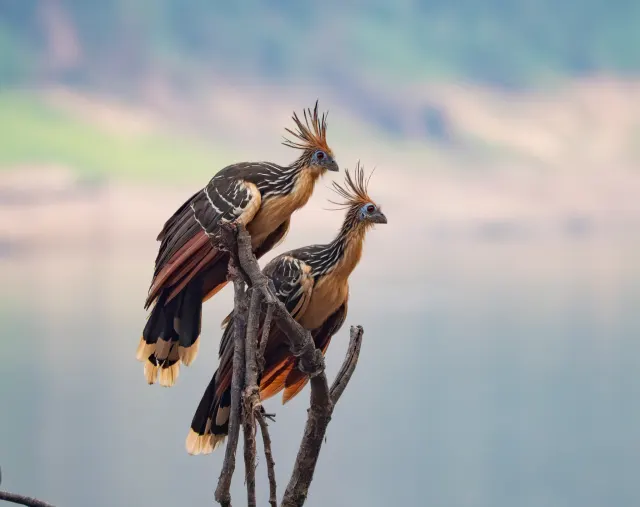
Two Hoatzins Perched on a Bare Twig
 HD
Great Gray Owl Facing Forward on Bare Branch
 HD
Great Gray Owl Peering Down from a Pine Branch
 HD
Great Gray Owl in Soft Amber Mist
 HD
Great Gray Owl Beside a Moss-Streaked Trunk in Tver
 HD
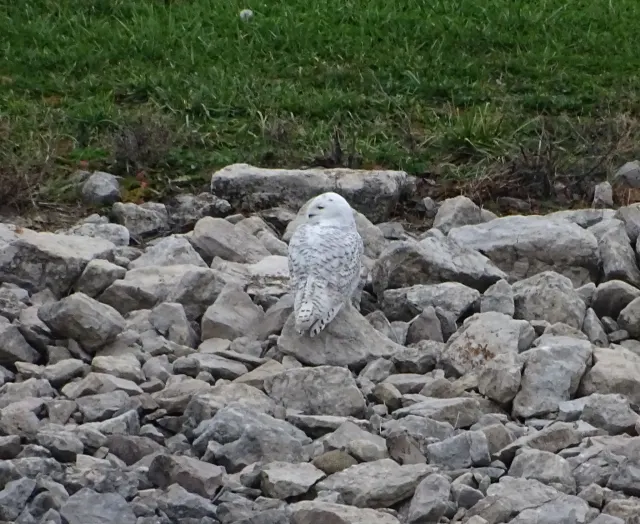
Snowy Owl Resting Among Gray Riprap Stones